Meet Lumo: Your AI Copilot for Video Learning
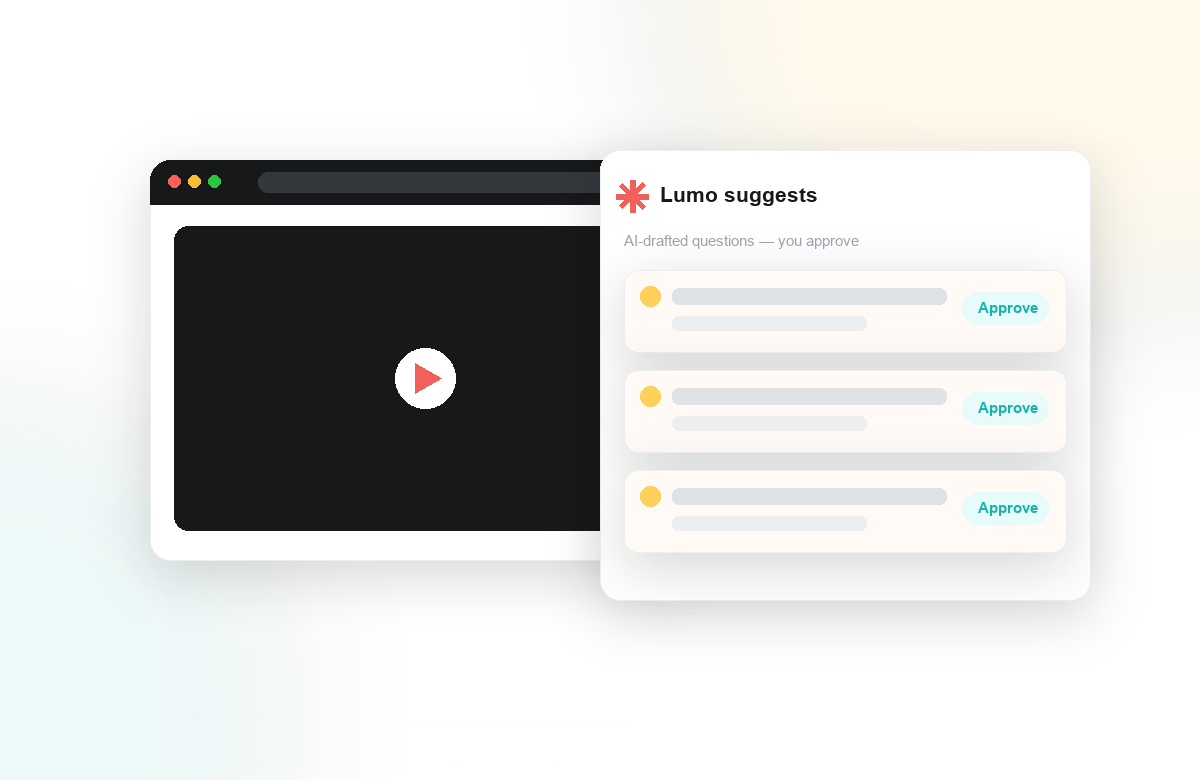
Every instructor knows the feeling: you have a strong lecture recording, but building the questions, checkpoints, and reflection prompts that make students actually engage with it can take longer than the recording itself. That is the gap Lumo closes. Lumo is our AI copilot for video learning, and it works inside the videos you already teach with, turning a passive playback into an active, measurable learning experience without pulling anyone out of your LMS.
From Recording to Ready-to-Teach in Minutes
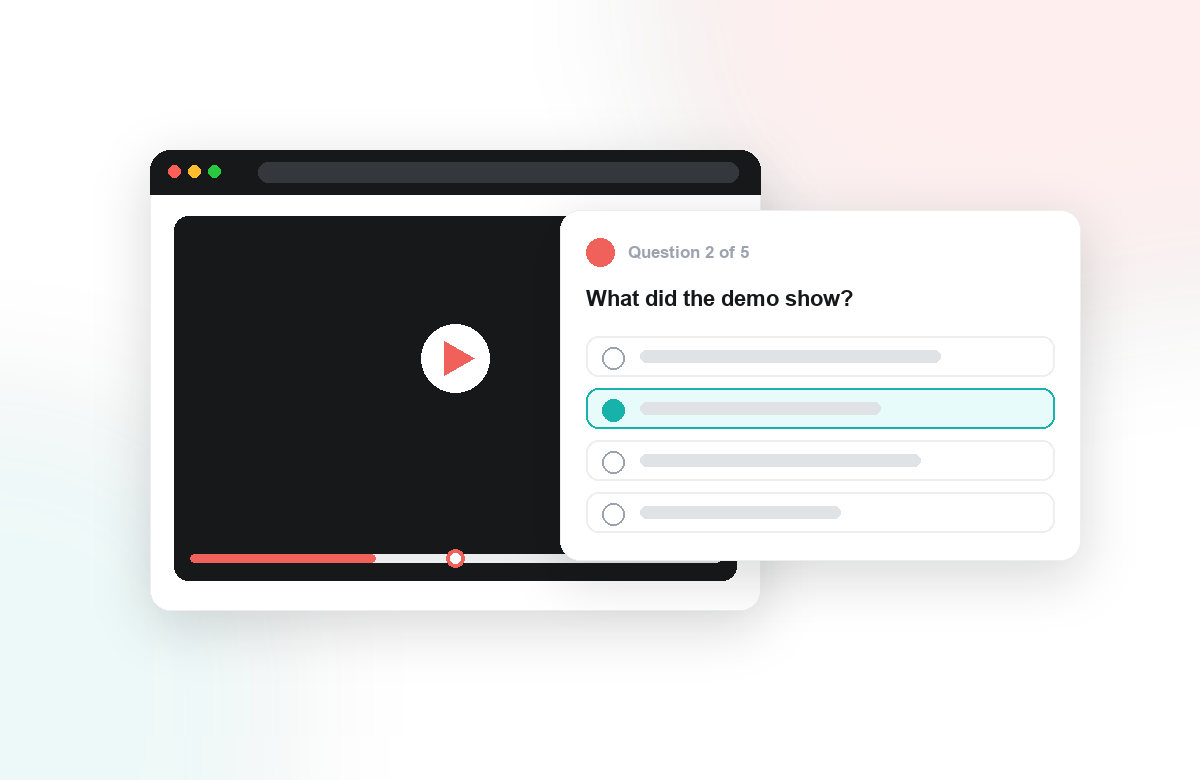
Point Lumo at a video and it watches it the way an instructional designer would. It reads the transcript, finds the natural teaching moments, and drafts in-video quizzes and reflection points anchored to the exact timestamps where each concept lands. You are never staring at a blank page. Instead, you start from a thoughtful first draft and edit, reorder, or rewrite anything before it reaches students.
What makes this more than a question generator is how Lumo scaffolds along Bloom's taxonomy. Rather than stopping at recall, it proposes a progression that moves students up the ladder:
- Remember and understand with quick knowledge checks that confirm the basics landed.
- Apply and analyze through scenario questions that ask students to use what they just watched.
- Evaluate and create with open reflection prompts and peer discussion that surface real thinking.
You stay fully in control. Lumo drafts; you decide. The result is assessment that is pedagogically intentional, not just abundant.
Engagement That Becomes Evidence
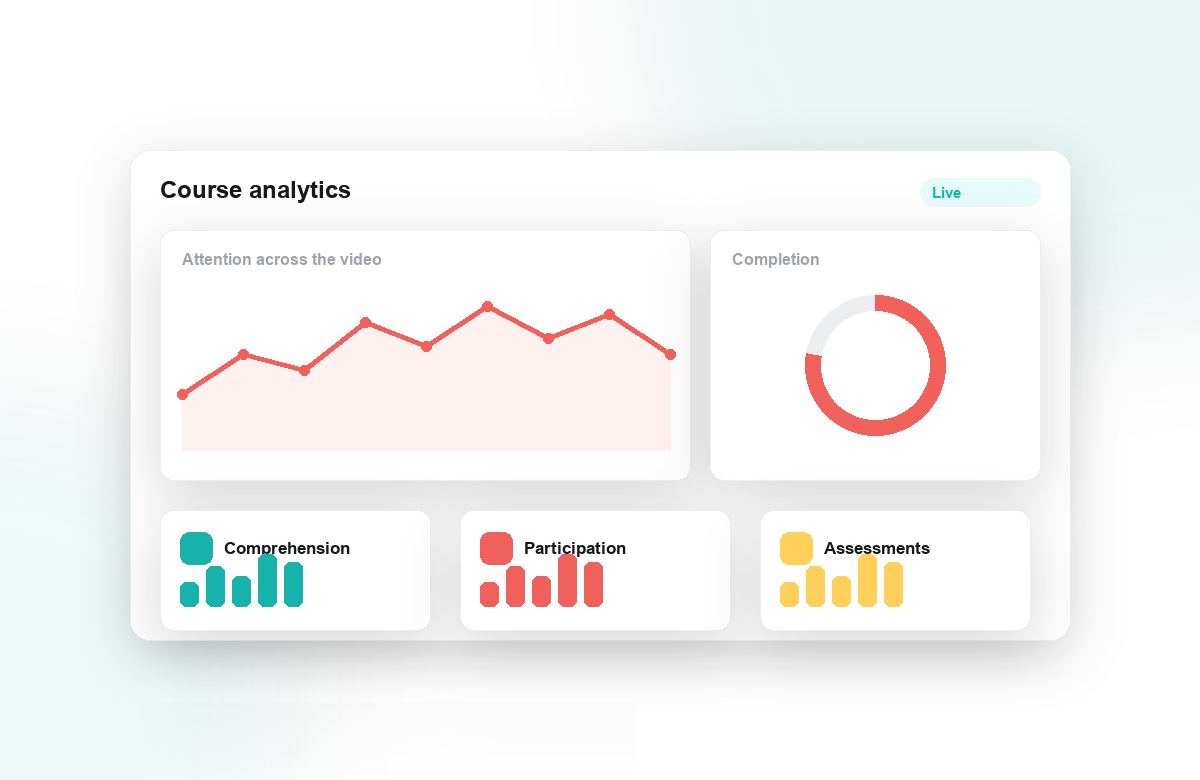
Because Lumo builds on the Annoto engagement layer, everything students do inside the video is captured as data you can act on. In-video responses, comments, and completion all flow into engagement analytics that show you attention, comprehension, and where a cohort quietly got lost. Quiz results sync straight to your LMS gradebook, so there is no exporting, no reconciling, and no double entry.
Every question answered and every reflection written is a documented, timestamped moment of student effort — the kind of Regular and Substantive Interaction that compliance teams increasingly need to see.
For programs answering to accreditors or federal RSI requirements, this matters. Interaction stops being an anecdote and becomes an auditable record, generated as a natural byproduct of good teaching rather than as extra paperwork.
Inside the Tools You Already Use
Lumo lives where your teaching already happens. Through one-click LTI 1.3, it runs inside Canvas, Moodle, Blackboard, and Brightspace, and works across platforms like Kaltura, Panopto, and YouTube. There is nothing for students to install and no new tab to remember. We built Lumo so that adding AI-assisted assessment feels less like adopting a new system and more like getting a very capable teaching assistant for the videos you already have. See Lumo in action and turn your next lecture into a conversation.
