Why Leading Institutions Choose Annoto
Built-in LMS video tools stop at playback. Standalone quiz tools pull learners out of context. Annoto is the only layer that does both, where your learners already are.
Learn more: LMS-native collaboration, not another bolt-on tool
LMS-native collaboration, not another bolt-on tool
Most video engagement tools are destinations: another site, another login, another place course content goes to get lost. Annoto takes the opposite position. It is a layer, not a destination — it appears inside the course, on the video, at the moment of learning, and disappears into the workflow instructors and students already have. That architectural choice is the honest answer to the question this page exists for: why Annoto?
Inside the course, not beside it
Annoto runs inside Canvas, Moodle, Blackboard, Brightspace and Open edX through LTI 1.1 or 1.3, and on portals, catalogues and custom platforms through the JavaScript SDK. Students never leave the course or manage another account; instructors never export and re-import anything. Completion and gradebook sync writes results where grades already live, and the REST API and webhooks carry the same data where there is no gradebook. Bolt-on tools ask your institution to change its workflow around the tool. A layer that installs into the workflow you already have is the one that actually gets used.
Your video stack stays your video stack
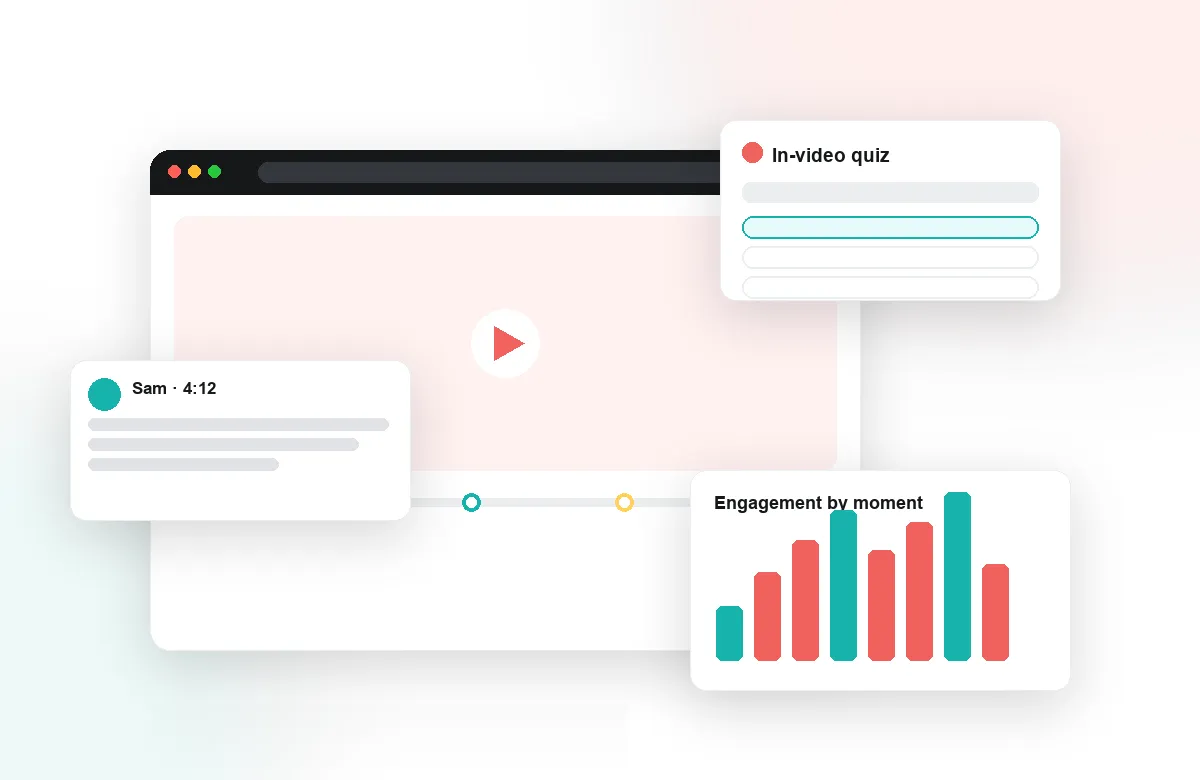
Annoto works on top of Kaltura, Panopto, Wistia, YouTube, and Vimeo, so nothing gets re-hosted, re-encoded, or duplicated into a proprietary silo. The media pipeline your institution already invested in keeps working exactly as before — Annoto adds time-anchored discussions, in-video quizzes, polls and reactions, and notes with AI summaries on top of it. If you ever leave, your video is precisely where it always was.
Depth built for education
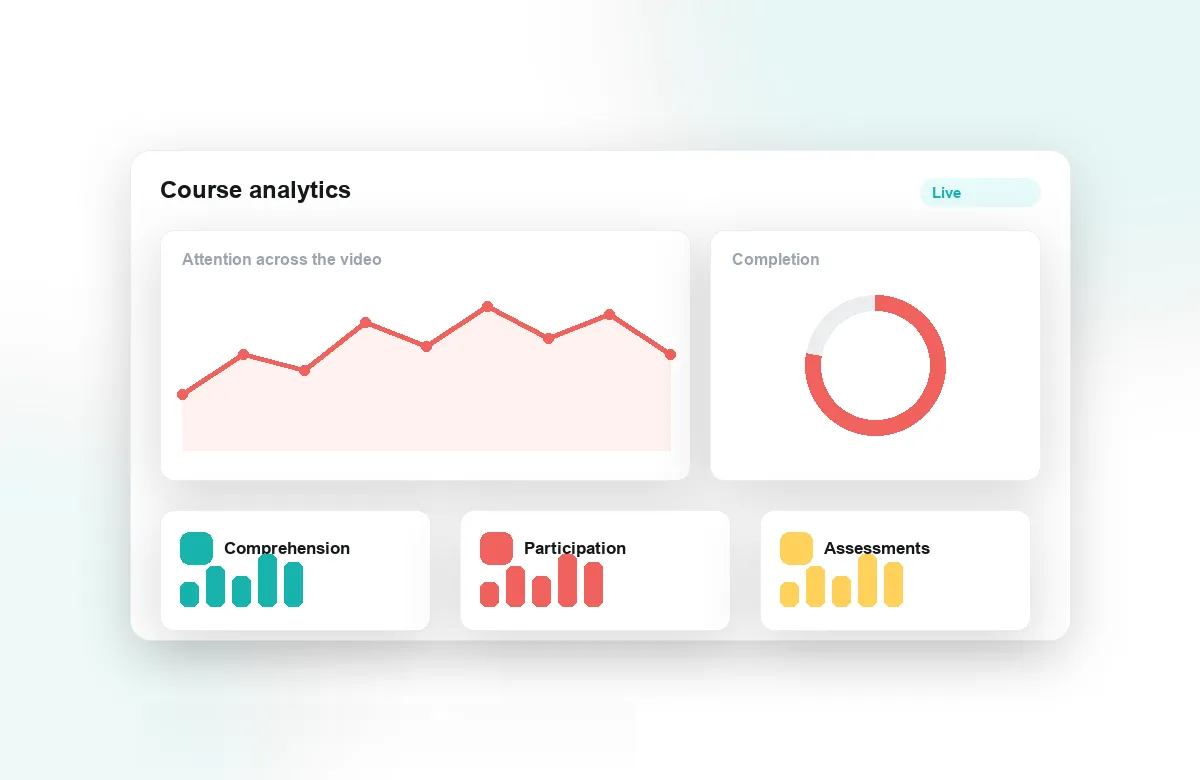
Generic commenting widgets stop at conversation. Annoto continues into pedagogy: reflection points that pause for thinking, peer review anchored to timestamps, attention and comprehension analytics that show what landed, analytics export for institutional research, and Lumo — an AI copilot purpose-built for education, not adapted from a consumer product. These are the pieces a tool only grows when classrooms, not creators, are its actual users.
Institutions worldwide have made this comparison before you, usually against a familiar shortlist of bolt-on alternatives, and the deciding factors repeat: native beats separate, layers beat silos, education-built beats general-purpose. The sections below walk through the comparison in detail — evaluate it skeptically, pilot it in a real course, and let your faculty and students cast the deciding vote.
Compared with your LMS's built-in tools
Every LMS ships a discussion forum and a quiz engine, and the honest question is why those are not enough. The answer is location. A forum thread about a lecture lives in a different tab from the lecture; by the time a student writes "the part about enzymes confused me," the class has to guess which part, and most never post at all. A quiz built in the LMS runs after the video ends, when the moment to catch a misunderstanding has already passed. Annoto moves both to the timeline itself: the question sits at the second it refers to, and the quiz fires while the concept is still on screen. Built-in tools are fine containers for text; they were never designed to make the video itself the place where learning happens.
Compared with standalone quiz apps
Interactive-video quiz apps do put questions on a timeline, but they solve one feature, not a workflow. Most require importing or re-hosting video in their own environment, keep their own rosters and logins, and hand grading back to the instructor as a spreadsheet to reconcile. They also stop at assessment: no time-anchored discussion, no notes or summaries, no peer review, no attention analytics to explain why a question failed. An institution that adopts one typically ends up running three disconnected systems — video platform, quiz app, LMS — and manually carrying data between them each term. Annoto folds assessment, conversation, and analytics into one layer that reads rosters from the LMS and writes grades back to it without an export step.
The checklist evaluations converge on
Institutions that formalize the comparison tend to score the same criteria. Does it work across every LMS and video platform the institution runs, or only the flagship pairing? Do results reach the gradebook automatically? Can institutional researchers get the data out through CSV or an API? What does a student have to do before their first comment — and does the answer involve creating an account? How much training does an average instructor need before the tool stops being a project and starts being a habit? Annoto's answers to those questions are the reason this page exists, and they are checkable in an afternoon: the integrations are listed above, and docs.annoto.net documents the rest.
What a deciding pilot measures
The comparison stops being theoretical once one real course runs on each candidate. Give the pilot a term, then look at three things. Adoption without pressure: did students keep commenting and answering after the novelty week? Instructor cost: how many hours did setup, grading, and moderation actually take, and where did they go? Decision-grade data: can you show a department head where attention dropped and comprehension broke, or only a count of clicks? Tools that survive that trio tend to survive procurement. Institutions from research universities to national online platforms have run exactly this exercise before choosing Annoto, which is why the customer stories on this site read less like endorsements and more like pilot write-ups.
The cost nobody budgets for
One factor deserves naming because it rarely appears in feature matrices: the ongoing price of separateness. Every extra destination costs a fraction of the class at each handoff — some students never make the jump, support tickets multiply, and instructors quietly stop assigning what students quietly stop using. A layer that lives where the course already lives pays that tax once, at integration time, instead of every week of every term. Over a few academic years, that difference compounds into the adoption gap between tools that get piloted and tools that get renewed.