Student video submissions, graded on the timeline
Learners record and submit performance videos; instructors and peers assess them with time-coded, rubric-based feedback for authentic skills evaluation.
Learn more: How video assignments work, from submission to grade
How Video Assignments Work, From Submission to Grade
A video assignment asks students to show a skill instead of describing it: deliver the talk, teach the lesson, demonstrate the procedure, pitch the project. Annoto handles everything after the recording exists, turning a submitted video into a feedback conversation and, when it is done, into a grade in your LMS.
From submission to feedback
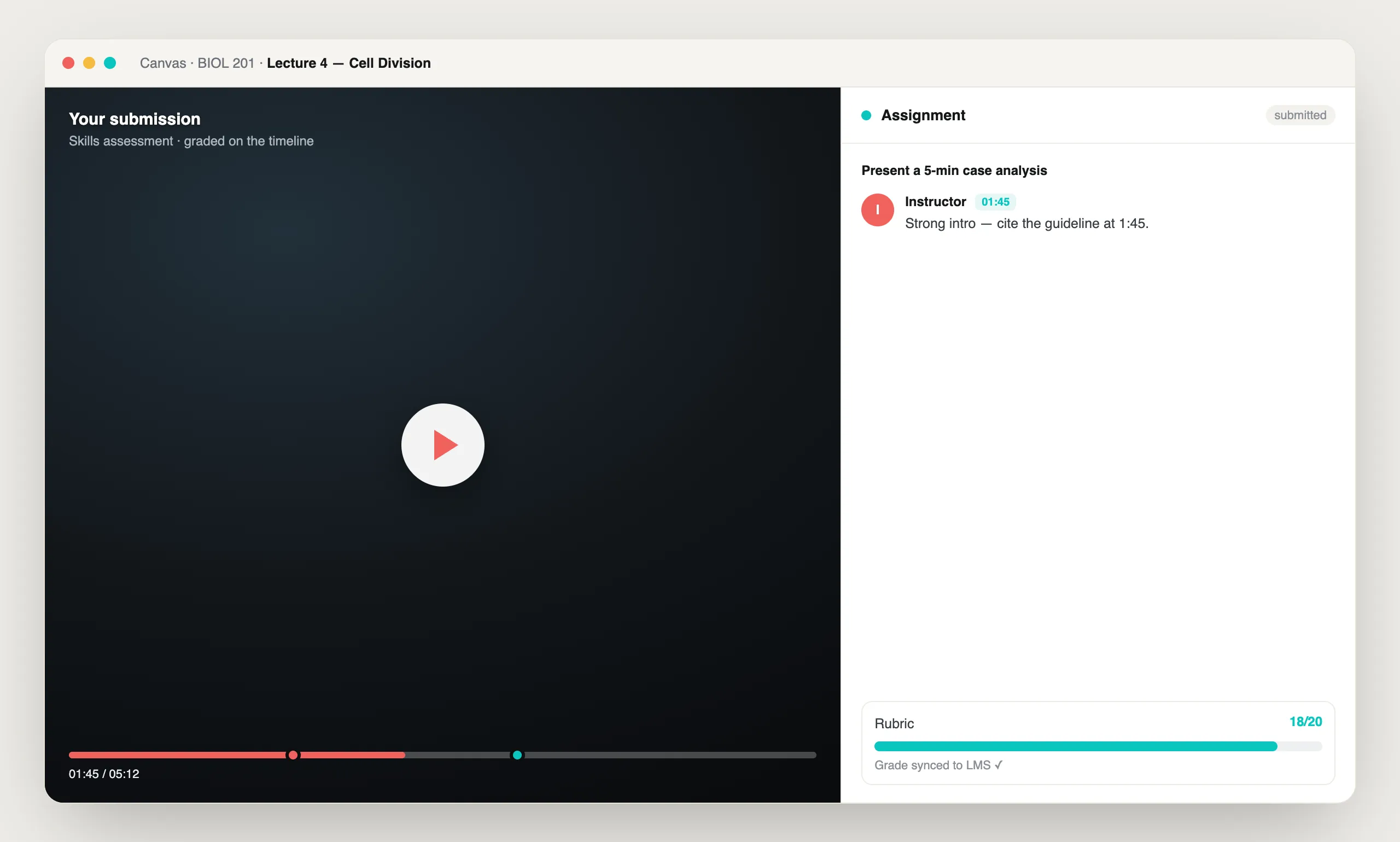
Students submit their recordings through the course, and instructors review them in the Annoto player, attaching each comment to the exact seconds it concerns. A note about eye contact lands where the eyes drop; a note about a flawed step lands on the step. Rubric-based scoring runs alongside, keeping evaluation consistent across a stack of submissions. The whole flow lives inside Canvas, Moodle, Blackboard, Brightspace, and Open edX through LTI 1.3 — or a lightweight API on any site — with video handled by Kaltura, Panopto, Wistia, YouTube, or Vimeo.
Where video assignments fit in teaching
Communication courses grade recorded speeches and presentations. Teacher education programs assess lesson demos long before students face a real classroom. Nursing and health programs review recorded clinical skills against precise procedural criteria. Language courses collect speaking practice that written work cannot capture, and business courses run recorded pitches. In every case, the student can replay their own performance with the feedback appearing at the moments it describes, which is where the actual learning happens.
Feedback, peers, and grades
Assignments can add a peer review stage, with classmates applying the same rubric and time-anchored commenting before or alongside the instructor. Completion and gradebook sync writes final results into the LMS gradebook automatically, and analytics show whether students actually revisited their feedback. For program-level assessment, the full record exports as CSV or through the API.
Video assignments extend Annoto's engagement layer from watching to performing, carrying self-reflection, instructor feedback, group critique and peer review on one timeline. Institutions worldwide run coursework this way. Assignment setup and rubric documentation are available at docs.annoto.net.
Writing an assignment brief that grades itself
The quality of a video assignment is decided before any student presses record. Set a hard time limit — three to five minutes forces editing and prioritization — and phrase every rubric criterion as an observable behavior rather than a trait, so "maintains eye contact through transitions" replaces "confident delivery." Publish the rubric with the brief so students rehearse against the same lines you will grade against, and record a short example walkthrough yourself; a two-minute model answer prevents a week of clarifying emails. Because the rubric lives in the player, criteria written this way can be scored the moment you see the evidence rather than reconstructed from memory afterward.
Grading a full section without losing a weekend
With eighty submissions in the queue, the workflow matters more than the tool. Reviewers typically watch at increased playback speed, drop a time-coded comment only where a rubric line is earned or lost, and score criteria as they go, so each video is handled once. Comments you find yourself repeating — a filler-word habit, a mislabeled axis, a skipped safety check — can be kept as short standard phrasings and pasted in seconds. Teaching assistants can share the load under the same rubric, and because every score is anchored to visible evidence, moderation between graders takes minutes instead of a second full pass.
Drafts, resubmission, and growth across the term
Time-coded feedback earns its keep when students act on it. Many courses run a draft cycle: students submit an early take, receive anchored comments, and resubmit a final version that is graded against the same rubric, making improvement itself part of the score. Across a term, the pattern compounds — the notes on assignment one become the checklist students apply to assignment three. Attention and comprehension analytics show whether a student actually replayed the flagged moments before resubmitting, which turns "did they read the feedback" from a guess into a reportable fact. For oral-communication requirements that span multiple courses, the same rubric can be reused across sections, giving a program comparable evidence of speaking skill over time.
What is a learner video submission?
A learner video submission is a performance video a student uploads as coursework — a recorded simulation, presentation, demonstration, or rehearsal. With Annoto's video assignments, the submission becomes an interactive artifact rather than a file in a dropbox. The instructor opens the video, pauses at any moment, and leaves a comment anchored to that timestamp. The learner replies in the same thread, so assessment becomes a dialogue on the timeline instead of a one-way grade delivered after the fact.
How does time-coded feedback work?
Every comment is attached to a point on the video timeline. When a reviewer writes "watch your hand position here" or "strong eye contact in this segment," the note carries the exact timestamp, and clicking it jumps the player to that moment. Feedback can be written or recorded as a video response, which matters when body language or technique is the thing being taught. Both sides are notified of replies, so the instructor can review on their own schedule and the conversation continues until the skill improves — not just until the grade posts.
Why add peer review to video submissions?
Learners improve twice in a peer workflow: once from the feedback they receive, and once from the evaluating they do. With peer review, fellow students leave time-based comments on each other's performances, propose alternative ways to perform, or share their screen to demonstrate a technique. Reviewers build their own sense of do's and don'ts by watching many attempts, and instructors keep quality high with full moderation control over every thread.
Which disciplines use video-based skills assessment?
Any field where competence is visible on camera. Nursing and medical simulation programs review clinical technique moment by moment. Teacher education programs assess classroom delivery from recorded lessons. Communication courses grade public speaking, debate, and presentations. Performing arts faculty annotate auditions and rehearsals; sales enablement teams coach pitch recordings. The pattern is the same across all of them: physical, performing, cognitive, and interpersonal skills get feedback at the moment they happen on screen. Because Annoto sits on the video player inside the LMS, the workflow is identical whether the course runs on Canvas, Moodle, or a corporate learning platform.
Can instructors grade directly on the timeline?
Yes. Because feedback lives on the video itself, grading happens where the evidence is. Instructors mark criteria against specific moments, see whether a learner watched and engaged with the feedback, and pair timeline comments with completion tracking and gradebook sync so results flow back to the LMS automatically. That closes the loop between watching a performance, assessing it, and recording the outcome — without exporting files or juggling separate tools.
How do learners reflect and improve after feedback?
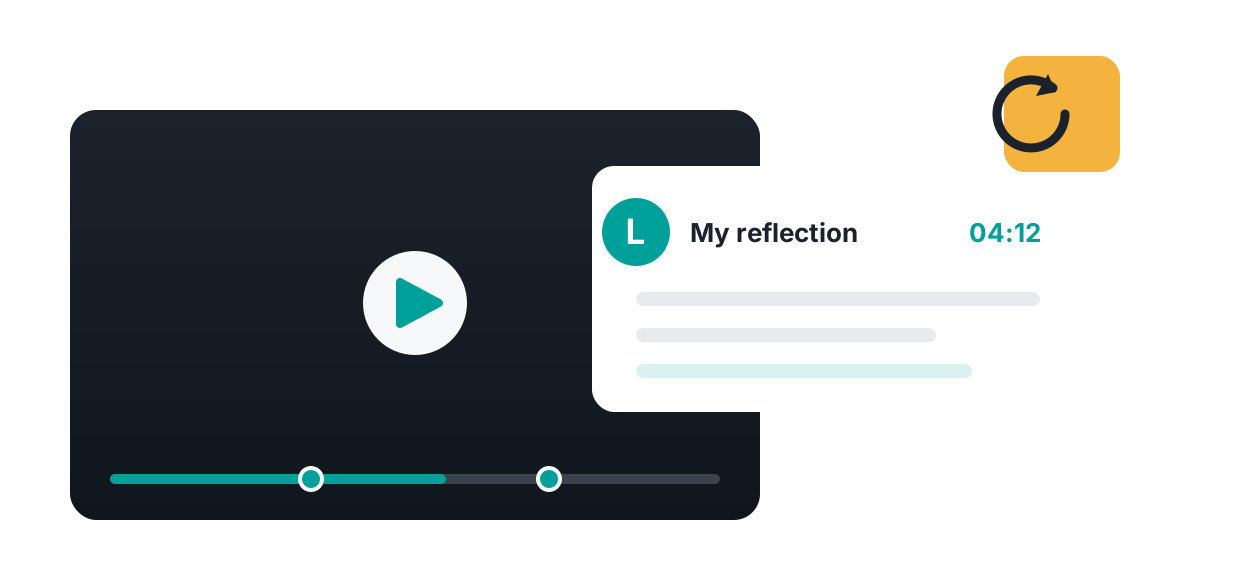
Self-reflection is built into the flow. Learners annotate their own submission before or after review, which shows instructors the full learning process — what the student noticed, not just what they performed. After feedback arrives, the learner replies, asks questions, and can submit again, turning a single assignment into deliberate practice. Notifications keep both sides in the loop, so skill development keeps going after the grade is in — practice, feedback, reflection, and another attempt, until the performance meets the standard.
Four ways learners submit and get feedback
Same submission flow, four feedback loops. Pick the one that fits the skill you are assessing — or run them in sequence across a term.
Submit and self-reflect
Learners record, watch themselves back, and annotate their own timeline — what worked, what to fix — before anyone else weighs in. The reflection travels with the submission, so instructors see the thinking as well as the performance.
Instructor feedback
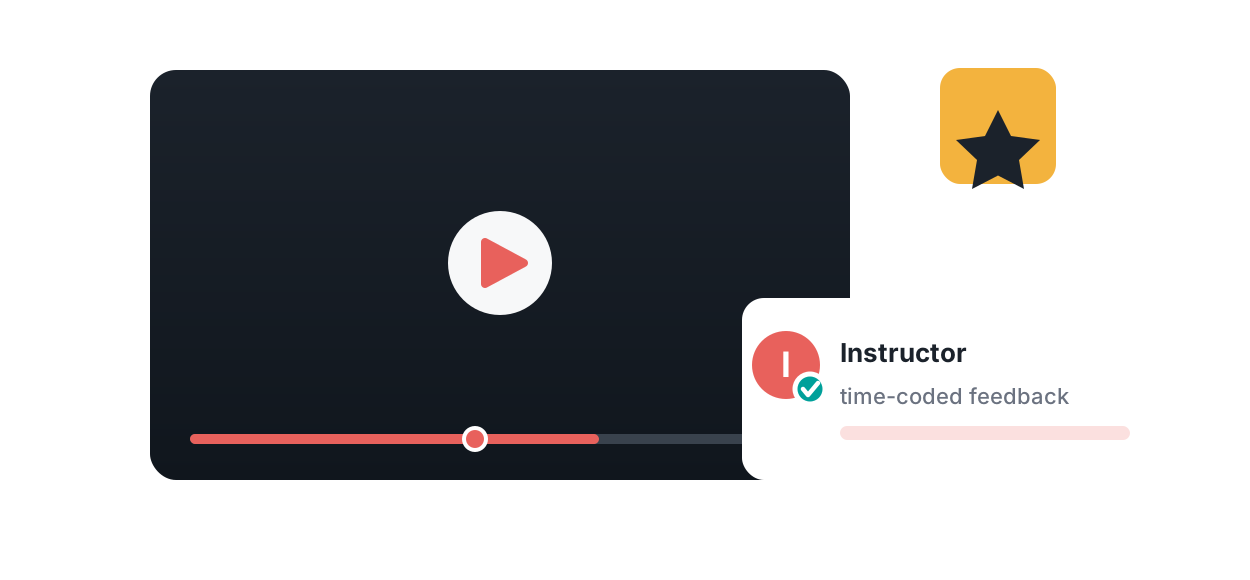
The instructor reviews in the player and leaves notes — written or recorded — pinned to the exact second they refer to. Rubric criteria are scored on the same timeline, and the grade syncs back to the LMS gradebook.
Group critique
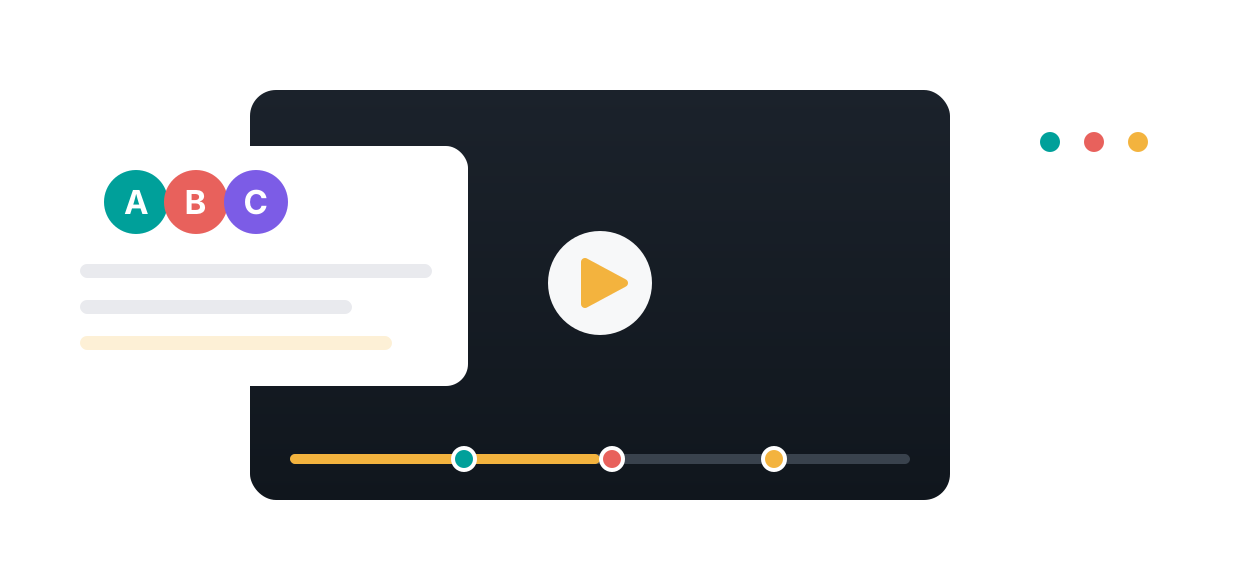
A team submits one video and the whole group responds on the timeline. The critique reads as a threaded conversation anchored to the moments that matter, instead of a page of general notes written after the fact.
Peer review
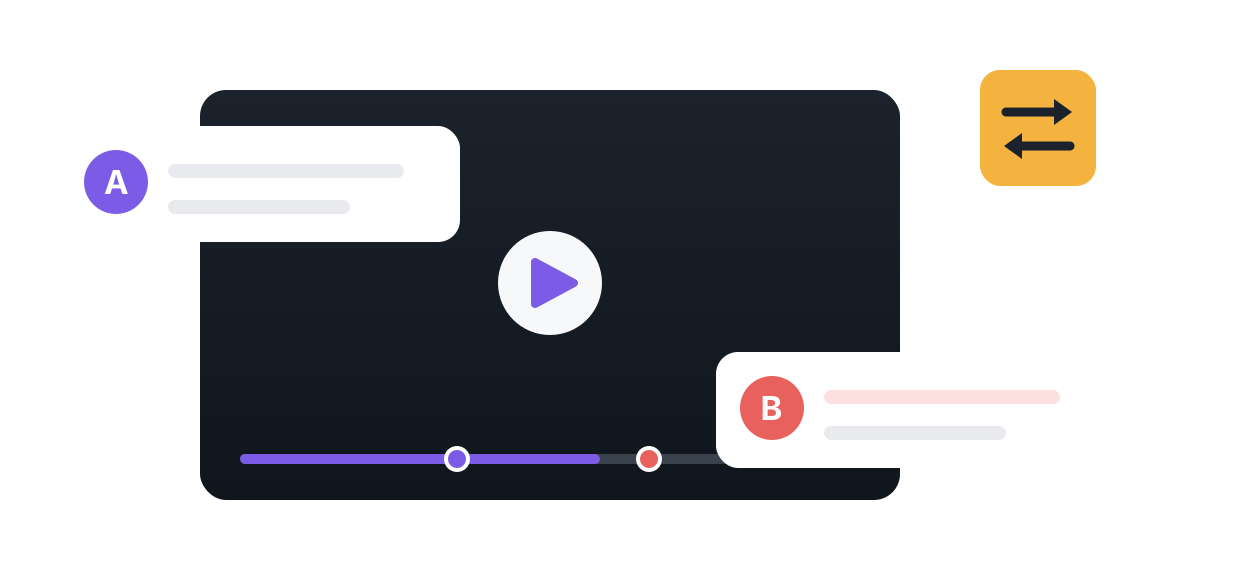
Classmates review each other's submissions against the same rubric, leaving time-coded comments both ways. Learners improve twice — once from the feedback they receive, once from the judgement they exercise reviewing someone else.
Built for how people actually learn
From video to active learning in three steps
Numbers that hold up

“Annoto seems to create more realistic interaction between students than a standard discussion board.”
Rubrics and time-coded feedback inside Canvas and Moodle
The assignment is created from inside the course. In Canvas, an instructor adds Annoto as an external tool assignment over LTI 1.3, picks or names the assignment through deep linking, and sets points; in Moodle the same happens through the external tool activity. Students record in the browser or upload, and the submission lands on its own timeline. The instructor scores against a rubric built once and reused across sections, leaves text, audio or video feedback pinned to the second it refers to, and the rubric total passes to the Canvas or Moodle gradebook through Assignment and Grade Services. SpeedGrader stays where it is for everything else; Annoto handles the video and returns the number.
Peer reviewers can be given the same rubric, so student feedback is structured rather than free-form, and instructors see both the peer scores and their own before releasing a grade. The same flow works in Blackboard and Brightspace.
| Capability | Annoto | GoReact | Canvas Studio | MEDIAL plugin |
|---|---|---|---|---|
| Time-coded feedback on submissions | Text, audio and video pinned to the timestamp | Text, audio and video pinned to the timestamp | Basic timestamped comments | Video feedback attached to the Moodle grade |
| Rubric scoring | Custom rubrics, shared with peer reviewers | Rubric builder and scorecards | Canvas rubrics outside the player | Moodle rubrics outside the player |
| Peer review | Structured, rubric-based, on the timeline | Peer feedback | Comments only | Not a feedback mode |
| Grade passback | LTI 1.3 Assignment and Grade Services | LTI grade passback | Native to Canvas | Native to Moodle |
| LMS coverage | Canvas, Moodle, Blackboard, Brightspace, Open edX, or any site by SDK | Any LTI-compliant LMS | Canvas only | Moodle only |
| Also covers lecture video | Yes: quizzes, discussion and analytics on the whole library | No | Basic quizzing on uploaded video | No |
Compared against each vendor's published documentation, September 2026. Confirm current features with the vendor before a purchasing decision.
Assignments & Rubrics, answered
How do students submit video?
Can peers grade too?
Do rubric scores sync to the LMS?
What disciplines is this for?
Is feedback time-coded?
Does Annoto work alongside Canvas SpeedGrader?
Can Moodle instructors give rubric-scored video feedback with Annoto?
See it on your own course video
Book a 20-minute demo and watch assignments & rubrics work inside your LMS, on your own content.