Active Learning In Every Lecture Hall, And Beyond It
Turn lecture capture and course video into discussion, assessment, and insight, inside the LMS your campus already runs.
Learn more: Make lecture video an active learning space
Make Lecture Video an Active Learning Space
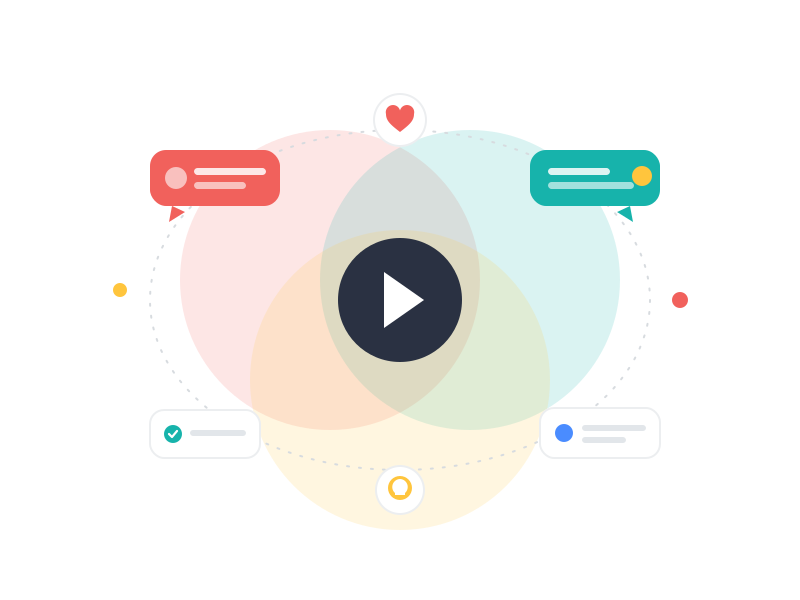
Universities solved video access years ago — lecture capture, media portals, recorded seminars. What most have not solved is engagement: students watch alone, at speed, with no way to ask, answer, or check themselves. In hybrid and fully online programs the problem compounds, because video is the primary contact with teaching, and it is silent. Annoto turns that solitary viewing into active learning by adding a collaboration layer to the video infrastructure your campus already runs.
Active Learning on Top of Lecture Capture
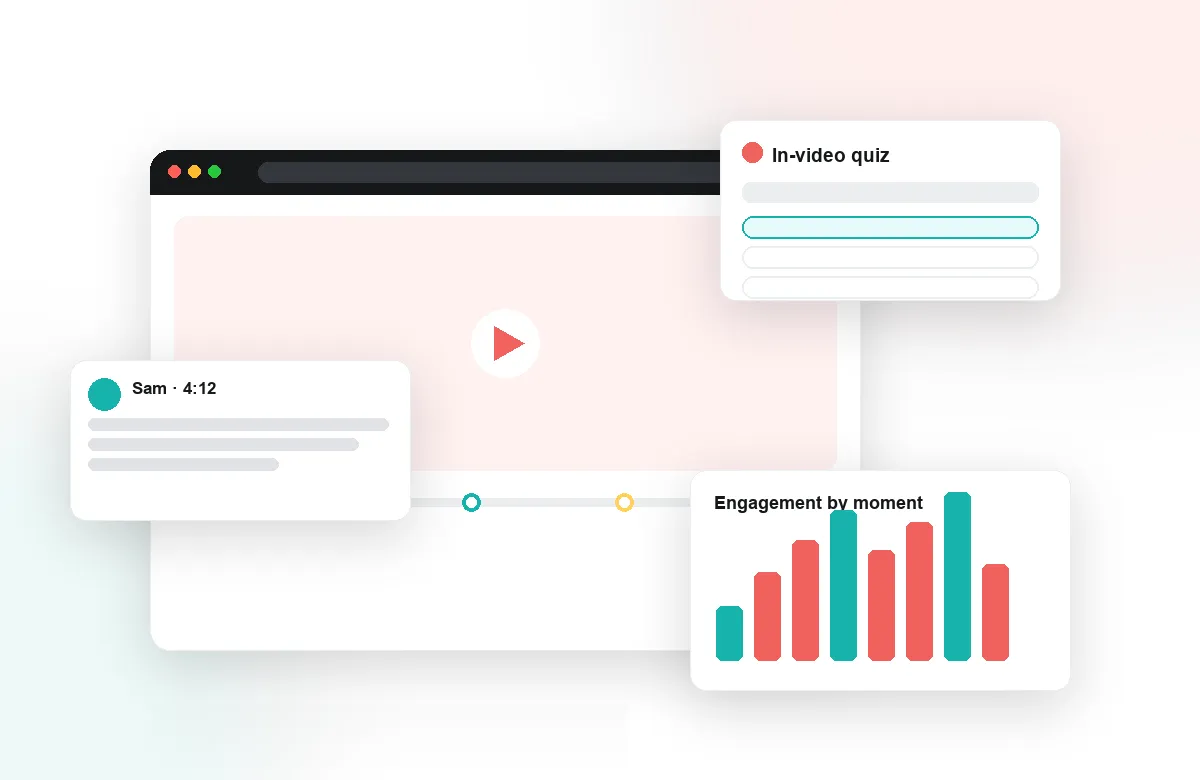
Time-anchored discussions let students ask questions at the exact moment of confusion and see classmates' threads in context. In-video quizzes, polls, and reflection points break long recordings into cycles of watching and doing — the pattern decades of pedagogy favor and passive capture ignores. Faculty add these elements to existing recordings in minutes, with auto-generated quizzes and the Lumo AI copilot carrying much of the preparation load.
One Layer Across Every Course and Platform
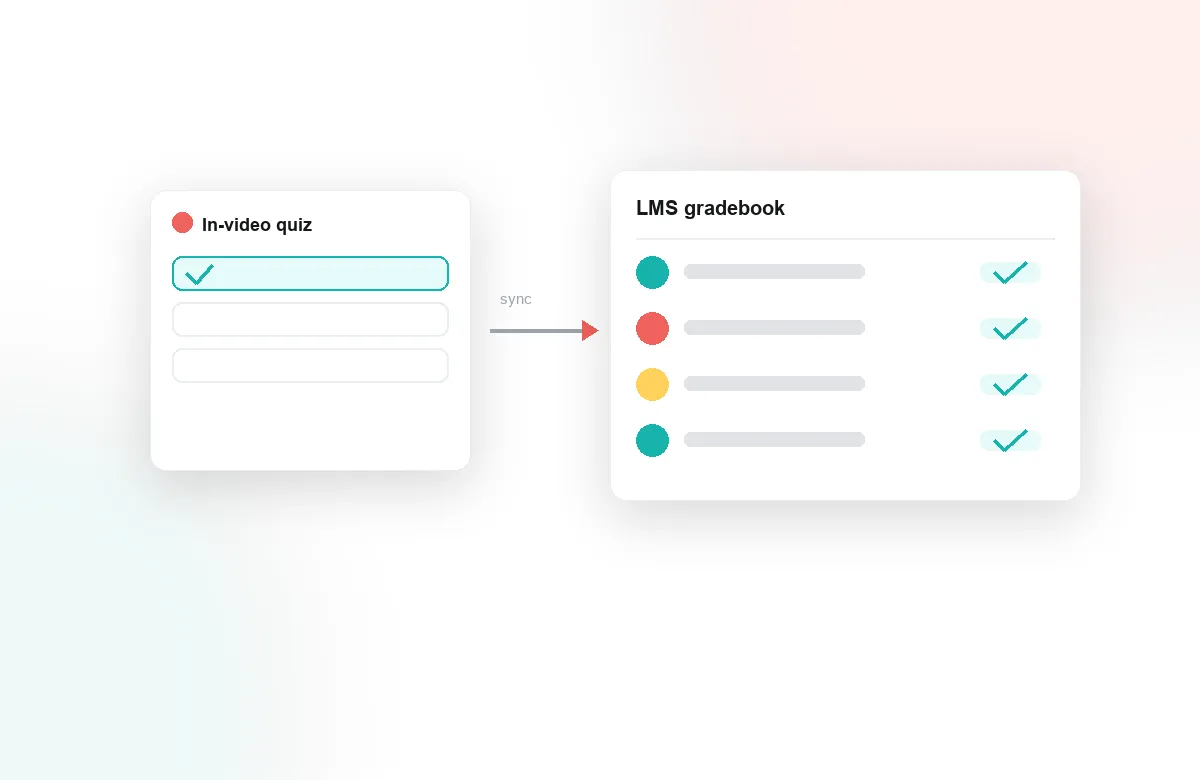
Annoto deploys through LTI 1.3 into Canvas, Moodle, Blackboard, Brightspace, and Open edX — or a lightweight API where there is no LMS — and works on top of Kaltura, Panopto, Wistia, YouTube, and Vimeo. Students get one consistent way to engage with video in every course, regardless of which department produced it, and grades from video activities flow back through gradebook sync. Central teams manage a single integration instead of a patchwork of course-level tools.
Evidence for Teaching and Learning Teams
Attention and comprehension analytics reveal which segments students re-watch, where they abandon recordings, and how engagement varies across courses and programs. Teaching centers use the data to target support; retention teams read fading engagement as an early signal weeks before grades move; institutional researchers pull analytics export into their own models. Video stops being a black box in the middle of the curriculum.
Institutions worldwide — among them NYU, Georgia Tech, Florida State, and the University of Padova — use Annoto to make video a place where learning visibly happens. The integration is one LTI 1.3 deployment; the change in how students experience recorded teaching is campus-wide. Start with one faculty, prove it with analytics, and scale what works.
The same layer, department by department
Part of what makes a campus-wide layer viable is that disciplines use it differently without configuration forks. Engineering and mathematics courses lean on in-video quizzes to keep problem-solving lectures honest — watch a worked example, then produce the next step yourself. Humanities seminars use time-anchored discussion to practice close reading on recorded material, arguing about a passage at the moment it appears. Language programs pair notes with repeated listening. Health sciences use peer review on student-recorded clinical skills, with feedback pinned to the exact seconds of technique under discussion. Business schools run case debates in the discussion layer before class so the live session starts at the disagreement rather than the summary. One integration, one student experience — many pedagogies, each visible to its own department in its own analytics.
A realistic first year
Campus adoption tends to follow an academic calendar, not a project plan. Before the fall term: the LMS team completes the LTI 1.3 setup and the teaching center recruits a first cohort of instructors — ideally across three or four departments, not one, so the evidence generalizes. During the term: those courses run normally while attention and comprehension analytics accumulate. Between terms: the teaching center reviews the data with the pilot faculty, writes up what changed, and lets the write-up recruit the next cohort. By the second year the conversation has usually inverted, with departments asking to join rather than being asked — the pattern reported by institutions like Weber State, Bentley University, and Nova Southeastern among the 200-plus using Annoto today.
Working with the people who make it stick
Two groups decide whether campus video engagement becomes routine. Teaching assistants, who often carry day-to-day moderation in large courses: give them explicit norms — what to answer, what to leave for the professor, what to escalate — and the activity feed makes their pass through a course efficient. And skeptical faculty, whose first questions are predictable: how much work is this, who controls my course's comments, and what happens to my content? The workable answers — minutes per week once running, the instructor entirely, and nothing, since video stays on your existing platforms — land best when a colleague from their own department gives them.
Questions worth bringing to a demo
If you evaluate Annoto for a university, bring the hard cases: the 300-student introductory course where moderation load worries faculty, the multi-section course where sections must not see each other's discussions, the program where accreditation review will ask for evidence of engagement. Ask to see each one handled on screen inside your own LMS. The technical documentation at docs.annoto.net answers the integration questions in advance, which leaves the demo free for the questions that actually decide adoption: what will our instructors do with this, and what will it show us about our teaching that we cannot see today?