Works with your video player
An engagement layer that travels with your video, wherever it lives
Video infrastructure decisions should not dictate pedagogy. Annoto attaches its collaboration layer to the player rather than the hosting platform, so time-anchored discussions, in-video quizzes, polls and reactions, notes with AI summaries, and group chat appear on your video no matter where that video actually lives, today or after your next platform review. That independence is deliberate: hosting platforms change with contracts and budgets, but the way a class talks about its lectures should not have to.
Native support for the players institutions use
Annoto works on top of Kaltura, Panopto, Wistia, YouTube, and Vimeo players. Instructors keep uploading exactly as they always have, media teams keep their pipelines, captioning workflows, and delivery setup, and learners simply see richer video. There is no re-encoding, no migration project, and no duplicate library to maintain in parallel. If different departments standardized on different players years ago, that is fine too; Annoto treats the mixture as normal rather than as a problem to fix first.
Switch hosts without losing the classroom
Because the engagement layer is independent of the host, moving media between providers does not erase what happened on top of it. The discussions, the questions, and the analytics history, the institutional memory of how courses were actually taught, persists as a layer you own. A video platform migration becomes a routine infrastructure change instead of a loss event.
One measurement standard across every source
Mixed video estates usually produce mixed data. Annoto normalizes it: attention and comprehension analytics, completion tracking, and gradebook sync behave identically whether a lecture streams from Kaltura or is embedded from YouTube. Analytics export by CSV or API gives institutional research one consistent feed instead of a different dashboard for every vendor. The comparison across sources is finally apples to apples.
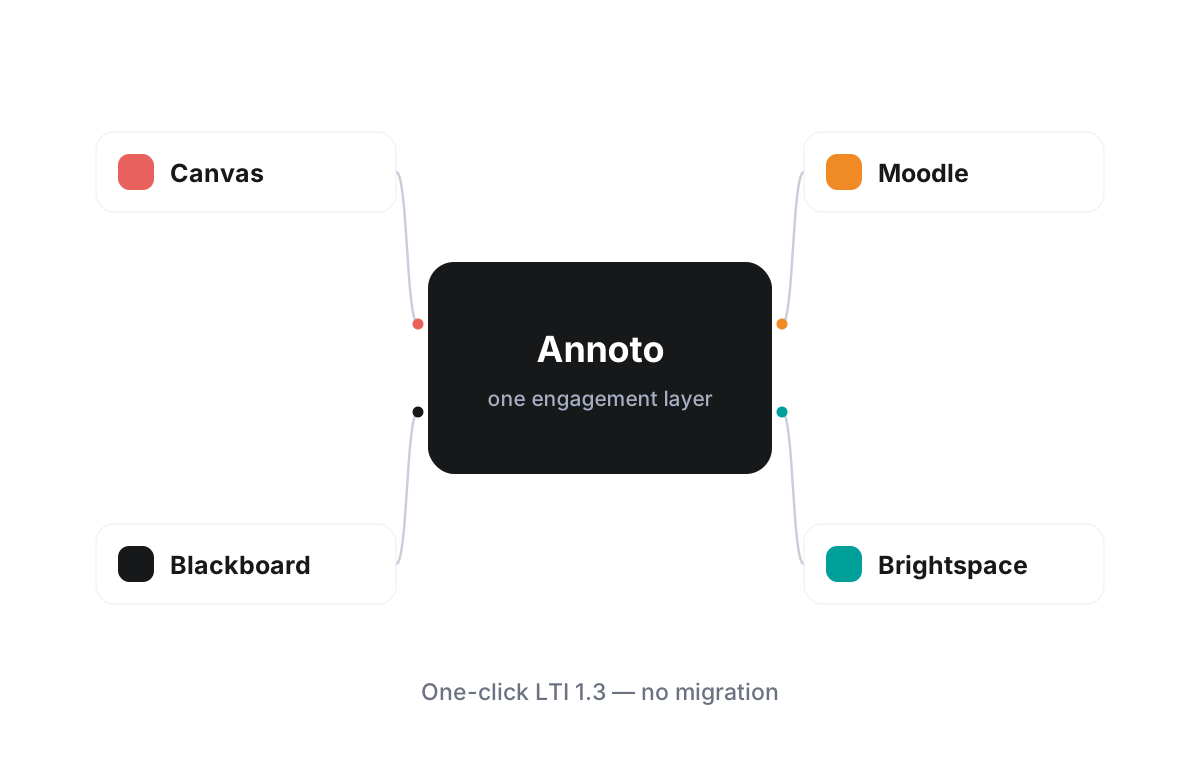
Combined with LTI 1.3 integrations for Canvas, Moodle, Blackboard, Brightspace, and Open edX, this player-agnostic design is how institutions worldwide run a single engagement strategy over many video sources at once. To check the specifics for your player setup, including embed patterns and configuration options, see the technical documentation at docs.annoto.net.
Teaching with video you did not produce
Player independence also covers content the institution never filmed. A documentary on YouTube, a conference talk on Vimeo, a partner's Wistia embed: any of them can carry the same discussions, quizzes, and reflection points as your own recordings. For subjects that move faster than a studio schedule, that means course material can stay current without waiting for production, and the engagement data on borrowed content is just as complete.
Train once, teach anywhere
Because the layer looks and behaves the same on every player, faculty development gets simpler. One workshop covers every course, one help page serves every department, and an instructor moving between programs does not relearn the tool because the media backend changed. Support teams feel it too: tickets are about teaching questions, not about which player a course happens to use.
How to verify this with your own stack
Evaluating the claim takes an afternoon, not a project. Pick one video from each source you actually use, attach Annoto in a sandbox course, and run the same activity on both. If the experience or the data differs, you have your answer; when it does not, the platform question and the pedagogy question can finally be decided separately.