Training Video People Actually Complete and Understand
Add checks, discussion, and analytics to onboarding, compliance, and enablement video, in the LMS or LXP you already run.
Learn more: Prove your training videos actually get watched
Prove Your Training Videos Actually Get Watched
Most corporate video metrics stop at the play button. Annoto tells you what happened after it: who watched, where attention fell apart, what people asked, and whether they understood — across onboarding, compliance, and skills programs alike. When an auditor, an executive, or a new VP of People asks whether training works, "we assigned it" is not an answer. Annoto layers onto the video and LMS stack you already run, so proving impact does not require replacing anything.
Completion Data You Can Stand Behind
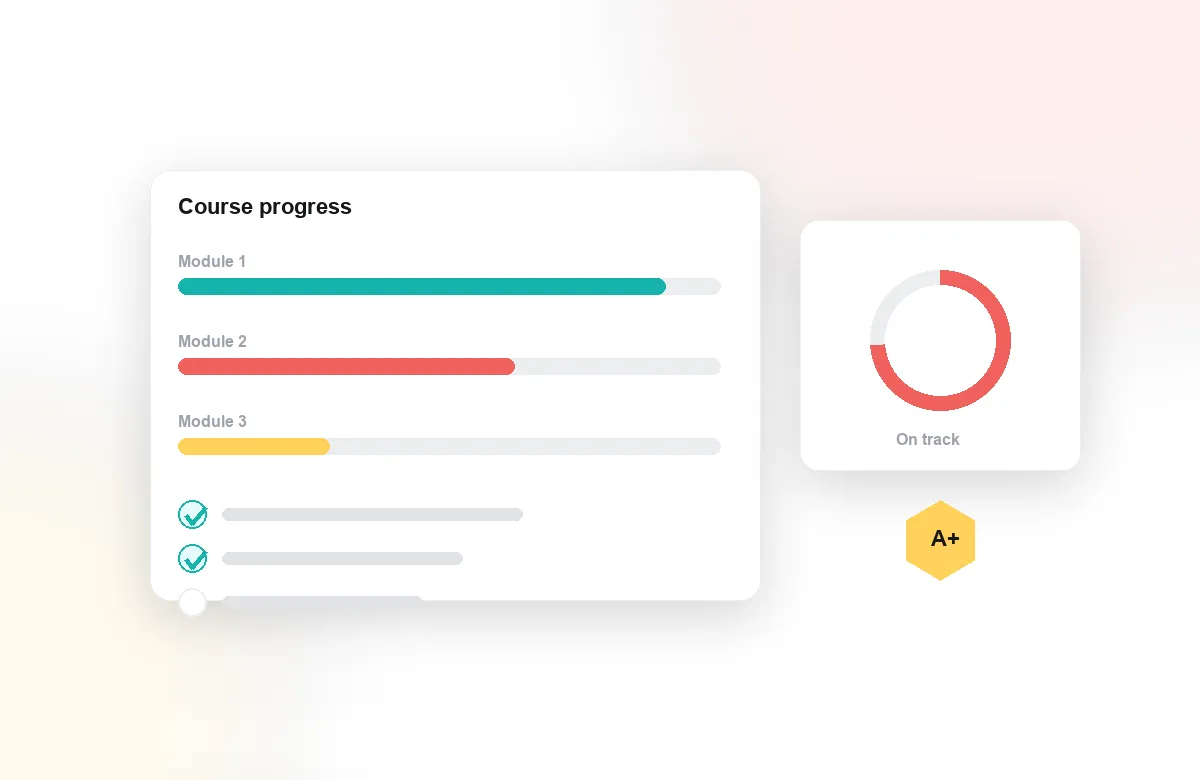
Attention and comprehension analytics distinguish a genuine viewing from a muted tab, and completion tracking records progress per learner and per video. For compliance training, that difference matters: when a policy update goes out, you can show not just assignment but engagement, question by question and segment by segment. Analytics export moves the evidence into whatever reporting your organization already requires.
Onboarding That Answers Each Question Once
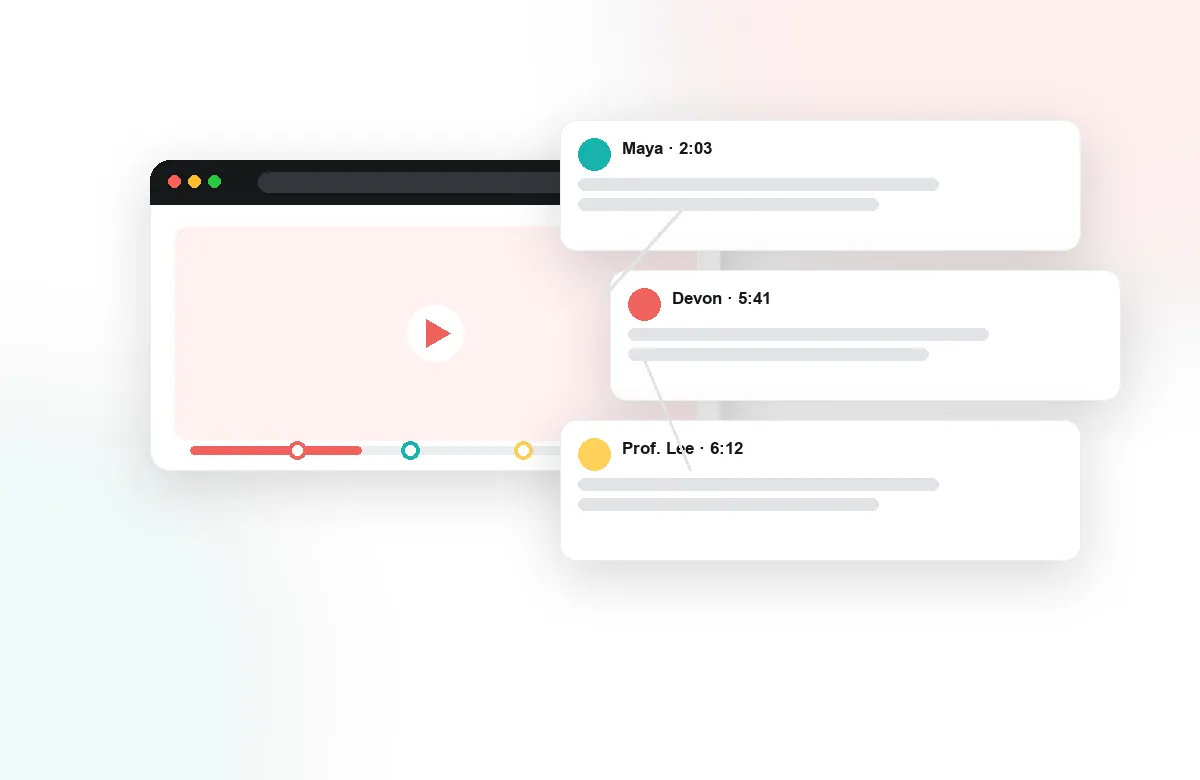
New hires ask the same questions every cohort — usually by pinging a manager. With time-anchored discussions, questions attach to the exact moment in the video that raised them, subject-matter experts answer once, and every future hire sees the thread in context. Group chat and the activity feed keep cohorts connected, and notes with AI summaries help people revisit key material without rewatching an hour of video. The knowledge stays with the video instead of leaving with the manager.
Confirm Understanding, Not Just Attendance
In-video quizzes and polls check comprehension at the moment content is delivered, not in a separate assessment nobody connects to the material. Auto-generated quizzes make it practical to add checks across a large catalog quickly, and reflection points prompt learners to apply policies to their own role. Results sync back to your LMS, giving L&D one record of who knows what.
Annoto integrates through LTI 1.3 with learning platforms including Moodle and Open edX, and works on top of Kaltura, Panopto, Wistia, YouTube, and Vimeo — the same engagement layer institutions worldwide rely on. If your training reporting currently ends at completion percentages, this is the layer that makes it credible.
Enablement Content That Reports Back
Product launches live or die on whether the field absorbed the update. Put the launch briefing behind Annoto and the video starts reporting back: attention curves show which part of the pitch reps skipped, in-video questions surface the objections they expect to hear from customers, and polls capture positioning gaps before the first deal call. Enablement teams then fix the three confusing minutes rather than re-running the whole briefing, and the questions asked by the field become the FAQ the next region gets for free.
A Runbook for the Annual Compliance Cycle
Compliance training runs on deadlines, so the workflow matters. Assign the course with completion tracking on and a short comprehension check inside each video, not after it. Halfway through the window, pull the engagement report and chase the gap — not the people who have not clicked play, but the ones whose attention collapsed at the section that changed this year. When the window closes, export the record per learner and per segment. If a regulator or internal audit asks how the policy was communicated and verified, you hand over data instead of an attestation spreadsheet.
Find Out Where Your Content Fails
Every question asked inside a training video is a review of the content itself. When five learners stall at the same timestamp, the problem is the explanation, not the audience. L&D teams use this signal to prioritize edits across a catalog: retire the module nobody finishes, re-cut the segment that generates the most confusion, and promote the expert answer that keeps resolving threads into the script of the next version. Content strategy stops being a guess about what the business needs and becomes a response to what learners demonstrably struggle with.
Rolling It Out Team by Team
Start where the pain is measurable: one onboarding cohort or one compliance cycle. Two release windows are enough to compare engagement against the previous run, and the analytics make the before-and-after concrete for whoever owns the budget. Implementation guides for L&D platforms are at docs.annoto.net.