Works With Everything You Already Use
No migration, no IT overhaul. Annoto overlays on top of your existing videos: one-click LTI 1.3 or a lightweight API, live in days.
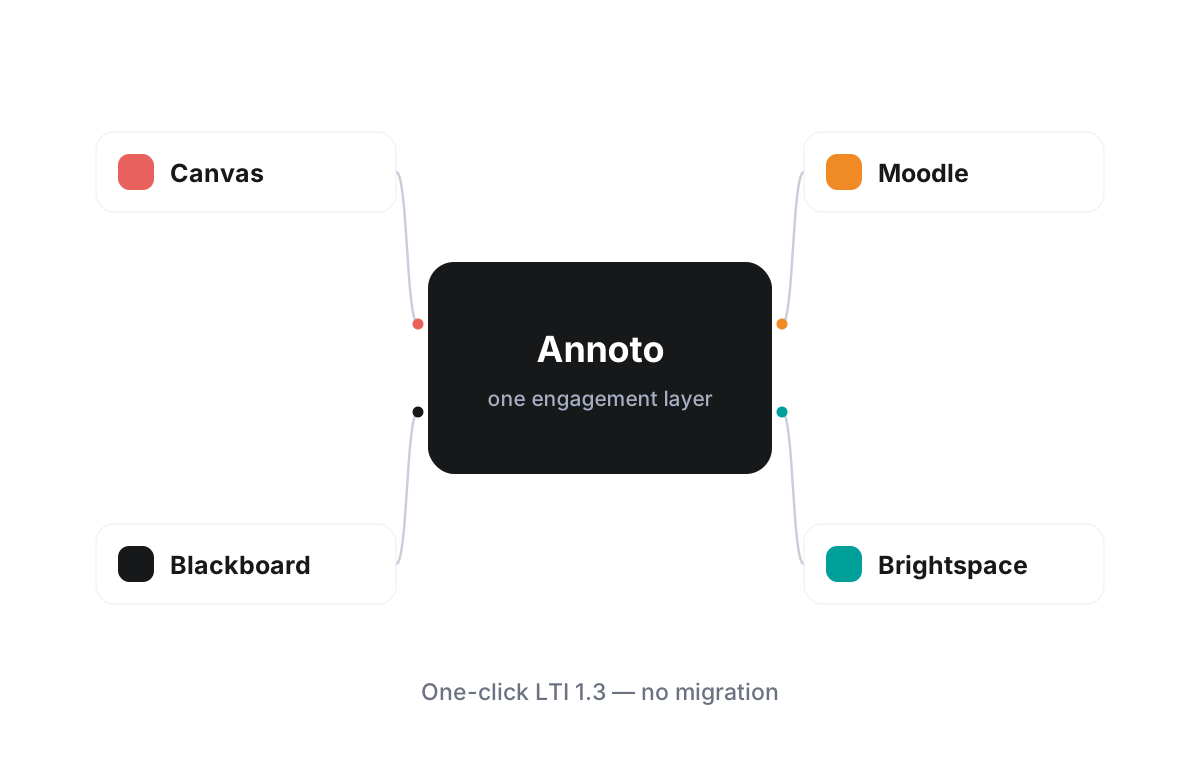
Learn more: One engagement layer, every platform you already run
One engagement layer, every platform you already run
Annoto was built on a simple premise: institutions should not have to change their technology stack to make video interactive. The same collaboration layer, from time-anchored discussions and in-video quizzes to polls and reactions, notes with AI summaries, group chat, and a shared activity feed, installs into the systems you already operate and behaves identically in each of them. One procurement, one rollout, and one tool for faculty to learn, regardless of how varied the stack underneath is.
Deep, standards-based LMS integrations
Annoto runs inside Canvas, Moodle, Blackboard, Brightspace, and Open edX through LTI 1.3. In every case the pattern is the same: a one-click install for administrators, single sign-on and roles inherited from the LMS, and grades flowing back to the native gradebook. Students never leave the course, instructors never manage a second platform, and IT never maintains custom plugins. Admins register the tool once and scope where it appears; nothing else in the LMS is modified.
Every major video player, one experience
Because Annoto layers on top of the player rather than replacing it, it works with Kaltura, Panopto, Wistia, YouTube, and Vimeo out of the box. Instructors keep their existing media libraries and upload workflows, students get the same interface on every video, and your media team can change providers without disturbing a single discussion thread. A course that moves between platforms keeps its engagement layer along the way.
Consistent data, wherever learning happens
A fragmented stack usually means fragmented insight. Annoto keeps analytics unified: attention and comprehension metrics, completion and gradebook sync, and analytics export by CSV or API work the same way across every LMS and every player. One rollout produces one coherent picture of how video learning is going across the whole institution, rather than five vendor dashboards that refuse to agree.
This is why institutions worldwide, from research universities to fully online programs, deploy Annoto across mixed environments without friction. Pick your LMS from the integration pages here to see the specific installation path for your platform, or go straight to docs.annoto.net for complete technical documentation covering every supported LMS and video player.
Anatomy of an LTI 1.3 install
An LTI 1.3 registration follows the same choreography on every supported LMS: the administrator creates the tool registration from Annoto's configuration details, records the deployment, and chooses placements — which accounts or courses see the tool, and where it appears in the course interface. Because LTI 1.3 builds on platform-level trust and modern OAuth flows rather than shared secrets passed around by email, scope is decided up front and stays auditable. Institutions still running older environments can start on LTI 1.1, which remains supported, and move to 1.3 later without touching course content. The sensible final step is a test course: confirm roles arrive correctly, post a discussion, push a grade to the gradebook, then open the doors.
What the overlay does — and deliberately does not do
The overlay attaches to the player already embedded in the page and reads its timeline, which is how comments, quizzes, and reflection points anchor to exact seconds whether the video underneath is served by Kaltura, Panopto, Wistia, YouTube, or Vimeo. Just as important is what never happens: no media is re-uploaded, re-encoded, or mirrored to a second system, and existing embed codes are untouched. The media pipeline your team has tuned for years keeps running exactly as before.
Phased rollouts beat big bangs
Most institutions deploy in stages. The placement is scoped to one subaccount or department, a handful of instructors teach real courses with it for a term, and the central team settles defaults — moderation policy, which features are on, who sees analytics — before widening access. Because installation is a registration rather than a code deployment, expanding from one department to the whole institution is a settings change, not a second project.
Standards are insurance for the next migration
LMS platforms get replaced; interaction data should survive the transition. When an institution consolidates systems or moves to a new LMS, a standards-based tool follows by re-registering in the new platform rather than by rebuilding custom integration work. Choosing LTI and player-agnostic overlays today is what keeps tomorrow's migration from becoming the moment an engagement tool has to be abandoned.