Solutions
One collaboration layer, every way you teach with video
Annoto is a single engagement layer, but there is no single way institutions use it. A nursing program embeds quizzes in clinical demonstrations; a film school runs frame-accurate critique; a corporate academy measures whether training was understood, not just completed. The solutions on this page map that breadth — by sector, by discipline, and by role — so you can find the shape of Annoto that matches how you teach.
Across sectors
In higher education, Annoto turns lecture capture and online courses into active classes. K-12 schools use it to keep younger learners engaged and visible. Corporate learning teams attach comprehension checks and completion tracking to training video, and media communities use time-anchored conversation to build engagement around their content. Each sector page shows the specific workflows, features, and outcomes that matter there.
Across disciplines and formats
Discipline shapes pedagogy: nursing education leans on reflection points during procedures, STEM courses on in-video quizzes at conceptual hinge points, language learning on repeated listening with anchored discussion, business schools on case debate, and teacher education on annotated classroom recordings with peer review. Whether the format is flipped, fully online, or hybrid, the same layer adapts to the discipline's way of thinking.
Across roles
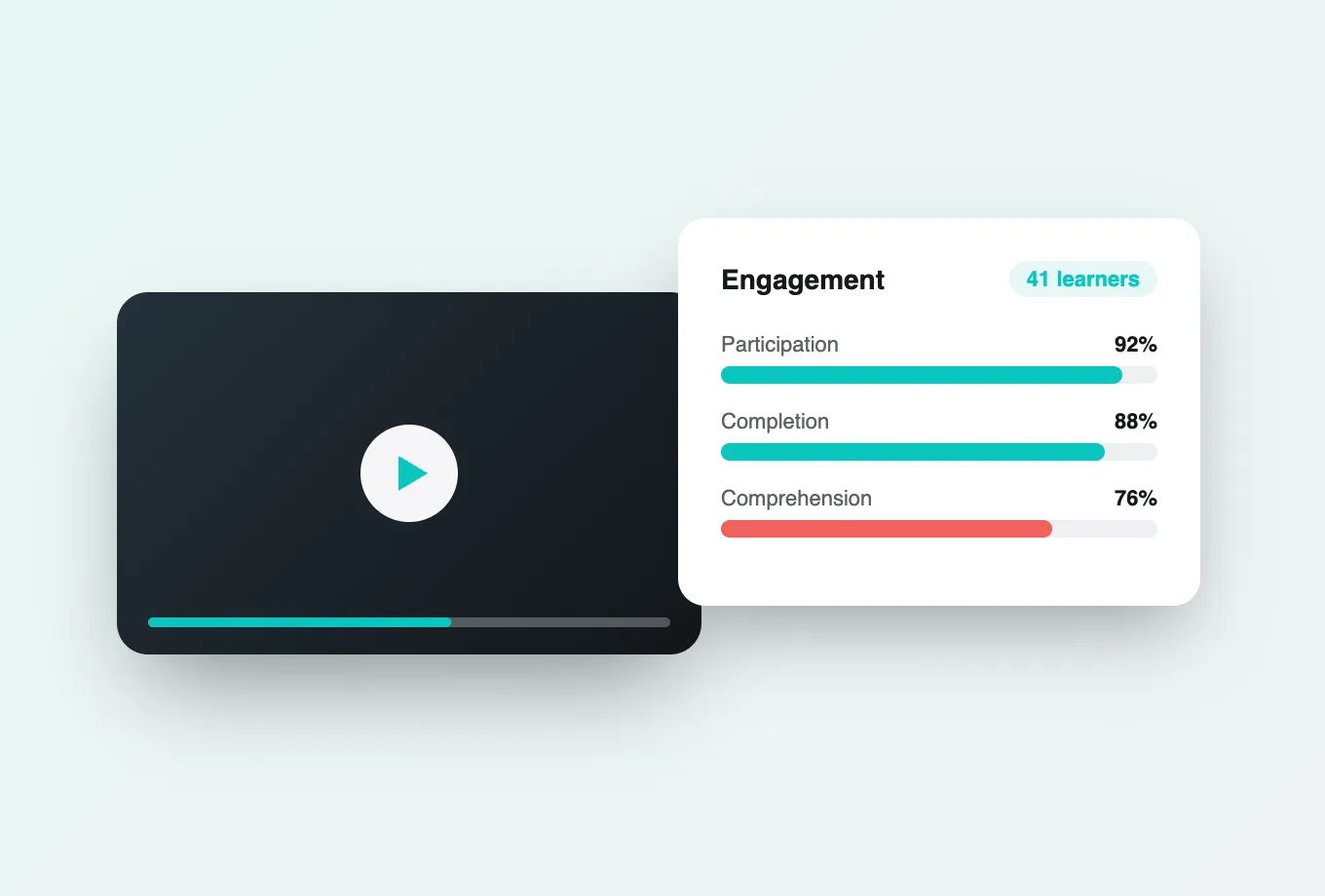
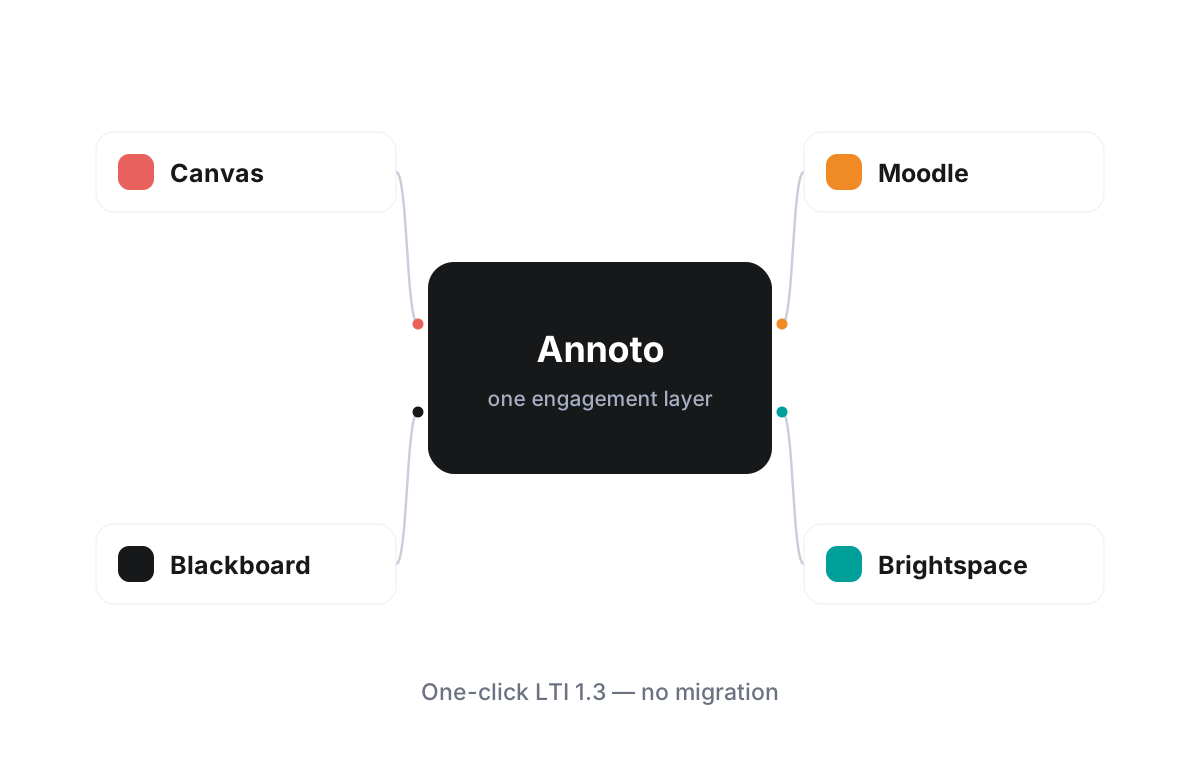
Faculty get engagement without changing how they teach. Instructional designers get interaction patterns they can standardize across courses. IT administrators get one LTI 1.3 integration that works inside Canvas, Moodle, Blackboard, Brightspace, and Open edX, on top of Kaltura, Panopto, Wistia, YouTube, and Vimeo. And academic leaders get attention and comprehension analytics with export, turning video from a cost center into a source of evidence.
Institutions worldwide have already found their own configuration of these pieces — polls and reactions in one program, video assignments and gradebook sync in another, Lumo AI summaries in a third. Browse the solution pages below to find the ones closest to your context, and treat them as starting points rather than boundaries: nearly every successful deployment we see borrows patterns from more than one, because good teaching rarely stays inside a single category.
Inside a higher education course
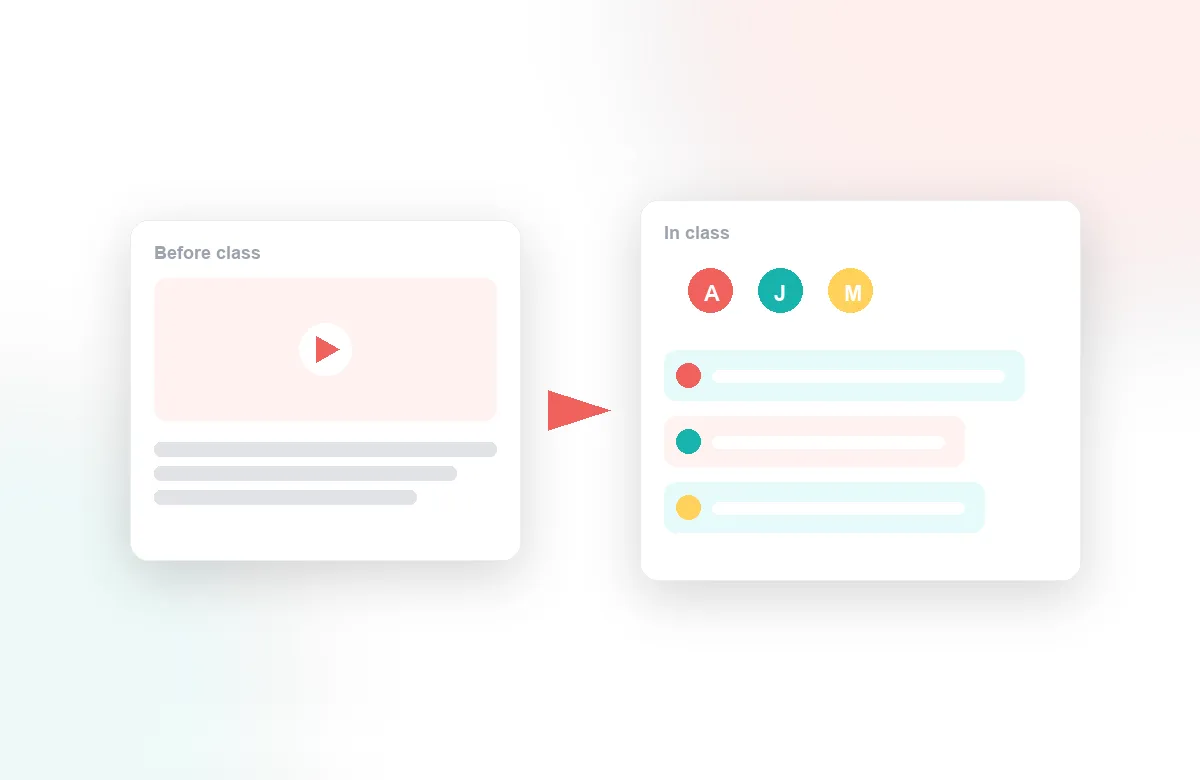
The breadth in higher education alone is wide. In a flipped classroom, instructors place quiz questions at each concept boundary so pre-class watching produces evidence to teach from the next morning. In lecture-capture courses, recordings stop being a passive archive because questions asked at minute thirty stay attached to minute thirty, and the next cohort inherits the answers. Seminar-style courses use anchored comments as preparation — students argue in the margin of the video before they argue in the room. And in fully online programs, the discussion inside the player often replaces the forum entirely, because context no longer has to be typed out; it is simply the timestamp.
Where K-12 and corporate diverge
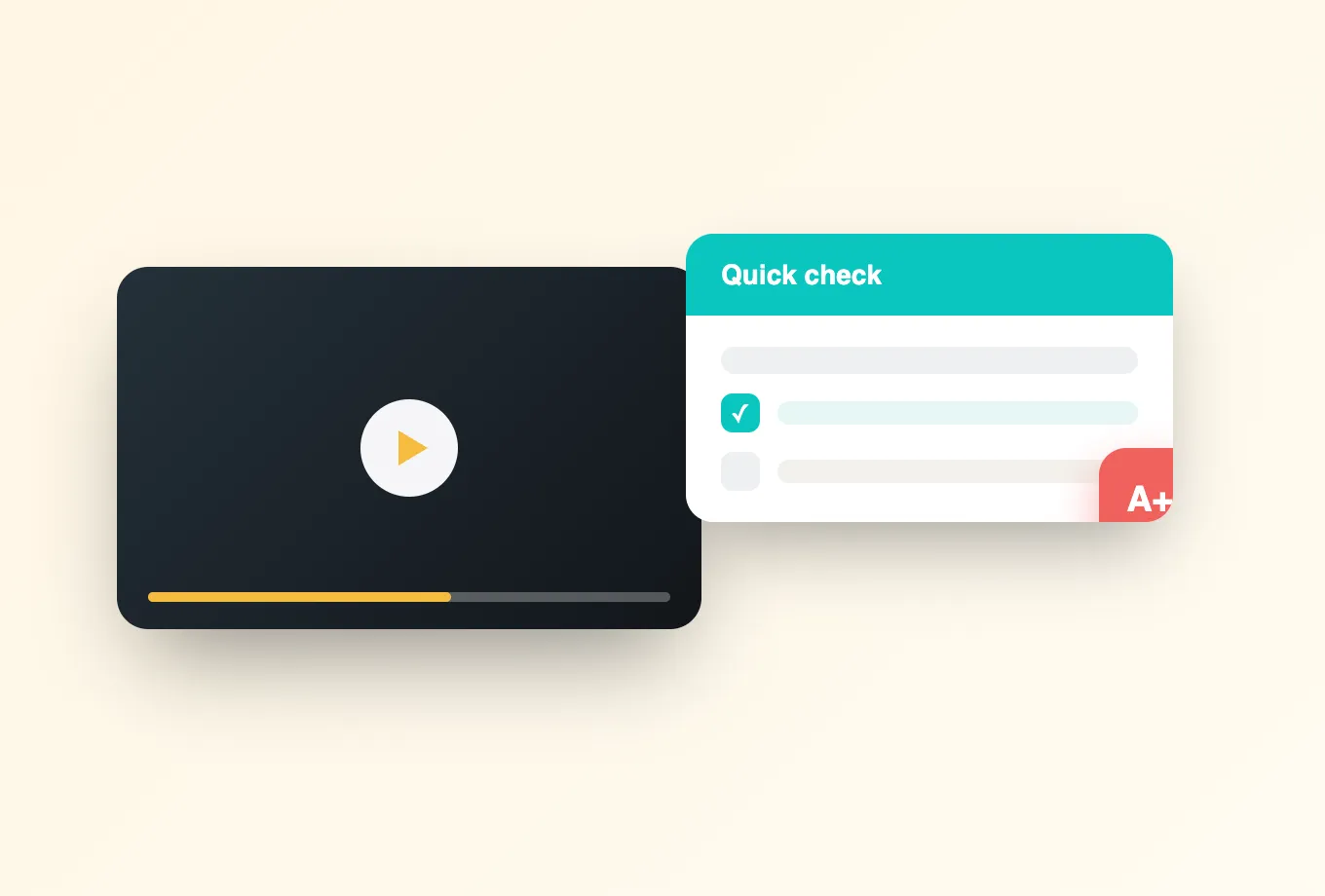
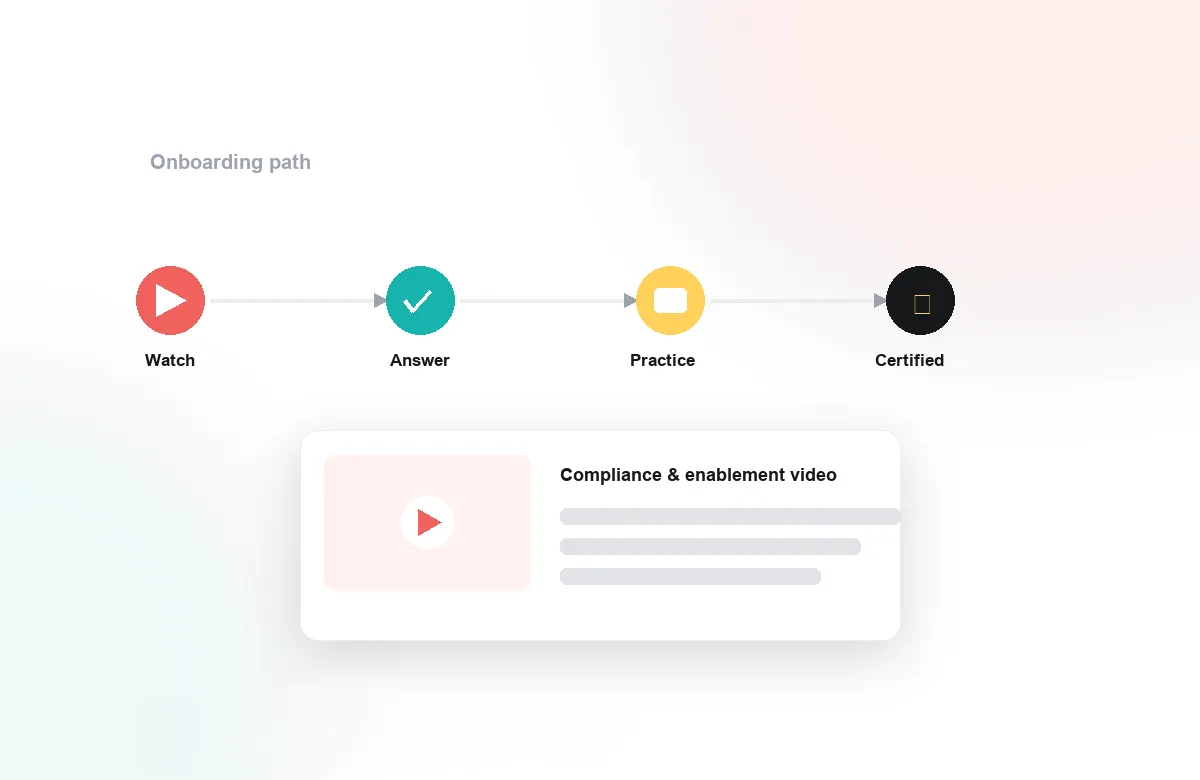
K-12 classrooms and corporate academies sit at opposite ends of the formality spectrum, and their configurations show it. Schools keep videos short, enable close teacher moderation, and use reactions and simple polls that let every student participate without writing a paragraph; the goal is visibility — a teacher seeing within one lesson who is following. Corporate teams flip the emphasis toward proof: onboarding and compliance videos carry comprehension checks, completion tracking sets an explicit threshold, and reports flow to the learning team over CSV or API. Skills training borrows more from the academic playbook, with scenario videos, reflection prompts, and peer commentary among cohorts of employees.
Media, communities, and public audiences
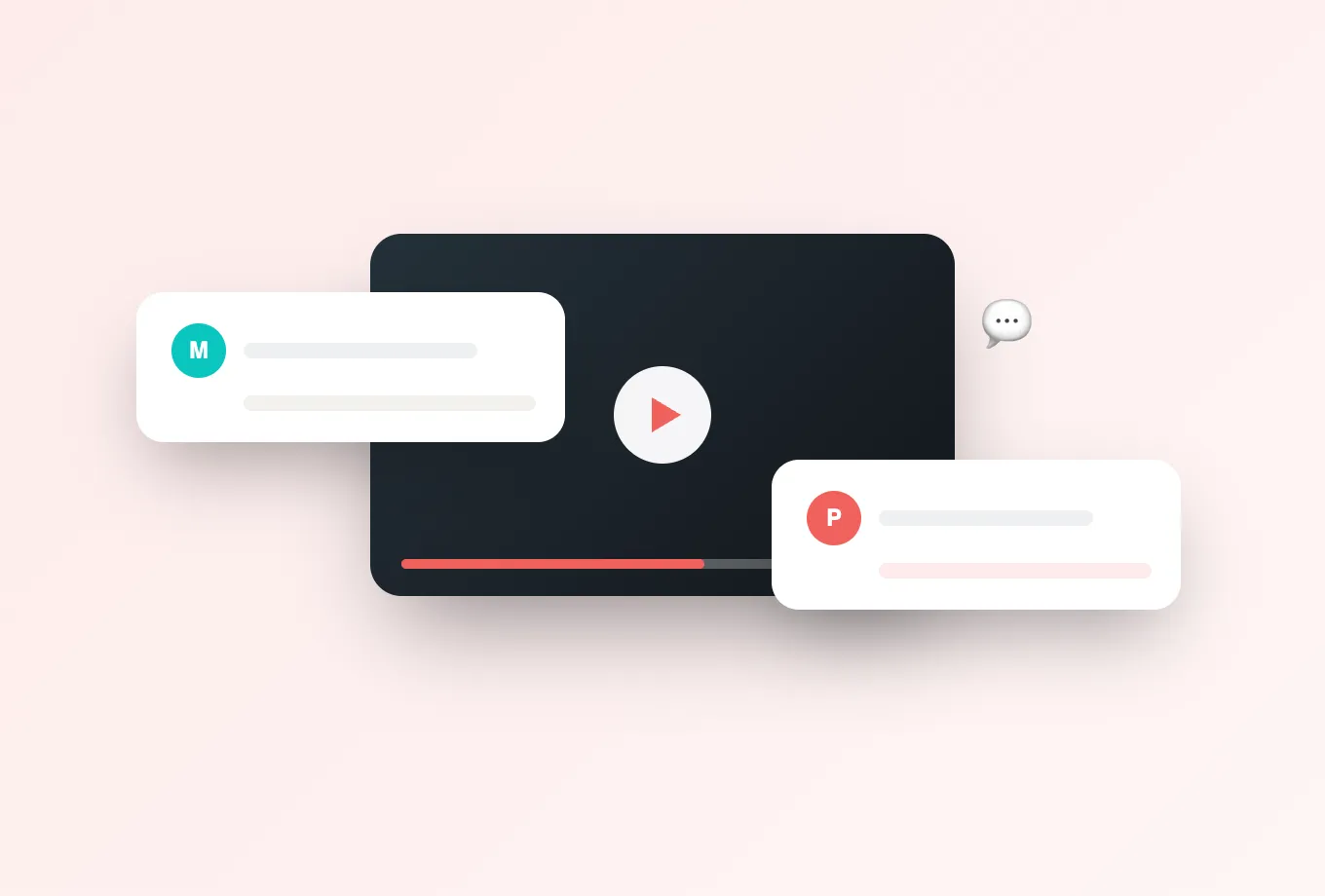
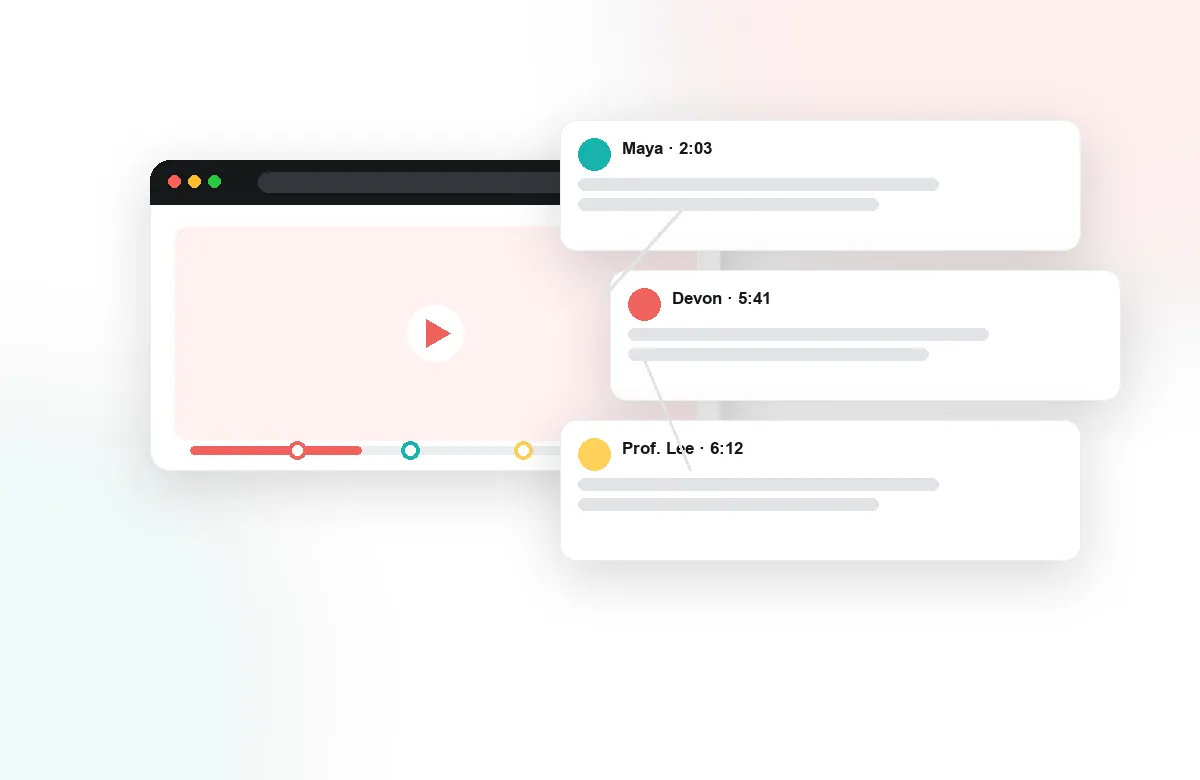
For media organizations and content communities, the unit of value is the conversation itself. Time-anchored comments give an audience a way to react at the exact second something happens, which keeps discussion specific instead of drifting into a generic feed below the player. Moderation tools keep those spaces healthy, reactions give lightweight participation a place, and attention analytics show editors which segments held viewers and which lost them — the same signal instructors use, applied to editorial judgment.
How to choose a starting point
If the breadth feels overwhelming, narrow it with one question: which video do people already watch that you wish told you more? Start there. Pick a single course, onboarding track, or content series; add one interaction type, not five; and decide in advance what you will look at after four weeks — watch depth, question volume, quiz results, or completion. A scoped start like this takes an afternoon to set up through the LMS or player you already run, and it produces the evidence that makes the second and third use cases obvious. Breadth is what you grow into, not what you deploy on day one.