Five Minutes Inside Annoto
From the learner’s first comment to the instructor’s analytics view. A walk through the whole experience, in order.
Skip Ahead: Book A Live Demo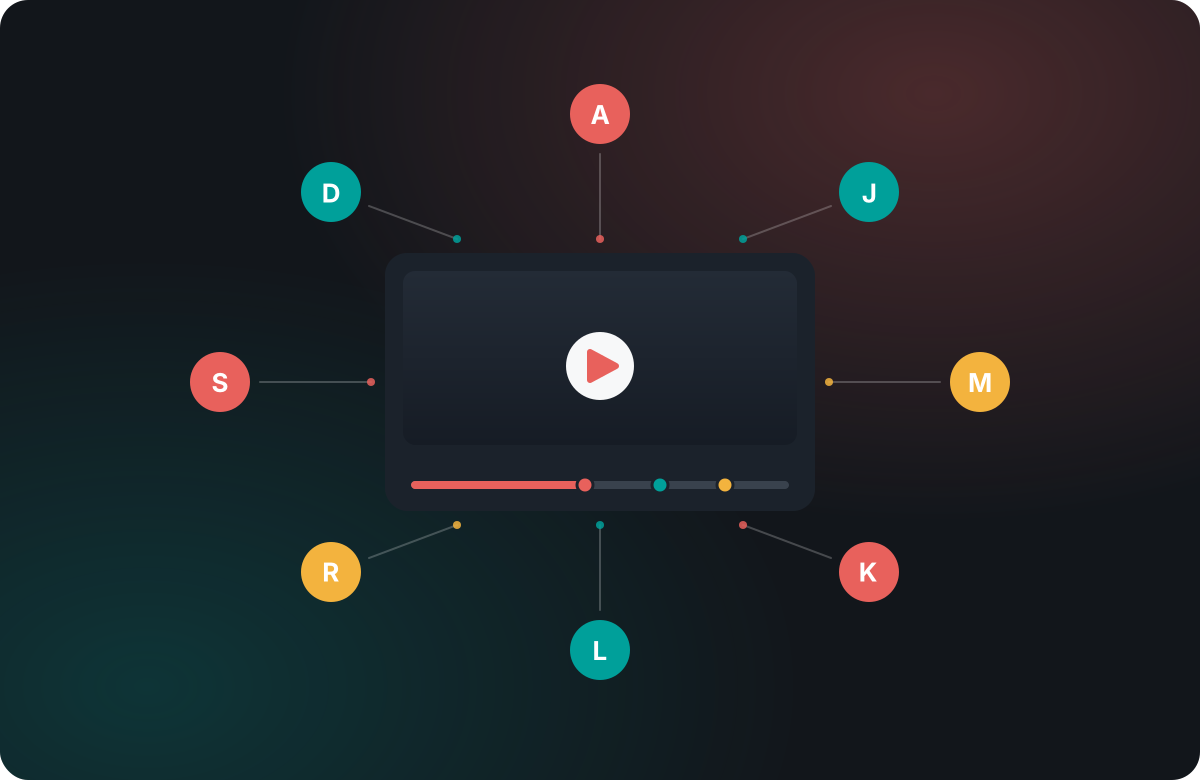
Learn more: Watch a video become a classroom
Watch a video become a classroom
The fastest way to understand Annoto is to see it working, and that is exactly what this tour does. Rather than a feature list, it follows one course video through three perspectives — the student watching it, the instructor running it, and the institution measuring it — so you can see how a single layer changes the experience for each of them. Here is what you will walk through.
First, the learner's view
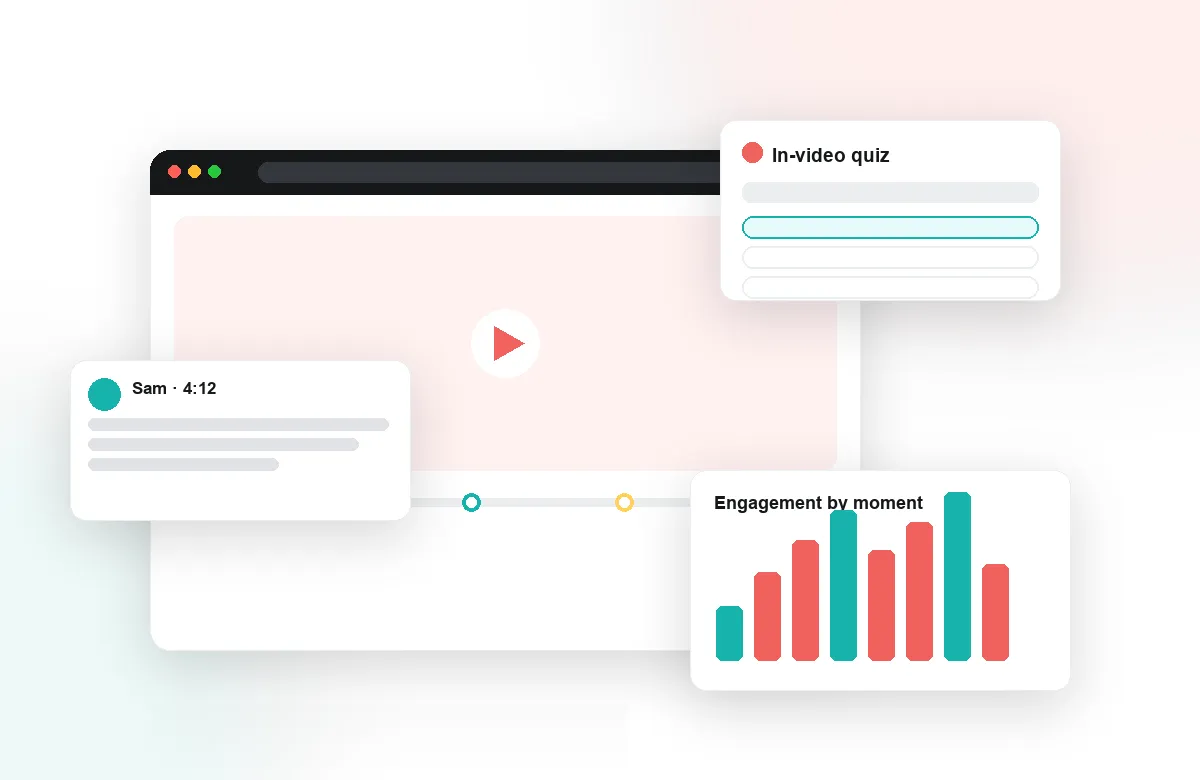
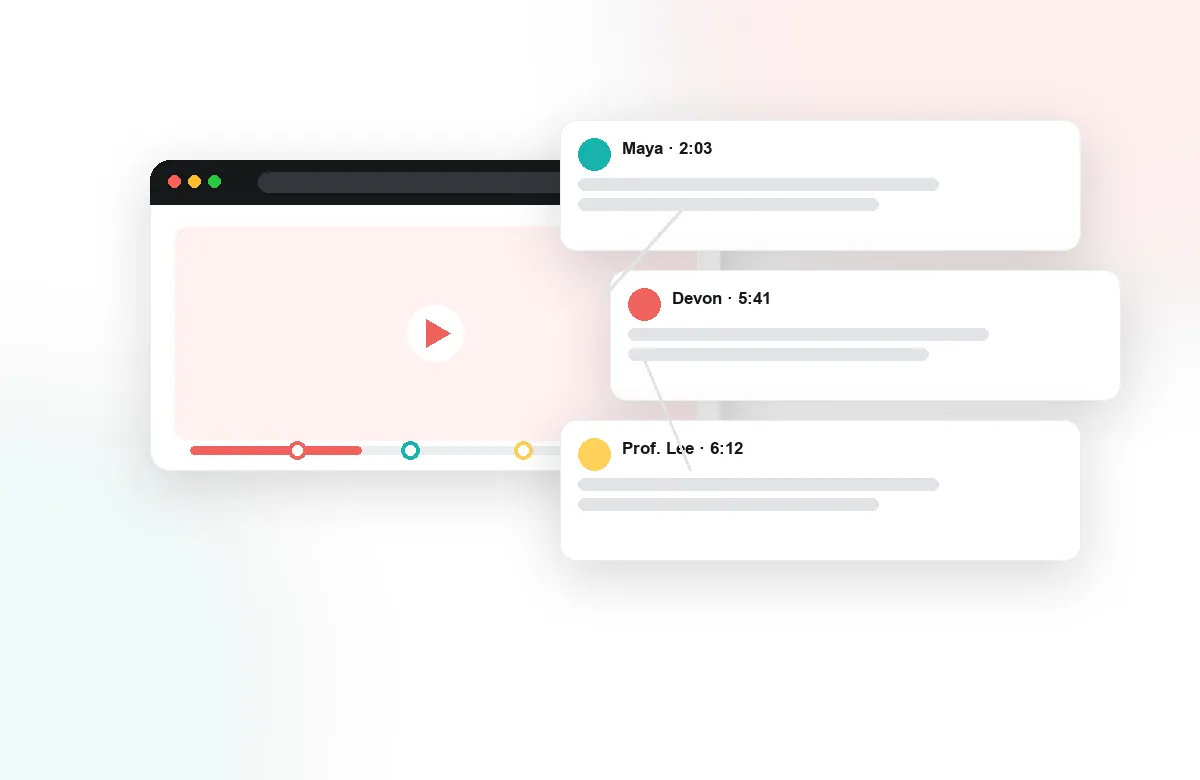
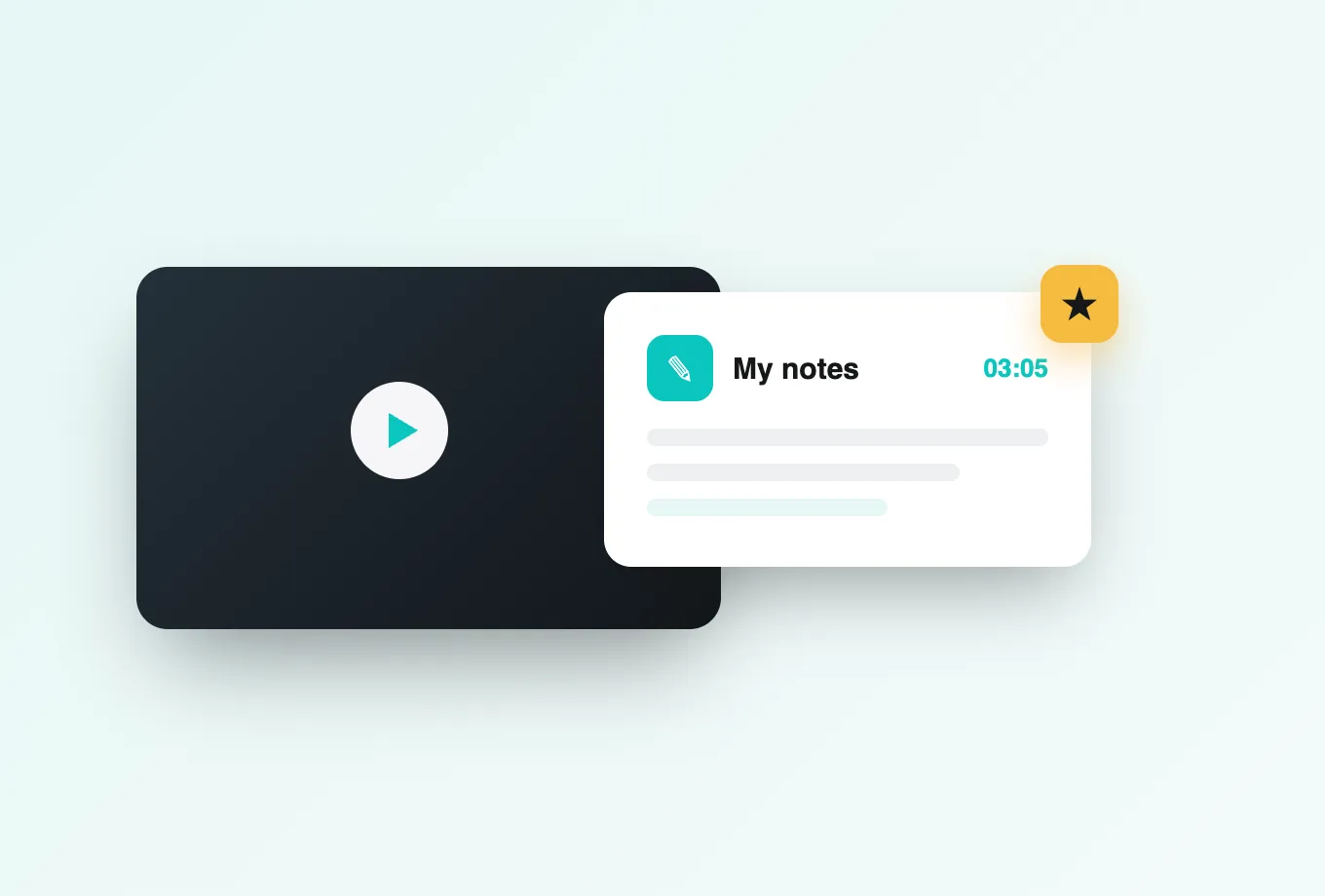
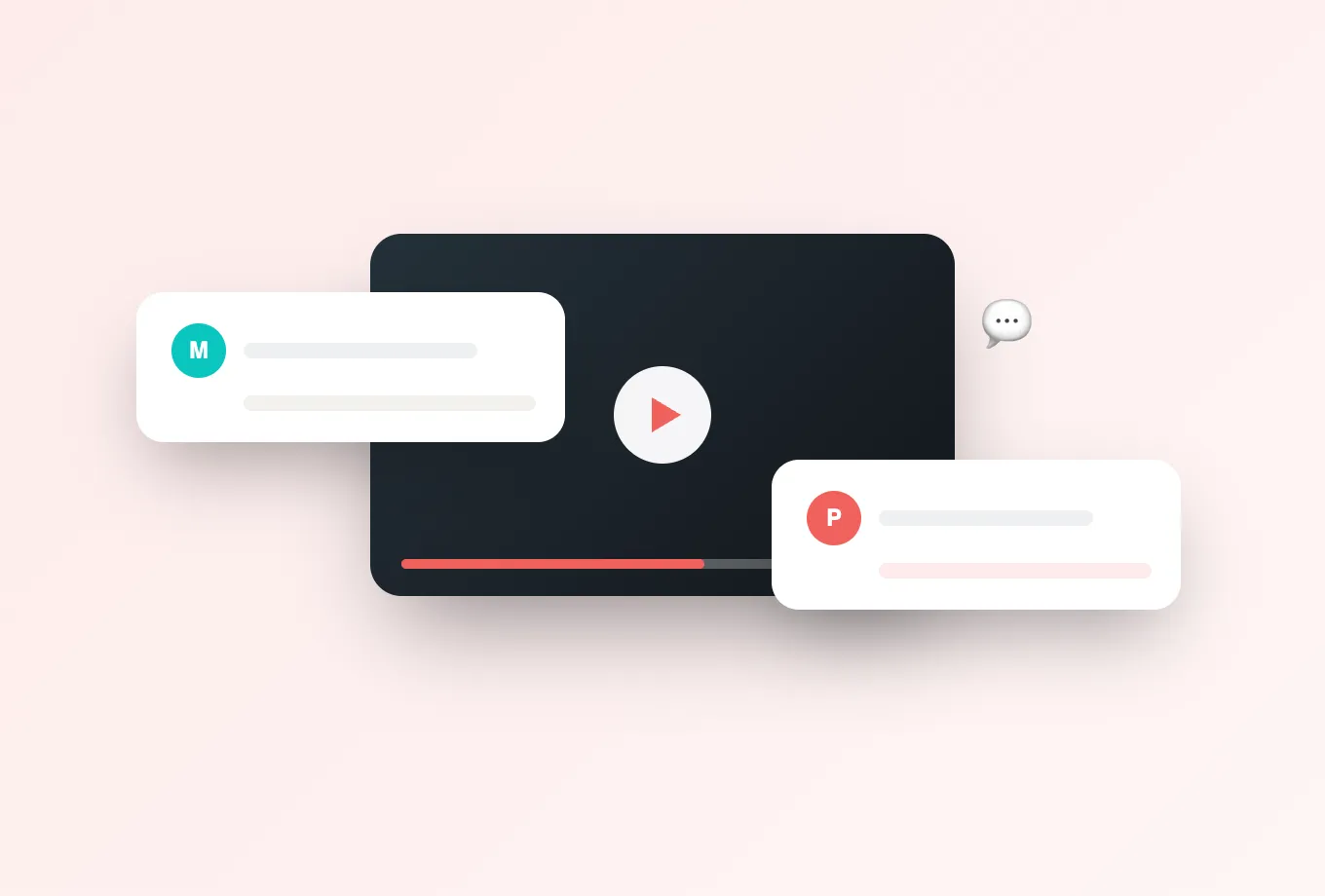
The tour opens where learning happens: inside the player. You will see time-anchored discussions appear at the exact moments students have questions, polls and reactions capturing quick signals mid-lecture, and personal notes with AI summaries turning viewing into study material. Group chat and the activity feed show how a cohort stays connected around the video instead of scattered across email and messaging apps.
Then, the instructor's tools
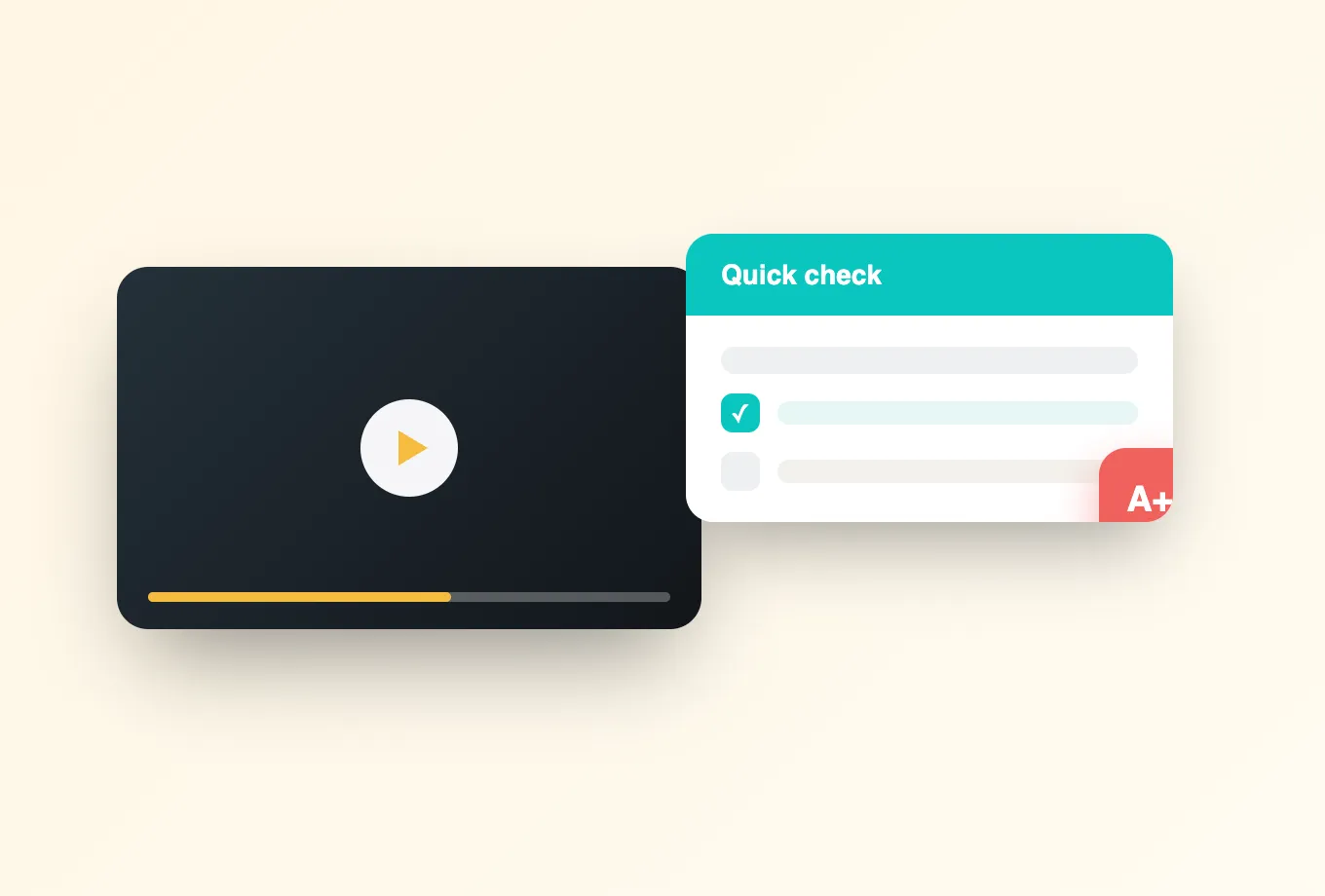
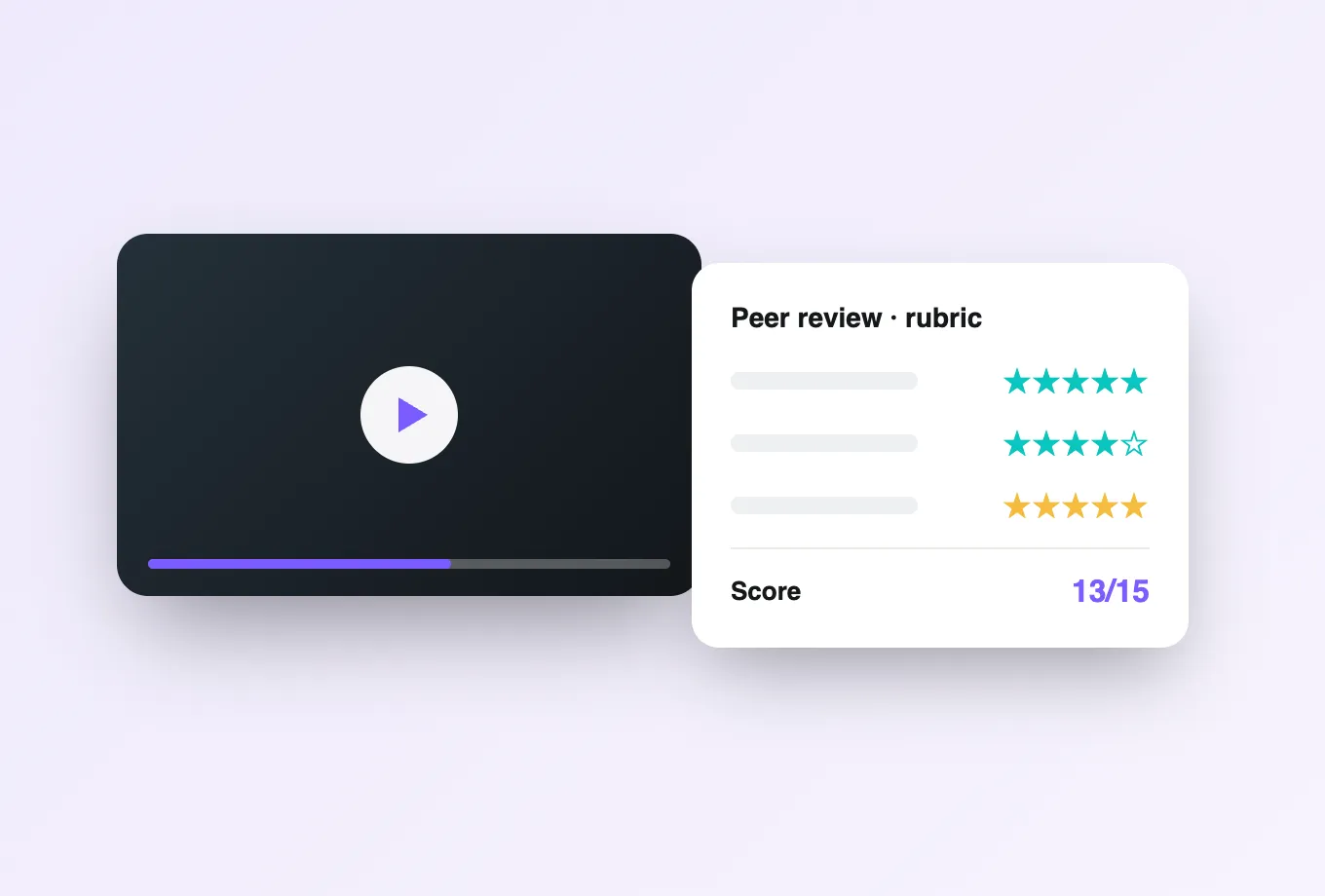
Next, the same video from the teaching side. You will see in-video quizzes and reflection points placed at decisive moments, peer review structured around precise timestamps, and responses flowing through completion and gradebook sync into the LMS gradebook. The tour also shows Lumo, Annoto's education-built AI copilot, drafting quiz questions and surfacing what the class is struggling with — suggestions the instructor always controls.
Finally, the institutional picture
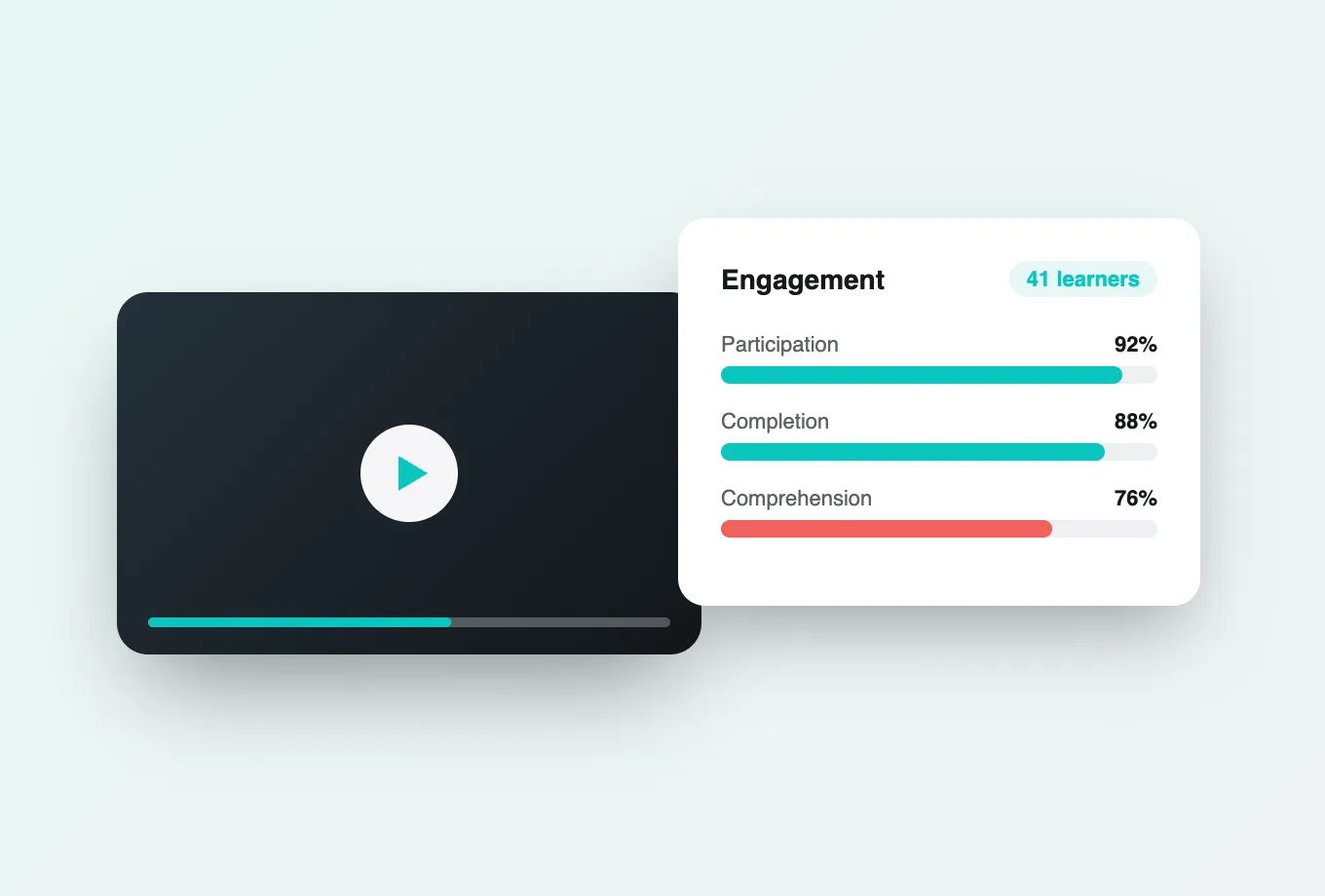
The tour closes with evidence: attention and comprehension analytics revealing how the course was actually watched and understood, and analytics export feeding institutional reporting. You will also see how the whole experience runs inside Canvas, Moodle, Blackboard, Brightspace, or Open edX via LTI 1.3, on top of Kaltura, Panopto, Wistia, YouTube, or Vimeo — no separate logins, no re-hosted media.
The tour takes just a few minutes, and every screen in it comes from the real product used by institutions worldwide. When you finish, you will know whether Annoto fits how your courses actually teach — and if you want to go deeper, technical documentation lives at docs.annoto.net, and our team is happy to run a live walkthrough using your own course video, your LMS, and the questions your faculty will ask.
Details worth slowing down for
A few moments in the tour repay close attention. Notice how the discussion sits beside the player rather than on top of it — conversation never covers the content, and a thread opens exactly where its timestamp lives, so context arrives without scrubbing. Watch what happens when playback reaches a quiz: the pause, the answer, the immediate feedback, and the resume all happen inside the player, with no page reload and no detour to another tool. And keep an eye on how little the student has to do before their first contribution — no account creation, no profile setup — because that absence of friction is what the adoption numbers later in the tour depend on.
What moderation looks like at scale
The instructor segment is worth watching with a specific worry in mind: does this create more work for me? The tour answers it concretely. The activity feed sorts what needs attention from what the class has already handled, so an instructor's daily pass takes minutes and starts with the threads that matter. Replying at a timestamp answers every student who hits that moment afterward, which is why questions stop repeating. When a comment needs a decision — a misconception worth a public correction, a thread drifting off course — the moderation controls are one click away from the conversation itself, not buried in an admin panel elsewhere.
How to watch the analytics segment
When the tour reaches the data, resist the instinct to admire the charts and instead ask what you would do with them. The attention view shows where a cohort skipped, lingered, and rewatched; the useful question is which of your own videos you would inspect first. The comprehension view ties quiz outcomes to the moments that taught the material; the useful question is who on your team would act on a weak segment, and when. If the person who would act is a program director rather than an instructor, note the export path — everything on screen can leave as CSV or through the API for whatever analysis your institution prefers.
Turning the tour into your evaluation
The tour works well as a shared starting point for a selection process. A common pattern: circulate it to the evaluation group before a live session, with each role assigned its own segment — faculty watch the learner and instructor portions, the LMS team watches the integration moments, institutional research watches the analytics. Everyone arrives with questions grounded in the same walkthrough, and the live demo can spend its time on your courses instead of a generic pitch. The strongest follow-up question institutions ask is also the simplest: show us this exact flow in our LMS, on our video platform — which is precisely the demo offered at the end of the tour.
Who should watch it besides you
If you only forward the tour to one colleague, choose the skeptic. The person convinced video engagement tools create busywork tends to change their assessment at the moderation segment; the person worried about another system to maintain tends to change theirs when the LMS does all the account work. Decisions move faster when the objections have seen the answers.