Safe, Guided Video Learning For Every Classroom
Give teachers visibility into how students watch, and give students a moderated, in-context space to ask and answer.
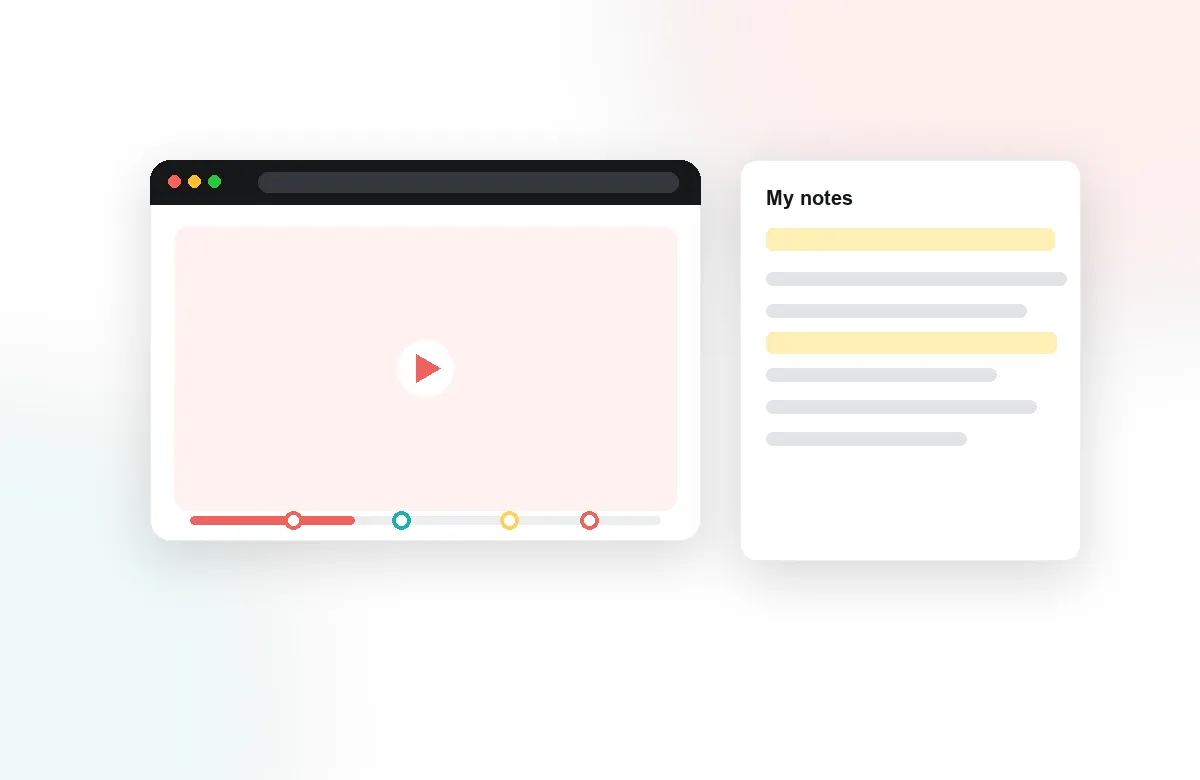
Learn more: Safe, guided video discussion for school classrooms
Safe, Guided Video Discussion for School Classrooms
Video is everywhere in K-12 — flipped lessons, science demonstrations, recorded read-alouds, exam review — but for teachers it usually means losing sight of students the moment they press play. The questions parents and principals ask are the same everywhere: is it safe, is it supervised, and is anyone actually learning from it? Annoto brings viewing back into the classroom conversation, with the safety controls and teacher visibility that younger learners require.
A Moderated Space Teachers Control
Every discussion in Annoto lives inside the school's LMS, tied to real student identities — no public comment sections, no external accounts. Teachers moderate what appears, guide conversations with prompts placed at specific moments in the video, and keep the space classroom-appropriate by design. Comment threads stay visible to the teacher across every video in the course. Students learn to discuss ideas in context, which is digital citizenship practiced rather than preached.
See Who Watched, and Who Understood
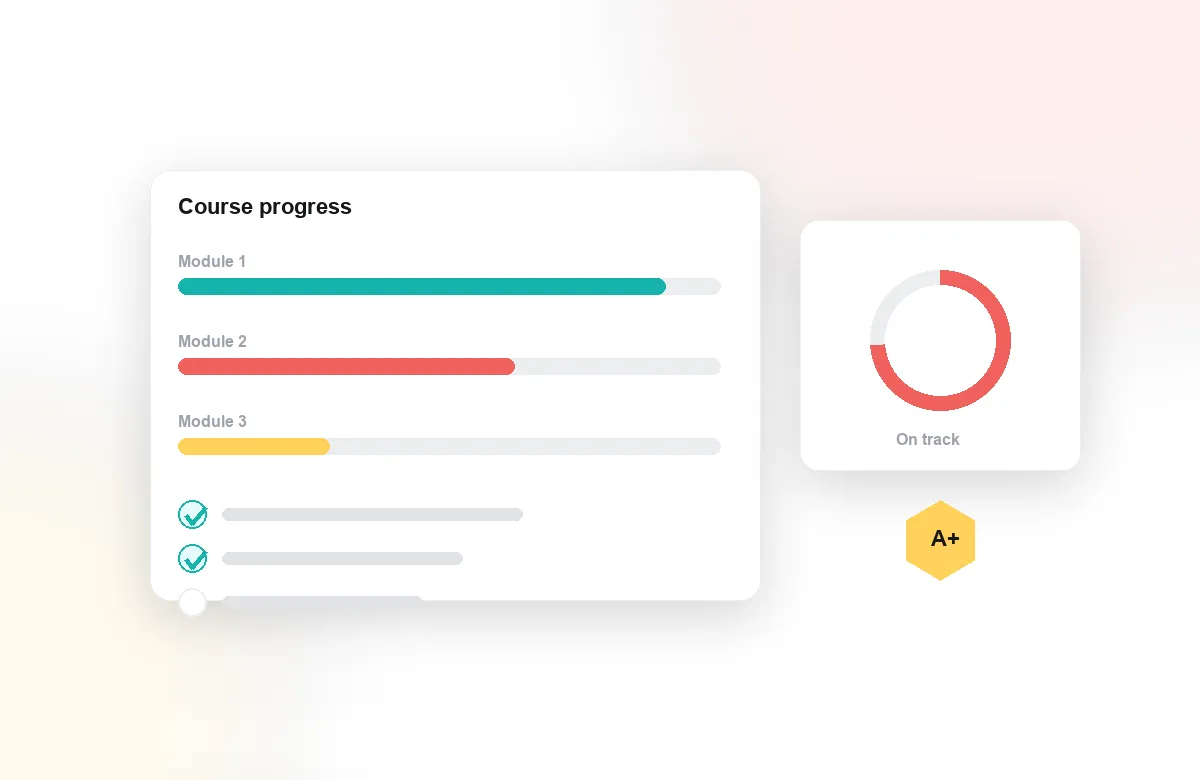
Completion tracking shows which students actually watched the flipped lesson before class, and attention analytics show where they stopped. In-video quizzes and polls check understanding at the moment a concept lands, with results synced to the gradebook automatically. Reflection points prompt students to put ideas into their own words. Instead of asking "did you watch it?", teachers walk in knowing who needs help and with what.
Works With What Your District Already Uses
Annoto deploys once through LTI 1.3 into Canvas, Moodle, Blackboard, Brightspace, or Open edX — or a lightweight API where there is no LMS — and works on top of the video sources schools rely on, including YouTube, Vimeo, and Kaltura. There is nothing for students to install and no new password to forget — it appears inside the lesson, in the player they already know. District IT keeps central control over settings, moderation, and data.
Institutions worldwide use Annoto to make video learning active and visible. For schools, the shift is simple: homework video stops being a guess about what happened at home and becomes a shared, supervised space where every student can ask, answer, and be seen — including the ones who never raise a hand in class.
A Weekly Flipped-Lesson Routine That Sticks
The teachers who get the most from Annoto build a repeatable rhythm. Before assigning a video, they drop two or three prompts at the moments that matter — a prediction question before the demonstration, a check after the tricky step. Students watch at home and respond in the timeline; the next morning, the teacher opens class by pulling up the discussion and the quiz results rather than re-teaching from the start. Five minutes of scanning replaces a night of wondering, and class time goes to the exact spots where answers went wrong.
Every Learner at Their Own Pace
A recorded lesson can be paused, replayed, and slowed down — an advantage worth protecting for language learners and students who process at different speeds. Written comments give thinking time that live discussion never allows: a student can draft an answer, read what classmates wrote, and revise before posting. A teacher who sees a question appear at the exact moment of confusion can answer it that evening, before a small gap hardens into a failed unit. Notes with AI summaries turn a long lesson into study material students reread.
What to Tell Parents About Screen Time
Screen time worries fade when watching stops being passive. When a guardian asks what their child is doing with all that video, a teacher can point to something concrete: questions asked at minute four, a quiz passed at minute nine, a reflection written in the student's own words. Activity is tied to the school account and stays inside the LMS, so nothing a child writes is exposed to a public platform. That is a different conversation than defending an hour of unsupervised YouTube.
Starting Small: One Class, One Unit
A district rollout can begin with a single teacher. Pick one unit with existing videos, add three prompts per video, and run it for two weeks — enough to see whether discussion and completion change. The pattern that works then travels: department heads share the prompt sets that produced the best conversations, and the district enables the same setup across schools from one LTI configuration. Setup guides for teachers and district IT live at docs.annoto.net.