Our Features
Every Feature, Built For Active Learning
One layer, every way to engage. Everything your instructors and L&D teams need, on the video you already use.
One layer, every way to engage. Everything your instructors and L&D teams need, on the video you already use.
These are the tools you toggle in the Annoto dashboard. Turn on exactly what each site, course, or video needs, and nothing it doesn't.
Threaded discussions where every comment is pinned to a moment in the video, keeping the conversation in context.
A private notebook for time-tagged notes, so learners can capture thoughts and reflect as they watch.
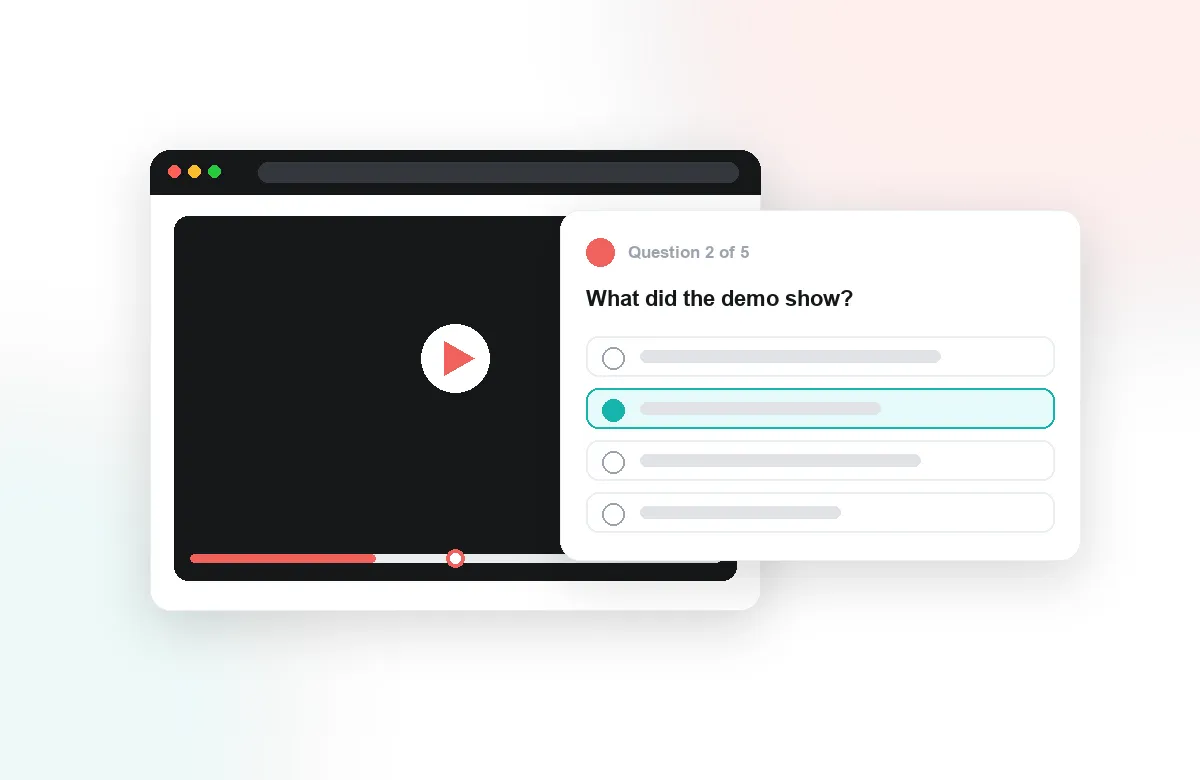
Flexible in-video questions: yes/no, multiple choice, and multiple answer, with scoring, constraints, and feedback.
Prevent skipping ahead, so learners watch the full video before they can move on.
Fully customizable criteria for formative, peer, and automated assessment, covering assignments, rubrics, learner-generated content, and completion.
AI at every step: content creation, grading, personalized insights, and learner support.
Let users reply with a webcam recording or screen capture for richer, face-to-face responses.
Pause the video at chosen moments and prompt learners to stop and reflect on what they've just seen.
Real-time presence of participants: see who's online, search, network, and @-mention peers in comments.
One-on-one chat between course participants, built on top of the People feature.
Learners submit their own recorded or uploaded media for skill assessment and peer review.
Moderate every comment with simple approval or a managed Q&A flow before it appears in the thread.
Let learners post individual comments anonymously; only moderators can see who wrote them.
Achievement badges, like an educator thumbs-up, that recognize contributions and encourage participation.
Learners follow discussions and get email alerts on replies and @-mentions.
Lightweight emoji reactions on the video to lift engagement and gather quick feedback.
Core insight into learner activity and engagement across your video.
Let moderators export and download the analytics data straight from the dashboard.
Advanced video-consumption insight: completion, watch time, and attention heat-maps.
A personal feed of activity across threads and courses, with search and quick jump-to-content.
Track exactly what each learner watched, confirm when a video is fully viewed, and mark the activity complete in your LMS.
Annoto is a single interaction layer that sits on top of the video player your institution already uses — Kaltura, Panopto, Wistia, YouTube, or Vimeo — inside Canvas, Moodle, Blackboard, Brightspace, or Open edX through LTI 1.3, with LTI 1.1 still supported for older setups — or embedded directly with a lightweight API where there is no LMS. Nothing about your course changes: the videos stay where they are, enrollment comes from the LMS, and grades flow back to the gradebook you already run. What changes is that the video stops being a broadcast and starts behaving like a room the class is actually in. The four capability groups on this page are not separate products; they share one timeline and one roster, which is why each makes the others more useful.
Time-anchored discussion is the foundation. A comment, a question, or a group chat message attaches to the exact second it refers to, so a student asking about a proof at 12:47 gets an answer in context rather than in a forum thread three clicks away. Reactions, private notes, and the activity feed keep lighter forms of participation visible, and peer review lets students critique each other's work with the same moment-level precision, whether the source video comes from the campus media library or a public channel.
In-video quizzes, polls, and reflection points interrupt passive watching at the moments you choose. Because they live on the same timeline as the discussion, an instructor can place a checkpoint right after the concept students argued about last term. The same mechanism serves graded checkpoints and quick pulse checks. Results sync to the LMS gradebook automatically, and completion tracking shows who actually watched rather than who clicked play.
Attention and comprehension analytics read across everything above: where the class rewatched, where they dropped off, which quiz questions failed, which discussions caught fire. Comprehension is inferred from performance, not self-report. Instructors see it per video and per learner; programs export it by CSV or API for their own reporting. The point is not dashboards for their own sake — it is knowing which ten minutes of a two-hour lecture need to be re-recorded.
Lumo is purpose-built for education rather than adapted from a general chatbot. It summarizes long discussion threads, turns learner notes into study material, and helps instructors spot the questions worth answering personally. Because it draws on the same timeline data as everything else, its output stays grounded in what the class actually said and watched.
A typical week: students watch the assigned lecture, pause at two reflection points, and answer a short embedded quiz that lands in the gradebook. Along the way they leave questions where confusion hits; classmates and the instructor reply at those timestamps. Before the live session, the instructor skims Lumo's summary and the attention heatmap, then spends class time on the one segment the data flagged. That rhythm is what institutions worldwide use Annoto for, and the docs at docs.annoto.net cover how each piece is configured.
From flipped classrooms to corporate onboarding, video is how you teach. Annoto fits how you already run it.
Assign videos to watch and discuss before class, and see who's ready.
Get learners discussing your video lectures instead of scrolling past them.
Measure skills against criteria you define, inside the video itself.
Keep large, open-enrollment cohorts engaged with in-video discussion at any scale.
See who actually watched and understood, not just who pressed play.
Keep fast-paced cohorts aligned with shared video discussion between sessions.
Carry the same discussion thread from the classroom into every recorded lecture.
Attach quick checks and comments to short lessons learners actually finish.
Drop Annoto onto any video in your LMS or portal, with no migration.
Learners comment, answer, and reflect right on the timeline.
See attention and comprehension in real time.
Start with a free pilot and roll out across every team.
Book A DemoEvery engagement, assessment, and analytics capability has its own page.
Side-by-side with the tools institutions usually weigh against Annoto, plus practical guides to choosing and running them.