Works With The Players You Already Run
The SDK overlays HTML5, Kaltura, Panopto, Brightcove, YouTube, Vimeo, and custom players.
Works with any video host →HTML5KalturaPanoptoBrightcoveYouTubeVimeoCustom Players
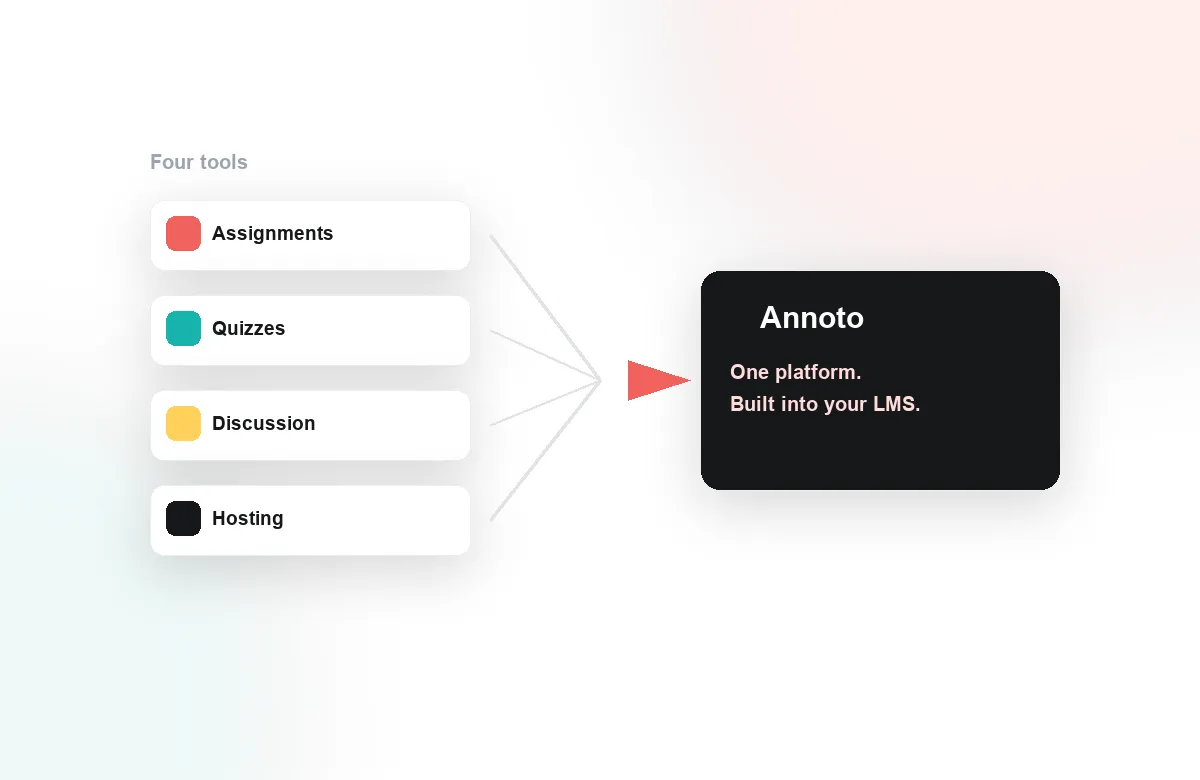
A lightweight JavaScript SDK and REST API to embed the Annoto layer, sync identities, and stream interaction data wherever you need it.
Annoto is designed to be embedded, extended, and integrated. Whether you are adding in-video collaboration to a custom learning platform, wiring engagement data into your analytics warehouse, or automating course workflows, the developer surface you get is the same one Annoto's own integrations are built on, and it is documented in full at docs.annoto.net. The integration points are conventional by design: a JavaScript SDK, a REST API, and event webhooks. If you have embedded a modern player or analytics library, the shape will be familiar.
The Annoto SDK attaches the engagement layer, including time-anchored discussions, in-video quizzes, polls and reactions, and notes with AI summaries, to the video players teams actually ship: Kaltura, Panopto, Wistia, YouTube, and Vimeo. Initialization is a small amount of JavaScript, configuration is declarative, and the layer adapts to your player's dimensions and lifecycle instead of demanding its own.
The API exposes engagement and analytics data, from comments and quiz results to completion and attention metrics, for export and reporting, alongside CSV export for less technical consumers. Webhooks push events to your systems as they happen, so notification tooling, dashboards, and internal integrations stay current without polling. Together they make Annoto a data source rather than a data silo. Everything your admins can export from the interface is available programmatically as well.
docs.annoto.net covers the practical path end to end: SDK setup per player, authentication, LTI 1.3 deployment for Canvas, Moodle, Blackboard, Brightspace, and Open edX, API reference, and webhook payloads. Working examples are included throughout, because the goal is a working integration on your platform, not a reading assignment. Most teams get a first working embed running in a development environment within a day.
This is the same foundation that carries Annoto in production across institutions worldwide, so the paths you build on are already proven at scale, under real course loads and real semester peaks. Start at docs.annoto.net, and if your use case pushes past what is documented, the team behind the platform is reachable and used to talking to engineers.
A few recipes cover most of what engineering teams ask for. The first is a scheduled pull of comments, quiz results, and attention metrics into a warehouse, joining video engagement to the rest of the learner record. The second is event-driven course logic: a webhook fires when a learner finishes a quiz or crosses a completion threshold, and your platform unlocks the next unit or notifies a mentor. The third is the white-label embed, where the engagement layer runs inside a custom portal and inherits its look.
Learners authenticate against your platform, not against a second account store. The SDK accepts the user identity your application already holds, so a comment is attributed to the same profile the rest of your product shows, and roles decide who moderates, who posts, and who reads. That mapping pays off downstream as well: records returned by the API are keyed to identifiers you issued, which keeps joins in your reporting stack simple and keeps duplicate user management out of your architecture.
Because the layer loads alongside your player rather than being compiled into it, picking up improvements does not require a client release, and player upgrades on your side rarely touch the integration. Teams typically keep separate development and production configurations, verify new course templates in staging, and let semester traffic run on settings that have not changed since launch. When something does need attention, the event stream and the API give you an observable surface to debug against rather than a black box.
Embed and control the widget, listen to events, and theme it to match your brand.
Query interactions, comments, and analytics, or push content programmatically.
Real-time event delivery, plus JWT and SAML single sign-on so users arrive already signed in.
The SDK overlays HTML5, Kaltura, Panopto, Brightcove, YouTube, Vimeo, and custom players.
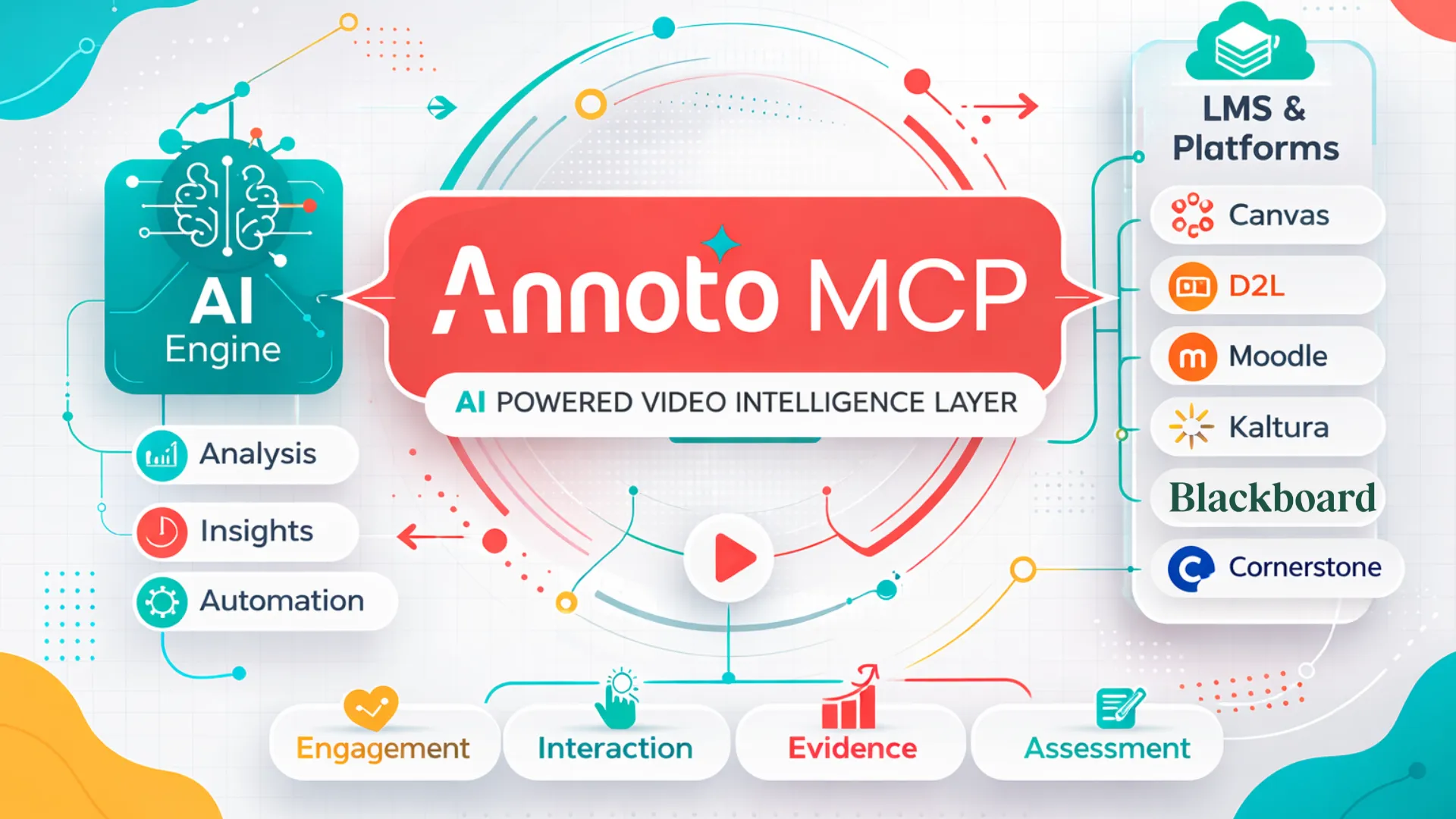
Works with any video host →Annoto MCP connects Annoto's AI engine (for analysis, insights, and automation) to the platforms you already use, including Canvas, D2L, Moodle, Kaltura, Blackboard, and Cornerstone. It brings engagement, interaction, evidence, and assessment from your videos into the tools your team already works in.
Grab a sandbox key and have the Annoto layer running in minutes.