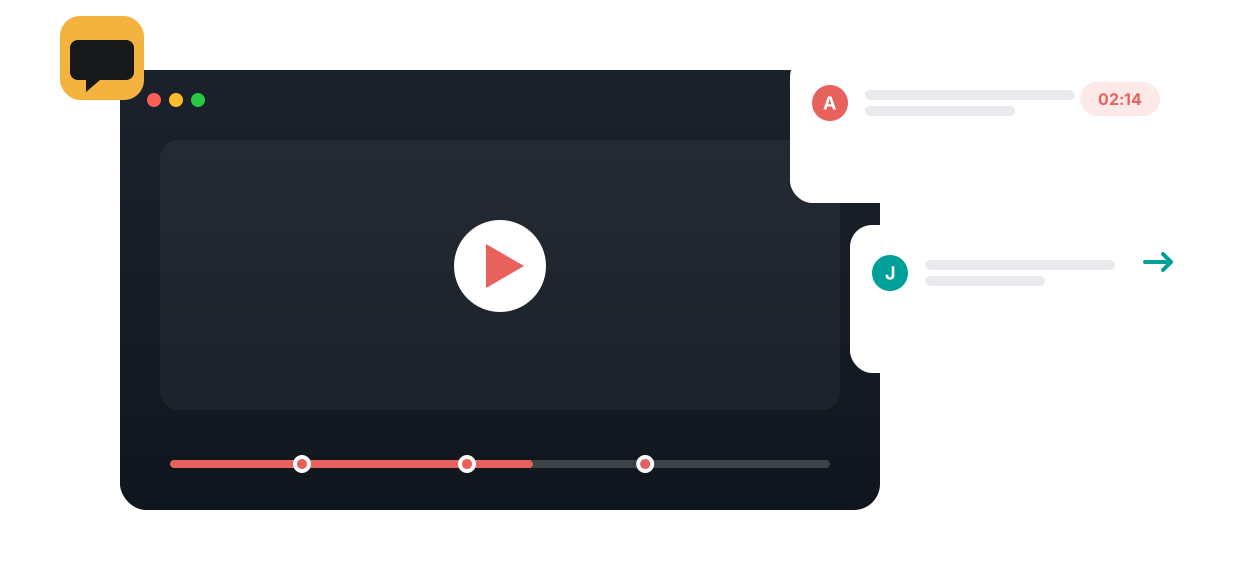
Keep questions, ideas, and peer learning inside the video — time-stamped, context-aware, and measured. No leaving for a separate forum.
Normally learners leave the video to discuss it somewhere else, and the conversation loses its context. Annoto keeps discussion on top of the video, anchored to the moment it's about — in every direction: instructor to learner, learner to instructor, and peer to peer.
Steer attention as they watch — pose questions at key moments, simplify or translate, highlight what matters, and add resources right on the timeline.
Learners watch before class and ask questions in context. You review what was raised ahead of time and plan class around it.
Read the guide →Introductions, questions, and peer replies — in text or video — expose learners to new perspectives and let them teach each other.
Run instructor-designed activities in the video: async practice during class, game-like challenges, or an exit-slip reflection.
Collect work two ways — posted in the shared Comments Space, or completed privately in Personal Notes and exported to submit.
Ask questions that invite varied answers, not yes/no. Prompts like 'so far' and 'until this moment' keep viewers on their toes.
The Annoto Analytics & Insights Dashboard tracks participation, engagement, completion, and discussion across a video and across the whole course — so you get the signal without moderating in real time.
See Analytics & Insights →
“Watching videos can be a lonely experience. Using Annoto made the students become active and reflect on the material.”
See how time-anchored discussion turns any course video into an active, social learning space — inside your LMS.