Edpuzzle Alternatives in 2026: Interactive Video Tools for Teachers Compared
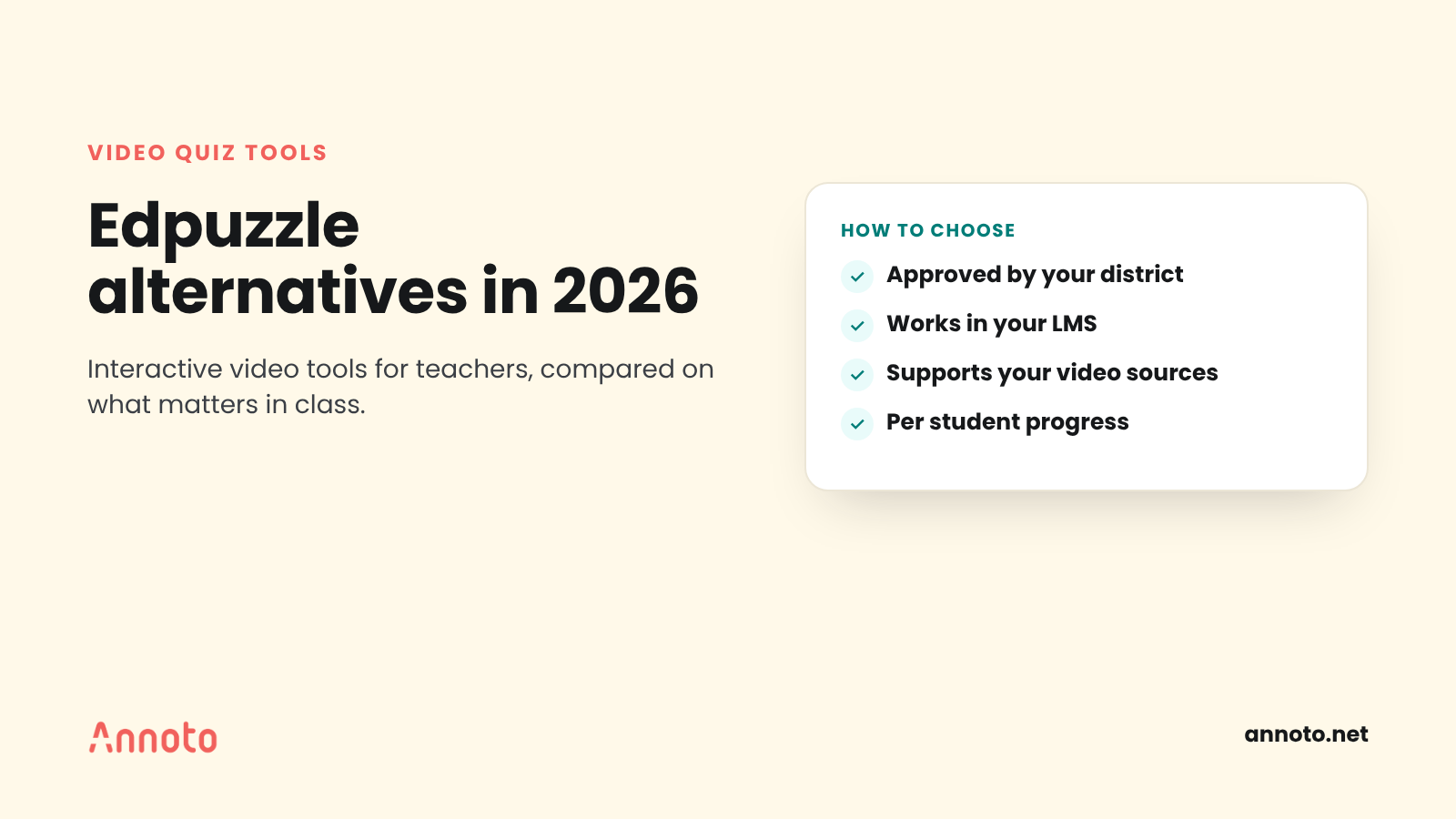
The main Edpuzzle alternatives in 2026 are Google Classroom's interactive YouTube questions, Wayground (the platform formerly called Quizizz), PlayPosit from WeVideo, the video quiz tools built into your LMS, and interactive layers such as Annoto. Each adds questions to video and reports results, but they differ in video sources, LMS fit, licensing, and how much discussion they support.
Why are teachers looking for Edpuzzle alternatives?
Most teachers looking for Edpuzzle alternatives are not unhappy with the idea of a video quiz. They want a better fit with what their school already uses. Common reasons include a district standardizing on one platform, wanting video work to live inside the LMS gradebook, needing more discussion around video, or wanting one tool that covers quizzes, slides, and video together.
Edpuzzle itself remains a strong baseline. Its help article on holding students accountable describes a prevent skipping setting, a dashboard showing how much of the video each student watched and when they submitted, per question results, and an automatic pause when a student leaves the browser tab. Its LMS help section covers Google Classroom, Microsoft Teams, Canvas, Schoology, Moodle, Blackboard, D2L Brightspace, Clever, ClassLink and others.
So the useful question is not "what is better than Edpuzzle?" but "which interactive video tool fits our classrooms and systems?"
Which interactive video tools for teachers should you compare?
Here is a short profile of each option, limited to features each vendor documents on its own site.
Google Classroom interactive YouTube questions
Google Classroom lets teachers add questions to YouTube videos and assign them as classwork. Google's overview of interactive questions for YouTube videos lists the feature for Google Workspace for Education Plus and the Teaching and Learning Upgrade, and says administrators must turn on YouTube for teachers.
Google's setup guide describes:
- Multiple choice, checkbox, and open ended questions
- Start and end times so you can assign just part of a video
- AI suggested questions for certain English language videos, available to teachers designated as over 18
- Questions that can only be edited before the activity is attached to an assignment
Best fit: schools already on a qualifying Workspace edition that use YouTube content and want everything inside Classroom.
Wayground (formerly Quizizz)
Quizizz is now Wayground. The company's own page, From Quizizz to Wayground, explains that the name reflects its growth from a quiz tool into a broader supplemental learning platform, and that accounts, classes, resources, and LMS integrations carry over. THE Journal reported the rebrand in June 2025.
Its interactive videos page describes:
- Videos from its library, a YouTube link, a YouTube search, or your own uploaded files
- Question types including multiple choice, fill in the blank, hotspot, and drag and drop
- AI generated questions for uploaded videos
- Real time reporting on student performance
Best fit: teachers who already use Wayground for quizzes and want video in the same library.
PlayPosit (WeVideo)
PlayPosit is an interactive video tool owned by WeVideo, and its interactive videos are called "bulbs." WeVideo's post on the WeVideo and PlayPosit integration describes building a video in WeVideo or using one from a URL such as YouTube or Vimeo, adding questions, assigning it, and tracking progress through analytics.
Its LTI app listing names auto scored assessments, discussions, polls, and branching, with Canvas, Blackboard, D2L, Moodle, Sakai, and Schoology support. PlayPosit's Canvas help article explains that grades pass back to the Canvas gradebook when a bulb is linked as an assignment.
Best fit: schools that also use WeVideo for student video creation, or that want branching and discussion in the same tool.
Your LMS's native video quiz tools
Many LMS video tools already include quizzes, so check what you have before buying anything. For example, Instructure documents per student Canvas Studio video quiz results, including attempts, grade, time spent, and each answer. Kaltura video quizzes, as described on the University of Wisconsin's video quiz guide, offer per student and per question reports, with caveats about reporting delay and gradebook sync.
Best fit: districts that want no extra vendor to approve and are happy with basic question types.
Interactive layers such as Annoto
Another approach is an interactive layer that sits on top of the video player you already use. Annoto adds in video quizzes, time stamped comments and discussion, polls, and private notes to videos hosted on platforms such as YouTube, Vimeo, and Kaltura, and runs inside Canvas, Moodle, Schoology, Brightspace and other LMSs through LTI. Teachers see watch progress and quiz results per student in its analytics, and scores can sync to the LMS gradebook.
Best fit: schools that want discussion and quizzes on the same timeline, inside the LMS. For a point by point view, see our Annoto vs Edpuzzle comparison.
How do Edpuzzle alternatives differ for video quiz tools?
The differences that matter most in practice are not the question types, which overlap a lot. They are:
- Video sources. YouTube only, uploads, a built in library, or any host your school uses.
- Where students work. Inside Google Classroom, inside the LMS, or on the vendor's own site.
- Licensing. Google's feature depends on your Workspace edition; LMS tools depend on your existing contract.
- Interaction beyond quizzes. Some tools add discussion, polls, or branching; others focus on questions only.
- Grade flow. Whether scores pass back to the gradebook automatically, and under what conditions.
Pricing changes often and varies by district agreement, so confirm it directly with each vendor rather than relying on a comparison article.
How do you choose the right interactive video tool?
Use this checklist with your team or technology coordinator before you commit:
- Is it already approved? Check your district's list of vetted apps and data privacy agreements first.
- Does it work with your LMS or Classroom? Confirm single sign on, roster sync, and gradebook passback.
- Does it support your video sources? YouTube, district hosted video, teacher recordings.
- Can you see per student progress? Look for watch progress and per question results, not just class averages.
- Can students do more than answer? Consider whether you want discussion, reflection, or peer interaction on the video.
- How does it handle AI? If it drafts questions, make sure teachers can review and edit them before students see them.
- Is it accessible? Ask about captions, keyboard navigation, and WCAG conformance.
- What is the setup cost in teacher time? Try building one real lesson in each finalist.
Our guide to video comprehension checks has ideas for what to put in those questions once you have picked a tool.
Key takeaways
- Edpuzzle remains a solid baseline with skip prevention, per student progress, and broad LMS support.
- Google Classroom's interactive YouTube questions require Education Plus or the Teaching and Learning Upgrade.
- Quizizz is now Wayground, and its interactive video tool supports YouTube and uploaded videos.
- PlayPosit, owned by WeVideo, adds discussions, polls, and branching through LTI.
- Check your LMS's built in video quiz tool and your district's approved list before adding a new vendor.
Frequently asked questions
Is there a free alternative to Edpuzzle?
Your existing LMS or video platform may already include video quizzes at no extra cost, so check there first. Pricing for standalone tools changes often, so confirm current plans directly with each vendor.
Can Google Classroom add questions to YouTube videos?
Yes, with interactive questions for YouTube videos. Google lists the feature for Google Workspace for Education Plus and the Teaching and Learning Upgrade, and an administrator must turn on YouTube for teachers.
Is Quizizz the same as Wayground?
Yes. Quizizz renamed itself Wayground in 2025. According to the company, accounts, classes, resources, and LMS integrations carried over to the new name.
What should I look for in a video quiz tool for K-12?
Look for district approval, LMS or Classroom integration, per student progress, and support for the video sources you use. Also check accessibility and whether teachers can review any AI generated questions before assigning them.
If you want quizzes, discussion, and analytics on the same video timeline inside your LMS, see how Annoto works for K-12 schools.
