Turn Every Case Discussion Into A Cohort Conversation
Turn case videos, pitch recordings, and cohort sessions into discussion, feedback, and insight, inside the LMS, CMS, or any site your program already runs.
Learn more: Bring the case method to video
Bring the Case Method to Video
The case method works because students commit to positions and defend them under pressure. The moment programs go online or hybrid, that dynamic tends to dissolve into solitary video watching: students skim the case film, arrive uncommitted, and discussion starts cold. Annoto restores the method by making the video itself the discussion room — before, during, and after class.
Case Discussion Anchored to the Moment
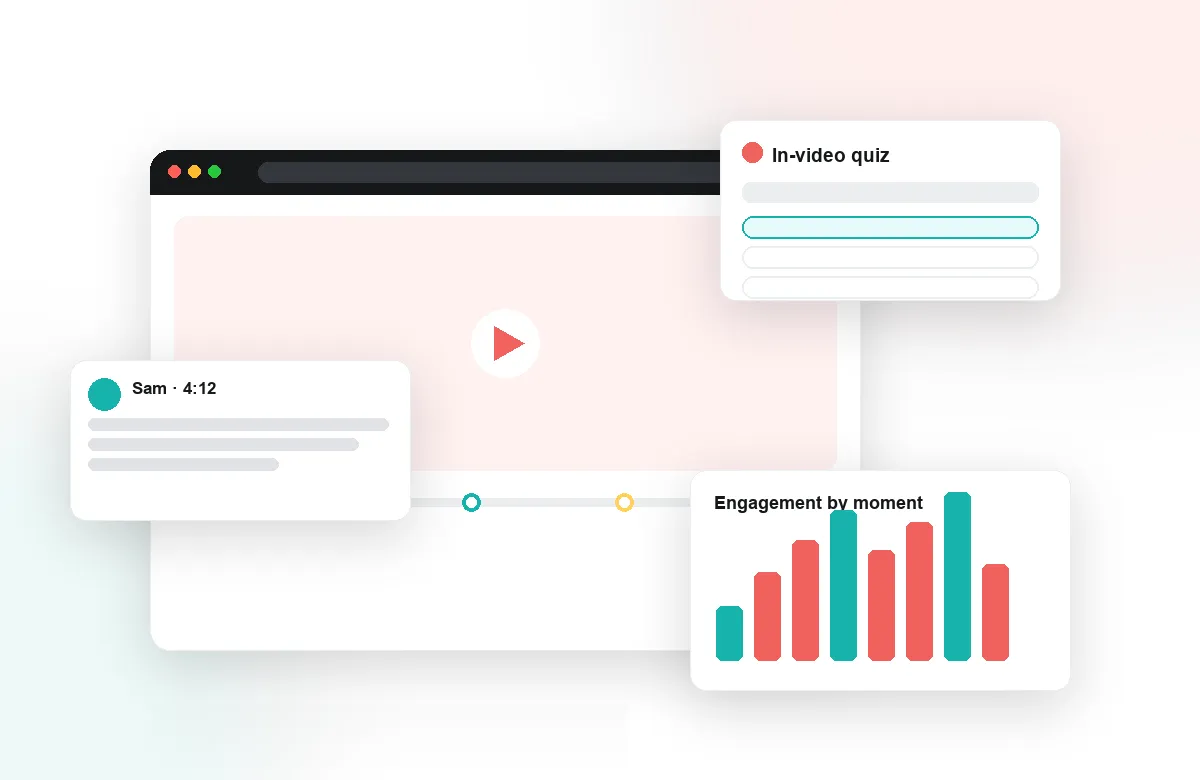
Students annotate case videos, executive interviews, and recorded lectures with time-anchored comments: challenging an assumption at 08:15, defending a pricing decision at 22:40. Faculty seed the debate with polls that force a stance — acquire or partner, raise or hold — before revealing what the company actually did. Threads persist, so each cohort inherits the sharpest exchanges of the last. By the time the class meets, everyone has already argued in the margins.
Cold-Call-Ready Preparation, Verified
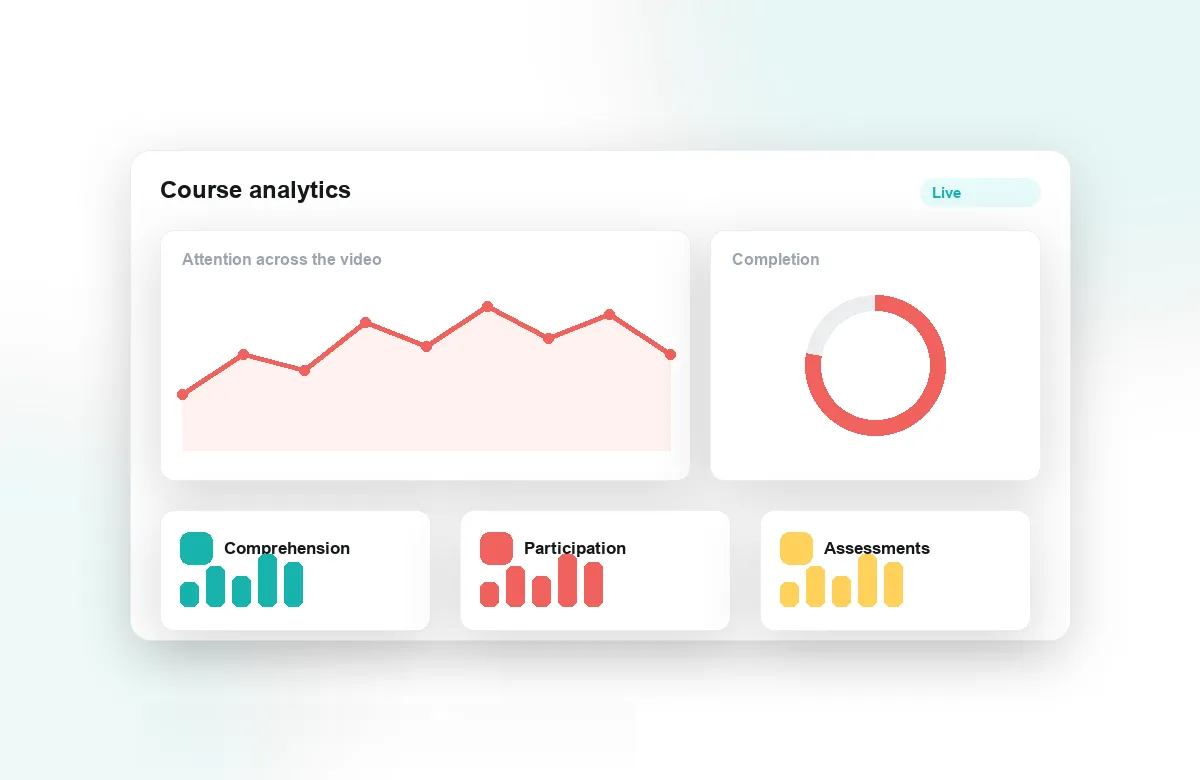
Reflection points require students to state their recommendation in their own words mid-case; in-video quizzes confirm they can apply the framework, not just recite it. Completion tracking and gradebook sync show faculty exactly who prepared, which restores the accountability the case method depends on. Attention analytics reveal which sections of a case students labored over — often the best possible signal for where class time should go. Sessions start at the debate, not at the summary.
Peer Review for Pitches and Presentations
Recorded pitch decks, capstone presentations, and team videos become structured assignments with Annoto's peer review: classmates give timestamped feedback on the argument, the numbers, and the delivery, and learn as much from critiquing as from presenting. Structured prompts keep feedback specific and professional. Group chat gives project teams a workspace attached to their own footage, and notes with AI summaries capture what each review surfaced.
Annoto runs inside Canvas, Moodle, Blackboard, Brightspace, and Open edX through LTI 1.3, on top of Kaltura, Panopto, Wistia, YouTube, and Vimeo, with deployment guides at docs.annoto.net. Institutions worldwide use it to keep discussion at the center of teaching. For business schools, that means the signature experience of the program survives the move online — and leaves data behind.
A Weekly Cadence That Produces Better Cold Calls
A case week has a rhythm worth designing deliberately: release the case film early, close the stance poll two days before class, and read the threads the night before the session. AI summaries condense hundreds of comments into the handful of positions actually in play, so the instructor walks in knowing where the room stands. The sharpest disagreement in the margins also answers the oldest cold-call question — whom to call first. The student who defended a contrarian valuation in a comment thread gets the opening question, and knows the instructor read it. Preparation becomes visible in both directions.
Executive and Part-Time Formats Without Compromise
EMBA and part-time cohorts are scattered across time zones, employers, and workweeks, which makes synchronous debate a scarce resource. The asynchronous layer carries the argument between residencies: a finance director in one country challenges an operations lead in another on the same timestamp, at hours no scheduler could reconcile. Faculty who drop into the threads two or three times a week keep the standard high without adding a single meeting — and the professional experience in these cohorts, once written down at specific moments, becomes course material in its own right.
Coaching Delivery, Not Just Content
In pitch courses the real constraint is faculty review time across dozens of recordings. Timestamped comments tied to a rubric make each pass faster and more useful: a pacing problem, a buried ask, or an unsupported number gets named at the second it happens rather than in a paragraph afterward. When students re-record, the second take can be reviewed against the first comment by comment, which turns delivery coaching into a visible improvement loop instead of a one-off grade.
What Program Directors Can See
Directors comparing sections and formats get a consistent read on engagement across the program, and analytics export by CSV or API feeds curriculum review and assurance-of-learning reporting with evidence rather than anecdote. The same data shows which cases still provoke genuine argument and which have gone flat — a practical basis for the case refresh cycle every program means to run and rarely gets data for.