Deploy In Minutes. Govern With Confidence.
Annoto connects to Canvas, Moodle, Blackboard, or Brightspace through a single LTI 1.3 integration. No new player or login, and no data outside the controls you already run.
Learn more: One LTI 1.3 deployment, every course covered
One LTI 1.3 Deployment, Every Course Covered
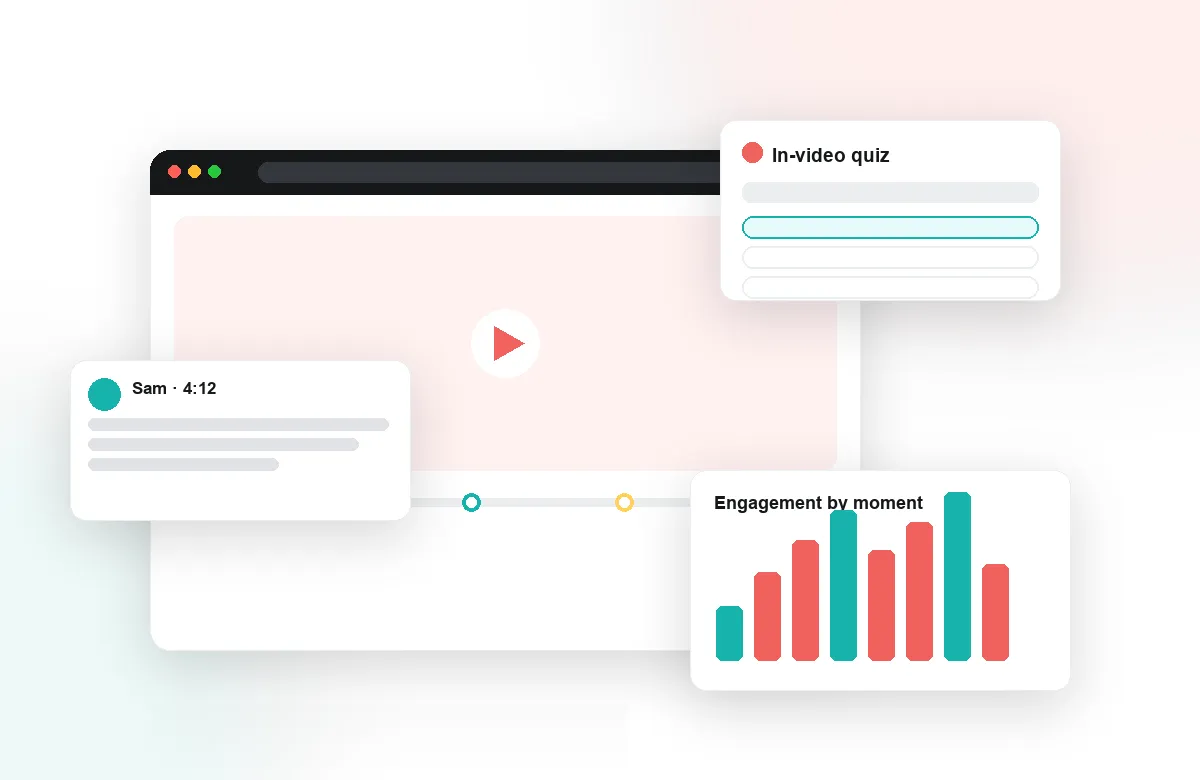
Annoto is built to be the straightforward ticket in your queue. It deploys once through LTI 1.3, inherits authentication from your LMS session, and adds an in-video collaboration layer to every course without touching your video pipeline. There are no browser extensions to support, no separate accounts to provision, and no content to migrate.
Works With the Stack You Already Run
Annoto integrates with Canvas, Moodle, Blackboard, Brightspace, and Open edX via LTI 1.3, and sits on top of Kaltura, Panopto, Wistia, YouTube, and Vimeo, so instructors keep the players and workflows they know. Sign-in flows through the LMS, meaning SSO behaves exactly as your identity configuration already dictates. Grades from in-video quizzes return through standard gradebook sync, keeping the official record in the system your registrar already trusts.
Governance You Can Actually Enforce
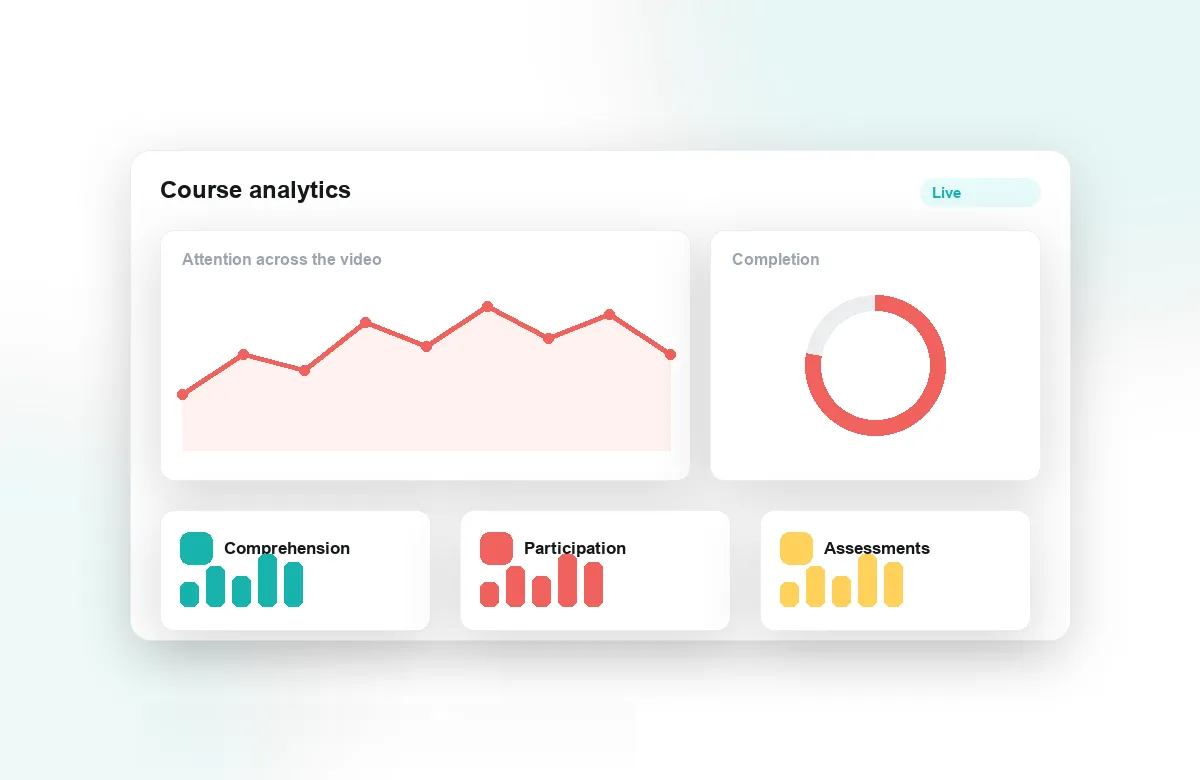
You decide where Annoto appears and how it behaves. Moderation controls, role-based permissions, and course-level defaults let you match departmental policies instead of fighting them. Analytics export gives institutional data teams the engagement numbers they ask for without handing out admin consoles, and the activity feed keeps instructors informed inside their own courses. When a faculty wants discussions off and quizzes on, that is a setting, not a support project.
Rollouts That Do Not Become Ticket Storms
Most deployments start with a scoped pilot in one sub-account or faculty, then expand once the configuration is proven. Because Annoto renders inside the video player students already use, there is no training rollout to coordinate and little for the help desk to absorb. Step-by-step deployment guides for each LMS live at docs.annoto.net, alongside integration references your team can review before anything touches production.
Institutions worldwide run Annoto on infrastructure their IT teams manage, from single-campus Moodle instances to multi-tenant Canvas environments. If you own the LMS, you can evaluate Annoto in a sandbox course this week and know precisely what a full rollout involves before you commit to one — with your existing SSO, your existing video platforms, and no change to the student login flow.
What the Semester Lifecycle Looks Like
Admin effort clusters at term boundaries, so it helps that course rollover is uneventful. When a course shell is copied for a new term, the tool placement copies with it — instructors do not re-request anything, and the new section starts clean while the old one keeps its record. At term end, nothing needs decommissioning: completed courses retain their interaction history for as long as institutional policy says they should, and retirement of old content follows the same schedule you already apply to the LMS itself. One less system with its own calendar is exactly the goal.
Triage Before Escalation
The few tickets that do arrive tend to sort quickly. A video showing no interaction layer is almost always a placement or embed question; a user seeing the wrong permissions is a role-mapping question answered by checking what the LMS sent in the launch. Reproducing an issue in the sandbox course you kept from the pilot settles most reports in minutes, and when something does need escalation, a course ID, a timestamp, and the affected role are usually all the vendor side needs to trace it.
Updates Without a Maintenance Calendar
Annoto is operated as a service, so version upgrades never appear in your change calendar and no plugin packages wait for a patch window. What deserves your attention instead is configuration drift: a quick periodic review of placements, defaults, and who holds elevated roles keeps the deployment matching policy as departments come and go. Changes worth communicating to faculty are the feature-level ones, and those can be previewed in the sandbox before anyone announces anything.
Answering Data Requests Without a Vendor Ticket
When the registrar, a department head, or a records request needs interaction data, the export path is self-service: scoped CSV or API extracts under your control, delivered in a format your data team can process. Departing instructors are handled by your directory as usual, and their course contributions remain with the course, where academic records expect them to be. The point is autonomy — routine requests should never queue behind a vendor's support desk.