Turn Every Clinical Video Into Active Practice
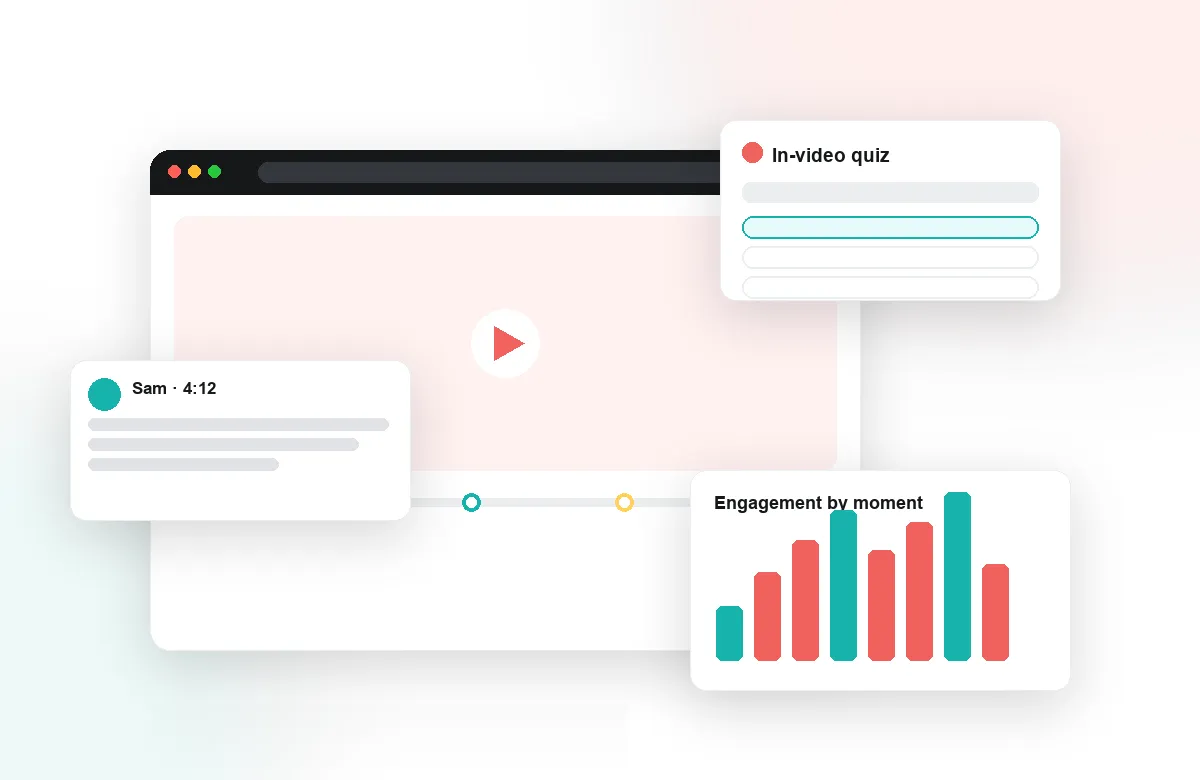
From skills lab demonstrations to OSCE recordings, Annoto adds time-stamped feedback, peer review, and comprehension checks, right inside the LMS, CMS, or wherever your nursing program already hosts video.
Learn more: What nursing programs do with Annoto
What Nursing Programs Do With Annoto
Clinical judgment is built by watching, questioning, and reflecting — long before it is tested at the bedside. Nursing programs run on video: skills demonstrations, simulation recordings, patient scenarios. Faculty time is scarce and cohorts are large, so the tooling has to scale attention rather than demand more of it. Annoto adds the layer those videos are missing: a place to ask about the exact step, check understanding mid-procedure, and reflect on performance with faculty guidance.
Clinical Skills Demos That Invite Questions
On a sterile-technique or medication-administration video, the difference between step four and step five matters. Time-anchored discussion lets students ask at the precise moment of doubt — and lets faculty answer once, visibly, for the whole cohort and every cohort after. Polls surface misconceptions — which step comes next? — before they harden into habits, and in-video quizzes verify the critical steps before students ever enter the skills lab, so lab time goes to practice rather than re-teaching.
OSCE Preparation With Structured Review
Preparing for objective structured clinical examinations means rehearsing encounters until the sequence is second nature. Students review recorded simulated-patient scenarios with reflection points that pause them at decision moments: what would you assess next, and why? Peer review on practice recordings lets students give each other timestamped feedback on communication and technique, building the evaluative eye the exam itself demands.
Reflective Practice on Video
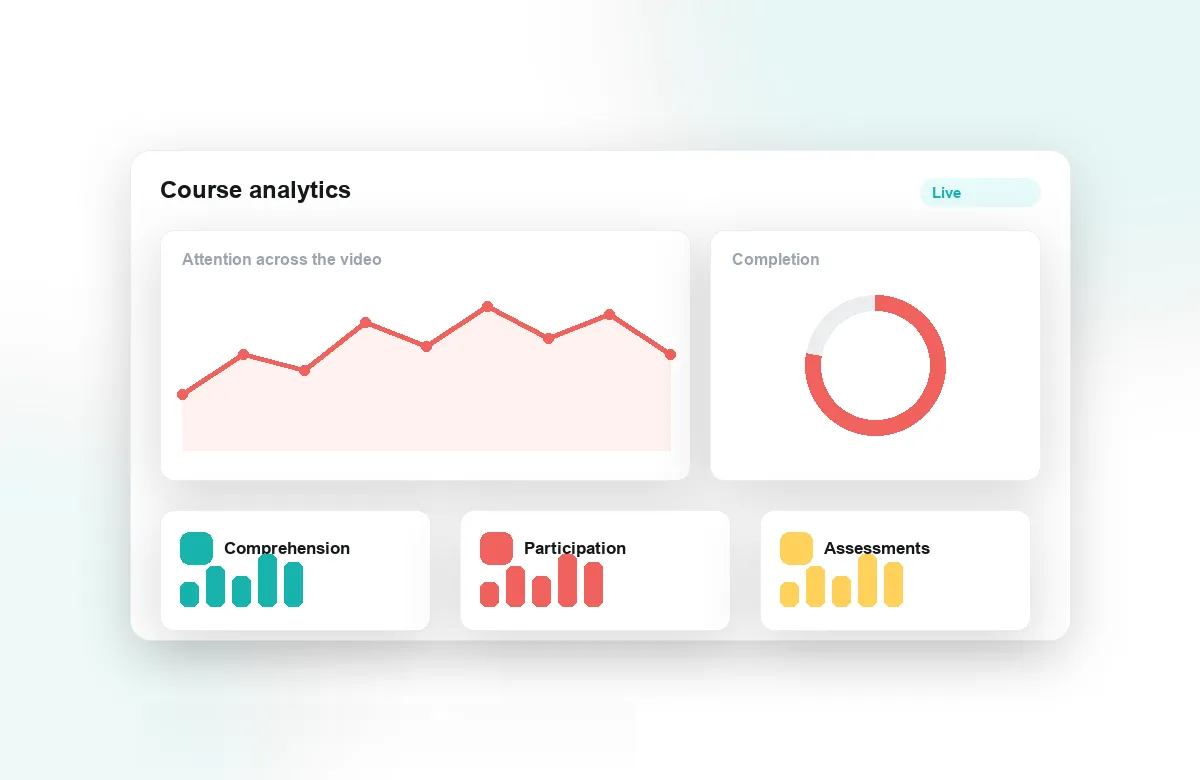
Simulation debriefs are where experience becomes learning. With Annoto, students annotate their own recorded simulations, faculty attach guidance to specific moments, and notes with AI summaries capture the debrief for later review. Attention and comprehension analytics show faculty which procedures the class re-watches and where understanding breaks down — the map for what to reinforce before clinical placement.
Annoto works inside Canvas, Moodle, Blackboard, Brightspace, and Open edX via LTI 1.3 and on top of Kaltura, Panopto, Wistia, YouTube, and Vimeo, with completion and gradebook sync keeping records straight. Institutions worldwide use it to make video learning active. For nursing programs, it means students arrive at clinicals having already asked their questions — and had them answered.
Building a Skills Module Week by Week
Most programs start with one high-stakes course — pharmacology calculations, fundamentals of care — rather than the whole curriculum. Faculty keep the recordings they already have, add quiz checkpoints at the steps where errors are dangerous, and set a completion threshold that gates the associated lab session. The videos do not change; what students do with them does. After a term, the module structure is copied forward: same checkpoints, refreshed questions, and a discussion layer that already contains last cohort's answered questions.
Running Accelerated and Distance Cohorts
Accelerated BSN and RN-to-BSN pathways mix students with very different baselines and very little shared schedule. Group chat gives each clinical group its own space around the same scenario recording, while the activity feed lets course leads and teaching assistants see at a glance which questions are still unanswered and which threads need faculty judgment rather than a peer reply. Moderation becomes a divisible job instead of one instructor's evening, and weekly seminars can open from what the cohort actually found difficult rather than a guess.
From Viewing Records to Readiness Evidence
Completion tells you a student pressed play; comprehension analytics tell you whether the cohort is ready. A re-watch spike on a dosage-calculation segment is a remediation flag worth acting on before checkoff day, not after. Programs that need documentation of systematic evaluation for self-study reports can export the underlying data by CSV or API and fold it into their own dashboards, keeping the evidence in the program's hands and its own format. Because every signal is tied to a timestamp, remediation can be surgical: a fifteen-minute review of one segment instead of a blanket re-lecture.
Bringing Clinical Faculty Into the Loop
Adjunct clinical instructors and preceptors teach across sites and shifts, and rarely share a timetable with campus faculty. Timestamped guidance lets them contribute asynchronously: a working nurse can leave a comment on the exact moment a student's assessment went off sequence, whenever their shift allows. Students then arrive at placement carrying an annotated record of their own simulations — and the habit of treating feedback as something attached to specific actions, not general impressions.