Design Assessable Video, Not Just Watchable Video
Build in-video quizzes, peer review, and guided watching on the video you already have, with Lumo, Annoto's AI copilot, drafting the first pass for you.
Learn more: Design video lessons learners actually finish
Design Video Lessons Learners Actually Finish
Every course you build leans on video, and every passive video is a design risk: learners watch, drift, and retain little, while you get no signal about any of it. You know the research on active processing; the challenge has always been tooling that lets you apply it at scale. Annoto gives you an interaction layer you can design into the timeline itself — without rebuilding media, changing hosts, or asking faculty to re-record a single minute.
Build Interaction Into the Timeline
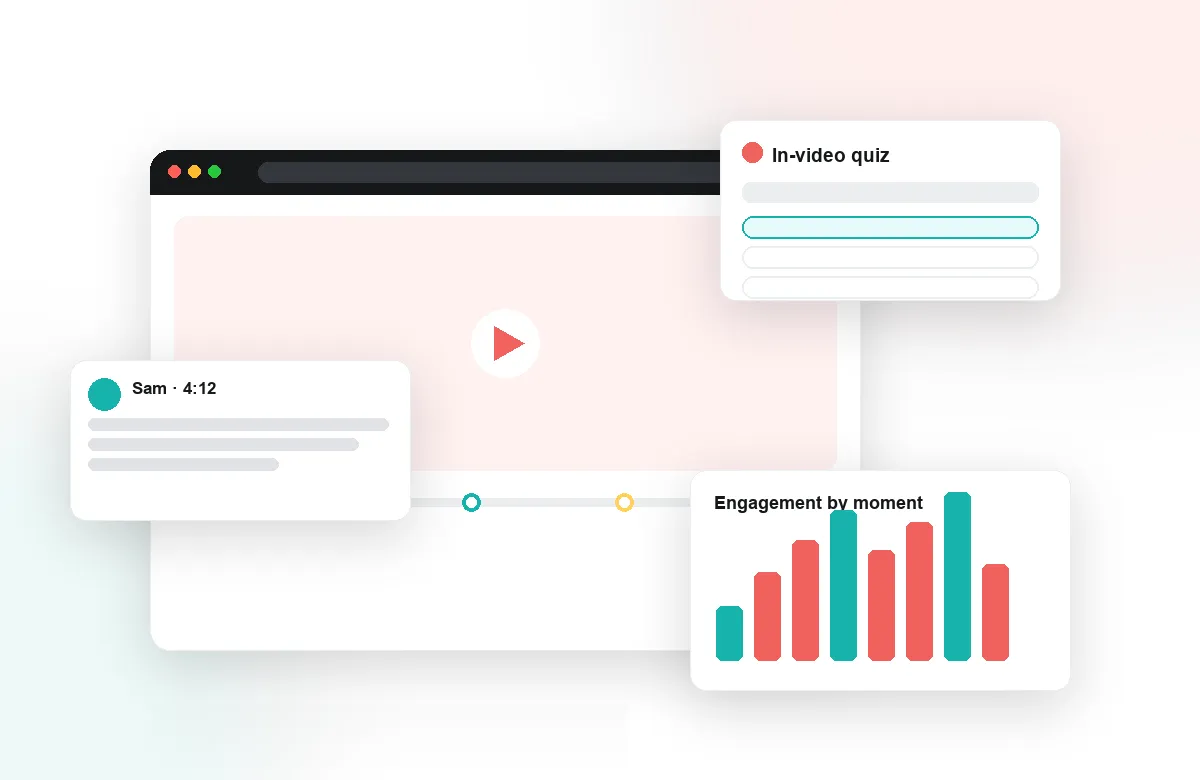
Place in-video quizzes after key concepts, polls at decision moments, and reflection points where you want learners to pause and process. Auto-generated quizzes give you a working draft to refine rather than a blank page. Because Annoto works on top of Kaltura, Panopto, Wistia, YouTube, and Vimeo, you apply these designs to the recordings your institution already owns, including the lecture capture archive nobody wants to touch.
Make Asynchronous Courses Feel Inhabited
Social presence is a design decision. Seed time-anchored discussion prompts at the moments most likely to spark disagreement, structure peer review around recorded student work, and use group chat to give cohorts a shared space. Notes and AI summaries lower the cost of reviewing, and the activity feed shows learners that the course is alive. The result is an asynchronous experience that behaves like a community, not a content archive.
Iterate on Evidence, Not Hunches
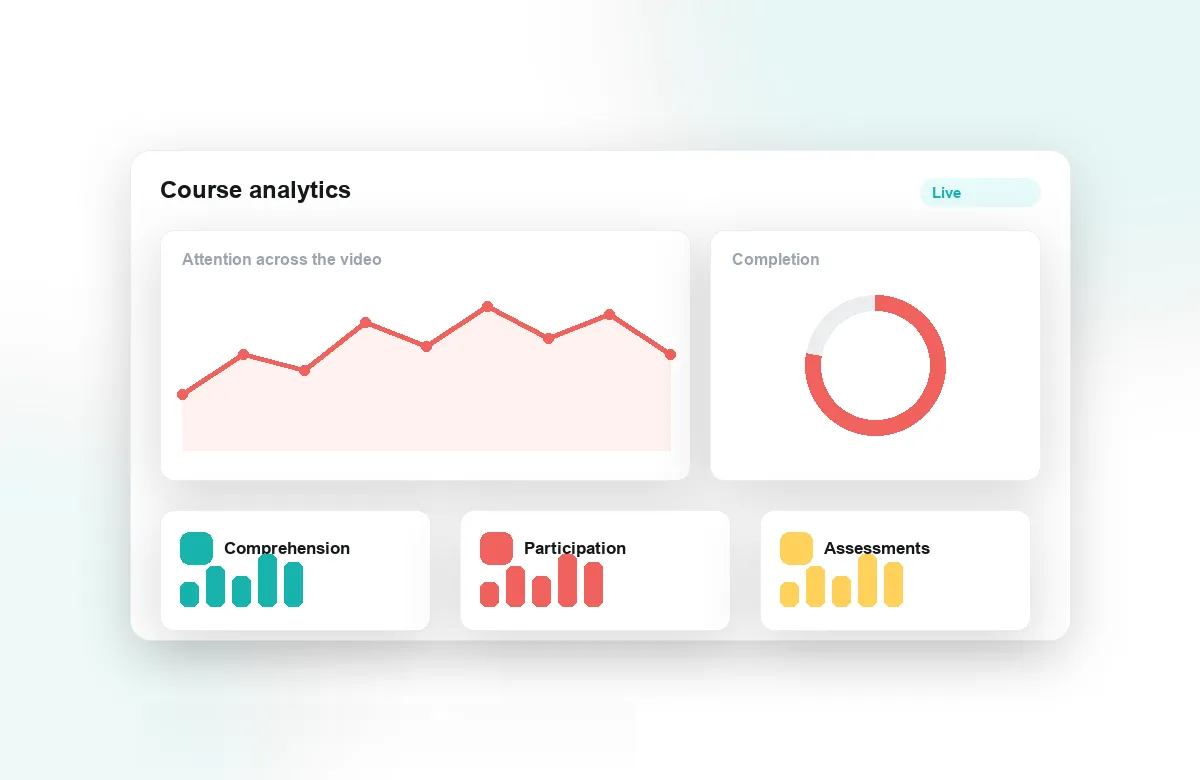
Attention and comprehension analytics show exactly which segments learners re-watch, skip, or abandon — the closest thing course design has to a heat map. Pair that with quiz performance and completion data, export it for deeper analysis, and you can revise the specific three minutes that fail learners instead of guessing at the whole module. Reflection points double as qualitative feedback, telling you how learners are thinking, not just clicking.
Annoto deploys through LTI 1.3 into Canvas, Moodle, Blackboard, Brightspace, and Open edX — or a lightweight API where there is no LMS — with implementation guides at docs.annoto.net. Designers at institutions worldwide use it as their standard interaction layer — one pattern library for engagement that works across every course, program, and video platform they support.
Placement Heuristics That Respect the Learner
Interaction earns attention only when it is placed with intent. A workable rule: one interaction per learning objective, never more than one interruption per three to four minutes of video, and nothing in the first thirty seconds while learners settle in. Put a quiz where the misconception lives, not at round-number intervals. A reflection point belongs after a worked example, when learners have something to reflect with. Over-interrupted video trains people to click through; sparse, purposeful checkpoints train them to expect that every stop matters.
Making Video Count in Assessment
For video to carry assessment weight, the design has to be explicit. Decide what completion means — watched percentage, quiz threshold, or a posted contribution — and let completion and gradebook sync enforce it consistently. Keep in-video checks formative and low-stakes so learners answer honestly, and route summative weight to what the video produces: a submitted performance, a peer review, a defended position in the discussion. That separation keeps the watching experience safe to fail in while the evidence of learning stays rigorous.
Templates Faculty Can Run Without You
The scaling problem in instructional design is always the same: you cannot sit in every course. Codify what works into three or four named recipes — a case walkthrough with a poll at each decision, a lab demo with checks after each step, a guest lecture with seeded discussion prompts — each specifying interaction count, placement logic, and completion criteria. Faculty pick a recipe instead of a philosophy, and your review shrinks to a launch checklist rather than a rebuild.
A Revision Cycle You Can Schedule
Treat each course as an experiment with a review date. After the first cohort, pull the analytics, flag the segments with the steepest drop-off and the questions with the worst scores, and log one design change per module. The next cohort validates it. Two cycles of this produce courses that measurably improve — and a portfolio of before-and-after evidence for your own practice.