Turn Watching Into Participating Without Changing How You Teach
Add in-video discussion, quizzes, and grading to the lecture videos you already assign, inside your LMS, CMS, or wherever those videos already live. No new platform and no workflow to relearn.
Learn more: Teach inside the video, not around it
Teach Inside the Video, Not Around It
You record a lecture, post it, and the questions arrive days later by email, stripped of all context. Annoto moves that exchange into the video itself, so teaching continues while students watch instead of stalling until the next class. Whether you flip your classroom, teach fully online, or simply post recordings after class, the pattern is the same: watching alone is passive, and passive watching is forgettable. Annoto changes it with nothing new to install or learn.
Questions Anchored to the Exact Moment
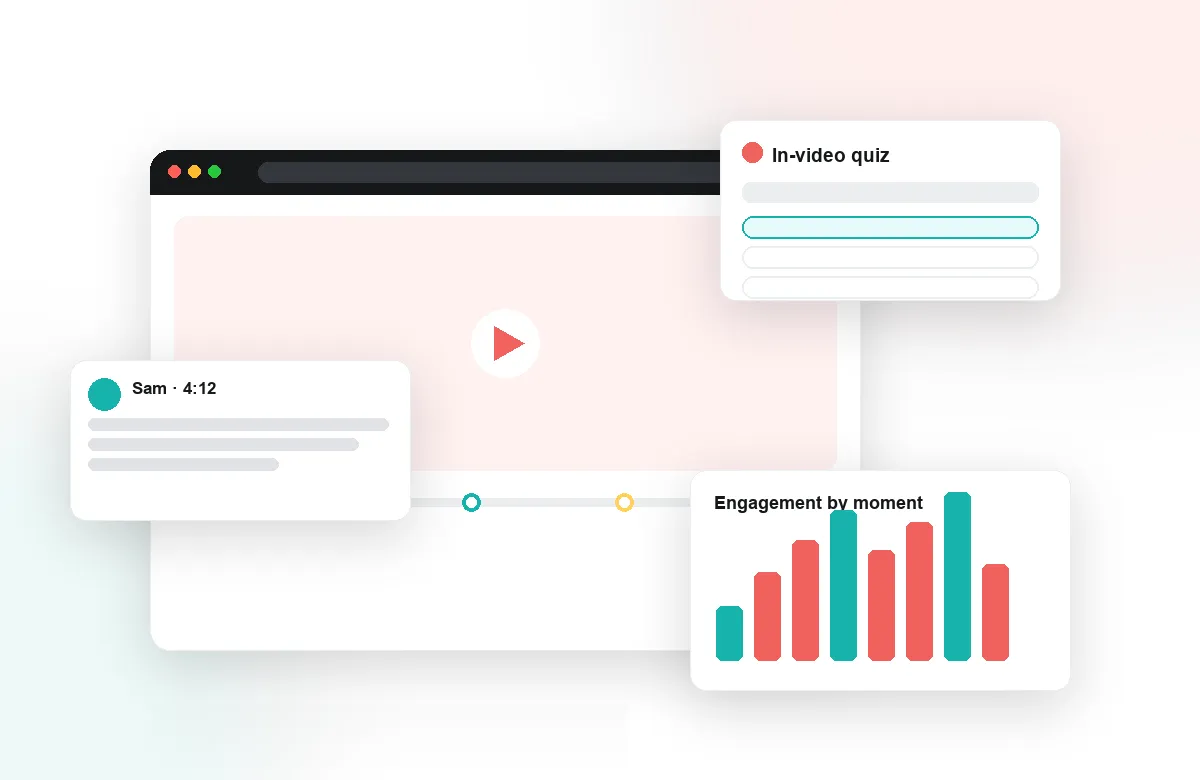
With time-anchored discussions, a student asks at 14:32, not "somewhere in the week 3 lecture." You see precisely what prompted the question, answer once, and every classmate — and every future cohort — benefits from the thread. Group chat and the activity feed keep you aware of what is happening across your course videos without opening each one, so office-hours energy goes where it is needed.
Checks for Understanding While They Watch
Drop an in-video quiz after a difficult passage, a poll before you reveal an answer, or a reflection point that asks students to put a concept into their own words. Auto-generated quizzes mean adding a knowledge check takes minutes, not an evening, and completion and gradebook sync record the results automatically. Students stay active through the recording, and you spend no extra time grading it.
Know What Landed Before the Next Class
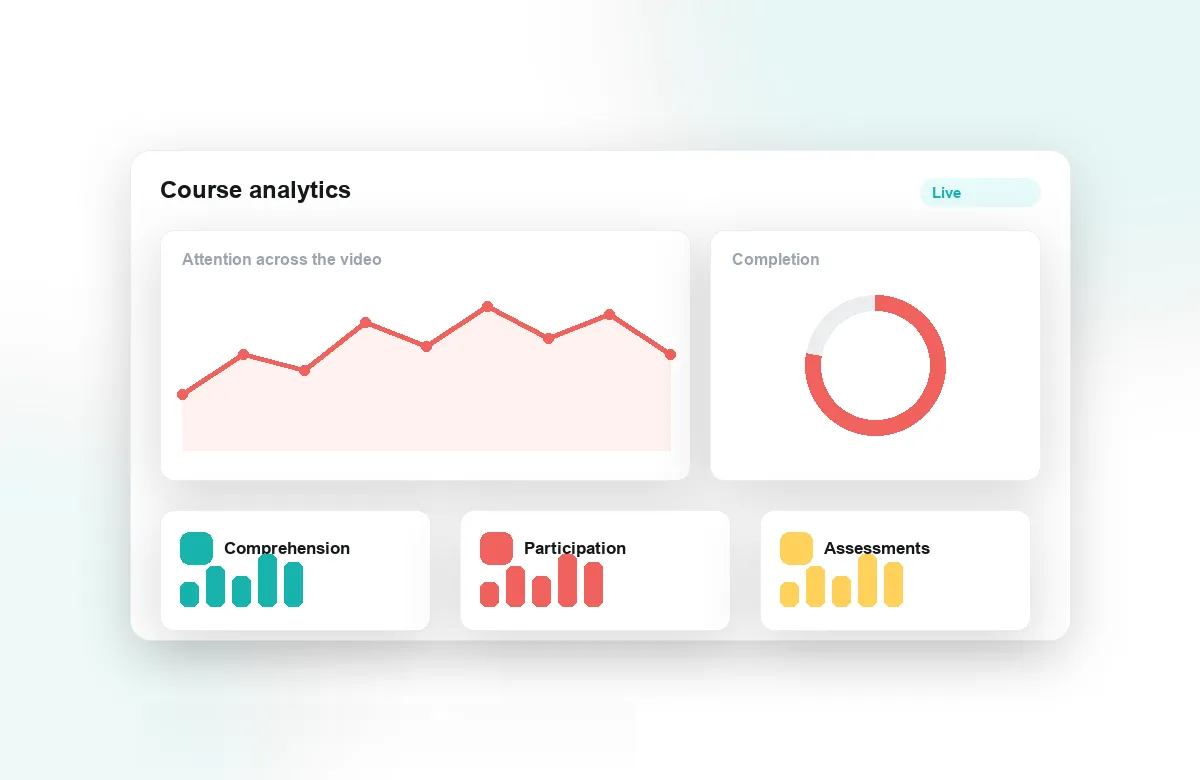
Attention and comprehension analytics show which segments students re-watched, where they dropped off, and which quiz questions they missed. Walk into the next session already knowing the two minutes of the lecture that confused half the class. Notes and AI summaries, supported by the Lumo AI copilot, help students review efficiently — and help you see what they took away.
Faculty at institutions worldwide teach with Annoto inside Canvas, Moodle, Blackboard, Brightspace, and Open edX, on top of Kaltura, Panopto, Wistia, YouTube, and Vimeo. If your videos currently end with silence, this is the simplest way to change that — starting with the very next video you post. Your existing recordings work as they are; the engagement is added on top, not re-produced.
Adopting It Without Changing Your Course
Nothing about your teaching has to move. Your recordings stay where they are; Annoto opens on top of the player your course already uses. A realistic first week looks like this: pick the two videos students historically struggle with, add one guiding question near the start and one knowledge check after the hardest section, and tell students that comments in the timeline count as participation. That is under half an hour of setup, and it is enough to see whether your students respond — most instructors expand from there rather than planning a grand redesign up front.
Keeping the Discussion From Becoming a Second Inbox
The reasonable fear is that in-video discussion means more messages to answer. In practice the load inverts. Peers answer a large share of questions before you reach them, and one anchored reply resolves what would otherwise be a dozen near-identical emails. Batch the rest: fifteen minutes after each lecture posting, working from the activity feed, handles a typical week. In larger courses, teaching assistants can hold the timeline day to day while you step in on the threads that need your authority — and students still see a course where someone is clearly present.
Patterns That Fit Your Course Size
A forty-person seminar and a six-hundred-person survey course use the tool differently. Seminars lean on open discussion and reflection points, with the instructor replying often. Large lectures lean on quizzes, polls, and peer answers, with analytics doing the watching. Both keep the same principle: the conversation happens where the content is.
Your Course Gets Better Every Semester
The work compounds. Quizzes and prompts stay attached to the video, so next term starts from a course that is already interactive. Analytics from previous cohorts show which segments consistently confuse students — the case for re-recording five minutes instead of guessing at a full redo. Exported reports give you concrete evidence of engagement for annual reviews and teaching portfolios: not an impression that students were engaged, but the record of who asked, answered, and understood what. Documentation for every workflow above is at docs.annoto.net.