Better Speeches, Backed By Feedback That Sticks
Turn recorded speeches and presentations into structured feedback, peer review, and self-reflection, inside the LMS, CMS, or any site you already use.
Learn more: Sharper speakers through timestamped feedback
Sharper Speakers Through Timestamped Feedback
Public speaking improves through specific feedback tied to observable moments — not "good energy, work on pacing" scrawled after the fact. Communication courses already record speeches and presentations; the evidence is on video, so the feedback should be too. Annoto puts them in the same place, turning those recordings into the course's most productive space, where instructors, peers, and speakers themselves analyze delivery second by second.
Feedback at the Exact Pause, Gesture, or Slide
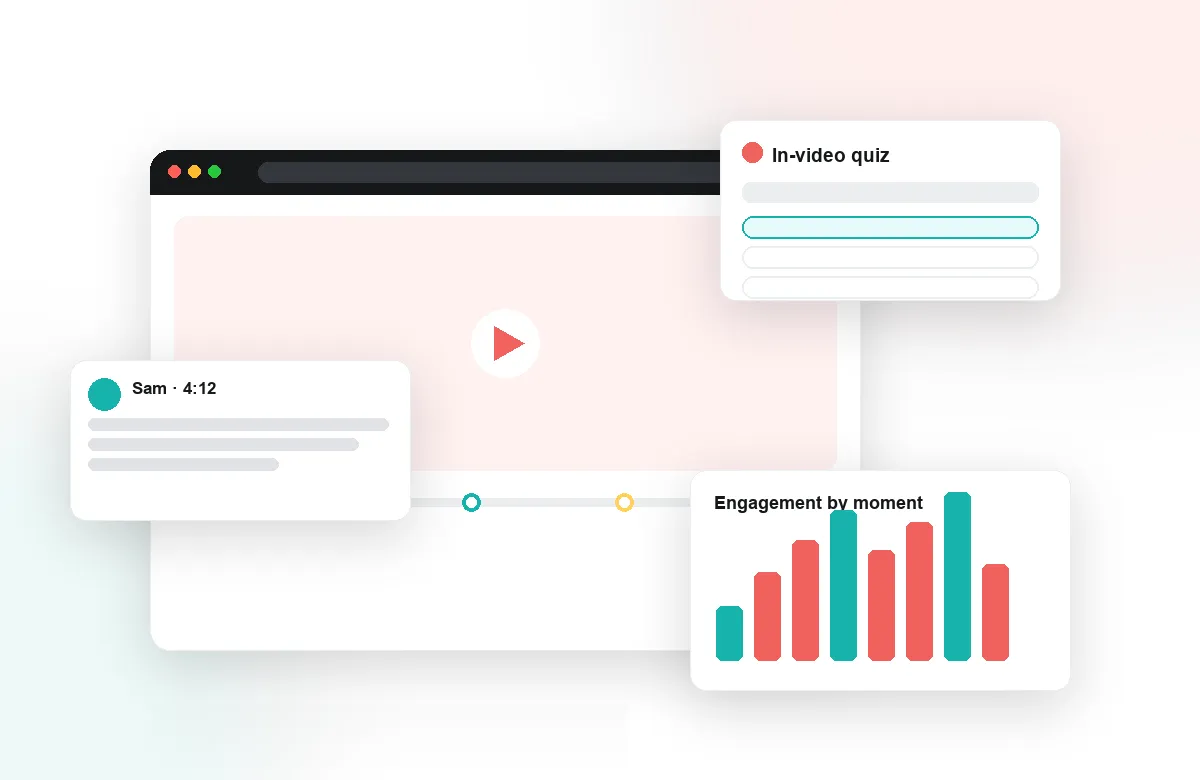
Instructors comment directly on the timeline: the filler-word cluster at 01:20, the effective pause at 04:37, the slide that buried the argument. Students see precisely what worked and what to change, attached to the evidence itself. Time-anchored threads mean a question about a moment is answered at that moment — and the whole class can learn from the exchange. Structured prompts speed grading while keeping comments concrete.
Peer Review Students Take Seriously
Annoto's peer review structures what is often the loosest part of a speech course. Classmates give timestamped critique on argument, structure, and delivery, guided by prompts that keep comments specific and constructive. Evaluating others is itself training: students who learn to spot a weak transition in a peer's talk start hearing it in their own. Group chat keeps project and debate teams organized around their own footage.
Self-Review That Actually Happens
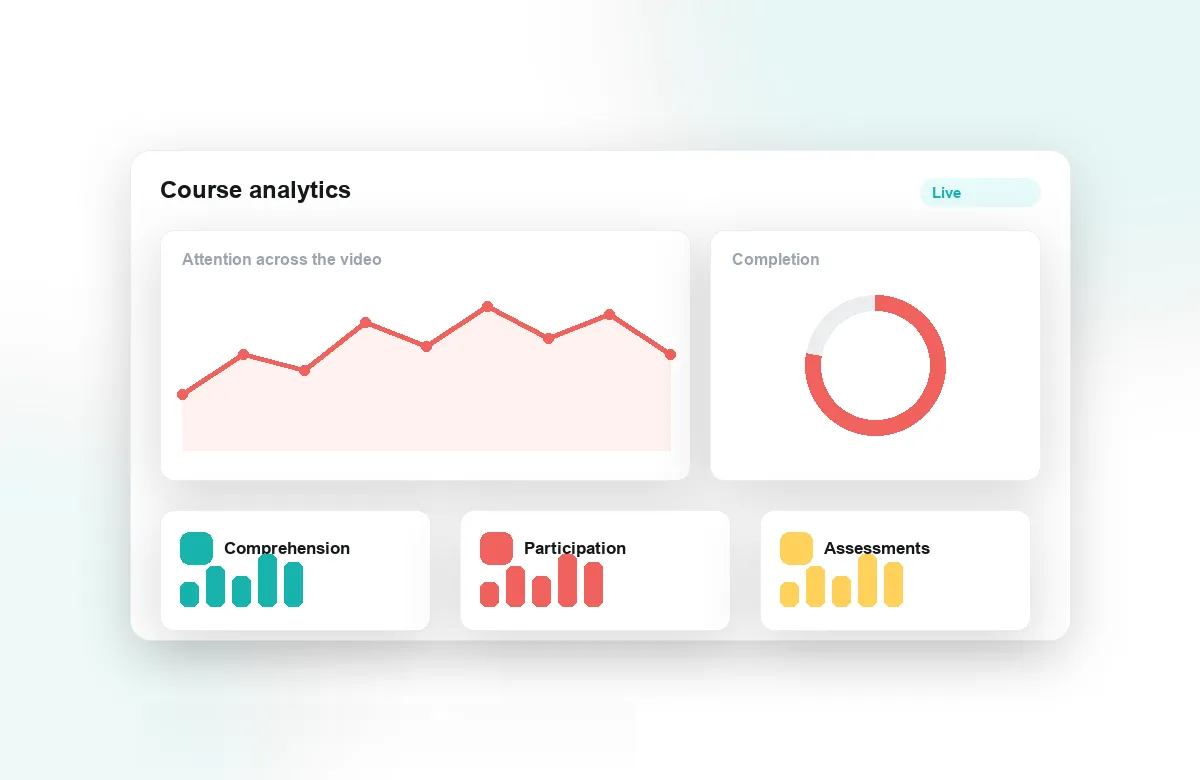
Most students will not voluntarily rewatch themselves; reflection points make it an assignment with structure — identify your strongest thirty seconds, name one change for the next draft. Notes and AI summaries compile feedback across drafts so improvement is visible over a semester, and review becomes routine rather than an ordeal. Attention and comprehension analytics show instructors which example speeches and lecture segments the class studied hardest.
Annoto works inside Canvas, Moodle, Blackboard, Brightspace, and Open edX via LTI 1.3, on top of Kaltura, Panopto, Wistia, YouTube, and Vimeo, with completion and gradebook sync included, and is used by institutions worldwide. For communication programs, every recorded speech generates three layers of learning: instructor feedback, peer analysis, and structured self-review — all anchored to the tape.
A Semester Arc, Draft by Draft
A well-run speech course is a sequence, not a set of one-off performances. Many programs open with a short baseline talk in week one, reviewed only by the speaker, so there is a private starting point on tape. Draft cycles follow: each recorded speech gets instructor comments on the timeline, a peer review pass, and a required self-reflection before the next attempt. Because every layer is timestamped, a student can put draft three next to draft one and point to the exact habits that changed — the filler words that thinned out, the pauses that arrived on purpose. The final speech is then graded against visible growth, not memory.
Beyond the Solo Speech
The same mechanics carry formats that are harder to assess. In debate units, each side annotates the opposing team's recorded round, flagging claims and rebuttals where they occur, and the instructor adjudicates inside the thread. Interview and interpersonal-communication courses use anchored comments to examine listening behavior — the follow-up question missed at a specific moment is far more teachable than a general note about rapport. Group presentations stop hiding unequal contributions, because comments and replies attach to individual segments and speakers. Even guest-lecture and example-speech libraries become working material once students can mark the moves they intend to borrow.
Keeping the Grading Load Honest
Timestamped review can feel like more work until the workflow is set up deliberately. Programs that scale it well define a short rubric — argument, structure, delivery — and have instructors leave one anchored comment per rubric line rather than narrating the whole tape. Peer reviewers cover breadth; the instructor covers judgment. Gradebook sync records completion of each review and reflection automatically, so no one tallies participation by hand, and TAs calibrate by reviewing the same two speeches before splitting the roster. The surprise is usually not the time spent but where it goes: less writing of summary paragraphs, more teaching at specific moments.
Evidence for Program Review
Communication departments also answer to accreditation and program review, and recorded, annotated speeches are unusually good evidence. Analytics export makes it possible to show reviewers how often students engaged with feedback, how draft cycles were completed, and how consistently rubric prompts were applied across sections. The artifacts themselves — speeches with layered instructor and peer commentary — document a feedback culture in a way syllabi alone never can.