Turn Problem Walkthroughs Into Active Learning
Add in-video quizzes, guided watching, and misconception checks to lecture capture and worked examples, inside the LMS, CMS, or any site your students already use.
Learn more: Ask the question at the exact step that lost you
Ask the Question at the Exact Step That Lost You
STEM learning lives in worked examples: derivations, proofs, code walkthroughs, lab procedures. And STEM confusion is step-specific — a student is fine until line three of the derivation, then lost for the remaining twenty minutes. Office hours reach the students who show up; the video timeline reaches everyone. Annoto attaches questions, checks, and explanation to the exact step, which is the only place they help.
Questions Pinned to the Step
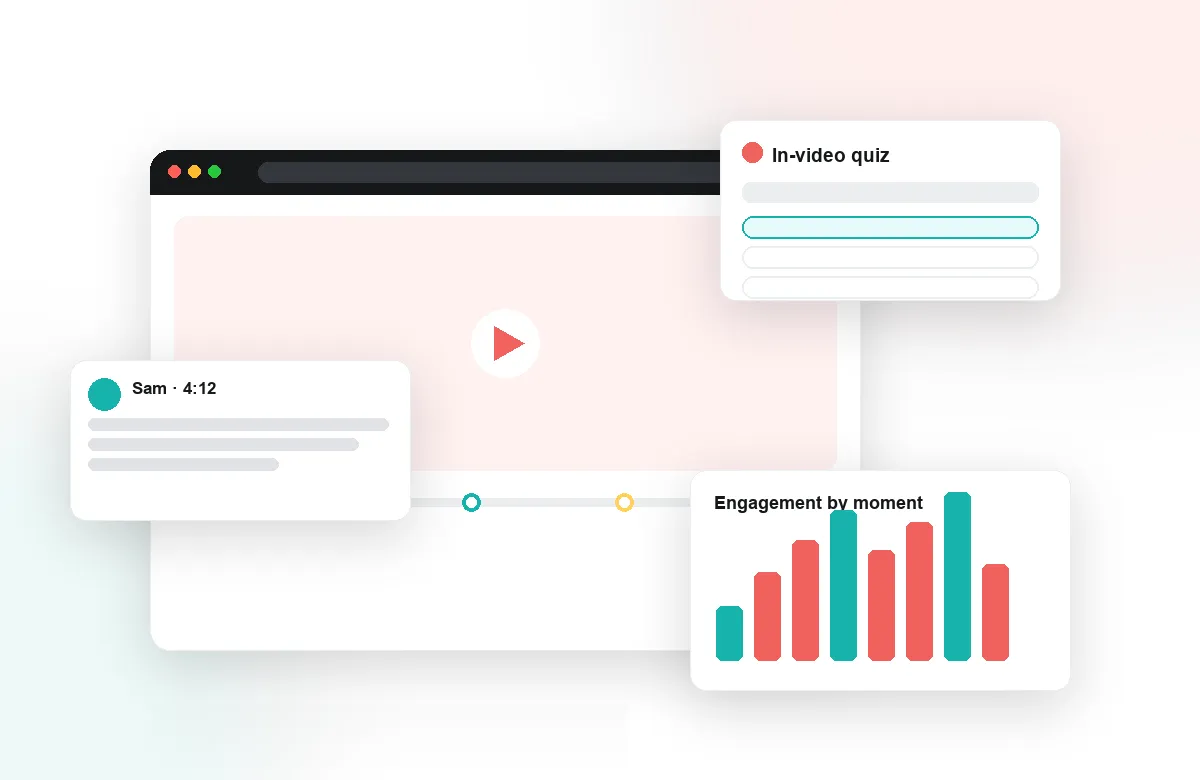
With time-anchored discussion, "I don't understand why the integral splits here" lands at 11:47, where the instructor — or a classmate — can answer it precisely and permanently. Threads persist across semesters, so the ten questions every cohort asks about a recorded problem session get answered once and inherited forever. For flipped courses, that history becomes a living FAQ attached to the material itself, and the activity feed shows instructors where questions are clustering this week.
Check Understanding Mid-Problem, Not Post-Mortem
In-video quizzes placed after each worked step catch the misconception before it compounds through the rest of the problem. Auto-generated quizzes make it feasible to instrument a full archive of course recordings, and polls let instructors probe intuition — what happens to the output if we double this input? — before revealing the answer. Completion and gradebook sync record it all without extra grading.
See Exactly Where the Class Gets Stuck
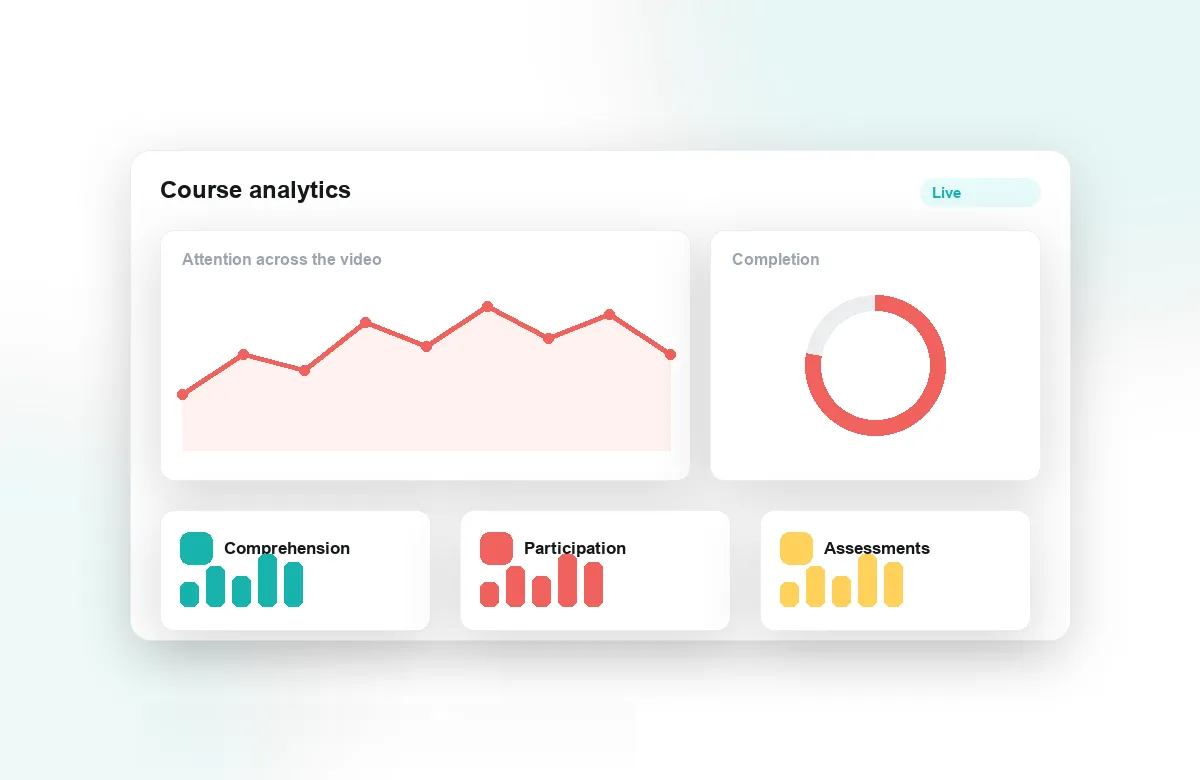
Attention and comprehension analytics show which segments students re-watch — and in STEM video, re-watching is the signature of a hard step. Instructors see the thirty seconds of a proof that half the class replayed and can re-teach precisely that, in lecture or with a follow-up clip. Reflection points work well before labs: predict the result, then watch. Analytics export supports departments studying engagement across large introductory courses.
Annoto runs inside Canvas, Moodle, Blackboard, Brightspace, and Open edX through LTI 1.3, on top of Kaltura, Panopto, Wistia, YouTube, and Vimeo. Institutions worldwide use it, including Georgia Tech and Florida State. For STEM courses, the model is simple: keep the recordings you have, and give every step in them a place for questions, checks, and answers.
Instrumenting an Existing Recording
Turning a recorded problem session into an interactive one is an afternoon's work, not a production project. Watch the recording once with a notepad and mark the conceptual hinges — the substitution chosen, the boundary condition applied, the loop invariant stated. Place a check after each hinge and skip the arithmetic; students rarely get lost in multiplication. Three to five well-placed questions per hour of video is usually enough, and Lumo can draft them from the recording for the instructor to edit. The next cohort watches the same video, but no longer alone or unchecked.
Code, Labs, and Field-Specific Formats
Each STEM discipline has a video form of its own. Computer science courses annotate code walkthroughs line by line — a comment at the moment a variable changes meaning is worth a page of forum prose — and debugging sessions become teachable once students can ask why the instructor suspected that function first. Lab-technique videos pair well with predict-observe-explain prompts: pause before the reaction, collect predictions with a poll, then let the footage answer. Engineering design reviews and math proof videos both benefit from the same move — making the reasoning behind a step visible where the step happens.
Running Recitations From the Timeline
In large courses, TAs can treat the week's anchored questions as a queue. A short triage pass each morning answers the quick ones, tags the deep ones for the instructor, and — most usefully — shows where questions cluster. That cluster becomes the recitation plan: instead of re-deriving the whole problem set, the section spends its hour on the two steps the timeline says the cohort actually fought with. Students who never raise a hand in a two-hundred-seat lecture ask freely at a timestamp, so the queue represents the whole class, not the confident front row.
Improving the Archive Between Terms
Between semesters, the data tells a department where to spend production effort. A segment with heavy rewatching and weak quiz accuracy is a candidate for a short supplementary clip; a question thread that grew ten replies deep marks an explanation worth redoing on camera. Departments that follow this loop re-record minutes, not courses — the archive improves surgically, semester over semester, guided by evidence instead of instinct.