Turn Every Recording Into Speaking Practice
Annoto turns course video into speaking practice, listening checks, and target-language discussion, inside your LMS, CMS, or wherever your program's video already lives.
Learn more: Practice speaking where the listening happens
Practice Speaking Where the Listening Happens
Language proficiency is built on input and output: hearing the language in context, then producing it and getting feedback. Most video-based language courses deliver only the first half — subtitled watching feels productive, but without production and feedback it plateaus quickly. Annoto closes the loop, turning authentic video into a space where learners comprehend, respond, and practice in the target language, at the moment that matters.
Listening Comprehension, Checked in Context
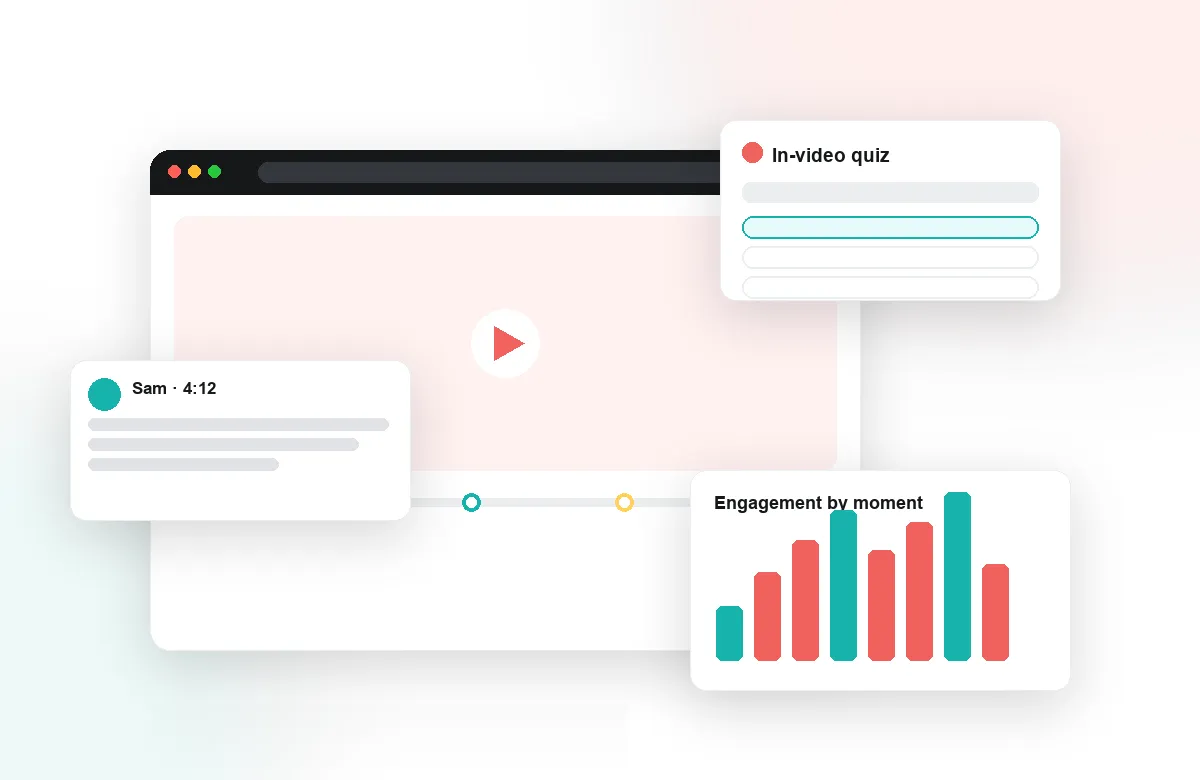
In-video quizzes test comprehension at natural pauses — after the dialogue, not at the end of the lesson when the details have faded. Polls check interpretation of idioms and register; reflection points ask learners to summarize a scene in their own words in the target language. Because Annoto works on top of YouTube, Vimeo, Kaltura, and other platforms, instructors build these activities on authentic material: films, interviews, news broadcasts.
Feedback on Pronunciation and Production
Timestamped comments let instructors point at the exact utterance: the vowel at 03:12, the intonation of the question at 07:45. Learners hear precisely what to fix rather than decoding general advice, and feedback scales because instructors respond exactly where it counts. Peer review turns recorded speaking practice into structured exchange, where students give each other moment-level feedback — noticing errors in others being one of the oldest paths to correcting one's own.
Every Comment Is Language Practice
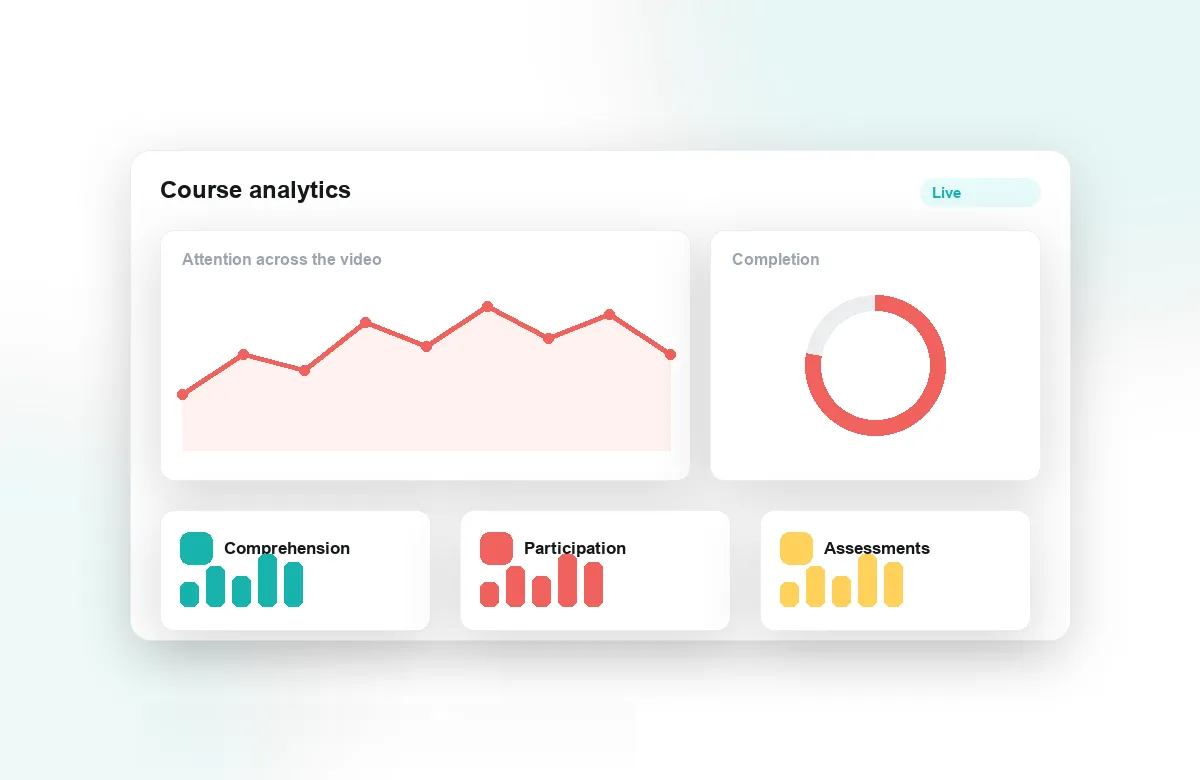
Time-anchored discussion in the target language makes writing practice continuous and low-stakes: short, contextual, purposeful comments rather than essay-length pressure. Group chat gives conversation groups a home attached to the material itself. Notes and AI summaries help learners consolidate vocabulary and structures from each video, and attention analytics show instructors which scenes needed multiple listens — often exactly where the next lesson should start.
Annoto deploys through LTI 1.3 into Canvas, Moodle, Blackboard, Brightspace, and Open edX, with completion and gradebook sync built in, and is used across programs at institutions worldwide. For language departments, the shift is simple: video stops being something learners watch about the language and becomes somewhere they use it — to ask, answer, argue, and summarize.
Building a Listening Ladder Across Levels
A well-designed course sequences difficulty deliberately: slow, clearly articulated clips early on, then interviews with natural pace, then unscripted broadcast material where speakers interrupt each other. The same authentic video can serve several rungs of that ladder — beginners answer gist questions at generous pauses, intermediate learners handle detail and inference, advanced groups debate register and word choice in the margins. Instructors reuse the media and vary only the interaction layer, which is far cheaper than sourcing new material for every level and keeps the catalog coherent as learners climb.
Speaking Assignments at Section Scale
The reason oral practice gets cut from large sections is grading time, and the fix is workflow rather than heroics. A weekly recorded speaking task starts with self-review — learners annotate their own recording before anyone else hears it — followed by peer exchange, with the instructor sampling deeply rather than commenting on everything. Rotating which students get detailed instructor feedback each week keeps the workload flat while guaranteeing everyone a close reading several times a term, and the archive of annotated recordings becomes each learner's evidence of progress before an oral exam.
One Classroom, Several Proficiencies
Most real classes mix true beginners with heritage speakers who understand everything and write nothing. Tiered tasks on a shared video keep both stretched: comprehension checkpoints for one group, a prompt to translate humor or defend a cultural interpretation for the other. Group chat divided by level gives each cohort a space at its own pace, while the whole class still shares the same film and the same conversation about it. Differentiation becomes an assignment setting instead of a second syllabus.
Measuring Progression, Not Just Activity
Semester-level data answers the question activity counts cannot: are learners producing more, and better? Comparing early and late summaries written at reflection points shows growth in complexity and accuracy in the learner's own words. Re-listen patterns falling on a clip type that once demanded three passes is comprehension gain made visible, and exports by CSV or API let coordinators fold this evidence into placement decisions and end-of-year program review, alongside the grades the LMS already holds.