Feedback On Teaching Practice, Timestamped To The Moment
Turn classroom observation recordings into time-stamped feedback, reflection, and competency evidence, inside the LMS, CMS, or any site your program already runs.
Learn more: Timestamped feedback on real teaching practice
Timestamped Feedback on Real Teaching Practice
Teacher preparation runs on watching teaching — recorded lessons, microteaching, classroom placements on video. The weakness has never been the footage; it is feedback that arrives detached from the moment: "work on your transitions" helps no one. Video observation promised to scale mentorship, but without tools for moment-level feedback it scaled paperwork instead. Annoto anchors observation, feedback, and reflection to exact seconds of practice, which is where teaching actually improves.
Observation That Points at the Moment
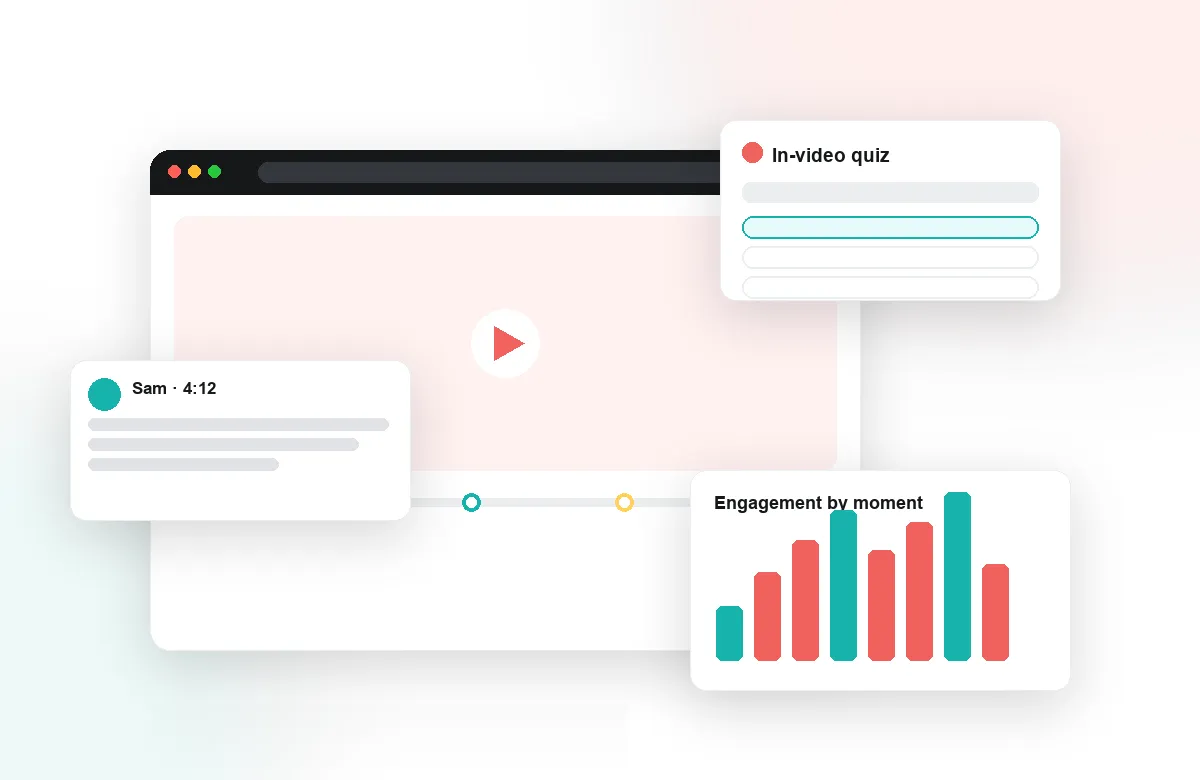
Supervisors and mentors comment directly on the timeline of a recorded lesson: the missed check for understanding at 06:42, the strong redirection at 18:10. Candidates reply in place, ask follow-ups in context, and revisit the thread when they rewatch. Time-anchored discussion turns a recorded lesson from evidence to be judged into a text to be studied — together. Every observation cycle leaves a record both mentor and candidate can return to.
Reflective Practice, Structured
Reflection points prompt candidates to analyze their own footage at the moments that matter: What did you notice here? What would you do differently? Notes and AI summaries help them capture and organize those observations across a semester of recordings, building a genuine record of growth. Comprehension checks on model-teaching videos ensure the theory course and the practicum finally speak to each other, and the same structure serves in-service professional development and portfolio review.
Peer Learning Across the Cohort
With peer review, candidates give each other timestamped feedback on microteaching and lesson recordings — learning to see teaching analytically by evaluating it. Guided prompts keep peer comments specific, kind, and useful. Whole-cohort discussions on exemplar lessons run as moderated, time-anchored threads, so novices learn to ground claims about teaching in specific observable moments rather than impressions. Group chat keeps placement cohorts connected between seminars.
Annoto works inside Canvas, Moodle, Blackboard, Brightspace, and Open edX through LTI 1.3, on top of Kaltura, Panopto, Wistia, YouTube, and Vimeo, and is used by institutions worldwide, including teacher-education programs such as Talpiot. Supervisors save travel, candidates get feedback they can locate, and programs build an archive of practice that reviews and accreditation visits can actually examine.
The Observation Cycle, End to End
A full cycle starts before the camera does. Candidate and supervisor agree on one or two focus areas — questioning technique, wait time, transitions — and those become the lens for the recording. After the lesson is uploaded, the candidate watches first and marks the moments they would defend or change; the supervisor then layers in comments, often responding to the candidate's own annotations rather than starting cold. By the time the debrief conference happens, both people have studied the same moments, so the meeting spends its minutes on decisions — what to practice next — instead of on reconstructing what happened from notes.
Calibrating Supervisors Across a Program
When a program has a dozen supervisors, feedback quality varies unless it is deliberately aligned. A practical fix: pick one shared exemplar lesson each term and have every supervisor annotate it independently, then compare the comment sets in a staff meeting. Differences surface fast — one supervisor flags management, another only content — and the group converges on shared language tied to the program's observation framework. Reusable prompt sets carry that agreement into every subsequent observation, so a candidate's experience no longer depends on which supervisor they drew. That calibration hour pays for itself many times over across a semester of observations.
Handling Classroom Footage Responsibly
Classroom recordings show minors, which makes governance part of the pedagogy. Programs that run this well collect consent through the placement school before filming, frame the camera on the candidate rather than on students where possible, and restrict each recording to the smallest audience the assignment needs — often just the candidate and supervisor, widening to a peer group only for microteaching filmed on campus. Because Annoto runs inside the LMS course, access follows enrollment rather than shared links, and recordings can be retired on the program's own schedule at the end of a placement.
From Practicum Into the First Year
The habit built in the practicum — record, annotate, reflect, adjust — is exactly what induction programs want from first-year teachers. Some programs keep graduates in a mentoring course for that first year, reviewing occasional lessons with a lighter touch, while the annotated portfolio assembled during preparation travels with the graduate as concrete evidence of how they think about their own teaching. Reflection stops being a course requirement and becomes a professional habit.