Institution-Wide Engagement, Visible From The Top
Give provosts and deans one clear view of engagement, completion, and outcomes across every department, layered onto the video your institution already runs, inside your LMS, CMS, or any site where that video lives.
Learn more: See how your institution actually learns on video
See How Your Institution Actually Learns on Video
Video now carries a substantial share of teaching at most institutions, yet for provosts, deans, and heads of digital learning it is often a blind spot. Annoto adds a collaboration and engagement layer to the video your institution already produces, and turns every view, comment, and quiz answer into evidence you can act on across programs, departments, and campuses — without adding another platform for anyone to log into.
Institution-Wide Visibility, Not Course-by-Course Guesswork
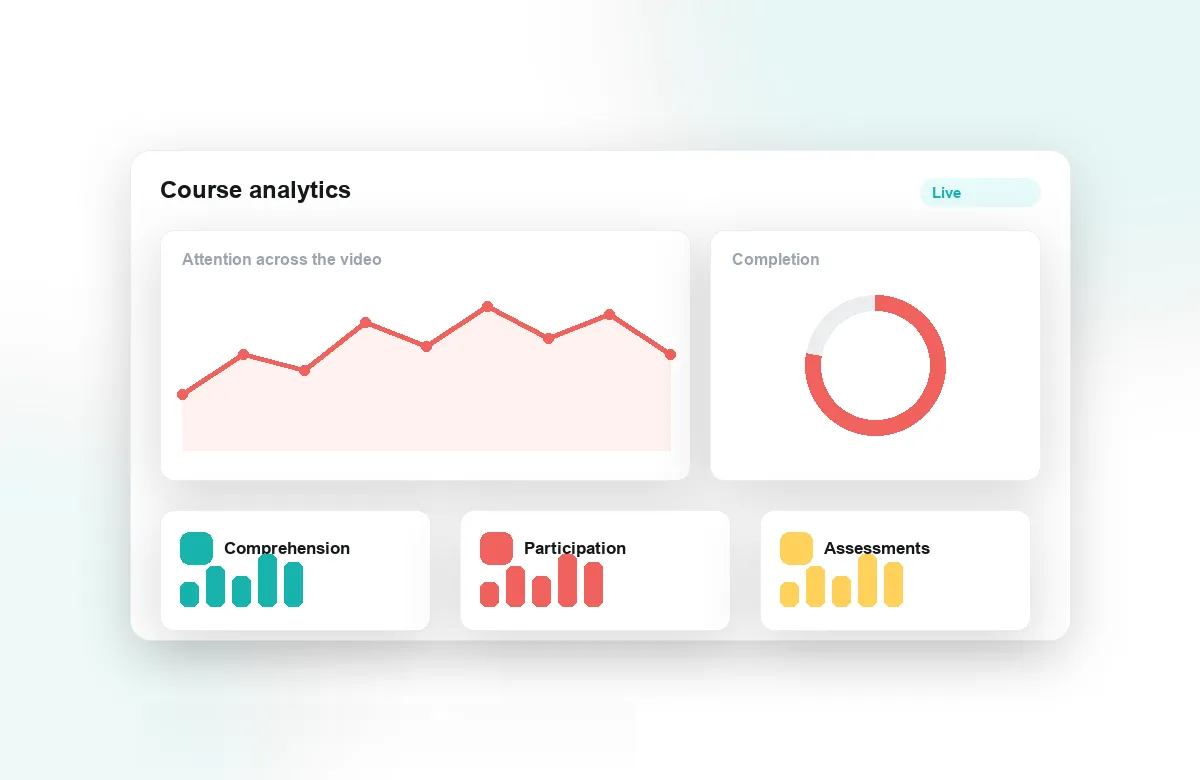
Annoto's attention and comprehension analytics show which courses hold students, where they drop off, and how engagement differs across faculties. Because it runs inside Canvas, Moodle, Blackboard, Brightspace, and Open edX through LTI 1.3, and works on top of Kaltura, Panopto, Wistia, YouTube, and Vimeo, the picture covers your whole video estate rather than a single pilot. Analytics export lets institutional research teams combine engagement data with the dashboards they already maintain.
Early Signals Your Retention Teams Can Use
Disengagement shows up in video weeks before it shows up in grades. Collapsing watch time, silence in course discussions, and skipped reflection points are behavioral signals student success teams can act on while an intervention is still a conversation, not a crisis. Completion tracking and gradebook sync tie that behavior to outcomes, so outreach reaches the students who need it rather than only those who ask.
Active Learning at Scale, Without Rebuilding Courses
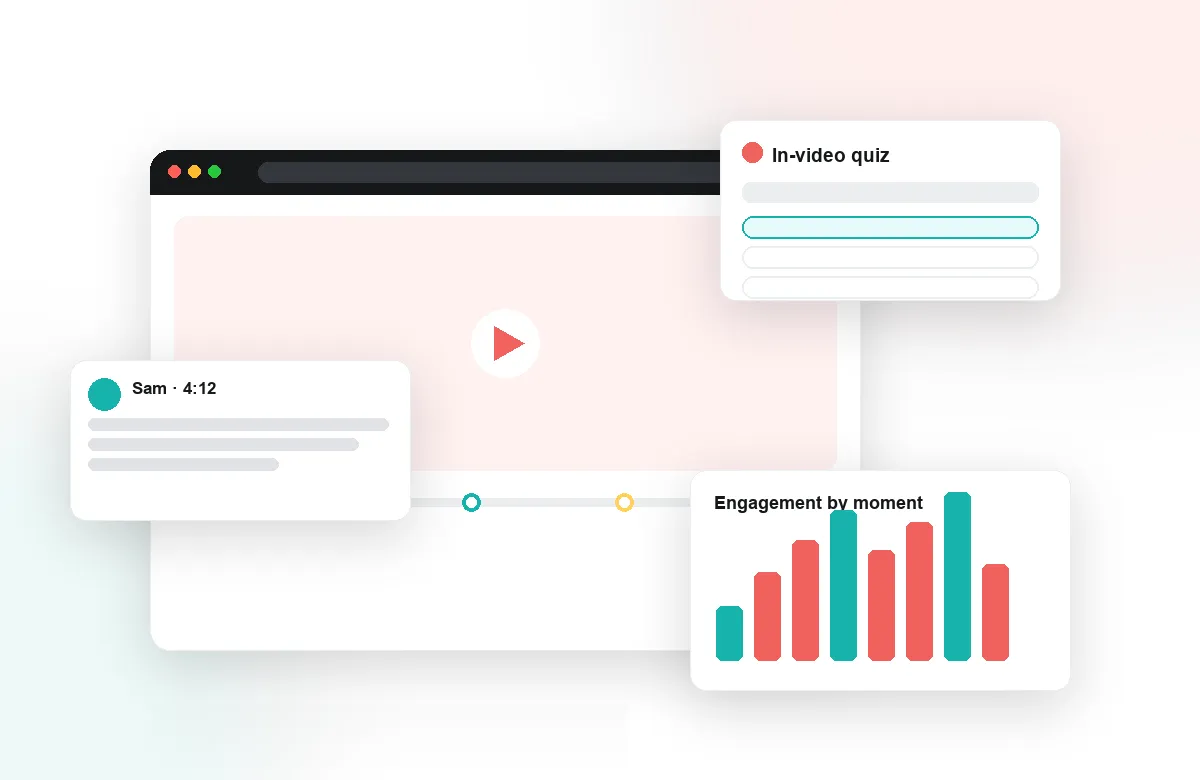
Every strategic plan calls for active learning; few budgets allow rebuilding hundreds of courses to get it. Annoto layers time-anchored discussion, in-video quizzes, polls, and AI-generated notes and summaries onto existing recordings, so faculty upgrade the materials they already have. The Lumo AI copilot keeps the effort low for instructors, which is what turns a pilot into standard practice across departments.
Institutions worldwide, including NYU, Georgia Tech, and the University of Padova, use Annoto to make video learning visible and measurable. Deployment is a single LTI 1.3 integration your IT team can roll out centrally, with documentation at docs.annoto.net. If your strategy depends on knowing whether digital learning works, start where your students already spend their time: inside the video.
Who Owns the Rollout
The initiatives that stick assign clear ownership. Typically the digital learning or teaching-and-learning center owns pedagogy and training, IT owns the LTI integration and player configuration, and institutional research owns reporting. A phased rollout works better than a mandate: two or three departments with willing chairs run a full semester, their results and course patterns become the internal case study, and the next wave joins with examples from their own institution rather than a vendor's slide deck.
Data for Support, Not Surveillance
Faculty adoption depends on trust, and trust depends on governance decided up front. Set the policy before launch: engagement data informs student support and course improvement, and it is not an instrument for evaluating individual instructors. Decide who sees what — advisors see their students, chairs see aggregate course patterns, instructors see everything about their own courses — and put it in writing. Institutions that settle this early avoid the quiet resistance that stalls analytics projects in year two.
Evidence for Program Review and Accreditation
Online programs are increasingly asked to demonstrate meaningful instructor-student interaction, not just content delivery. Time-stamped discussions, instructor replies, quiz results, and reflection activity produce exactly that record, course by course, without asking faculty to compile anything. When program review or an accreditation cycle arrives, the exported data shows how interaction actually happened across the catalog — a far stronger position than syllabi and self-reports.
What to Put in the Term Report
Pick a small set of numbers and hold them steady: share of video courses with active discussion, quiz participation rates, watch-through on required content, and interventions triggered by early signals. Reported each term to deans and the provost's council, these turn digital learning from an anecdote into a managed portfolio — and they make next year's budget conversation shorter. If the numbers stall, the same data says where: a department that never adopted, a course where prompts were never added, a player integration nobody switched on.