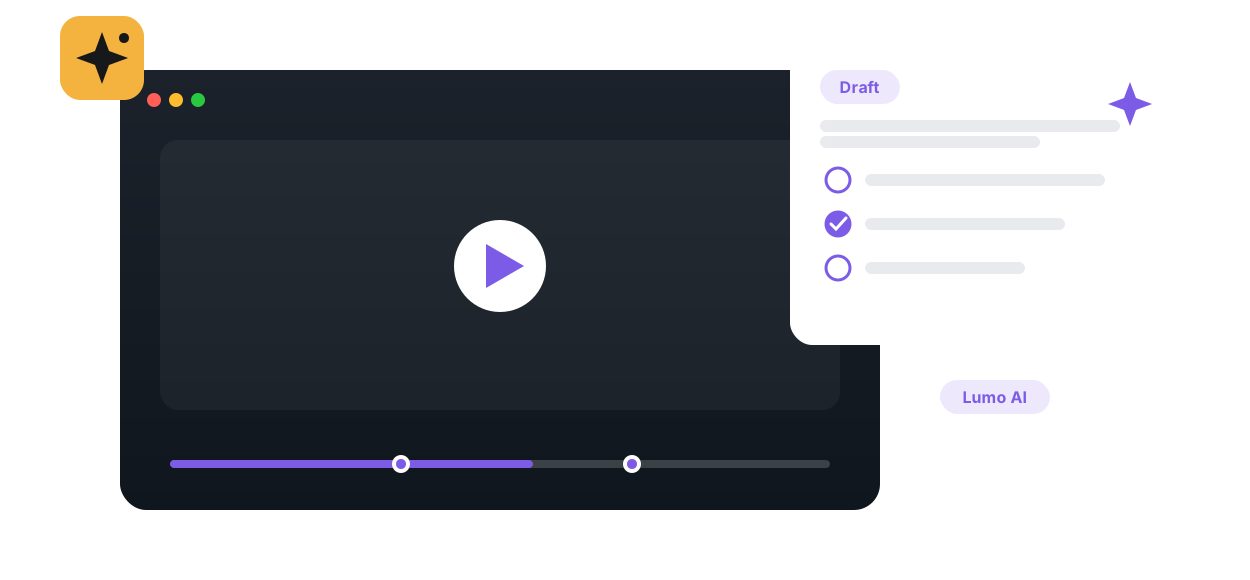
Point Lumo AI at any course video and get a set of time-tagged questions across Bloom's levels in minutes — then review, edit, and publish.

The hardest part of embedding questions in video is not the technology, it is writing forty lectures' worth of good questions. Annoto's auto-generated quizzes use Lumo, the platform's AI copilot for education, to draft questions from the video content itself. The instructor reviews, edits, and approves; the AI does the first pass, and the educator keeps the final word.
Lumo works from what the video actually covers and proposes questions tied to the segments they test, so each item can sit at the moment in the timeline where the concept was just explained. Every draft is editable before publishing: rewrite a stem, replace a weak distractor, delete an item that misses the point. Nothing reaches students without instructor approval, which keeps the quiz aligned with what the course actually emphasizes rather than what an algorithm noticed.
The clearest win is converting an existing lecture-capture library into active learning material, a task that rarely gets done by hand. Course teams also fold it into the weekly rhythm: record the lecture, generate a draft quiz, and spend minutes reviewing instead of an hour writing. For instructional designers supporting many instructors, auto-generation makes question coverage consistent across a whole program instead of depending on each teacher's spare time.
Published items behave exactly like hand-built in-video quizzes. Learners answer in the player on top of Kaltura, Panopto, Wistia, YouTube, or Vimeo, results feed comprehension analytics, and completion and gradebook sync writes scores into Canvas, Moodle, Blackboard, Brightspace, or Open edX through LTI 1.3. Per-question statistics then show which items discriminate well and which need revision, so the quiz improves with every cohort.
Auto-generated quizzes make the rest of Annoto's engagement layer cheaper to adopt at scale, which is why they matter to the institutions using the platform. Generation and review workflows are documented at docs.annoto.net.
Reviewing a draft is fastest with a fixed checklist. For each item, ask three questions: can it be answered from the video alone, without outside reading; are the wrong options genuinely tempting rather than obviously wrong; and does it sit at the right timestamp, after the explanation rather than before it. Items failing the first test get rewritten or deleted, because a question that requires unseen material teaches students to distrust the quiz. With practice, reviewing a full lecture's draft takes less time than writing two questions from scratch used to.
The same generated items can serve two different jobs, and the settings should match the job. As formative checks, keep the stakes low: allow another attempt, show feedback that explains the why behind the answer, and treat wrong answers as information for the learner. As graded checkpoints, be sparser and stricter: fewer questions at the moments that matter most, tied to completion so the score lands in the gradebook. A useful default is one question per major concept rather than one per minute; density that feels like interruption gets skipped, and density that feels like rhythm gets answered.
Departments adopting AI-drafted assessment at scale usually add two light rules. Every published item carries instructor approval, which Annoto's workflow enforces by design, and someone owns a periodic audit: each term, sample a handful of published quizzes, check them against the current cut of the video, and retire items the lecture no longer supports. It also pays to tell students how the questions are made; learners who know an instructor approved every item treat the quiz as part of the course, and the timeline discussion gives them a place to challenge a question they think is wrong, which is itself a teaching moment.
Start small: one course, one reviewer, the checklist shared up front. Expand when the rhythm holds.

“The Annoto Quizzes were easy to set up and it provided students with immediate feedback.”
Book a 20-minute demo and watch auto-generated quizzes work inside your LMS, on your own content.