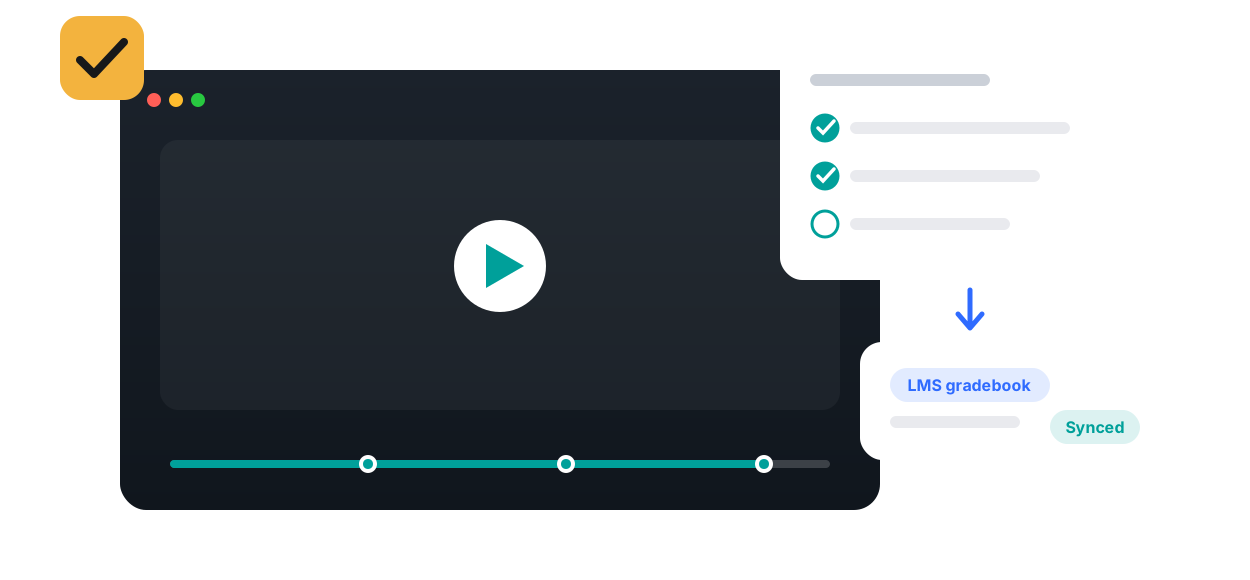
Set completion rules on any video and let Annoto pass grades to your LMS automatically and accurately — no CSV exports, no manual entry, no disputes.

Video work shapes behavior only when it counts. Annoto lets instructors define what completing a video actually means, from genuinely watching it to answering the questions inside it, and then writes the result into the LMS gradebook automatically. No spreadsheet exports, no manual entry, no gap between what students do in the player and what the course record shows.
Completion is not a play event. An instructor can require a watched percentage, correct answers on in-video quizzes, a contribution to the discussion, or a response to a reflection point, in whatever combination fits the assignment. Because Annoto connects to Canvas, Moodle, Blackboard, Brightspace, and Open edX through LTI 1.3, results flow straight into the native gradebook, and the videos themselves can live on Kaltura, Panopto, Wistia, YouTube, or Vimeo.
Flipped classrooms depend on it: in-person sessions only work when the pre-class video was actually watched, and a graded completion requirement makes that dependable. Fully online courses use completion criteria to give self-paced learners structure and a visible finish line for every week. In both cases the criteria are transparent, so students always know what is expected and where they stand, which removes the end-of-term dispute about whether the work was done.
Course-level dashboards show progress across the cohort, making late starters and stalled learners visible weeks before a deadline exposes them. Combined with attention and comprehension analytics, completion data separates genuine engagement from checkbox behavior, and the full record can leave the platform through analytics export as CSV or through the API for program review and accreditation evidence gathering.
Completion and gradebook sync is the accountability piece of Annoto's engagement layer, closing the loop that in-video quizzes, discussions, and reflection points open. Institutions worldwide rely on it to make video a first-class graded activity. Configuration guides for each LMS are available at docs.annoto.net.
A play event fires the moment the first second streams, and it says nothing about what happened afterward. The tab may be in the background, the audio muted, the player left running through dinner. Counting plays therefore inflates engagement precisely when a course is struggling. True completion is measured against the timeline itself: which segments were actually on screen, how much of the running time was covered, and whether required interactions were answered. A student who watches half a lecture twice has not watched the whole lecture, and a completion measure built on segments knows the difference.
The practical question is where to set the bar. Requiring one hundred percent punishes students for skipping credits or a repeated announcement, so most instructors settle a little below it for lectures and lower still for optional enrichment. State the threshold in the syllabus and in the assignment description; when students can see their own progress toward it, chasing completion by email largely disappears. Revisit the settings after the first assessed week — if nearly everyone clears the bar in a course where quiz scores say otherwise, the threshold is measuring compliance rather than learning and should be paired with in-video questions.
Every completion decision is backed by the underlying viewing record, so disputes become short conversations instead of standoffs. An instructor can see which portions of the video were covered and which interactions were submitted, and the student can be shown the same evidence. That transparency protects both sides: genuine technical problems are easy to recognize and regrade, while a claim of having definitely watched it meets a timeline that shows otherwise. Because grades sync automatically, a corrected completion updates the LMS gradebook without manual editing.

“The Annoto Quizzes were easy to set up and it provided students with immediate feedback.”
Book a 20-minute demo and watch completion & gradebook work inside your LMS, on your own content.