Any LMS
One engagement layer for any LMS, or any site
Annoto connects to any LMS over standard LTI 1.1 and 1.3, and embeds on any website or CMS. Add in-video discussions, quizzes, notes, and analytics without changing your platform.
Learn more: If your LMS speaks LTI 1.3, Annoto already fits
If your LMS speaks LTI 1.3, Annoto already fits
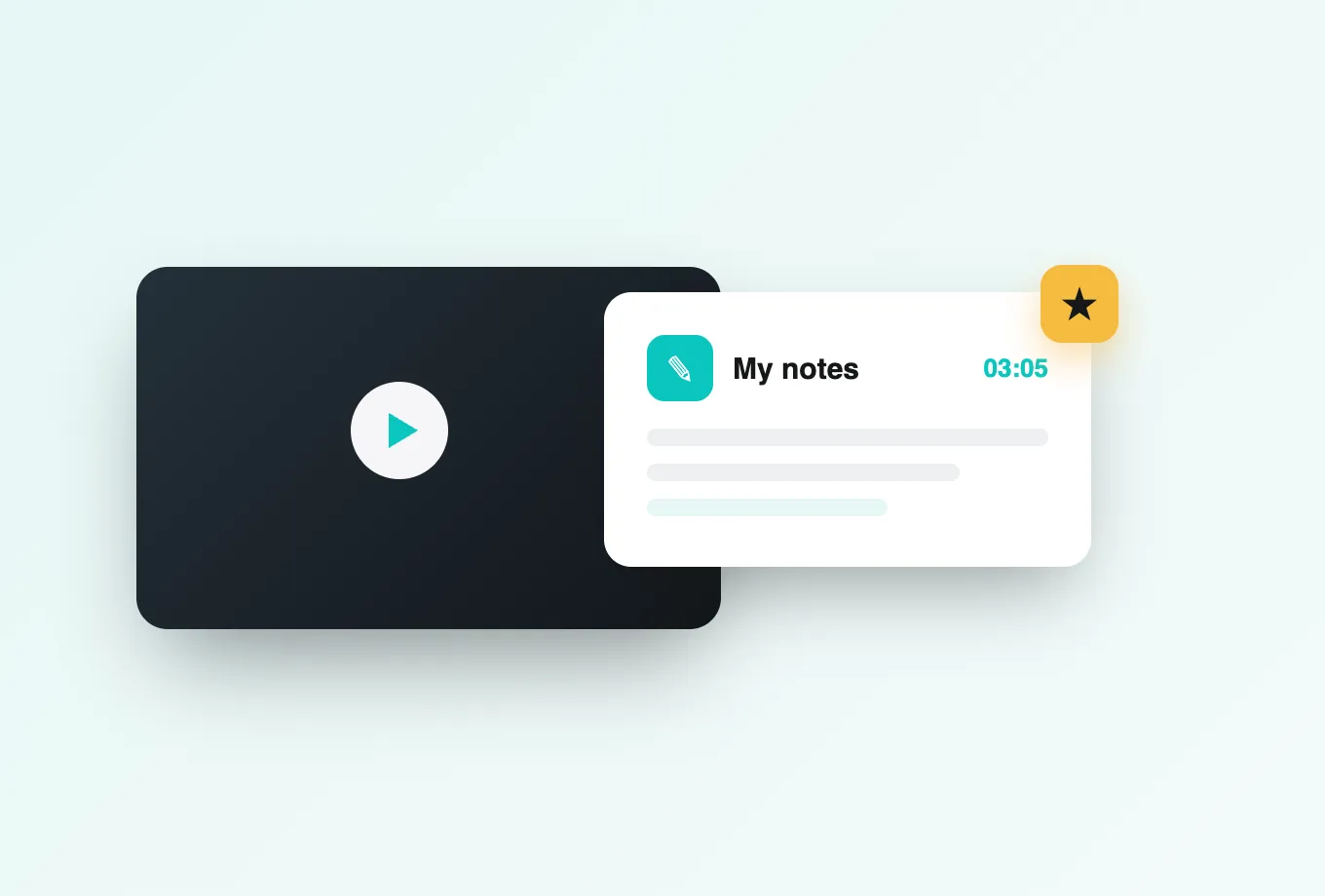
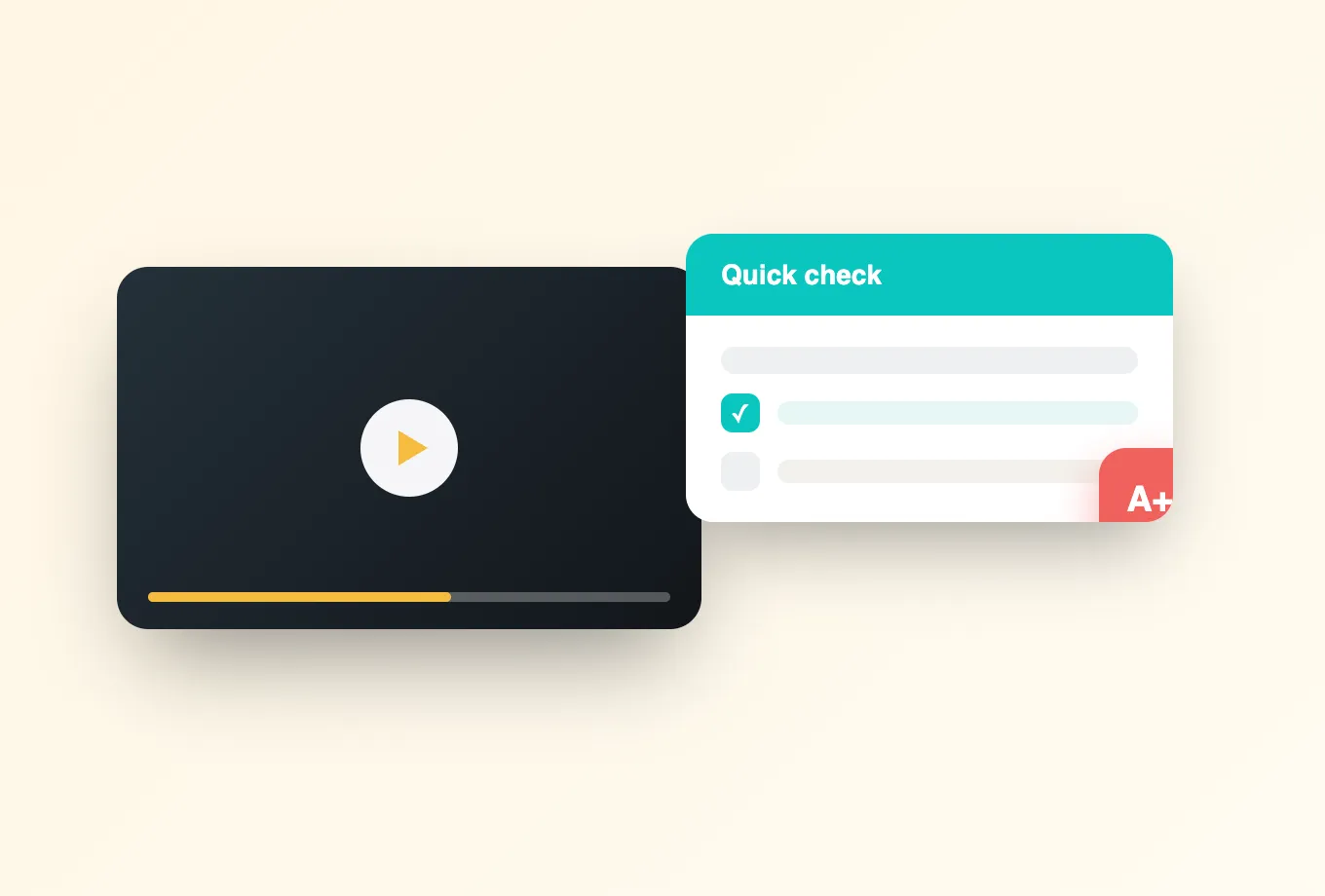
Not every institution runs one of the big-name platforms, and none of them should be locked out of active learning because of it. Annoto is built on LTI 1.3, the open standard modern learning platforms implement, which means the full engagement layer, including time-anchored discussions, in-video quizzes, polls and reactions, notes with AI summaries, and reflection points, deploys into any standards-compliant LMS. That includes homegrown and regional platforms as well as newer entrants: if the platform implements the standard, the experience students get is the full one, not a reduced embed.
Platform-agnostic by architecture, not by exception
Annoto ships first-class integrations for Canvas, Moodle, Blackboard, Brightspace, and Open edX, but those are expressions of one underlying design: the tool conforms to the standard rather than to any vendor. If your platform supports LTI 1.3 tool registration, installation follows the same one-click pattern, and a future LMS migration becomes a configuration change instead of a re-procurement project.
Identity, roles, and grades, handled by the standard
Through the LTI 1.3 flow, your LMS remains the source of truth. Users arrive authenticated by their existing sign-on, instructor and student roles are honored automatically, and graded video interactions pass scores back to your gradebook through the standard's grading services. Annoto never asks your users to create accounts, and never asks your admins to sync rosters by hand. Enrollment changes propagate on their own, so the roster in Annoto is always the roster in your LMS.
And any video player, too
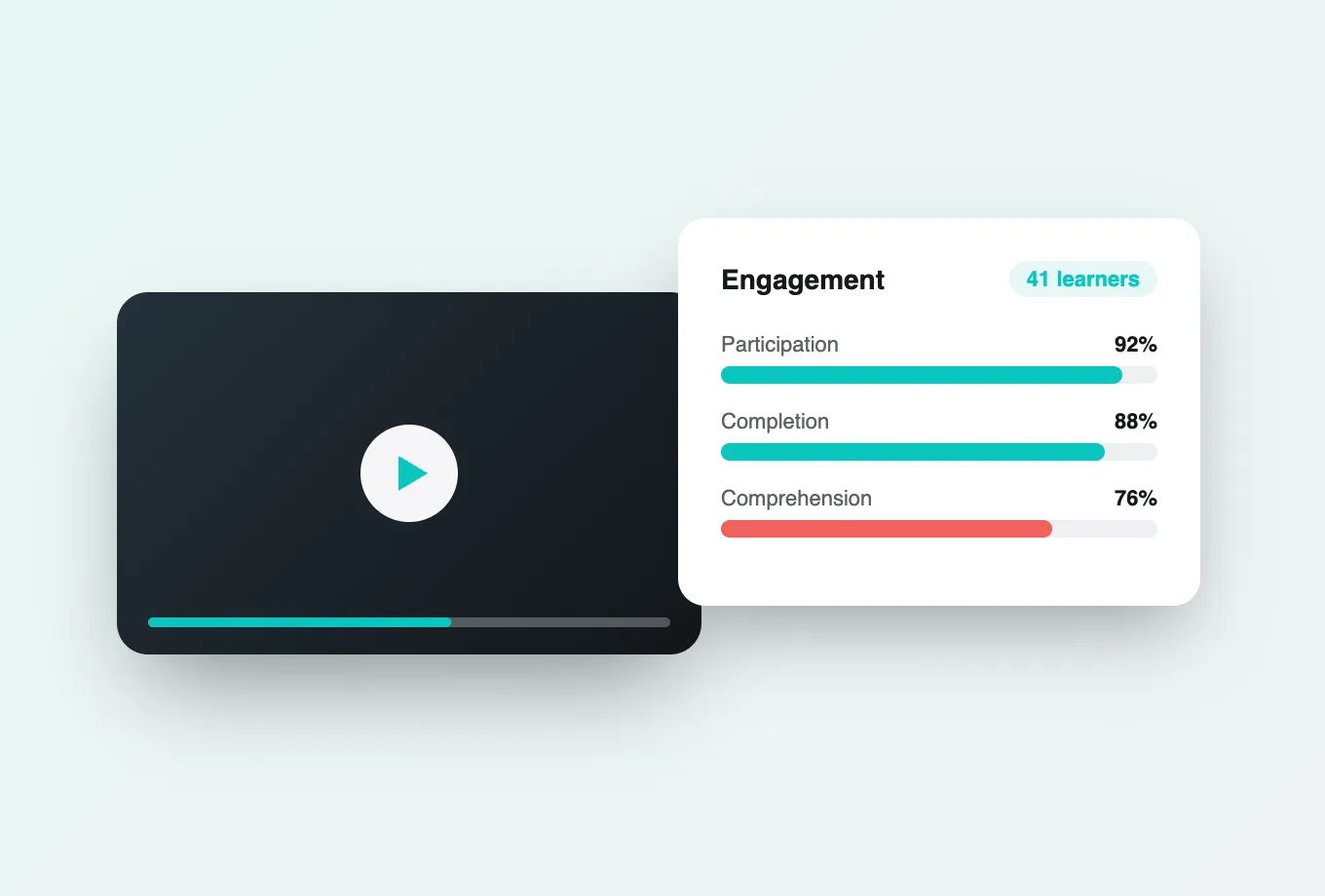
The same agnosticism applies underneath. Annoto layers over Kaltura, Panopto, Wistia, YouTube, and Vimeo players alike, so a less common LMS paired with any mainstream video pipeline still gets the complete experience, including attention and comprehension analytics, completion tracking, and gradebook sync where the platform supports it.
Institutions worldwide run Annoto across a genuinely varied set of environments, and this platform-agnostic design is a large part of why. If you are unsure whether your LMS qualifies, the integration documentation at docs.annoto.net describes exactly what the platform needs to support, and for most modern systems the answer is simply yes.
Still on LTI 1.1? Also covered
Some platforms, particularly older or heavily customized ones, have not completed the move to LTI 1.3. Annoto supports LTI 1.1 as well, so those environments deploy the engagement layer today rather than waiting on a platform upgrade. Where both versions are available, 1.3 is the better choice, with stronger security and cleaner grade services, but a 1.1 installation is a working deployment, not a compromise. Institutions in mid-migration often run both, moving courses over as each department upgrades. The feature set students see is the same either way.
No LMS at all? Embed on any site
Plenty of teaching happens outside a formal LMS: continuing education portals, internal training sites, public course catalogs, and custom-built web platforms. Annoto embeds directly into any web page that hosts a supported player, bringing discussions, quizzes, polls, and notes to video wherever it lives. For organizations that outgrew a simple video page but are not ready to adopt a full LMS, this is often the practical middle step, and it uses the same engagement layer, so nothing is rebuilt if an LMS arrives later.
A deployment sequence that works
Successful rollouts tend to follow the same order regardless of platform. An admin registers the tool and confirms that names, roles, and course context arrive correctly in a sandbox course. One instructor runs a pilot with a real cohort, including a single graded quiz to prove gradebook passback end to end. Only then does the institution open the tool broadly, with a short guide for faculty drawn from the pilot's experience. The whole sequence typically fits inside one term, and each step produces evidence the next one builds on.