Peer Review

Peer feedback anchored to the moment it describes

Students review each other's videos with time-coded, rubric-guided feedback — so critique is specific, actionable, and tied to what actually happened on screen.

Works in Canvas · Moodle · Blackboard · Brightspace
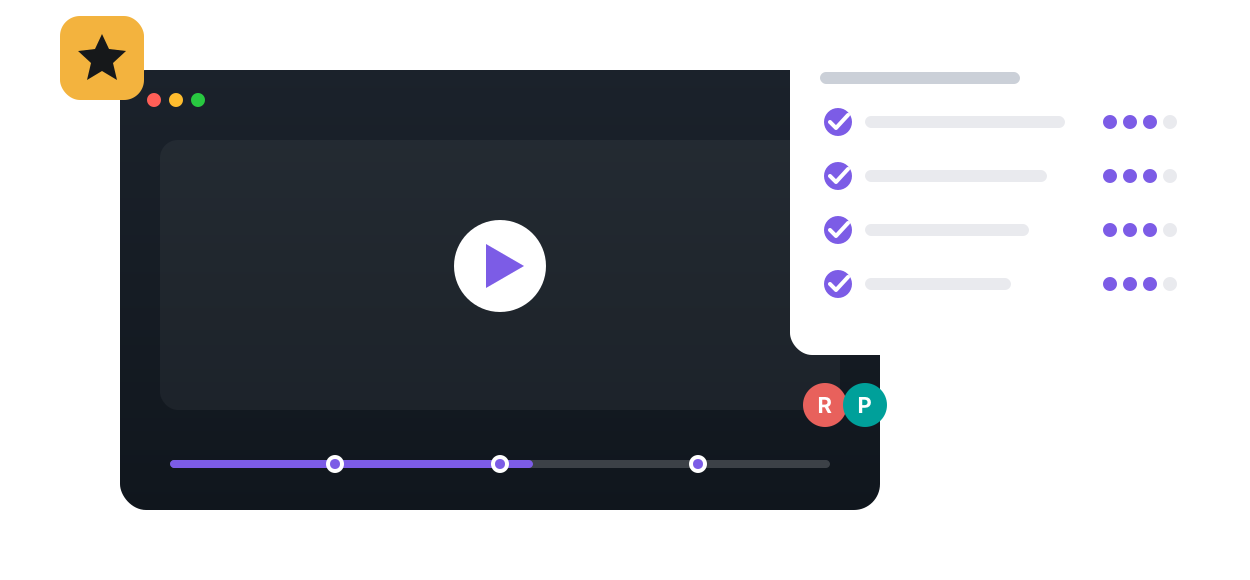
Peer Review in Annoto, shown on a course video
Learn more: How time-anchored peer review works on student videos
PEER REVIEW

How Time-Anchored Peer Review Works on Student Videos

In Annoto, peer review happens inside the player. Students submit video work, such as a recorded presentation, a teaching demo, or a simulation, and classmates attach their feedback to the exact seconds it refers to. A comment like your pacing drops here lands at 2:41 on the timeline, not in a vague paragraph the author has to decode.

Feedback attached to the moment

A reviewer watches the submission and comments as they go, with each remark anchored to its timestamp. Rubric-based assessment runs alongside the timeline feedback, so reviewers score defined criteria instead of improvising, and multiple reviewers can cover one submission. The author then replays their own performance and watches the feedback appear at the moments it describes. It all runs inside Canvas, Moodle, Blackboard, Brightspace, and Open edX through LTI 1.3, on top of Kaltura, Panopto, Wistia, YouTube, and Vimeo players.

Where peer review fits in teaching

Communication courses use it on recorded speeches, with peers marking where an argument loses structure or delivery weakens. Teacher education programs run it on teaching demos, where classmates flag classroom-management decisions as they happen. Nursing programs apply it to simulation recordings, tying feedback to specific steps in a procedure. In each case the rubric keeps feedback consistent across reviewers, and reviewing itself becomes a learning activity: students internalize the criteria by applying them to someone else's work.

From review to gradebook

Results do not stay locked in the player. Completion and gradebook sync carries outcomes into the LMS gradebook, so both the submission and the reviewing work can count toward a grade. Instructors see who reviewed whom, how thoroughly, and where feedback clustered on each video, and analytics export makes the full record available as CSV or through the API for program-level assessment.

Peer review is one of four feedback modes on a video assignment, alongside self-reflection, instructor feedback and group critique, and it sits next to discussions and quizzes in Annoto's engagement layer, used by institutions worldwide. Rubric setup and LMS configuration guides are available at docs.annoto.net.

Writing a rubric that works on a timeline

Rubrics built for essays rarely transfer to video unchanged. The criteria that work are observable in the moment: eye contact held or lost, a procedure step performed in order, an argument signposted before it begins. Keep the list short, three to five criteria, and phrase each so a reviewer can point to a timestamp as evidence. A useful test while drafting: if you cannot imagine a comment anchored to a specific second supporting the score, the criterion is too abstract and belongs in a different assignment.

Calibrating reviewers before the first round

The quality gap between peer reviews is mostly a training gap. Before the first real round, review one sample video together: the instructor leaves a handful of timestamped comments and rubric scores, then the class compares theirs against them. Twenty minutes of that calibration removes most of the empty praise and drive-by criticism that give peer review a bad name. Set expectations by depth rather than volume — one precise comment tied to a criterion is worth five that say nice job. Anonymity is a pedagogical choice: anonymous reviews are franker, named reviews are more careful, and both settings have their place.

Closing the loop after feedback lands

The learning compounds when authors must do something with what they received. A short response assignment works well: the author replays their video with the comments, then writes a revision plan citing the two or three timestamps they intend to fix. Where the course allows a second submission, the pair of videos becomes visible evidence of growth for the student and the program, and the rubric scores travel with the comments, so improvement is measured against the same criteria both times. Instructors spot-check a sample of reviews each round; because every comment is timestamped, checking thoroughness takes minutes, not evenings.

Why it works

Built for how people actually learn

On the timeline
Feedback attaches to the exact second, so it's concrete, not vague.
Rubric-guided
Structured criteria keep reviews fair, consistent, and gradable.
Builds real skill
Giving feedback is as powerful for learning as receiving it.
How it works

From video to active learning in three steps

1
Assign the review
Set the rubric and pair students with the videos to review.
2
Students review on the timeline
Time-coded comments against each criterion.
3
Scores roll up
Rubric results feed the gradebook — no spreadsheet wrangling.
The impact

Numbers that hold up

Retrieval
Time-coded feedback anchors learning better than abstract critique
Annoto
88–97%
Engagement across documented Annoto courses
Annoto case studies
Skills
Used for clinical, performance, teaching, and communication assessment
WashU · SUU
See the research →
Dr. Cindy Wilson, Florida State University
In their words
“In an online class, Annoto accomplishes many of the same goals for discussion as an in-person class. I highly recommend it to other instructors!”
Dr. Cindy Wilson
Course Instructor · Florida State University
Read the case study →
FAQ

Peer Review, answered

Can reviews be anonymous?
Yes — anonymous peer review is supported for candid feedback.
Is feedback tied to timestamps?
Yes — every comment anchors to the exact moment in the video.
Do rubric scores sync to the gradebook?
Yes, via LTI 1.3 to Canvas, Moodle, Blackboard, and Brightspace.
What subjects is this used for?
Clinical skills, performing arts, teacher education, public speaking, and more.
Can instructors review too?
Yes — instructor and peer feedback live on the same timeline.

See it on your own course video

Book a 20-minute demo and watch peer review work inside your LMS, on your own content.