Polls & Reactions

Pulse-check understanding without pausing the lesson

Drop a poll or invite a reaction at any moment and watch the room respond live — a fast read on comprehension, energy, and consensus.

Works in Canvas · Moodle · Blackboard · Brightspace
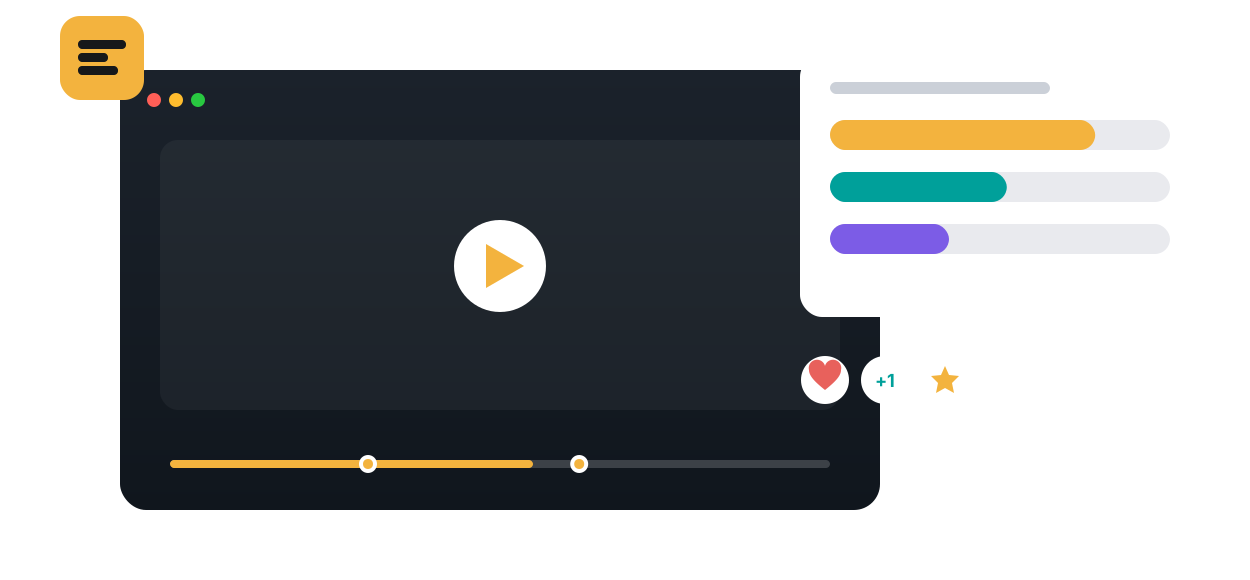
Polls & Reactions in Annoto, shown on a course video
Learn more: How polls and reactions work inside your videos
POLLS & REACTIONS

How Polls and Reactions Work Inside Your Videos

Polls and reactions give learners a one-tap way to respond while a video plays. A poll appears at the moment you choose and asks about what was just shown. Reactions let students mark moments as they watch, signaling interest or confusion in a single click. Both are anchored to the timeline, so every response tells you exactly what was on screen when it happened.

Setting up a poll takes minutes

An instructor picks a timestamp, writes a question, and adds answer options. When playback reaches that point, the poll appears in the player, students answer without pausing their flow, and results are collected per option and per moment. Because Annoto works inside Canvas, Moodle, Blackboard, Brightspace, and Open edX through LTI 1.3, and on top of Kaltura, Panopto, Wistia, YouTube, and Vimeo players, there are no clickers, no separate polling app, and no second login to manage.

Where polls and reactions fit in teaching

In flipped classrooms, a poll inside the pre-class video surfaces where students stand before the discussion starts, giving the in-person session a ready-made opening. In case-based teaching, asking what students would decide before the outcome is revealed makes them commit to a position. In fully asynchronous courses, polls and reactions provide low-stakes participation that keeps passive viewers active, and they give quieter students a way to be present without writing a public comment.

What the responses show

Poll results broken down by timestamp expose misconceptions the moment they form, and a split vote is a reliable marker of a topic worth debating in class. Reaction density maps the shape of a lecture: where attention spikes, where confusion accumulates, where examples land. All of it flows into Annoto's analytics next to watch behavior, and the underlying responses can be exported as CSV or pulled through the API.

Polls and reactions sit alongside in-video quizzes, time-anchored discussions, and reflection points in Annoto's engagement layer, used by institutions worldwide. When you need graded checks rather than quick pulses, quizzes take over and sync to the gradebook. Setup guides are available at docs.annoto.net.

Writing a good pulse question

A pulse check is not a quiz, and it reads best when it cannot be failed. Prediction prompts ('What happens when the price floor rises?') make viewers commit before the reveal. Confidence prompts ('How sure are you about that answer?') separate students who are wrong and certain from those who are merely hesitant, two groups that need different teaching. Keep options to three or four, write them in plain language, and resist trick phrasing, which belongs in graded quizzes if anywhere.

Finding the right cadence

One poll per major segment is a sustainable rhythm; a prompt every ninety seconds trains students to dismiss them. Place polls after dense stretches, where a wrong answer changes what you do next, and let reactions carry the signal in between, since they cost viewers nothing and accumulate on their own. Recording length matters too: shorter videos with one well-placed poll outperform hour-long files carrying five. Over a term, the pattern stabilizes: instructors learn which minutes of which videos reliably split the vote, and those minutes become the agenda for live sessions.

Close the loop, publicly

Response rates depend on students believing their taps matter. The strongest lever is narration: open the next class or announcement with the numbers, then say what changed because of them. 'Sixty percent of you chose the second option, so we reworked Tuesday around it' costs one sentence and tells the cohort their answers steer the course. Reaction clusters deserve the same treatment: when confusion piles up at one moment, acknowledge it and re-explain. Instructors who do this consistently find that participation tends to hold through the end of term instead of decaying after the novelty fades.

Why it works

Built for how people actually learn

One-tap participation
Reactions and polls lower the bar so every learner takes part, not just the vocal few.
Live results
See responses accumulate in real time and surface where opinion splits.
Momentum, not friction
Keep the video rolling while still checking the pulse of the cohort.
How it works

From video to active learning in three steps

1
Add a poll at any timestamp
Multiple choice, sentiment, or a quick reaction prompt.
2
Learners respond as they watch
One tap, in the flow — no separate tool, no login wall.
3
Read the room instantly
Live bars show consensus and split; jump back to reteach where needed.
The impact

Numbers that hold up

92%
Participation across documented Annoto cohorts
Annoto case studies
30 sec
How fast attention lapses in passive video — interaction pulls it back
Bunce et al., 2010
g=0.52
Learning gain of interactive video over passive
Ploetzner meta-analysis, 2022
See the research →
Janicke Stramer-Smith, Weber State University
In their words
“It made managing online discussions easier, and gave me information on how much students are engaging with the videos.”
Janicke Stramer-Smith
Assistant Professor of Political Science · Weber State University
Read the case study →
FAQ

Polls & Reactions, answered

What poll types are supported?
Multiple choice, sentiment/opinion, and lightweight reactions at any timestamp.
Are responses anonymous?
They can be — great for sensitive topics and honest sentiment checks.
Do results show live?
Yes, results accumulate in real time and are visible in the panel.
Can I reuse polls across courses?
Yes — activities are reusable and copy with your course.
Does poll data feed analytics?
Yes — participation and responses roll into engagement analytics.

See it on your own course video

Book a 20-minute demo and watch polls & reactions work inside your LMS, on your own content.