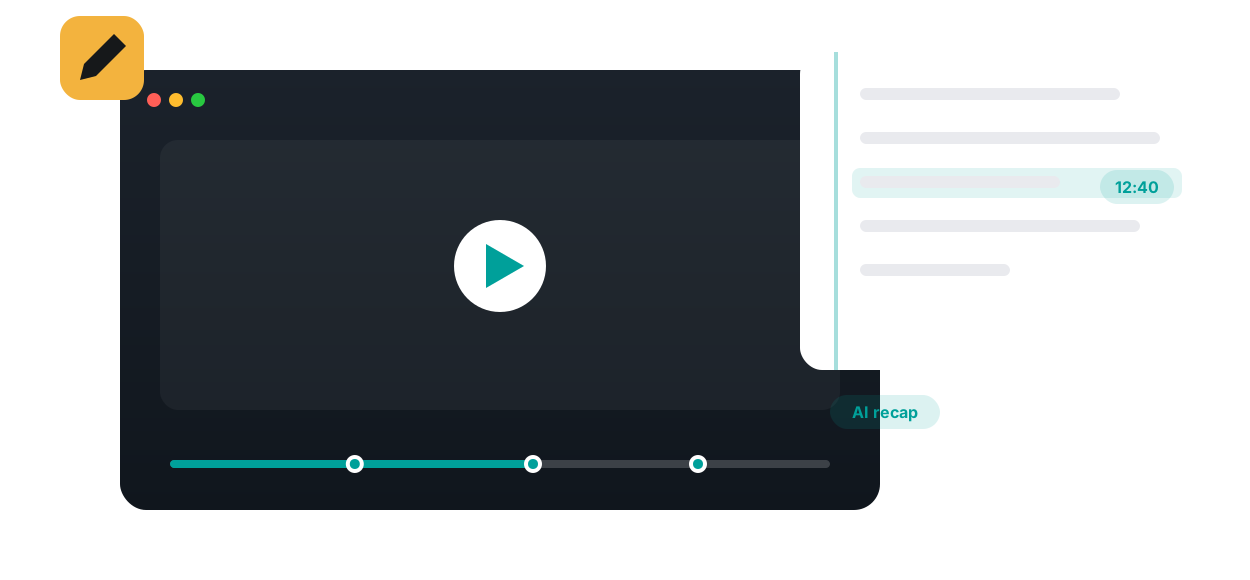
Learners take time-stamped notes as they watch, then get an AI-generated summary to review — turning passive viewing into real study material.

Note-taking and video watching usually happen in two disconnected places: the lecture plays in one window while notes pile up in a document that never links back. Annoto puts the notebook inside the player. Every note a learner writes is anchored to the timestamp where it was written, so reviewing notes later means jumping straight back into the exact explanation that prompted them.
Notes are personal and private. A learner types while watching, each entry stores its moment on the timeline, and clicking any note reopens the video at that second. There is no separate app to manage and no timestamps to copy by hand. Because Annoto works inside Canvas, Moodle, Blackboard, Brightspace, and Open edX through LTI 1.3, and on top of Kaltura, Panopto, Wistia, YouTube, and Vimeo players, the notebook follows the learner across every course video.
Lumo, Annoto's AI copilot for education, turns long recordings into structured summaries and condenses a learner's own notes into a study outline, with links back to the relevant moments in the video. The review workflow becomes practical: read the summary, identify the sections that still feel weak, and rewatch only those segments. For students working in a second language, the combination of written summary and replayable source is especially useful.
Instructors do not read private notes, but they benefit from them. Note-taking is a strong signal of active viewing, and it shows up in Annoto's engagement analytics alongside watch behavior. Many instructors prompt for it directly, asking students to note one question and one takeaway per video, then pair that habit with reflection points where a written response is shared. The private notebook keeps learners honest with themselves; the shared layer turns thinking into discussion.
Notes and AI summaries round out Annoto's engagement layer next to discussions, quizzes, and polls, and they are part of why video courses at institutions worldwide feel closer to a seminar than a broadcast. Details are available at docs.annoto.net.
Notes gain value as they accumulate. By midterm, a learner who has written a few entries per video owns a personal index of the entire course, sorted by moment and searchable by memory of when something was said. Exam preparation then inverts: instead of rewatching hours of lectures, the student reads through their notes, asks Lumo for a summary of each session, and replays only the minutes that still feel uncertain. Spacing that review across several short sessions works better than a single long one, and timestamped notes make short sessions cheap to start.
Since the video itself is always one click away, transcription is wasted effort. The notes that pay off later are the ones the lecture cannot contain: a question the explanation raised, a link to an earlier concept, a guess about what the exam will ask. Encourage students to write in their own words and to mark confusion explicitly, because a note that says 'lost here' becomes a precise agenda item for office hours or for the class discussion thread at that same timestamp.
Adoption is a teaching move, not a software setting. Instructors who get whole cohorts taking notes usually model it once: open the first video in class, write two notes aloud, and show how clicking one jumps the player back. Some make the first note an ungraded task so every student has touched the feature before it matters. The payoff arrives quickly, and once students have used their own notes to prepare for the first quiz, the habit tends to sustain itself for the rest of the term. In practice, the strongest results come from pairing that first modeled session with a short reminder the following week, before the second graded checkpoint. That cadence keeps the habit alive past its novelty, and by the time exams approach most learners are already opening their own time-stamped notes without being asked, treating them as the natural starting point for revision rather than an extra chore.
It is a private layer inside the video player where each learner writes, organizes, and revisits their own notes. Nothing in it is public — unlike comments and discussions, personal notes are visible only to the learner who wrote them. And because the space lives in the player itself, there is no switching between the video and a separate app: reflection happens right where the learning does, inside the LMS course the learner already uses.
Every note is anchored to the second of video it refers to. When a learner reviews before an exam, a note jumps the player straight back to the moment that prompted it — the diagram, the worked example, the passing remark that suddenly matters. Context is never lost: a note that says “this is the key formula” stays attached to the key formula, instead of floating in a document with no way back to the source.
Notes stay organized inside the platform and can be exported as portable study material. A semester of in-video annotations becomes a revision document the learner can take anywhere — a condensed, personal summary of the course written in their own words. Self-generated summaries are among the most reliable study tools there are, because the act of writing them is itself a pass of active processing, and reviewing them later is far faster than scrubbing through hours of video.
Re-watching feels productive, but it mostly produces familiarity rather than recall. Learning science is blunt about this: testing yourself on material strengthens memory far more than passively reviewing it. Writing notes in your own words is retrieval practice at capture time; quizzing yourself from those notes is retrieval practice at revision time. That is why notes and AI summaries are built around writing and recalling — active recall — not around watching the same video twice and hoping more of it sticks.
Instructors can place reflection points and in-video quizzes along the timeline, so the video itself pauses and asks the learner to think or answer. For a self-directed learner these are checkpoints: a wrong answer is a signal to write a note and revisit the segment, and a reflection prompt is an invitation to restate the concept in their own words while it is fresh. Combined with private notes, they turn a plain lecture recording into a guided study session that keeps momentum without an instructor in the room.
Never the notes themselves. What instructors and L&D teams get through the Analytics & Insights Dashboard is the engagement signal: how far learners watch, where they slow down or drop off, and how actively they work through the material. That is enough to spot a struggling learner or a confusing segment while the private space stays exactly that — private. As the University of Padova put it, learners feel “somehow accompanied” even when they study alone.

“Using Annoto made the material less textual. There was more life in it — much more interactive and rich.”
Book a 20-minute demo and watch notes & summaries work inside your LMS, on your own content.