Employee Onboarding Videos New Hires Actually Learn From
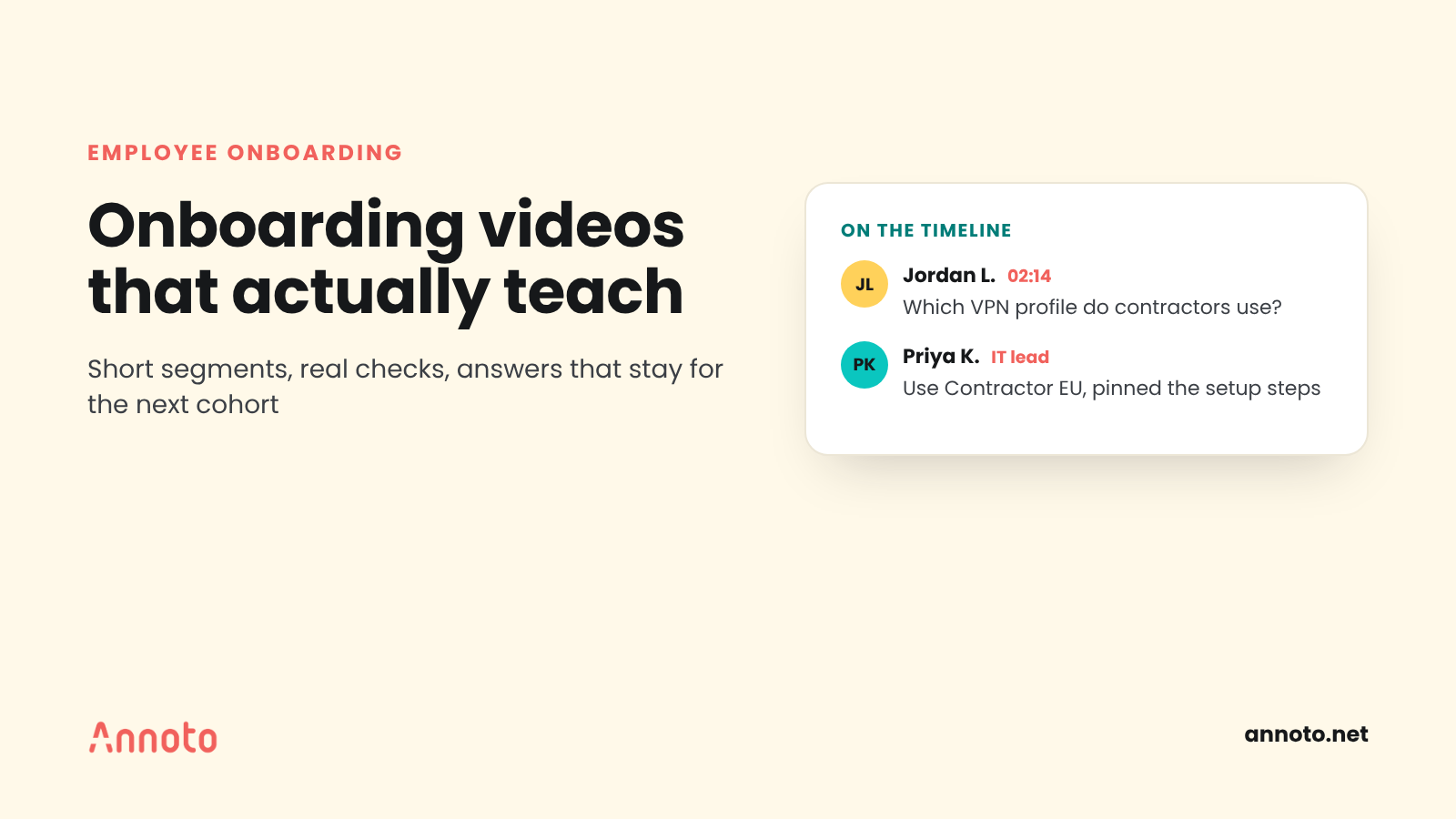
Employee onboarding videos teach when they are short, sequenced by what a new hire needs each week, and built with checks that make people apply what they watched. Add a place for questions on the video timeline so answers stay for the next cohort, and measure time to proficiency rather than views. Done this way, video carries the repeatable parts of onboarding so managers can focus on coaching.
Why do most employee onboarding videos fail to teach?
Most employee onboarding videos fail because they are built as a one way information dump: long welcome recordings and policy walkthroughs that new hires watch once and forget. The problem is not video itself. It is that nothing in the experience asks the new hire to think, apply or ask.
The cost shows up in how people rate onboarding. In a Gallup article on onboarding, only 12% of US employees said their company does a good job of onboarding, and only 29% of new hires said they felt fully prepared and supported to excel afterward. The same article says new employees typically take around 12 months to reach their peak performance potential.
Engagement more broadly is also low. Gallup's State of the Global Workplace 2026 reports that 20% of employees worldwide were engaged in 2025, down from 21% the year before. A new hire's first weeks are one of the few moments when attention and motivation are naturally high, which makes a passive start a missed opportunity.
How should you structure a new hire onboarding video program?
Structure new hire onboarding videos around the order in which people need things, not the order of your org chart. A simple way to do this is to map videos to the first day, the first week and the first month.
- Day one: orientation. How to get access, who to ask, how the team works. Keep this practical and short; nobody retains a company history on day one.
- Week one: core workflows. The three to five tasks every person in the role does constantly, shown as screen recordings or real walkthroughs.
- Weeks two to four: judgment. Scenarios where the right answer depends on context, such as escalating a customer issue or handling an exception.
- Ongoing: reference. Short clips people return to when they hit a task for the first time.
Required policy content, such as security or data handling, can sit in week one, but treat it the same way as everything else: short segments with checks. The approach in microlearning meets video applies well here.
How long should an onboarding training video be?
An onboarding training video should be as short as the single task or idea it covers, and longer topics should be split into segments. Large scale viewing data supports this: an analysis of 6.9 million video watching sessions on edX found shorter videos were substantially more engaging.
Segmenting also helps learning, not only attention. A meta analysis of the segmenting effect found small to medium gains in retention and transfer when instruction was broken into segments, with lower cognitive load. In practice:
- One video, one task. "How to submit an expense" is a video; "Finance processes" is a playlist.
- If a recording has natural chapters, cut it there or add a pause with a question.
- Put the payoff first. Show the finished result, then the steps.
What checks should you add to employee onboarding videos?
Add short questions inside the video at the point each idea is taught, so new hires retrieve and apply it right away. Research on online lectures found that brief tests between segments reduced mind wandering, increased note taking and improved final test scores compared with watching without them.
The type of check matters. Recall questions ("What is the name of the ticketing tool?") are easy to answer and easy to forget. Application questions work better:
- Next step. "A customer reports X. Which queue does the ticket go to?"
- Spot the error. Show a filled form or a code snippet with one mistake.
- Judgment call. "Your manager is out and a client asks for a discount. What do you do?"
- Reflection. "Which part of this process is different from your last job?" This surfaces assumptions early.
Explain why each answer is right or wrong. During onboarding, feedback is the teaching. For a deeper dive on question design, see video comprehension checks.
How do questions on the timeline improve onboarding engagement for the next cohort?
Time stamped questions on the video timeline improve onboarding engagement because every new hire can ask at the exact moment they are confused, and the answer stays attached to that moment for everyone who follows. Over a few cohorts, the video collects the questions that matter most, answered by the people who know.
This changes onboarding in a few practical ways:
- Fewer repeated questions. The tenth new hire sees that the third one already asked about VPN access at 2:14 and read the answer.
- Visible gaps. A cluster of questions at the same moment tells you that segment needs a better explanation or a new example.
- Human connection. Seeing a teammate or manager reply makes recorded content feel less like a broadcast, which matters for remote hires.
- Peer help. Recent hires often answer questions they asked a month ago, which reinforces their own learning.
To make this work, assign an owner for each video who answers within a set time, pin the best answers, and fold recurring answers back into the next edit. Tools such as Annoto support time stamped discussion with moderation and pinning on existing videos; the broader idea is covered in in context video discussion.
How do you measure time to proficiency from onboarding videos?
Measure time to proficiency by defining what "proficient" means for each role, then tracking how long new hires take to get there and which onboarding signals predict a faster path. Views and completion are inputs, not outcomes.
A practical approach:
- Define the milestone. Pick an observable standard, such as handling a full ticket queue without escalation, closing a first deal, or passing a code review with no blocking comments.
- Set a baseline. Record how long the last few cohorts took to reach it before you changed the program.
- Collect learning signals. Per learner watch progress, in video question results by segment, and the questions asked on the timeline.
- Compare. Do new hires who miss the week one workflow questions take longer to reach the milestone? That points to the content to fix first.
- Add the manager view. A short check in at 30, 60 and 90 days on readiness gives context data alone cannot.
Keep the comparison honest: cohorts differ in size, role mix and market conditions, so treat changes as signals to investigate rather than proof. Making video training measurable against skills gaps goes further on linking learning data to performance, and the analytics overview shows what per learner data can include.
Key takeaways
- Gallup finds few employees rate their onboarding highly, and new hires often take about a year to reach peak performance.
- Sequence onboarding videos by day one, week one and month one, with one task per video.
- Place application questions inside videos at the point each idea is taught.
- Use time stamped questions on the timeline so answers carry forward to the next cohort.
- Measure time to proficiency against a defined milestone, not views.
Frequently asked questions
What should be included in employee onboarding videos?
Start with practical orientation, then the core workflows of the role, then judgment scenarios. Keep each video to one task and include short questions that ask the new hire to apply what they just saw.
How long should onboarding videos be?
Keep them as short as the task they teach and split longer topics into segments. Viewing data from millions of edX sessions found shorter videos held attention far better, and segmenting research links chunked instruction to better retention.
How do you make onboarding videos engaging for remote hires?
Add questions inside the video and a time stamped discussion where teammates answer. Seeing real colleagues respond at the exact moment of confusion makes recorded content feel connected and reduces repeated questions.
What is time to proficiency in onboarding?
It is the time a new hire takes to reach a defined standard of independent performance in their role. Define the milestone per role, set a baseline from past cohorts, and use learning data to find which content speeds it up.
If you are rebuilding onboarding around video, the corporate learning overview explains how questions, discussion and analytics can be added to the videos you already have.
