Town Hall Meeting Format: Agenda, Q&A and What to Do With the Recording
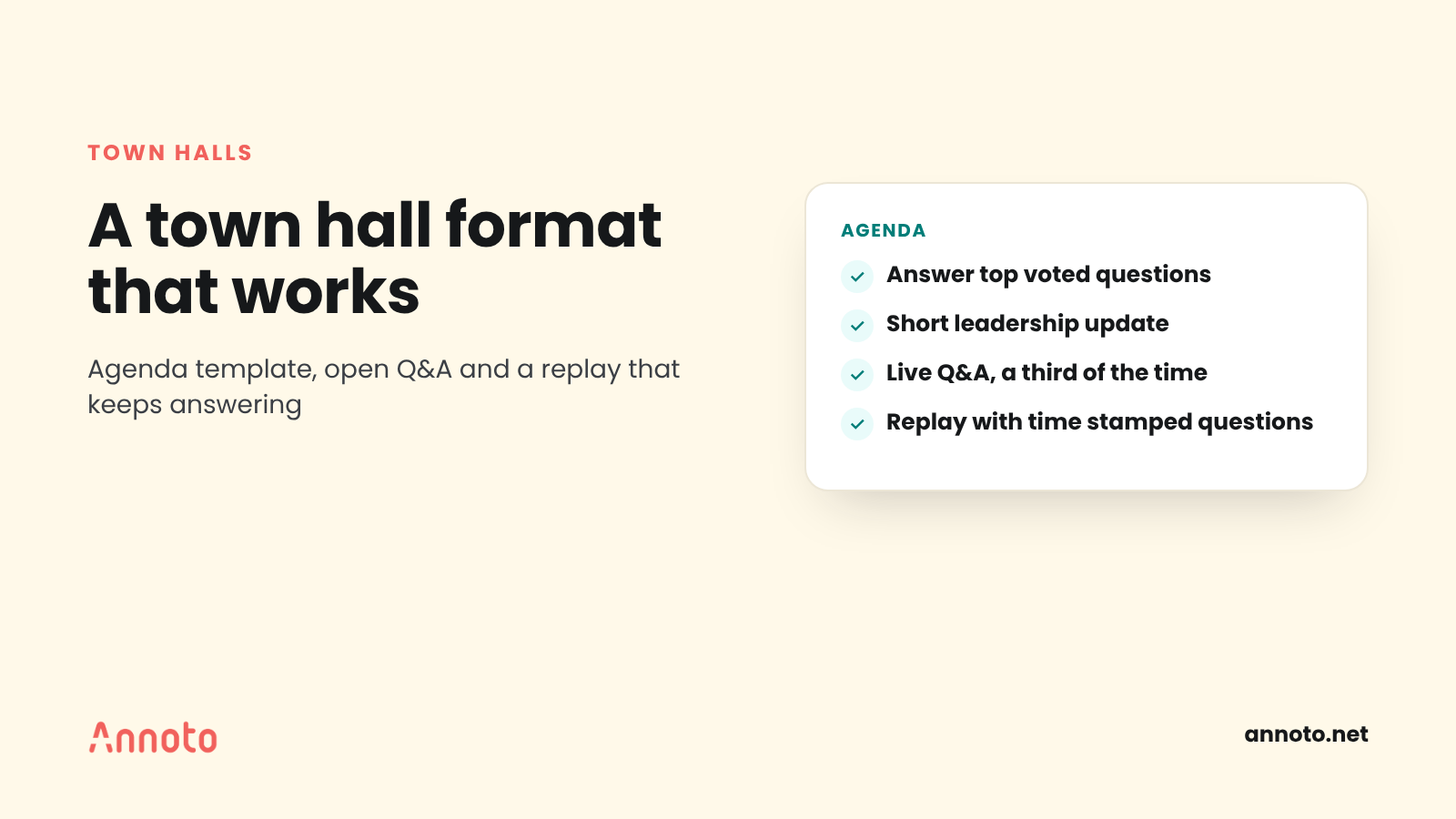
A good town hall meeting format has four parts: a short leadership update tied to one or two priorities, a context segment that explains the why behind decisions, an open Q&A that takes up at least a third of the time, and a recorded follow up that keeps answering questions after the live session ends. Publish the agenda early and treat the recording as the meeting's second half.
What is a town hall meeting?
A town hall meeting is a company wide session where leaders share updates and answer questions from employees in the open. The name comes from civic meetings where residents could question officials directly, and the format keeps that spirit: the questions matter as much as the slides.
Inside organizations, the terms town hall and all hands are often used interchangeably. In practice, an all hands tends to lean toward updates and celebration, while a town hall puts more weight on questions and two way dialogue. Media teams, associations and online communities use the same format with members or subscribers instead of employees.
The stakes are real. Gallup's leadership indicator reports that only 16% of U.S. employees say their leadership communicates effectively with the rest of the organization. A well run town hall is one of the few recurring moments where leaders can close that gap in front of everyone at once.
What is the best town hall meeting format?
The best town hall meeting format is short on presentation and long on dialogue. Most teams settle on 45 to 60 minutes, with the leadership update kept under 15 minutes so there is room for real questions.
Three principles hold across company sizes:
- Pick a theme. One or two priorities per session beats a tour of every department. People remember a story, not a status report.
- Say the hard thing first. Vimeo describes opening its all hands with a "what's working, what's not (yet)" framing so leaders address problems before they surface as questions.
- Protect the Q&A. If the update runs long, cut slides, not questions. A town hall that ends without Q&A trains people to stop asking.
Town hall meeting template: a ready to use agenda
Use this all hands meeting agenda as a starting point for a 60 minute session and adjust the timings to your audience.
- Welcome and purpose (3 minutes). The host states the theme and what attendees will leave knowing.
- Answers to pre submitted questions (5 minutes). Address the top voted questions collected in advance, especially the uncomfortable ones.
- Leadership update (12 minutes). Progress on one or two priorities, with a clear "what's working, what isn't" view.
- Context segment (10 minutes). A team lead or guest explains a decision, a customer story or a change in plain language.
- Recognition (5 minutes). Name specific people and specific work.
- Live Q&A (20 minutes). Moderated, with anonymous questions allowed and upvoting turned on.
- Close and next steps (5 minutes). Summarize decisions, name owners for open questions and say where the recording and answers will live.
Share the agenda a few days ahead. Vimeo's team, for example, circulates a draft to its leadership team a week in advance for feedback, which gives presenters time to cut and sharpen.
How do you run a good town hall Q&A?
A good town hall Q&A starts before the meeting, allows anonymous questions, uses a moderator, and makes visible which questions were answered and which are still open. The goal is for people to see that asking leads somewhere.
Collect questions in advance
Open a question form or Q&A board several days before the session. Upvoting helps surface what most people want to know rather than what the loudest person wants to know.
Allow anonymity, with moderation
Most event tools now support both. Microsoft Teams lets organizers enable anonymous posts and review questions before they appear in the feed. Pigeonhole Live offers anonymous questions with email or SSO verification and optional moderation, so employees stay anonymous to the audience while the session stays limited to staff.
Answer in categories, not one by one
When many questions overlap, group them by theme and answer the theme. Tell people which questions you grouped so nobody feels ignored.
Never leave a question hanging
If there is no time, say so, and commit to a written answer by a specific date. If a topic draws more questions than the slot can handle, schedule a dedicated follow up session, as Vimeo recommends for topics that generate the most questions.
What should you do with the town hall recording?
Treat the recording as an asset with its own audience, not an archive. Many employees miss the live session because of time zones, shifts or customer work, and the replay is the only version of the meeting they ever see.
A practical checklist for every recording:
- Publish within a day, with captions and a short written summary at the top.
- Add chapters for each agenda block so people can jump to the update, the context segment or the Q&A.
- Link the written answers to questions that were not answered live.
- Put it where people already work, such as the intranet, the team channel or the learning platform, rather than a separate portal.
- Check who watched and where they dropped off, so the next agenda gets shorter where attention fell.
How do you keep questions alive on the replay?
Keep questions alive on the replay by letting viewers ask and comment at the exact moment in the video they are reacting to, and by having someone answer those questions for a set period after the live event. A replay without a way to respond turns a two way meeting into a broadcast.
Here is a simple model that works for internal comms and community teams:
- Open time stamped comments on the recording. A question attached to minute 14, where the CFO explained the budget change, is far easier to answer well than a general "can you explain the budget?" in a chat channel.
- Seed the thread. Post the grouped live questions and their answers at the moments they relate to, so replay viewers see the conversation that already happened.
- Set an answer window. For example, leaders or their delegates respond to replay questions for two weeks, then the thread closes and a final summary is posted.
- Add one or two quick checks. A poll after the strategy section ("Is this priority clear?") gives you a signal from people who never attend live.
- Moderate the same way as live. Use the same rules for anonymity and tone, and name a moderator.
Several tools can support this pattern. Annoto is one example: it adds time stamped discussions and polls and reactions on top of video hosted on platforms such as Vimeo, Wistia, Kaltura or YouTube, with moderators able to pin or close discussion per video. Whatever you use, the principle is the same: the replay should invite a response, not just a view.
For more on why comments tied to a specific moment work better than a separate thread, see our post on in context video discussion.
How often should you hold a town hall?
Most organizations hold a town hall monthly or quarterly, with extra sessions for major changes. The right cadence is the one you can sustain with real content and real answers.
Frequency also shapes format. Vimeo moved to town halls every other week with a less formal structure. A frequent cadence suits short, conversational sessions; a quarterly cadence suits a fuller agenda with strategy and results.
Key takeaways
- A strong town hall meeting format keeps the leadership update short and protects at least a third of the time for Q&A.
- Collect questions in advance, allow anonymity with moderation, and close every open question with a written answer.
- Use the seven part agenda template above as a starting point and share it ahead of time.
- The recording is the meeting for everyone who missed it: publish it fast, with chapters, captions and answers.
- Open time stamped questions on the replay and set an answer window so the conversation continues.
If you run town halls, member briefings or community sessions on video, our media and communities page shows how teams add discussion and polls to live and recorded sessions.
Frequently asked questions
What is the difference between a town hall and an all hands meeting?
Both bring the whole organization together with leadership. A town hall usually puts more emphasis on open questions and dialogue, while an all hands often focuses on updates, results and recognition. Many companies use the terms interchangeably.
How long should a town hall meeting be?
Most run 45 to 60 minutes. Keep the presented update under about 15 minutes so there is enough time for questions. If you regularly run out of Q&A time, shorten the presentation rather than extending the meeting.
Should town hall questions be anonymous?
Allowing anonymous questions usually brings up the topics people actually worry about. Pair anonymity with moderation and sign in verification so the session stays respectful and limited to your audience. Tools such as Microsoft Teams and Pigeonhole Live support both settings.
How do you handle questions you could not answer live?
Say on the call that every remaining question will get a written answer, and give a date. Post the answers next to the recording, ideally at the moment in the video each question relates to. If one topic dominates, schedule a dedicated follow up session.
