Blackboard + Annoto
Turning Blackboard video into a space students actually talk in
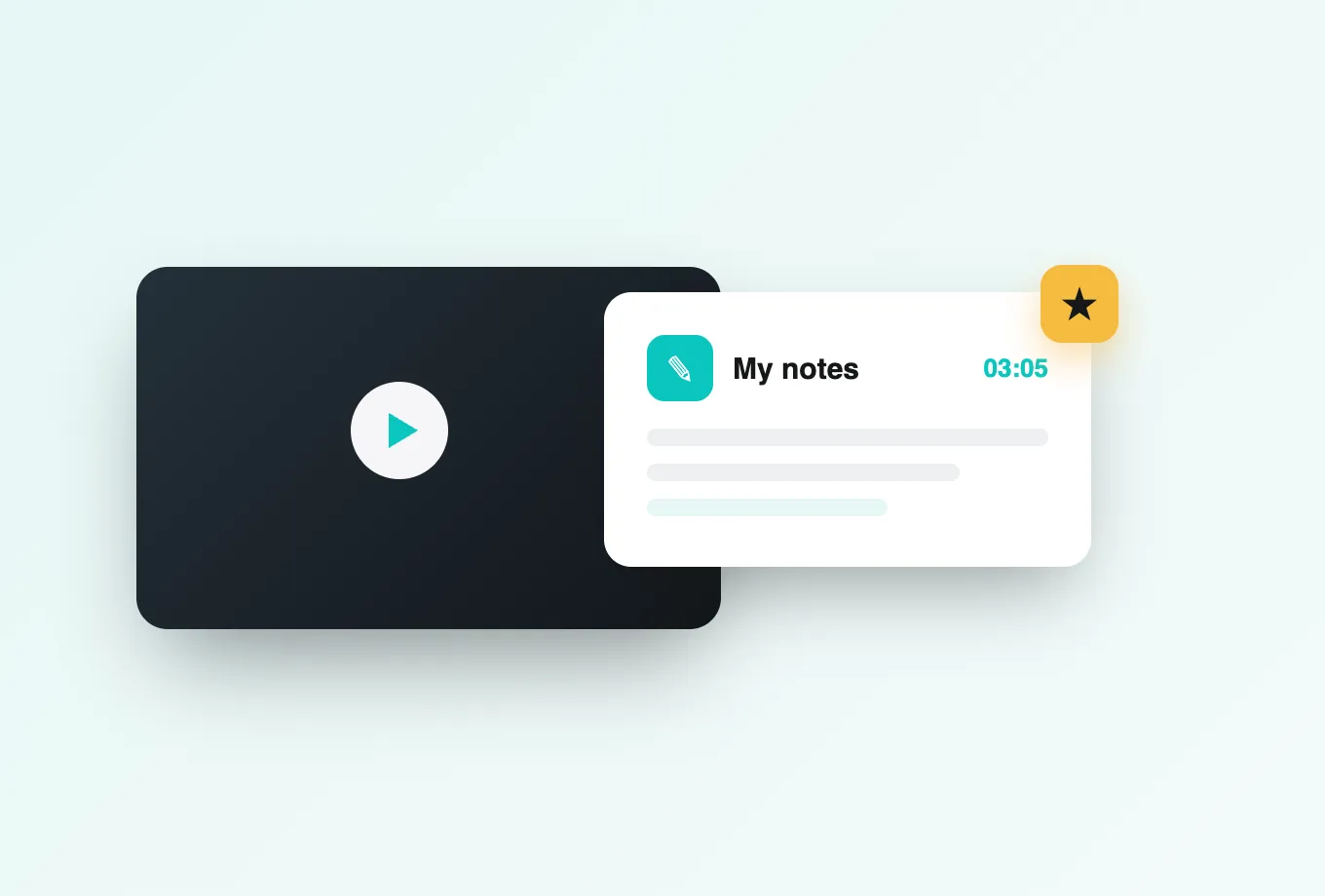
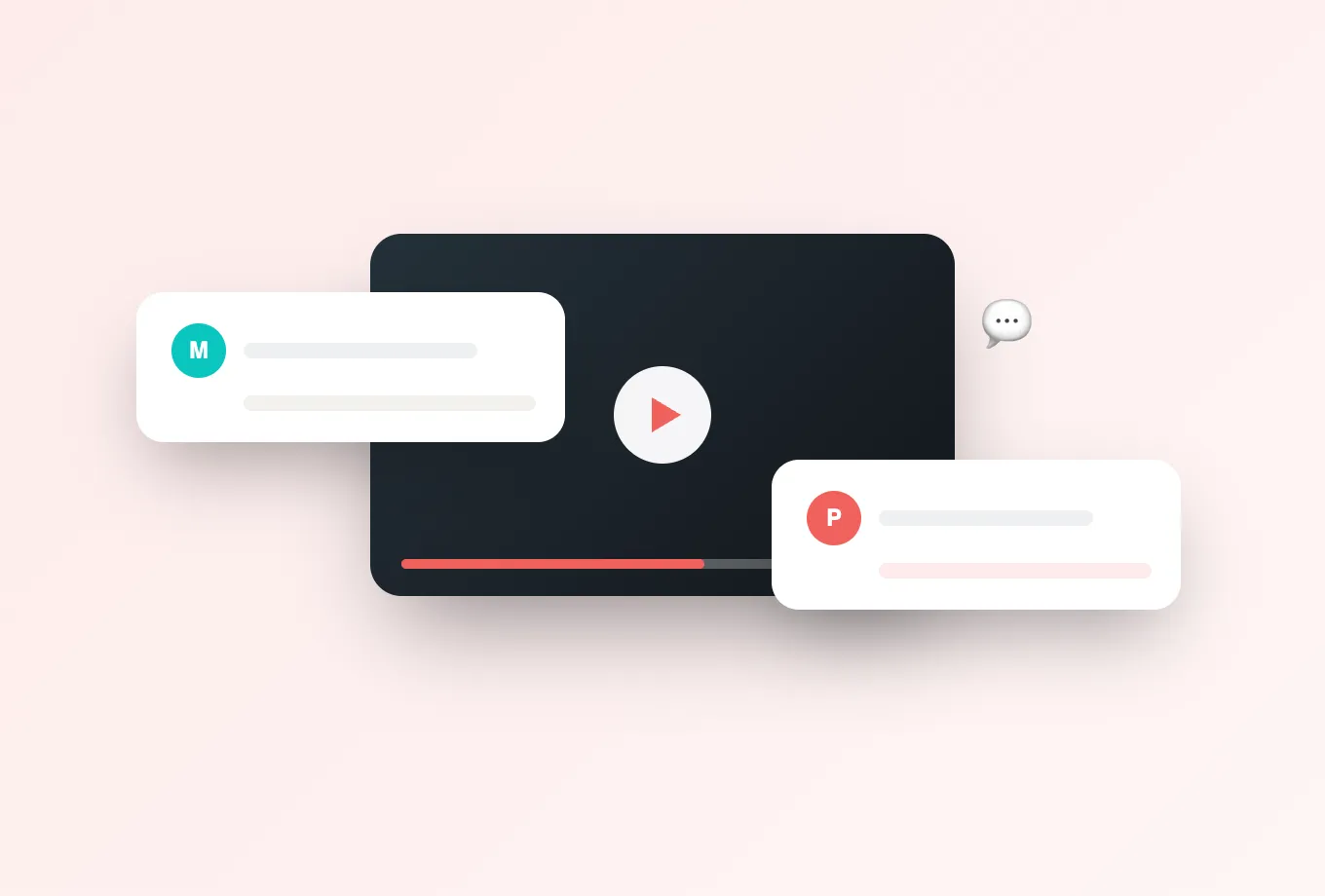
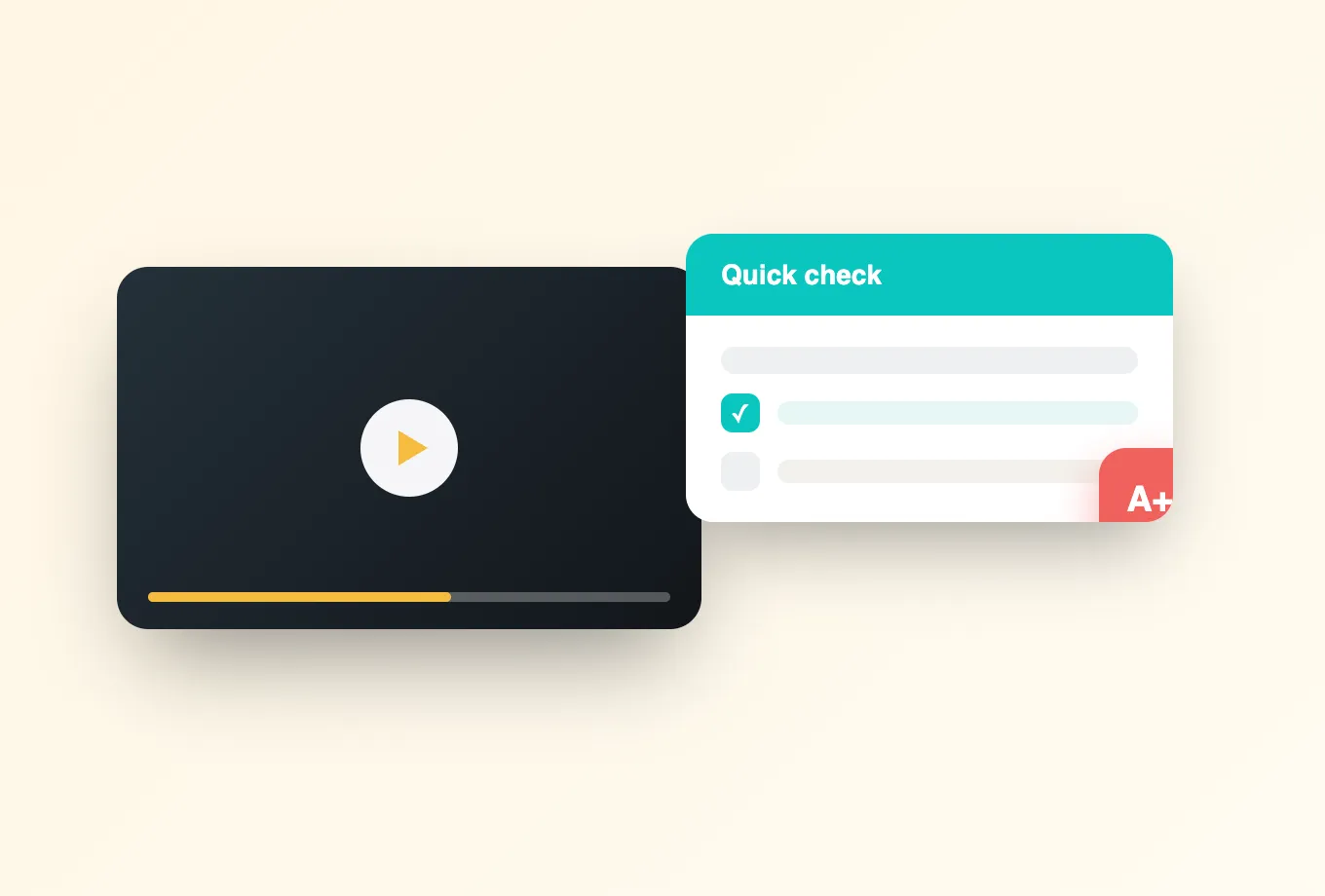
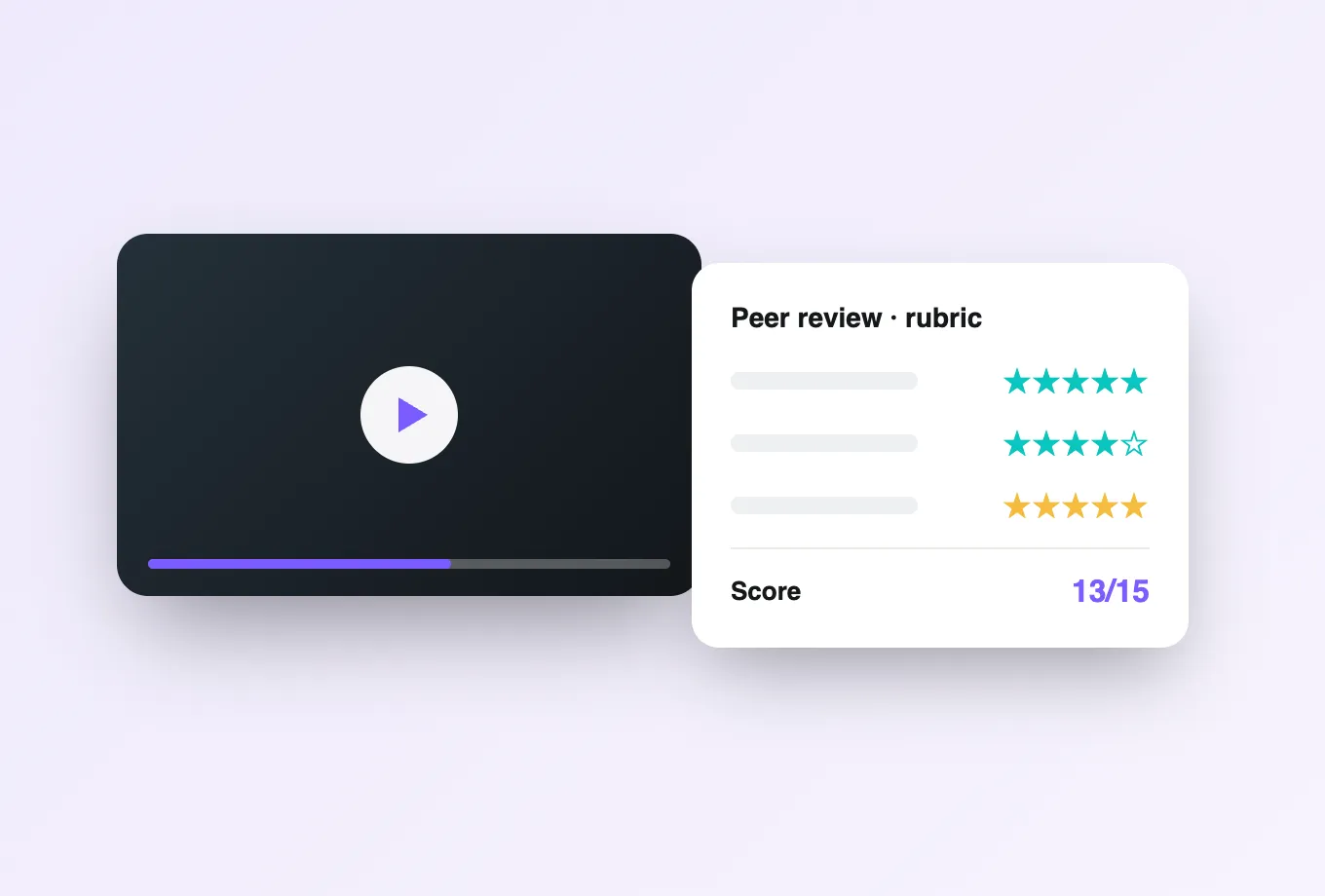
Annoto connects to Blackboard through LTI 1.3, the standard Blackboard administrators already trust for third-party tools. One registration makes the engagement layer available across your courses, and from then on any video can host time-anchored discussions, in-video quizzes, polls and reactions, shared notes with AI summaries, and reflection points, all without students ever leaving the course. For students there is nothing new to learn, and for instructors there is nothing new to log into.
Installation that fits Blackboard governance
The one-click LTI 1.3 setup means there is no server-side software to deploy and nothing added to your maintenance calendar. Admins keep full control over where the tool is available, instructors decide how it is used in each course, and updates arrive without a change window. For institutions that manage Blackboard centrally, that combination of central provisioning and local choice is what makes adoption realistic.
One identity, one gradebook
Every participant arrives through Blackboard sign-on with their role intact: instructors moderate, students contribute, graders see what they need. When engagement is assessed, whether through completion thresholds, embedded quiz answers, or participation in discussion, scores pass back into the Blackboard gradebook automatically. Instructors track video learning alongside every other grade column instead of in a separate dashboard. Nothing needs manual score entry, and nothing ends up living in a spreadsheet on someone's desktop.
Whatever plays your video, Annoto plays along
Blackboard institutions serve media through many pipelines. Annoto layers onto Kaltura and Panopto deployments as readily as onto YouTube, Vimeo, or Wistia embeds, keeping the interface identical for students regardless of source. Your media strategy can evolve over time; the collaboration layer, and the history inside it, stays put. Course archives and restores behave as expected, since the layer travels with the course context.
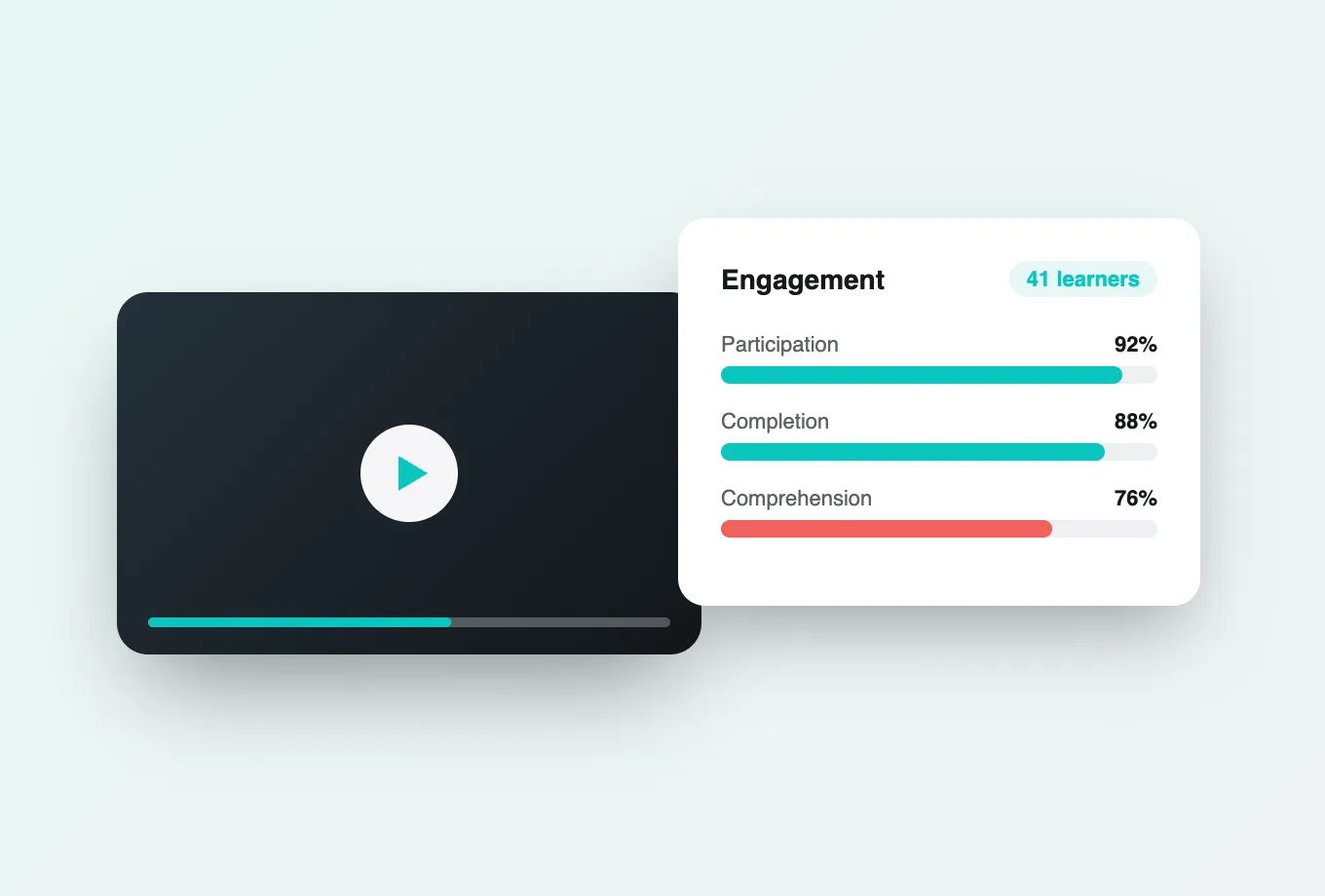
The result is a course where watching is measurable and social. Attention and comprehension analytics show which segments students replay and where they disengage, completion syncs to the gradebook, and data exports by CSV or API feed institutional reporting. Institutions worldwide teach with Annoto today. Setup documentation for Blackboard, including registration parameters and grading options, is available at docs.annoto.net, and most deployments are live the same day they are approved.
Ultra and Original, one teaching motion
Blackboard campuses rarely run a single course view, and Annoto does not ask them to. In Ultra courses the tool is added from the content market, so an instructor places an interactive video the way they place any other item; in Original courses it sits as a content item or module link. Either way the player, the discussion layer, and the analytics behave identically, which means training material written once serves every course, and a campus mid-migration to Ultra is not supporting two different tools during the transition.
Grade Center detail graders actually use
When an instructor marks an activity as graded, a matching Grade Center column is created with the points possible they defined, so it can be weighted into course totals like any other assessment. From there, familiar Grade Center habits apply: build a smart view of students still under the watching threshold, sort by quiz score to see who misread the key concept, and reach out during the week the material matters rather than after the exam. Because scoring criteria live with the activity, regrading a question updates the column without manual cleanup.
A rollout plan for one term
Most Blackboard teams start with a few high-enrollment courses rather than a campus-wide switch. Enable the tool for the pilot, then ask each instructor to seed the first two or three time-anchored comments, drop one reflection point at the concept students historically miss, and read the attention curve after the first assignment. By week three the data shows whether discussion is forming, and that evidence is what carries the case to the rest of the faculty.