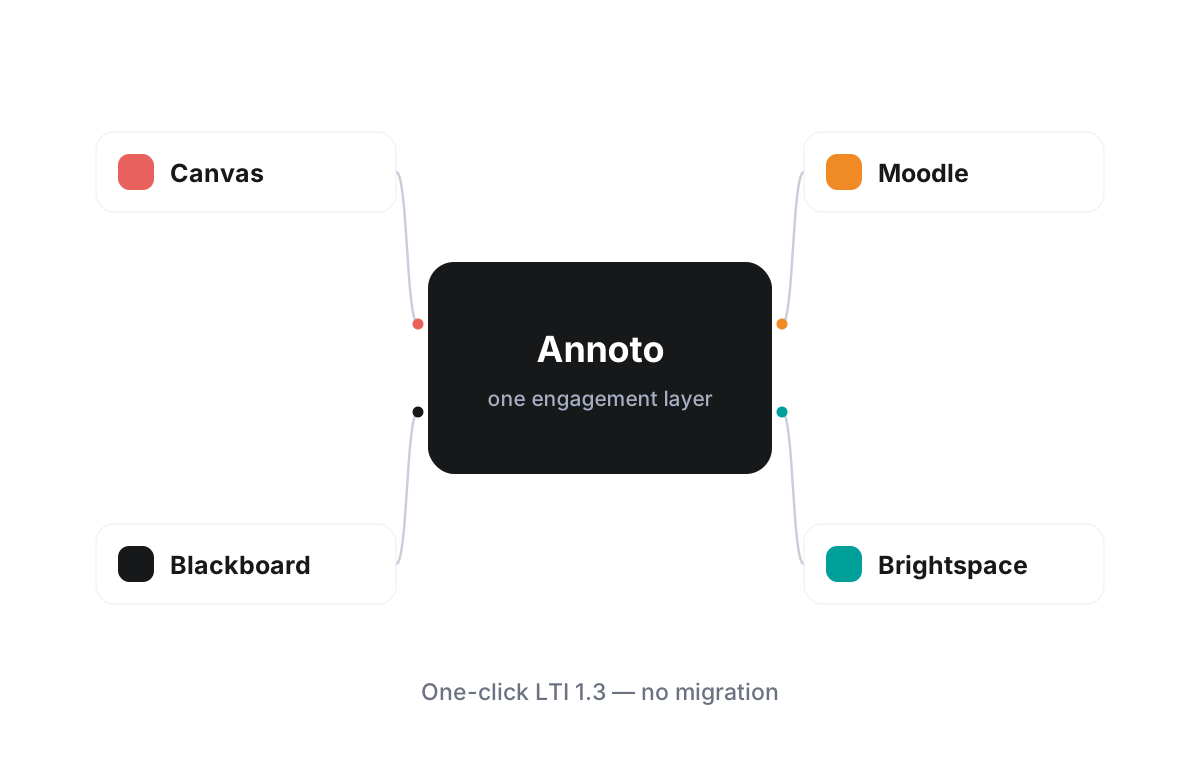
Brightspace + Annoto
What Annoto adds to a D2L Brightspace course
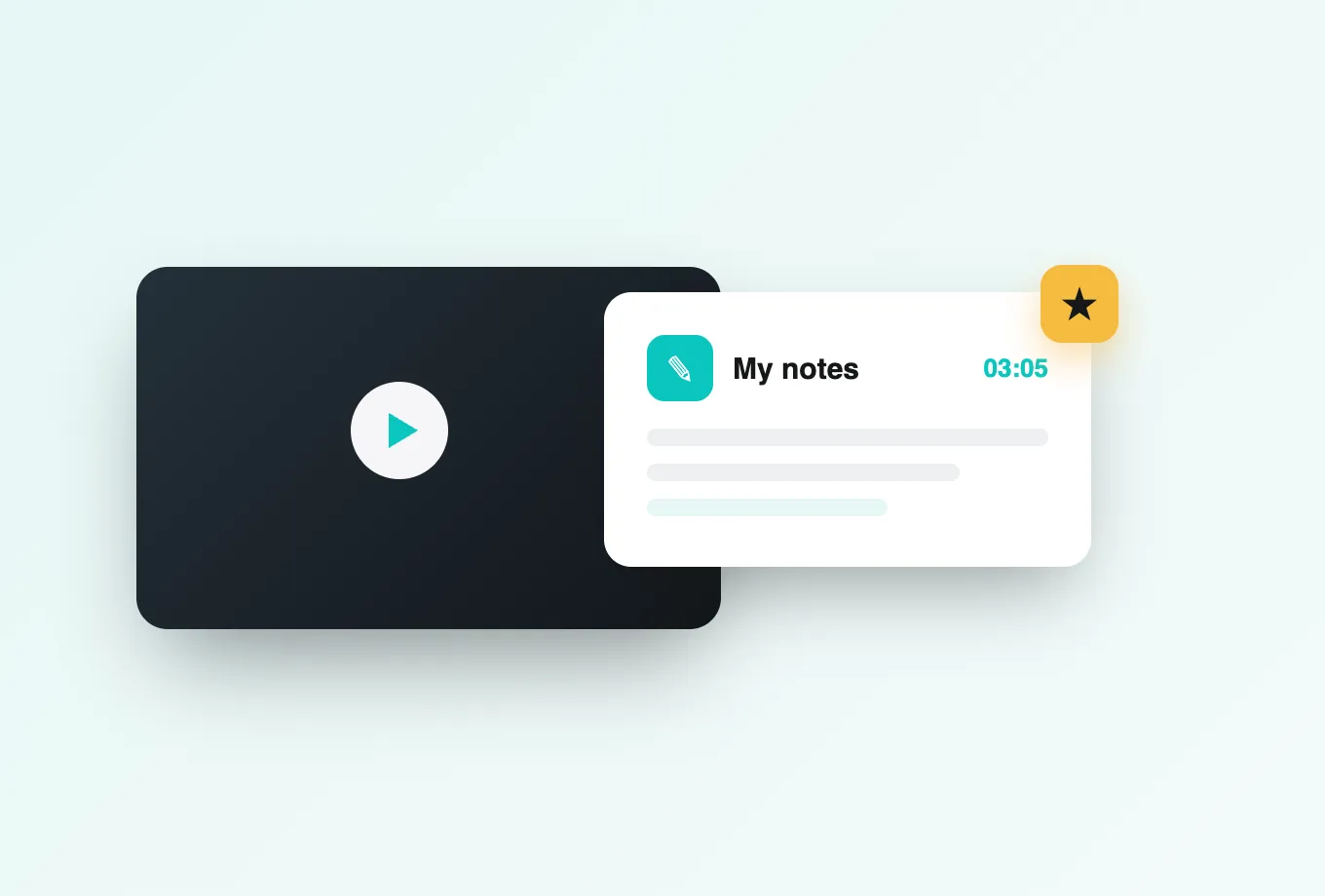
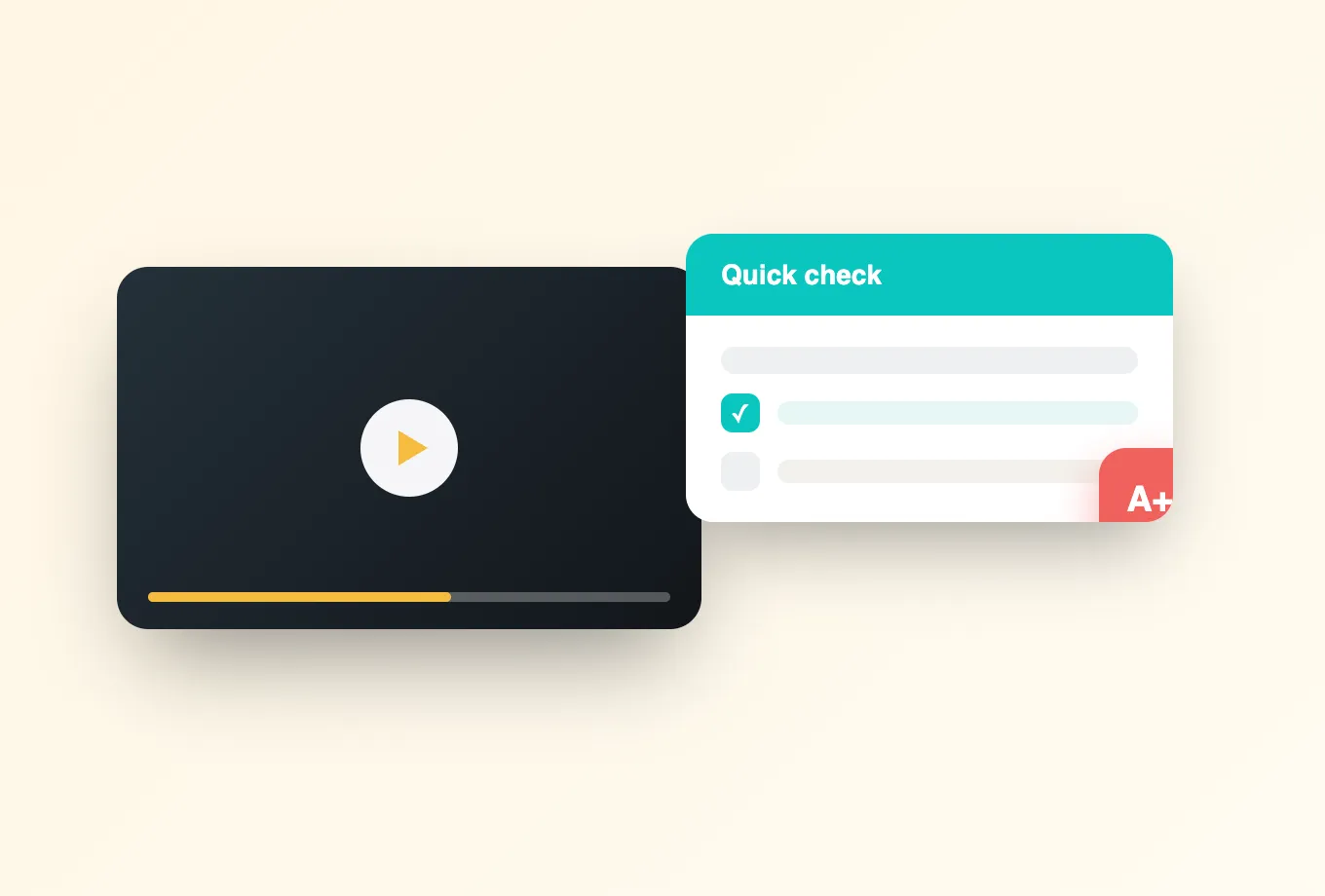
Brightspace courses lean heavily on video, and Annoto makes that video answer back. Installed as an LTI 1.3 tool, Annoto appears inside your Brightspace environment as a native part of the course: students watch together, ask questions at the exact second they arise, respond to polls and reactions, take in-video quizzes, and keep notes that AI summaries turn into revision material. It reads as part of Brightspace because, from the learner's point of view, it is.
A one-click install your admin will appreciate
Registration happens once, through the standard Brightspace LTI 1.3 workflow, with no custom widgets to maintain and no separate hosting to arrange. Because the integration follows the specification, it survives Brightspace's continuous update cycle without intervention, and admins can scope availability by org unit so pilots stay contained and successful rollouts scale smoothly across the institution. That scoping also gives evaluators a clean way to compare engaged and unengaged sections during a pilot.
Brightspace handles identity, Annoto inherits it
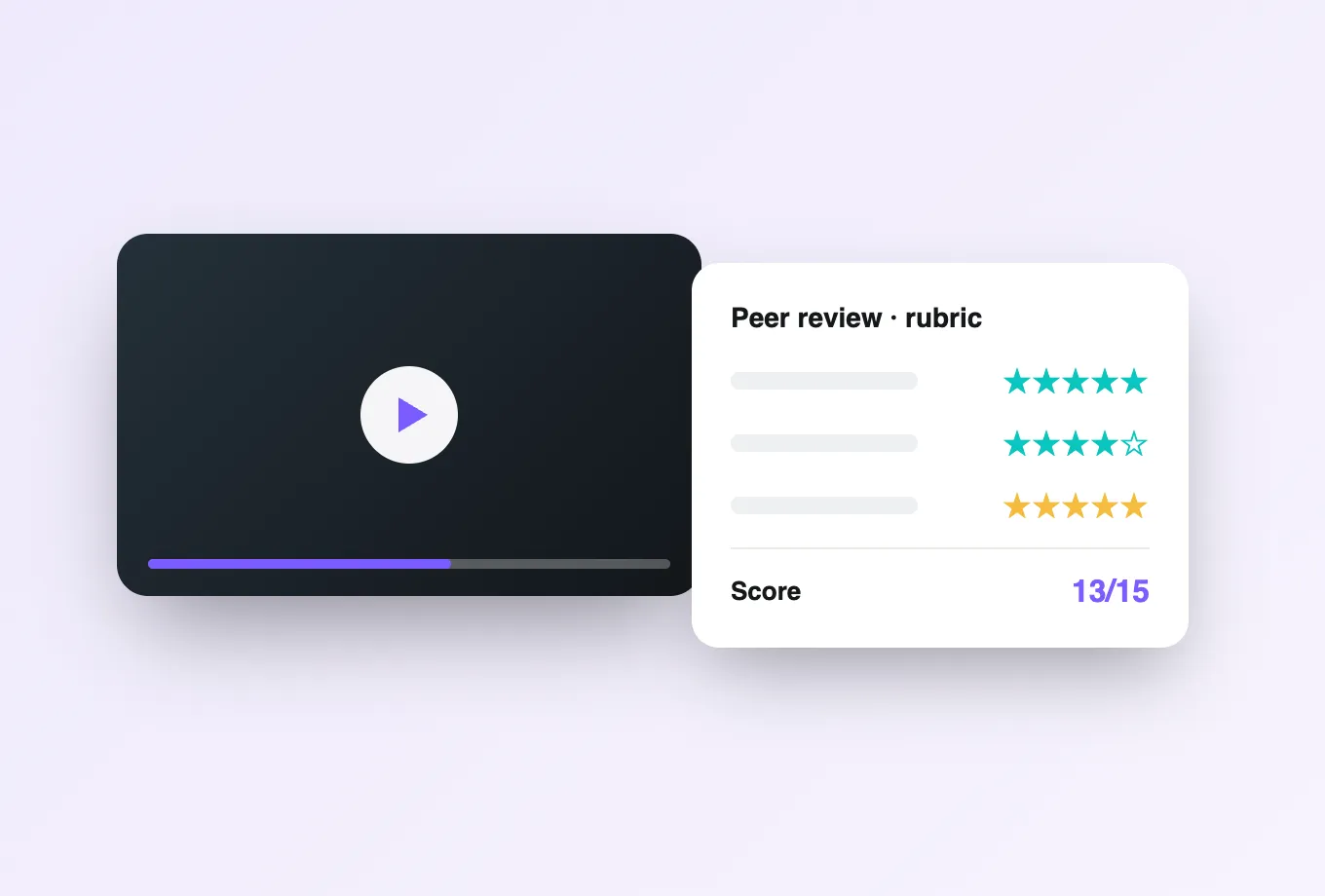
Learners and instructors are signed in through Brightspace automatically, with roles mapped so instructors moderate and students participate from the first click. Grades sync back to the Brightspace gradebook: completion, quiz performance, and participation can all carry weight, which turns video from something assigned into something assessed, inside the same grading view instructors already use every day.
Use any player behind the scenes
Whether your media platform is Kaltura or Panopto, or your instructors embed YouTube, Vimeo, or Wistia content, the Annoto layer looks and behaves identically. Discussions and analytics stay attached to the learning moment rather than the hosting arrangement, so changing video vendors never resets the classroom or its history.
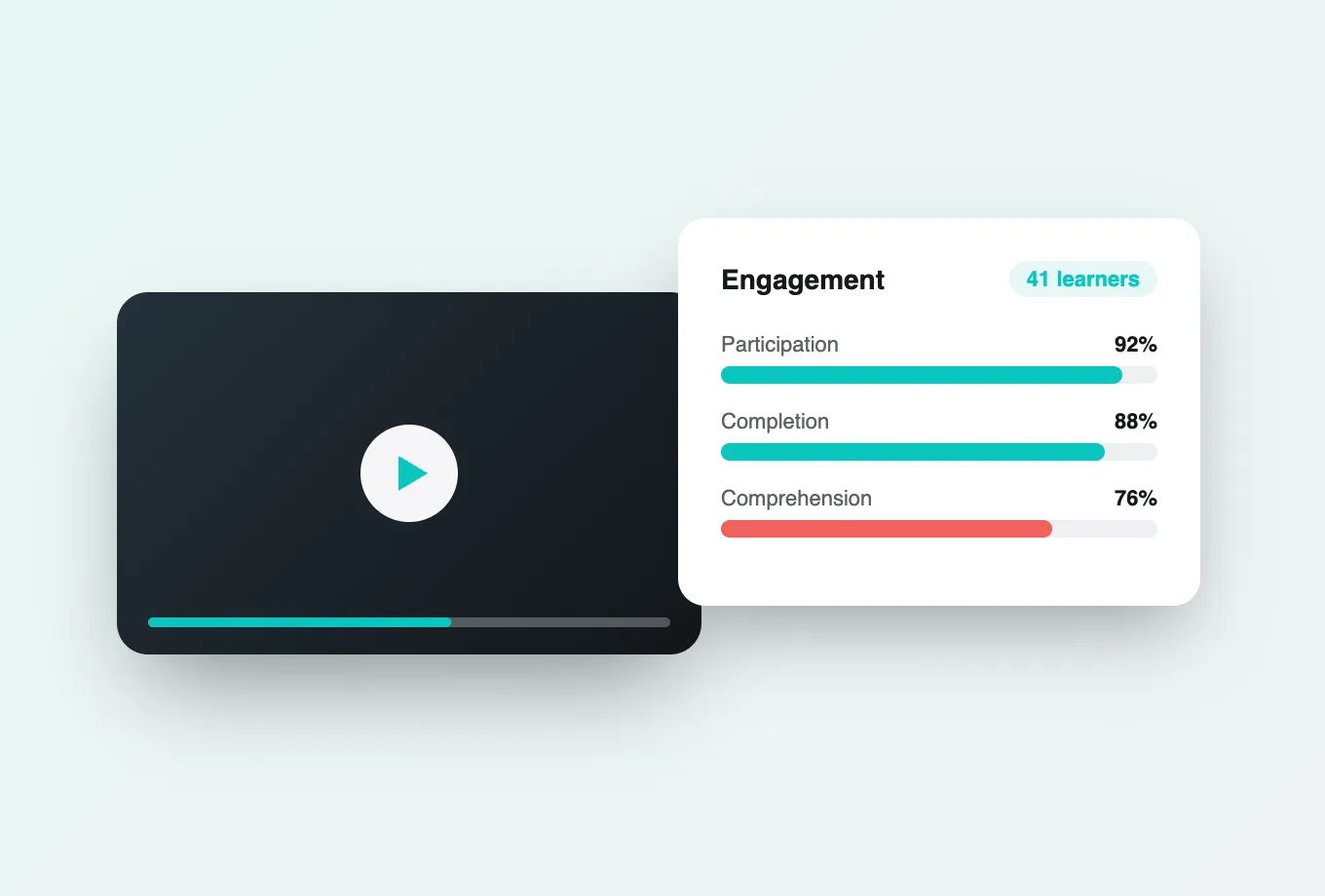
Instructors get attention and comprehension analytics that show how each cohort actually watched: where they slowed down, what they skipped, and which moments generated conversation. Institutional teams can export everything by CSV or API for reporting. This is the model institutions worldwide use to make video participation count toward real outcomes. Brightspace-specific setup steps, from tool registration to gradebook mapping, are documented at docs.annoto.net. It is also the model that makes the next media decision easier, whatever that turns out to be.
Thinking in org units
Brightspace organizes everything as a tree of org units: the organization at the top, faculties and departments beneath it, and course offerings with their sections at the leaves. That structure is the natural control surface for Annoto. Enabling the tool at a department node makes it available to every offering below without touching other faculties, and moving from pilot to production is a matter of raising the enablement point rather than reinstalling anything. Admins keep one registration to maintain while each unit decides its own pace.
Designing the grade item
Gradebook integration works best with a deliberate structure on the D2L side. Most instructors create a dedicated grade item for video engagement, weight it modestly, and let Annoto's passback fill it from completion or quiz performance. Because it is an ordinary grade item, everything Brightspace can do with grades applies: release conditions can gate the next module until the video score lands, and the standard grade views show at a glance who has not engaged. A small, predictable weight drives steady participation without turning every video into an exam.
Surviving semester rollover
Course copy is the rhythm of Brightspace life, and an engagement layer has to respect it. Interactions that belong to the course design, such as quizzes, polls, and reflection points placed on a video, are the instructor's work and carry forward with the material, while the conversations each cohort creates remain that cohort's own. The practical advice is simple: build interactive videos once, note the grade item mapping in your course template, and each new offering starts a term with the design intact and a clean slate for its students.