Kaltura Integration
Turn Kaltura videos into active learning
Add discussions, in-video quizzes, notes, and real engagement analytics on top of the Kaltura videos you already use — in MediaSpace, your LMS, or any embed. No new player, no migration.
Learn more: Annoto on Kaltura
Adding discussion, assessment and analytics to the Kaltura player you already run
Kaltura already stores, transcodes and delivers your video. What it does not do is tell you whether anyone watched, understood, or had a question at 04:12. Annoto adds that layer on top of the Kaltura player you already run — discussion, assessment, notes and analytics anchored to the timeline — without moving a single entry or asking anyone to learn a second video platform.
Where does Annoto actually sit in a Kaltura deployment?
Annoto is a Kaltura Playkit V7 plugin. It loads inside the existing player and renders its own sidebar and timeline markers over your video, so it travels wherever that player is embedded: MediaSpace channels, a KAF-integrated LMS course, a Canvas or Moodle module, an internal portal, or a plain iframe on a marketing page. Your Kaltura entries, entitlements, categories and player IDs stay exactly as they are. There is nothing to re-upload, re-encode or migrate, and no second video library to keep in sync.
What do learners do inside the video?
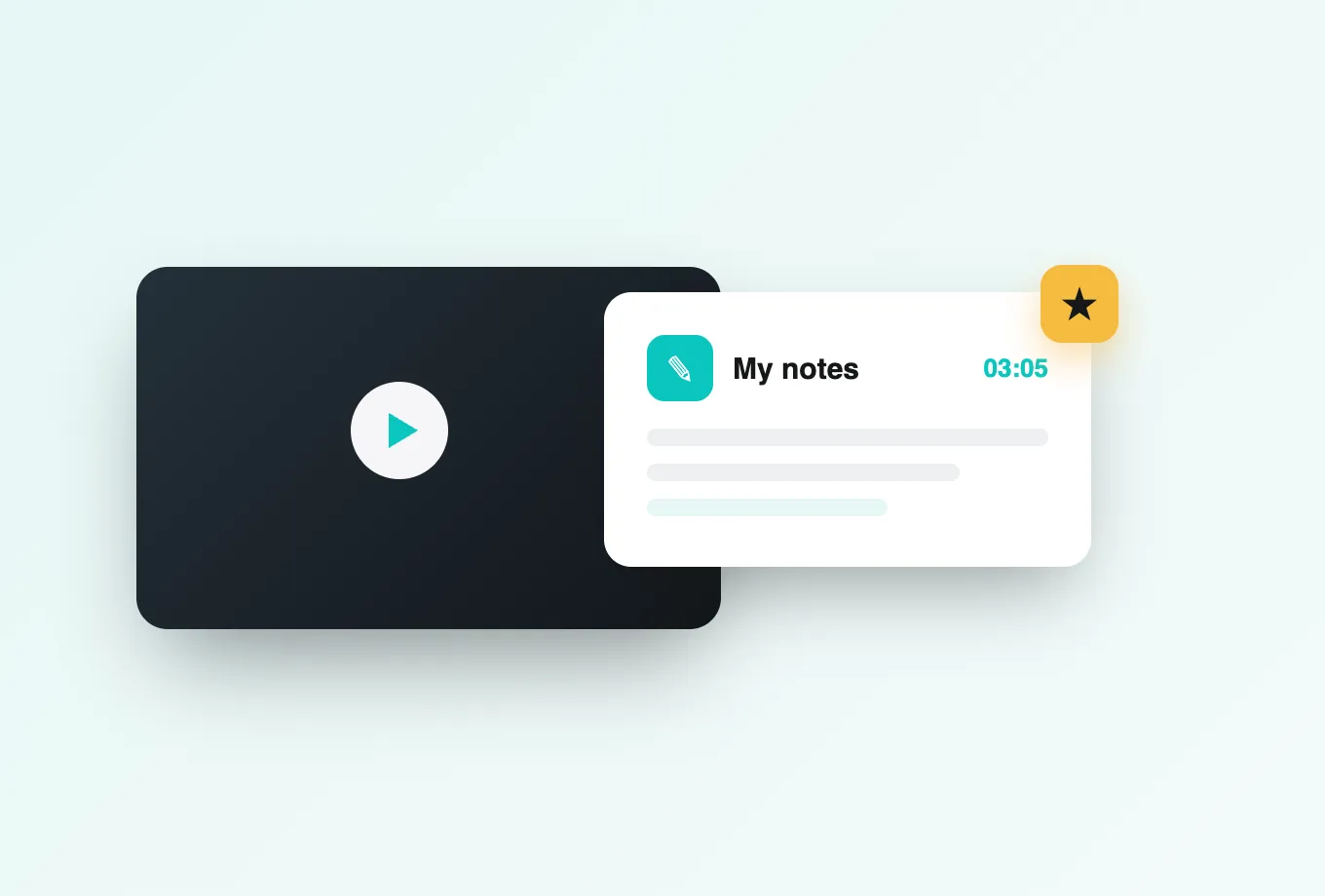
Three things, all pinned to a timestamp. They discuss — a question typed at 04:12 stays attached to 04:12, so the next cohort watching that Kaltura entry sees the thread exactly where the confusion lives. They answer — in-video quizzes and reflection points interrupt playback with a knowledge check. And they take private notes, which Annoto can summarise into an AI recap they keep for revision. See how the timeline discussion layer behaves in practice.
How hard is it to author questions on an existing library?
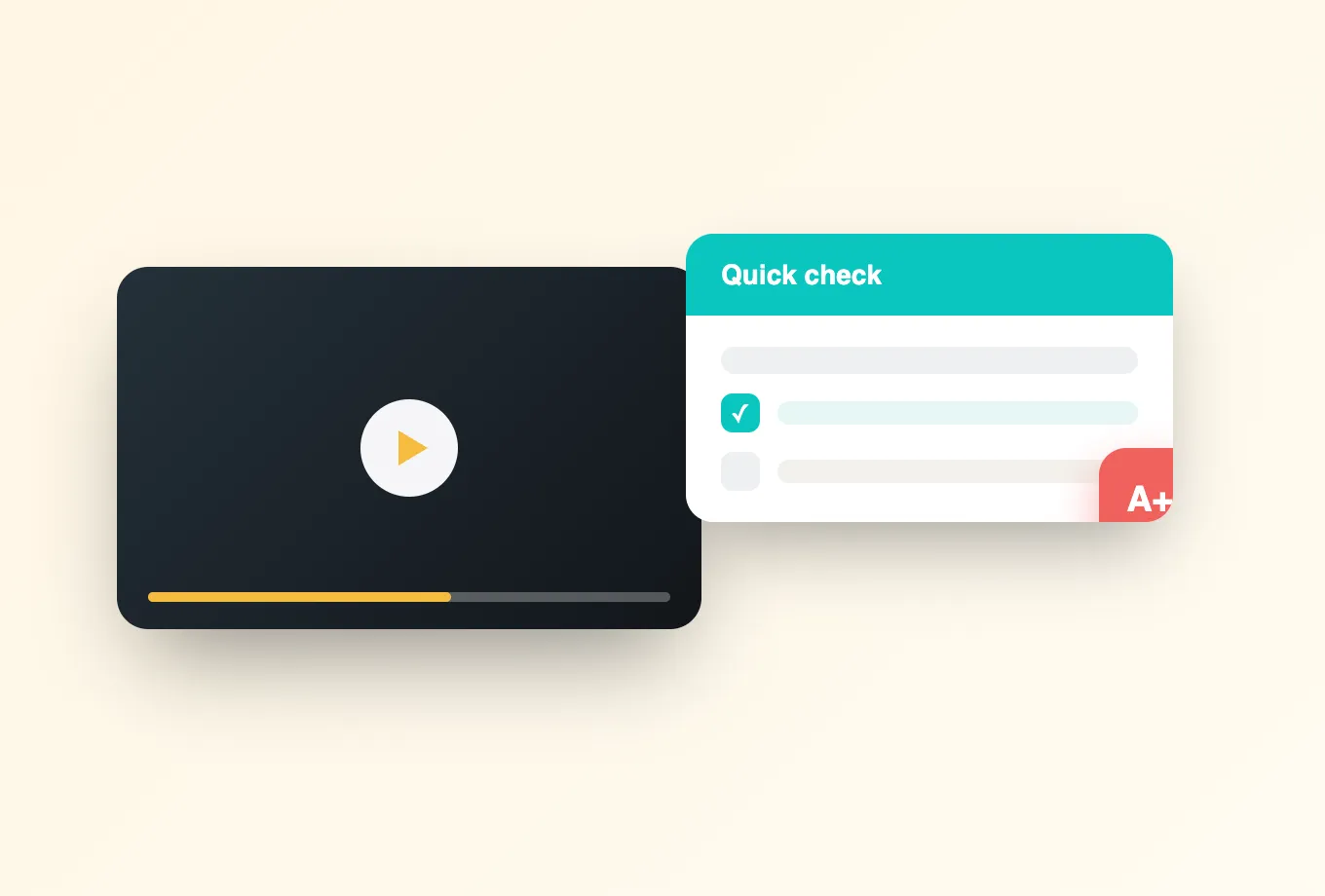
Not hard, because you do not start from a blank timeline. Lumo, Annoto's AI copilot, reads the transcript of a Kaltura entry and proposes questions at the moments that carry the concept, which an instructor then edits, reorders or deletes. A back catalogue of recorded lectures becomes assessable in an afternoon rather than a semester. The full authoring flow is covered on the in-video quizzes page.
What do the analytics measure that Kaltura's do not?
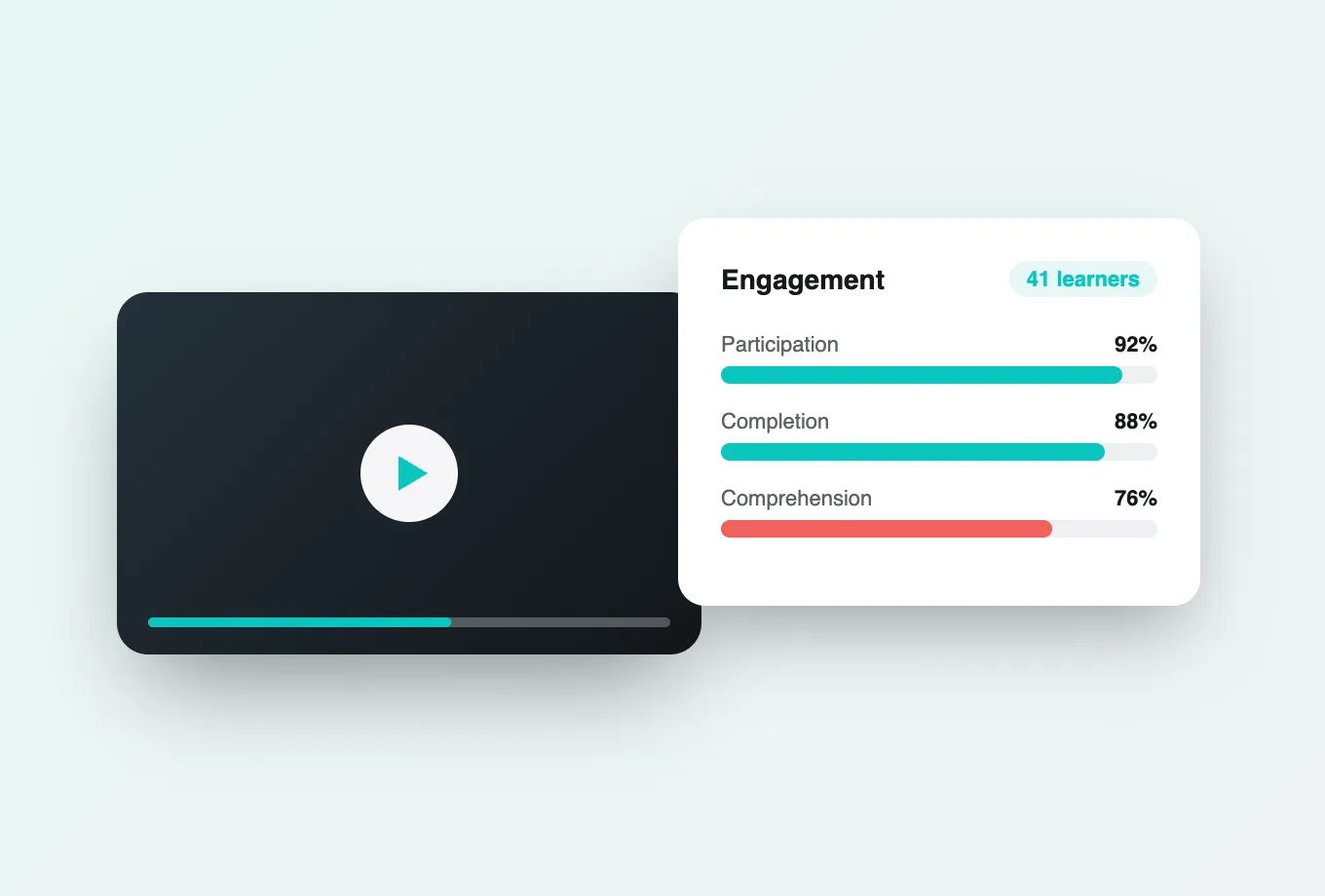
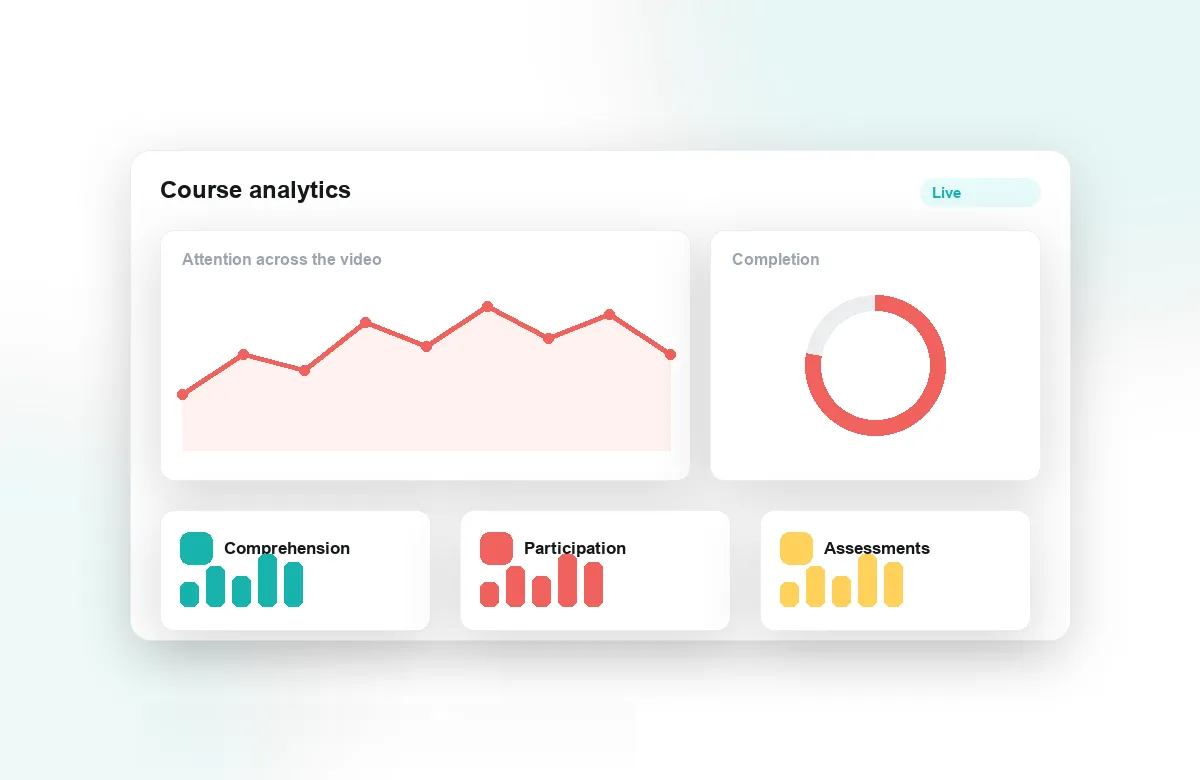
Kaltura reports plays, drop-off and minutes viewed. Annoto reports attention and comprehension per learner: who actually watched versus who left it playing, where a cohort rewound, which quiz items the group failed, who never opened the video at all. That turns a heatmap into a list of names you can act on before the midterm rather than after it. The metric definitions are listed under engagement analytics.
Can it carry graded work, not just engagement?
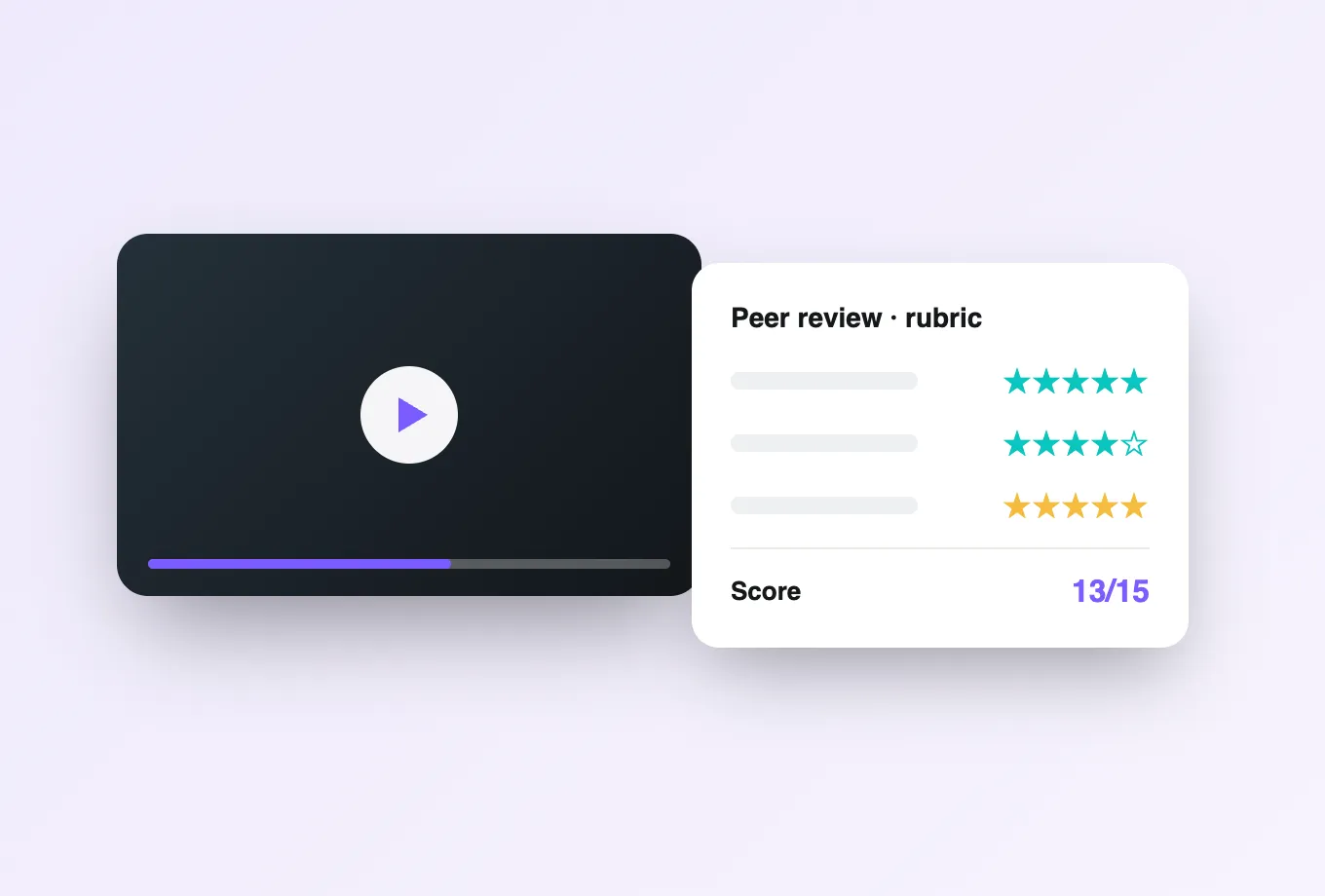
Yes. Video assignments let students submit their own recordings for timestamped instructor feedback or structured peer review, and completion and quiz scores flow back to the gradebook through LTI 1.3 or the Kaltura–LMS connection you already run. Where there is no LMS behind the page — a MediaSpace portal, a customer academy — the same results come back through the REST API and webhooks.
Does committing to this lock us to Kaltura?
No, and that is the point of an overlay. The same engagement layer runs on Panopto, YouTube, Vimeo, Wistia and Brightcove, or hosts video natively for teams without a platform. If part of the organisation is on Kaltura and part is not, learners still get one interface and you still get one analytics dashboard. The full list is on the integrations page, and the architectural difference from a bundled tool is spelled out in Annoto vs Kaltura.
What does a rollout usually look like?
Enable the plugin on one player, pick a single course or channel, and leave the rest of the estate untouched. Most teams run a pilot on one term's lectures, compare completion against the previous cohort, then widen. Because nothing about the Kaltura setup changes, rolling back is switching a plugin off. Security review rarely stalls it: Annoto is ISO/IEC 27001 certified, supports FERPA, GDPR and DPA obligations, and meets WCAG 2.1 AA.
What does an admin actually configure on the Kaltura side?
Less than most integration reviews assume. The Annoto plugin is registered against a player uiConf, so the work is done once per player rather than once per entry, and a signed SSO token passes the viewer's Kaltura identity and role through to Annoto. Instructors arrive with moderation rights, students arrive correctly named, and nobody is asked to create a second account.
How does behaviour differ between MediaSpace and a KAF-embedded course?
The player is the same; the context around it is not. In MediaSpace, identity and permissions come from the portal and the conversation follows the channel the entry lives in. Through KAF, the LMS course travels with the embed, so one recorded lecture reused across two cohorts can hold two separate timeline conversations rather than one merged thread.
Do settings live on the channel or on the individual video?
Both, and the order of precedence matters. Defaults sit with the player or channel: whether the sidebar opens on load, whether comments are moderated, which features are exposed at all. An instructor can then override them on a single entry without raising an admin ticket, so enabling quizzes for one week's lecture or closing comments after an exam stays a local decision while cohort reporting in engagement analytics remains consistent.
How does grading actually pass back from a Kaltura embed?
Through the launch, not the player. The Kaltura player carries no grade channel of its own, so results ride the LTI 1.3 launch of the page the video sits in, and the gradebook column belongs to that launch rather than to the entry. Where a MediaSpace portal or public page has no graded launch behind it, quiz scores and video assignment outcomes stay in Annoto and leave by API, webhook or export.