Open edX Integration
Add active learning to Open edX courses
Bring in-video discussions, quizzes, notes, and engagement analytics to your Open edX courses with one-click LTI 1.3. No new player, no migration.
Learn more: Social video for Open edX, at the scale Open edX runs
Social video for Open edX, at the scale Open edX runs
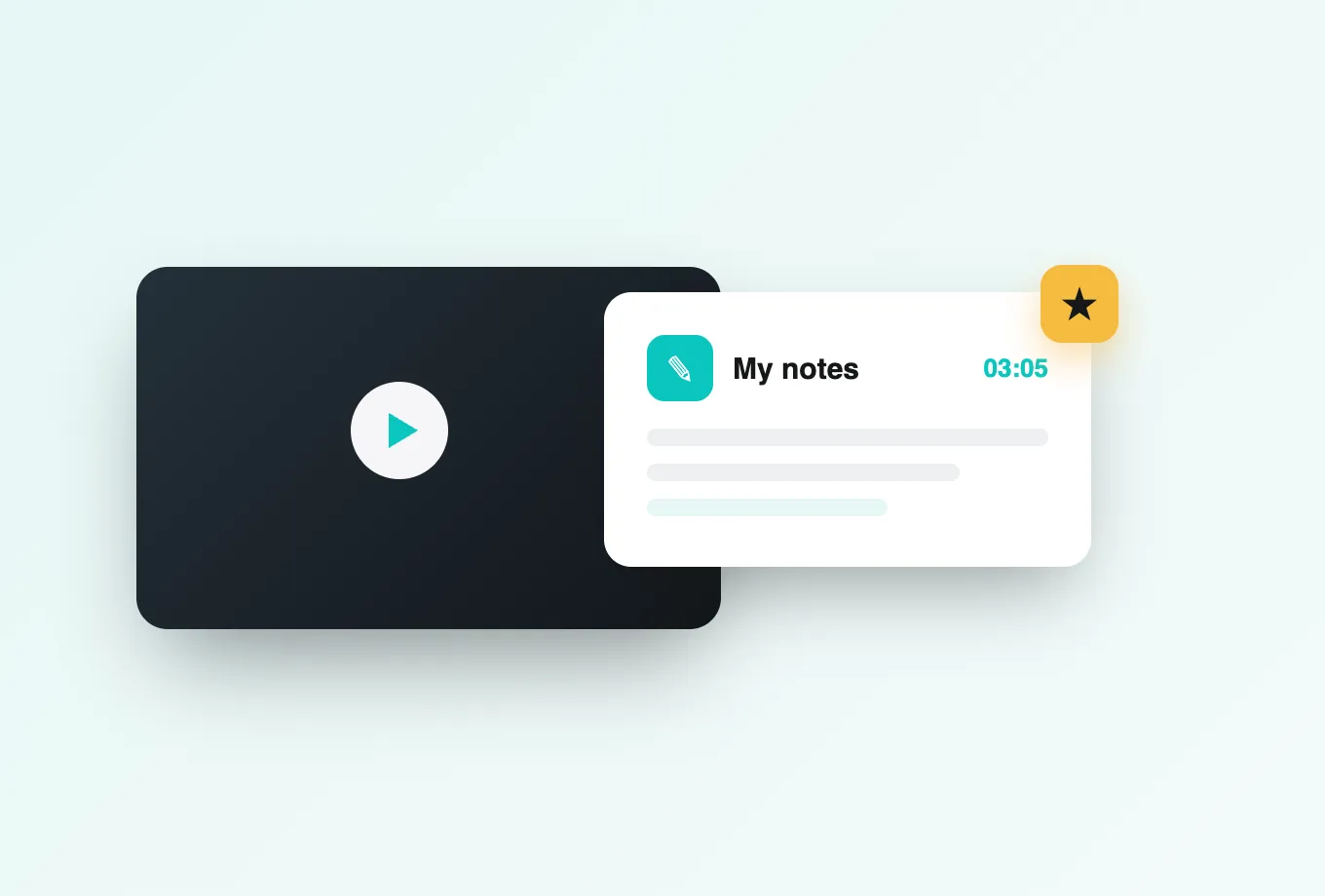
Open edX powers some of the largest online learning programs in the world, and its courses are built around video. Annoto adds the missing layer: time-anchored discussions, in-video quizzes, polls and reactions, notes with AI summaries, and reflection points that live directly on the course video, so thousands of learners can study the same lecture without studying alone.
An LTI 1.3 install, no fork required
Annoto integrates with Open edX through LTI 1.3, which means no platform fork, no custom XBlock development, and no changes that complicate your next upgrade. Register the tool once with a one-click setup, add it wherever video interaction matters, and the layer is live. Whether you operate your own Open edX instance or work with a managed provider, the path is the same. Course teams keep working in Studio as usual; the interactive layer arrives without touching your courseware pipeline.
Identity and grading follow the platform
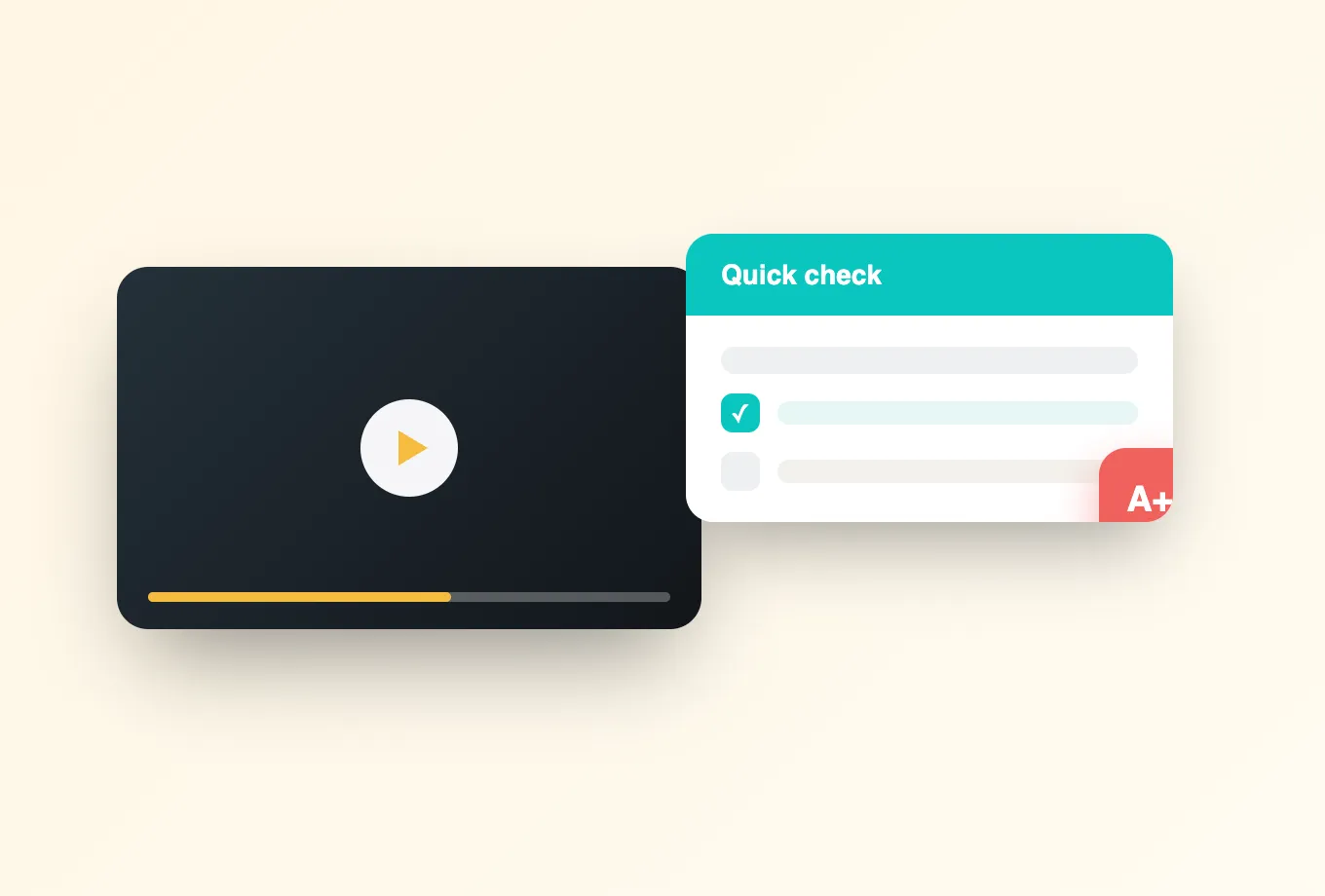
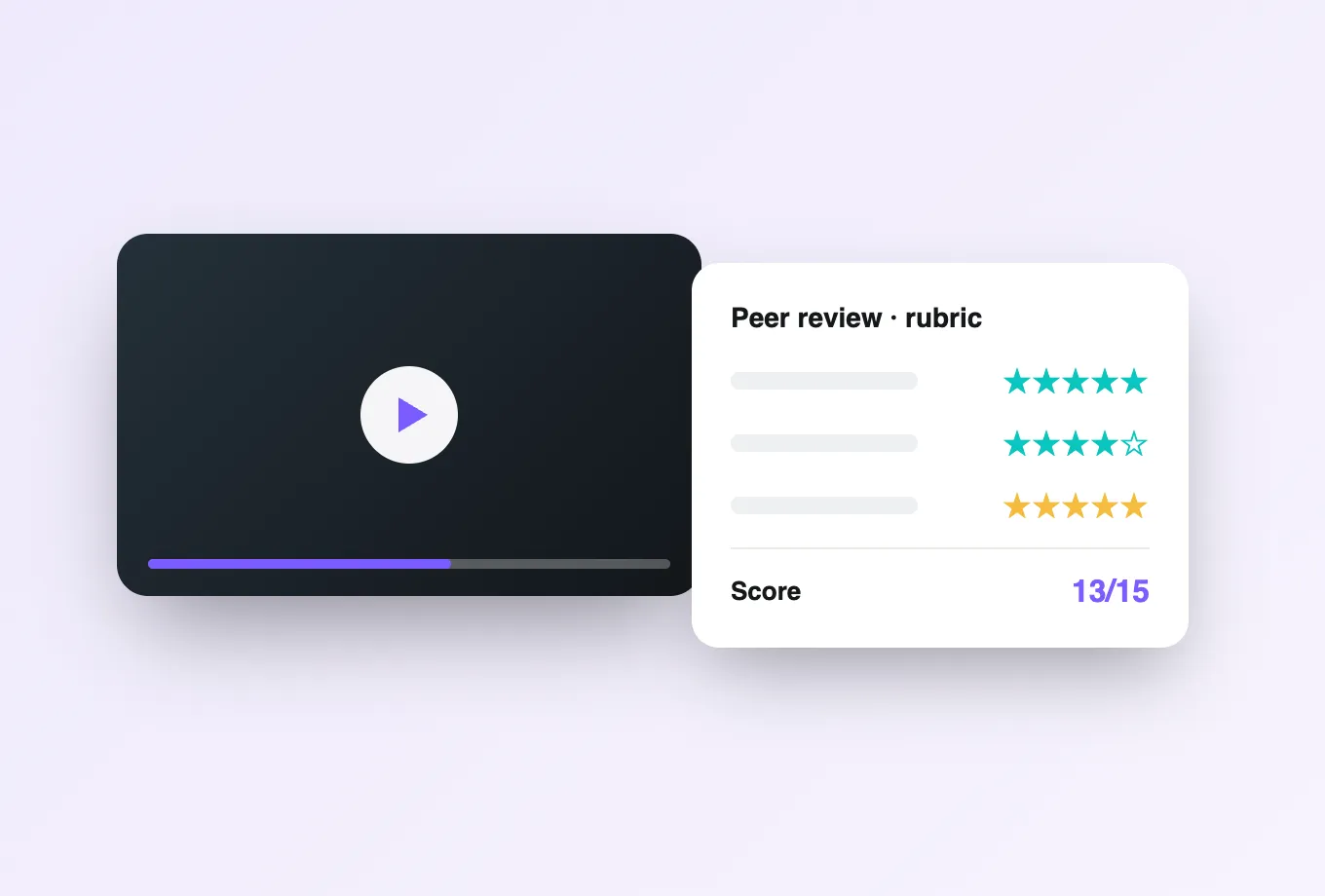
Learners reach Annoto already signed in through Open edX, with staff and learner roles carried over so moderation works from day one. Graded interactions flow back to the Open edX gradebook: completion thresholds, embedded quiz answers, and participation can count toward course progress, which matters enormously in large-cohort courses where engagement is otherwise invisible until the final assessment.
Built for any player, proven at national scale
Annoto rides on top of whichever player your Open edX courses use, from Kaltura and Panopto to YouTube, Vimeo, and Wistia embeds. National learning platforms such as CampusIL run this pattern in production, and Annoto serves institutions worldwide, from single departments to fully online campuses.
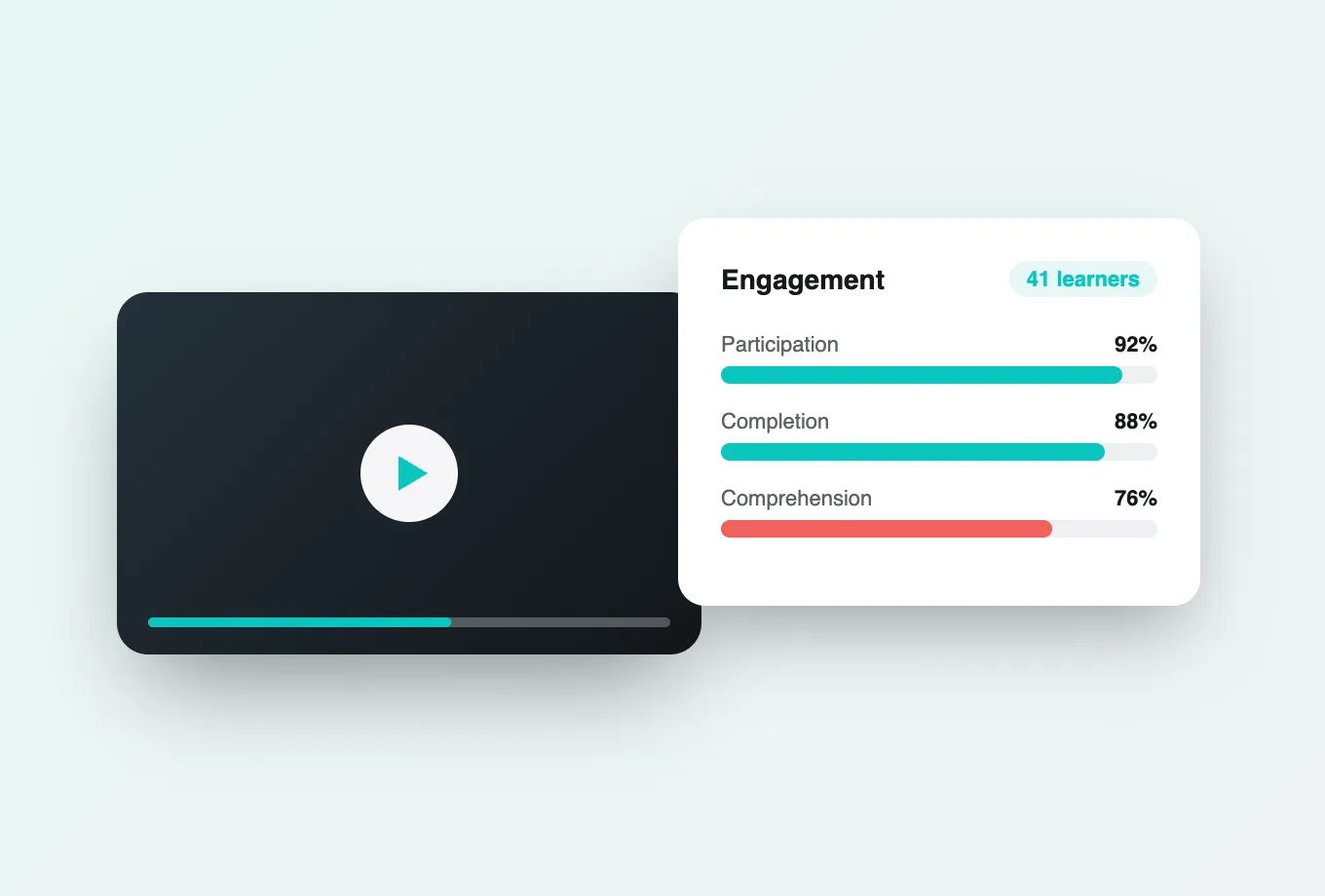
What large programs value most is the visibility. Attention and comprehension analytics reveal how cohorts of any size actually watch: the segments they repeat, the questions they cluster around, and the point where they stop. Data exports by CSV or API plug into your existing reporting stack. Implementation details for Open edX, including tool registration and gradebook configuration, are documented at docs.annoto.net. For programs measured on completion, that visibility routinely changes how courses are revised between runs.
Rolling out across a catalog, not just a course
Most Open edX programs start small on purpose. Pick one high-enrollment course, enable Annoto on two or three lecture videos, and let a single course run generate evidence before anything scales. Because registration happens once at the platform level, extending from the pilot to the full catalog is a Studio decision rather than an engineering project: course teams add the tool where video interaction earns its place and skip it where a video is purely informational. Named Open edX releases come and go on their own schedule; because Annoto sits behind the LTI boundary, platform upgrades and the interactive layer stay decoupled, and neither blocks the other.
Moderation that scales past the staff you have
A course with ten thousand enrollments cannot rely on instructors reading every comment. In practice, staff work from the activity feed, which surfaces new questions and flagged items in one place instead of forcing a video-by-video sweep. Time-anchored threads keep answers reusable: when a learner asks about minute 14, the reply stays at minute 14 for every learner who follows. Many programs promote a small group of TAs with staff roles, ask them to seed early comments, and set a response window of one working day; that habit reliably raises participation more than any announcement email.
What carries over between course runs
When a course re-runs, teams choose between keeping prior discussions as an accumulating knowledge layer or starting the new cohort clean. Both are legitimate: self-paced courses usually keep them, while cohort-based runs often reset. Either way, the previous run's attention and comprehension data stays available, so revision starts with evidence — which segments to trim, where a reflection point or in-video quiz belongs, and which recurring questions deserve an answer inside the video rather than in the forum.