Panopto Integration
Make Panopto lectures two-way
Add discussions, in-video quizzes, notes, and engagement analytics on top of your Panopto recordings, inside your LMS or on any site. No new player, no migration.
Learn more: Annoto on your Panopto lecture library
Turning a Panopto recording library into active learning
Institutions running Panopto have already solved the hard part. Recording, transcoding, captioning, storage, and delivery all work, and years of lecture capture sit in the library ready to watch. What is usually missing is the other half of the classroom: the questions students would have asked in the room, the checks for understanding that tell an instructor whether a concept landed, and the evidence that anyone watched past the first ten minutes. Annoto adds that half as a layer on top of the Panopto player, so the recordings you already publish become places where students ask, answer, annotate, and are measured, without touching your capture pipeline.
Does Annoto replace Panopto?
No, and it is not designed to. Panopto stays your system of record for capture, transcoding, captions, and storage. Annoto is the engagement and assessment layer that renders inside the embedded player. The two are complementary rather than competing, which is why the comparison most teams actually want is about analytics depth and interaction rather than hosting, and we walk through exactly that on the Annoto vs Panopto page. Nothing moves, nothing is re-encoded, and your media team keeps the workflow it already built.
What do students actually do inside the video?
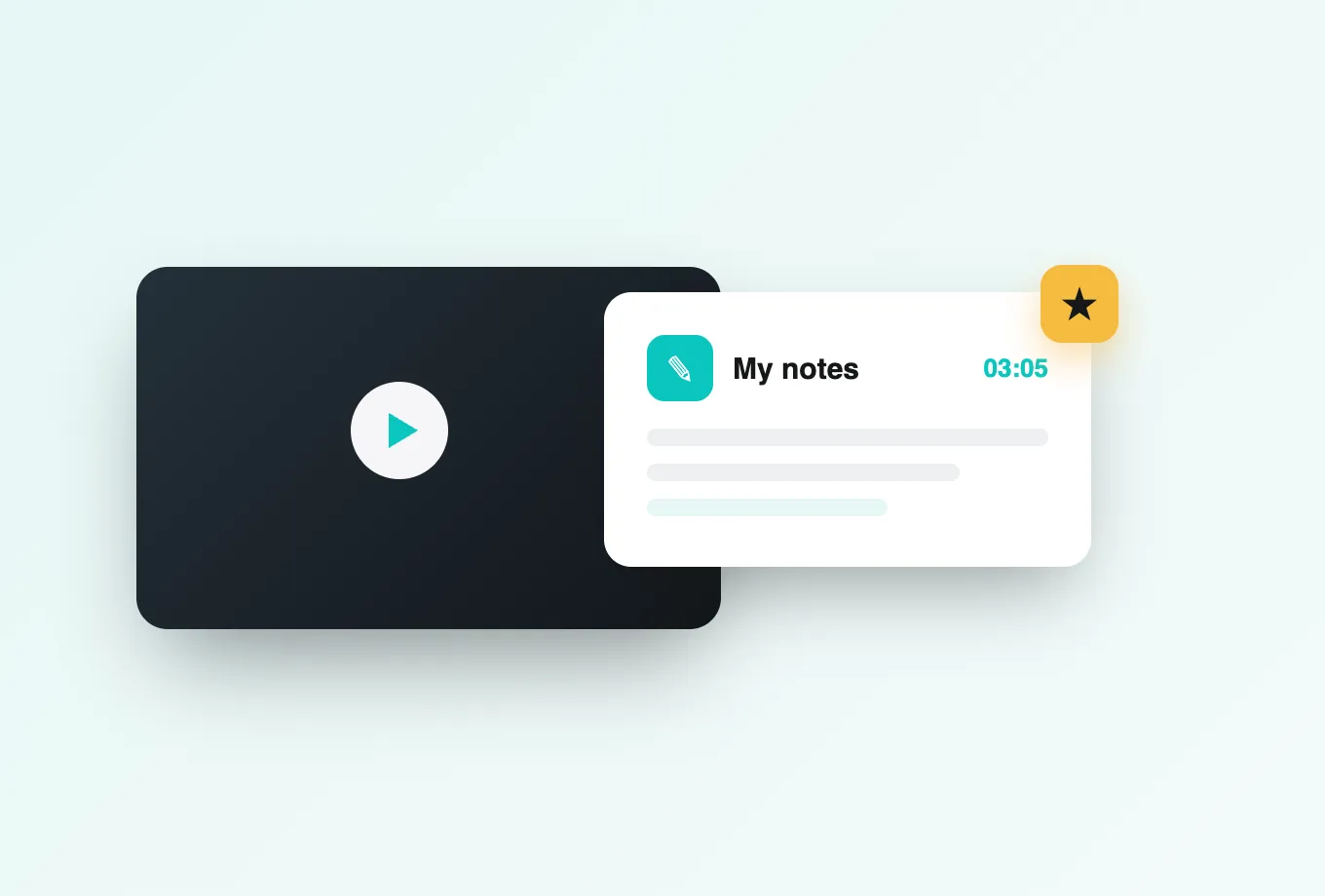
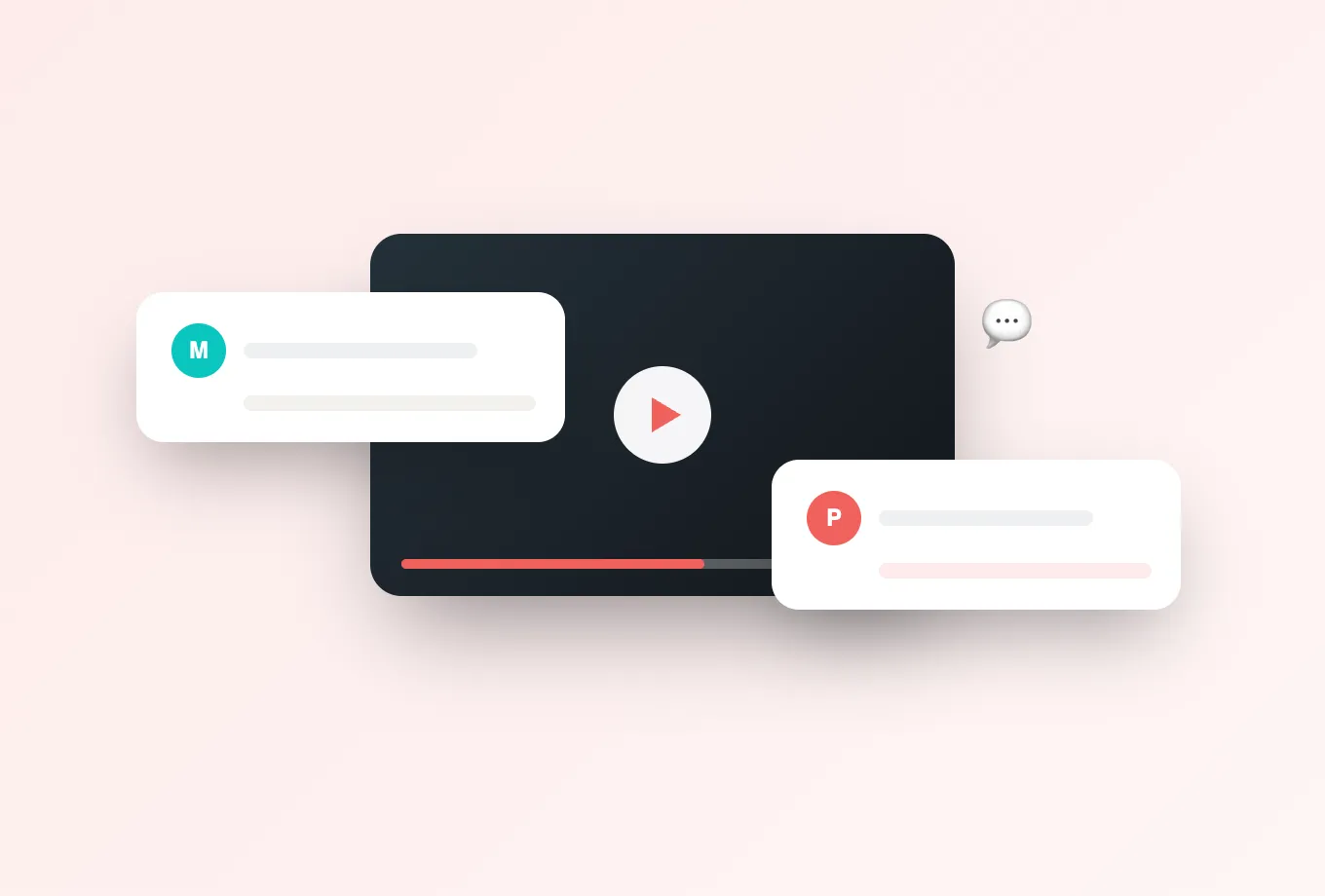
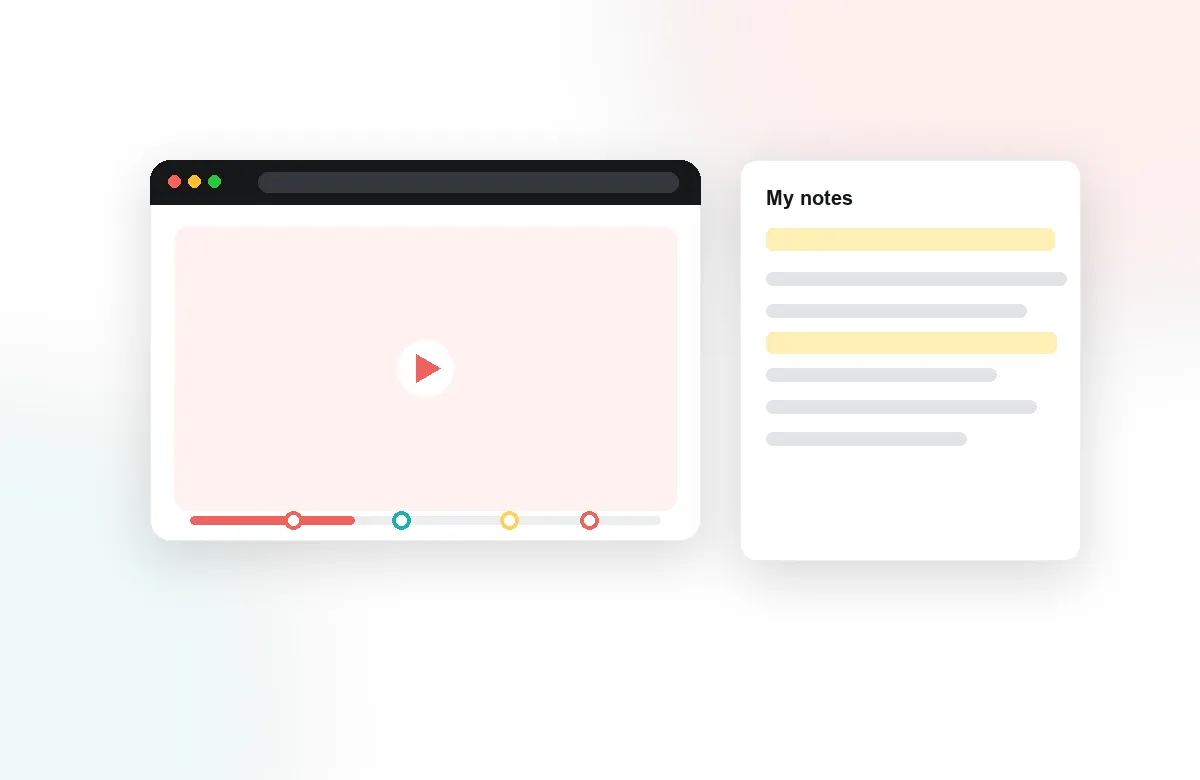
They talk at a timestamp instead of in a forum three days later. Time-anchored discussions and comments attach to the exact second a concept appeared, so a question about minute thirty-four stays with minute thirty-four for everyone who watches after. Students also take private notes that Annoto can condense into AI recaps before an exam, react to moments, and answer one another. A solitary rewatch turns into something closer to a study group that happens to be asynchronous.
Can I assess comprehension without leaving the lecture?
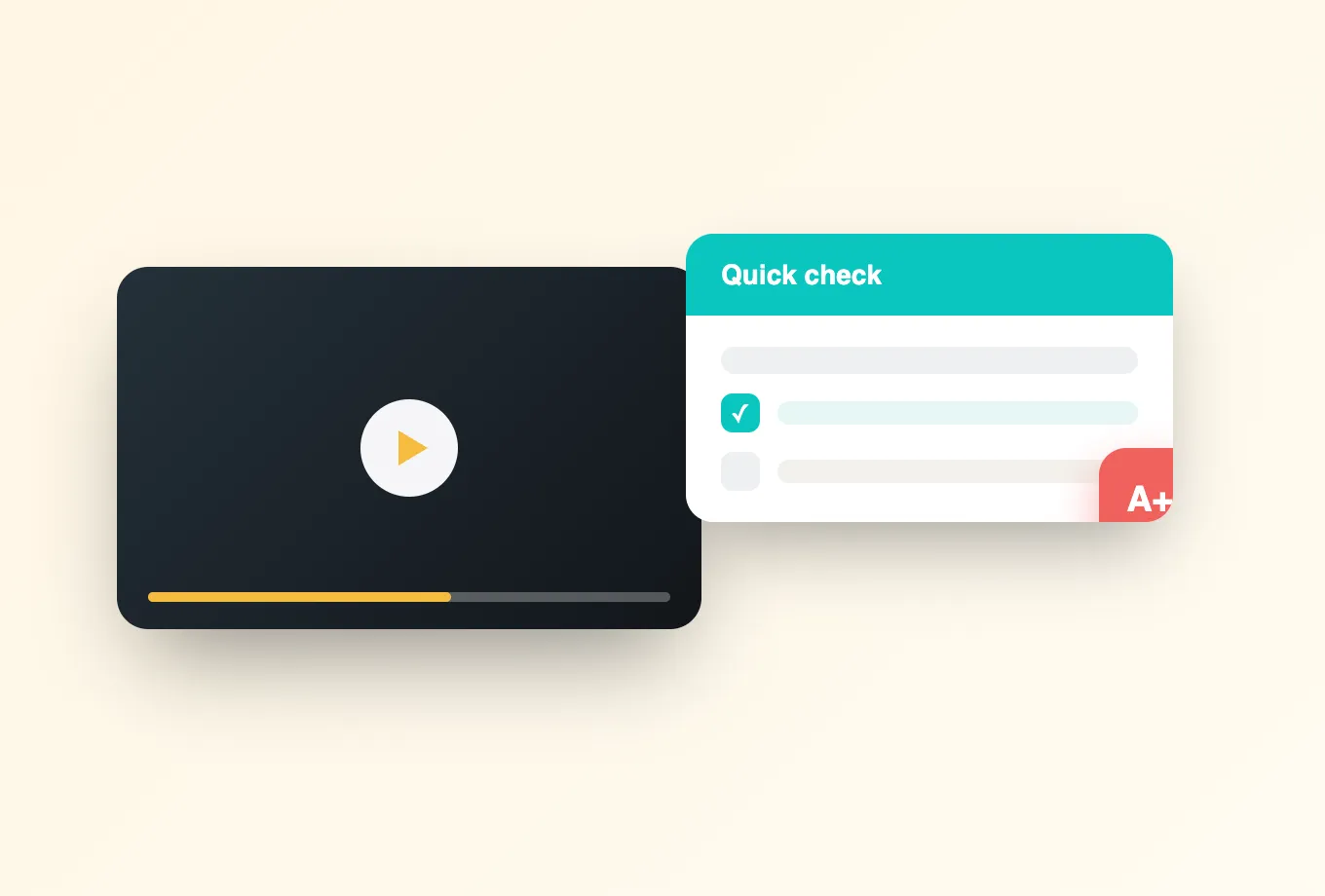
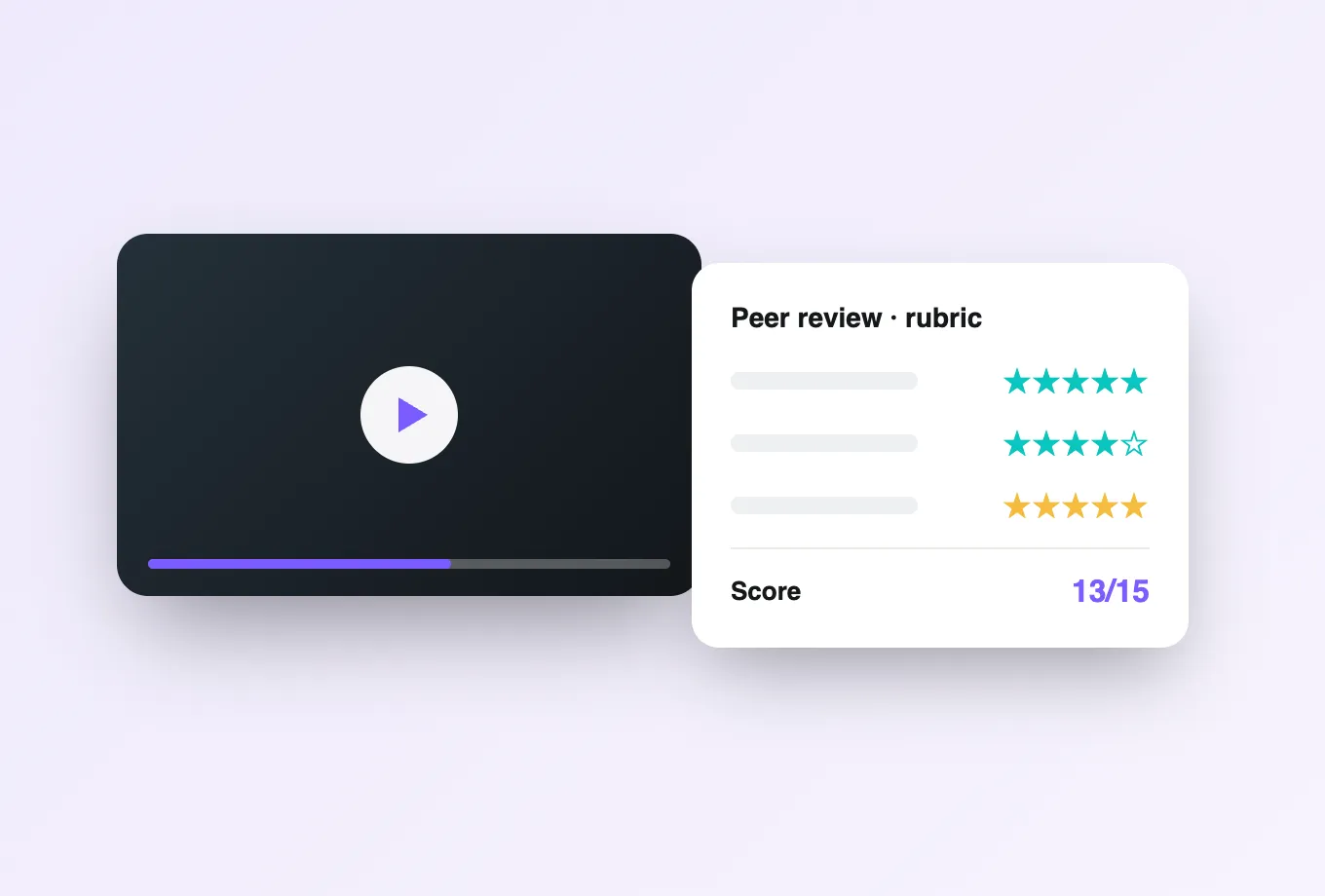
Yes. In-video quizzes place questions, reflection prompts, and knowledge checks directly onto the Panopto timeline, and Lumo AI can draft a first pass of those questions from the recording itself, so instructors edit rather than author from a blank page. Peer review and video assignments extend the same idea to student-produced media, letting a cohort submit and critique video work under one rubric.
What does this show that Panopto viewing statistics do not?
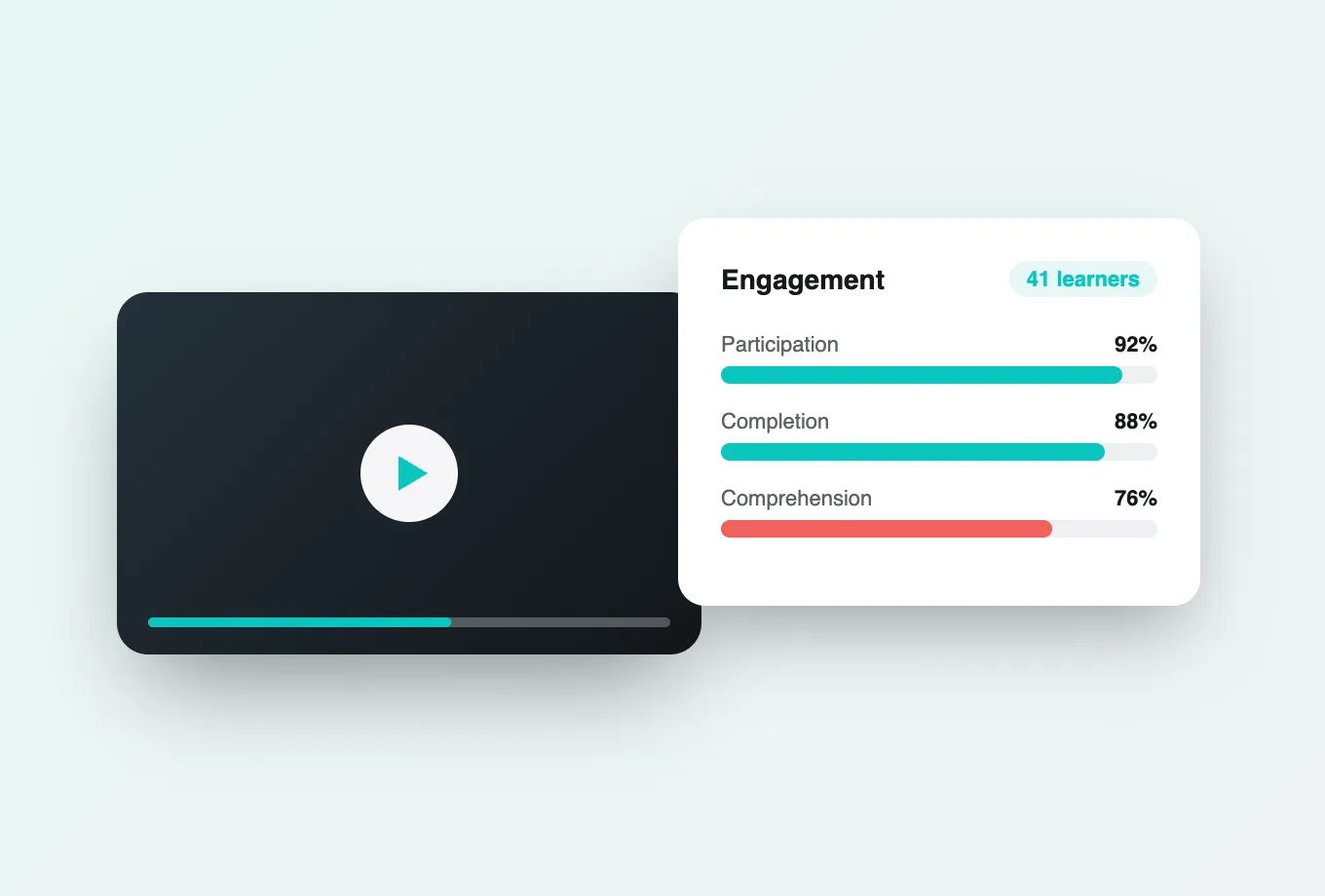
Viewing statistics tell you a video was played. Annoto engagement analytics tell you where attention held and where it collapsed, which segments were rewatched, who answered the embedded questions correctly, and which students are quietly drifting while the cohort average still looks healthy. Because the data is per learner and per moment, a department chair can see a curriculum problem in a recurring drop-off, and an instructor can see the three students worth emailing this week.
How does completion reach my gradebook?
Through LTI 1.3. Annoto launches inside Canvas, Moodle, Blackboard, D2L, and Open edX as a standards-compliant tool, passes grades and completion back through the LMS gradebook services, and respects the roster and roles your LMS already defines. Instructors never maintain a second list of who did what, and students never see a separate login or a separate place to go.
What if we do not run only Panopto?
Most institutions do not, and that is fine. Annoto also overlays Kaltura, YouTube, Vimeo, Brightcove, Wistia, and standard HTML5 players, and can host video natively when a department has no platform of its own. The full integrations list covers both the video side and the LMS side. Departments that standardized on different players years ago can still share one engagement layer, one analytics view, and one set of instructor habits across all of them.
How long does a rollout actually take?
A pilot course is usually live within days, because there is nothing to migrate. The integration is enabled, existing embeds pick up the layer, and instructors start with a single recording rather than a semester of them. Annoto is ISO/IEC 27001 certified, FERPA and GDPR compliant, and meets WCAG 2.1 AA, so the security and accessibility review that normally stalls an education technology rollout becomes a document exchange rather than a rebuild.