Schoology
Schoology Integration
Add active learning to Schoology courses
Bring in-video discussions, quizzes, notes, and engagement analytics to your Schoology courses with one-click LTI 1.3. No new player, no migration.
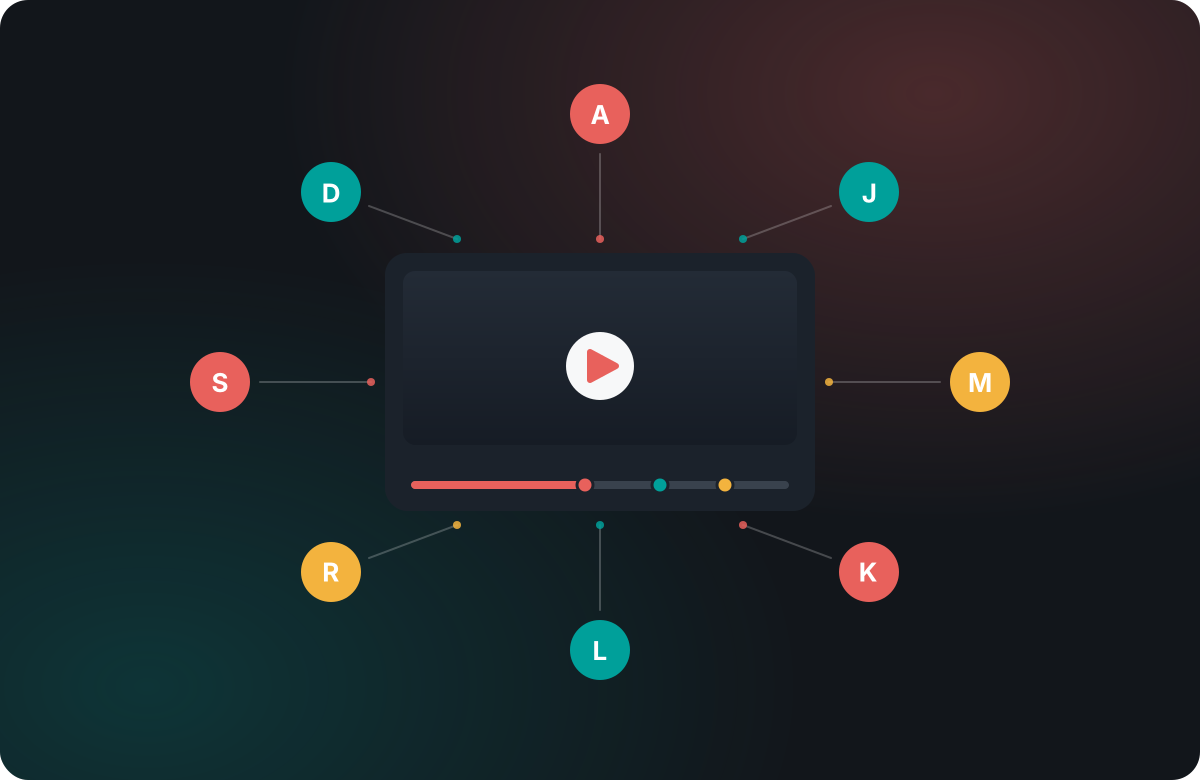
Schoology Integration
Bring in-video discussions, quizzes, notes, and engagement analytics to your Schoology courses with one-click LTI 1.3. No new player, no migration.
Annoto connects to Schoology over LTI 1.3, so every course video becomes a place to participate, with grades flowing back.
Students comment, ask, and reply at the exact second of the video, right inside Schoology.
Add graded questions and reflection points on the timeline; scores pass back to Schoology over LTI.
Attention, comprehension, and completion for every course video, per student and per class.
Register Annoto as an LTI 1.3 external tool in Schoology. One setup, every course.
Add Annoto to any Schoology material and point it at your video.
Scores return to the Schoology gradebook while you track participation in the dashboard.
Annoto lives inside your Schoology courses over standard LTI 1.3. No new player, no migration, no change to how you already teach.
Book a demoFrom self-study to collaboration, in-video assessment, skills & peer review, and analytics — Annoto turns any course video into active learning at every stage.
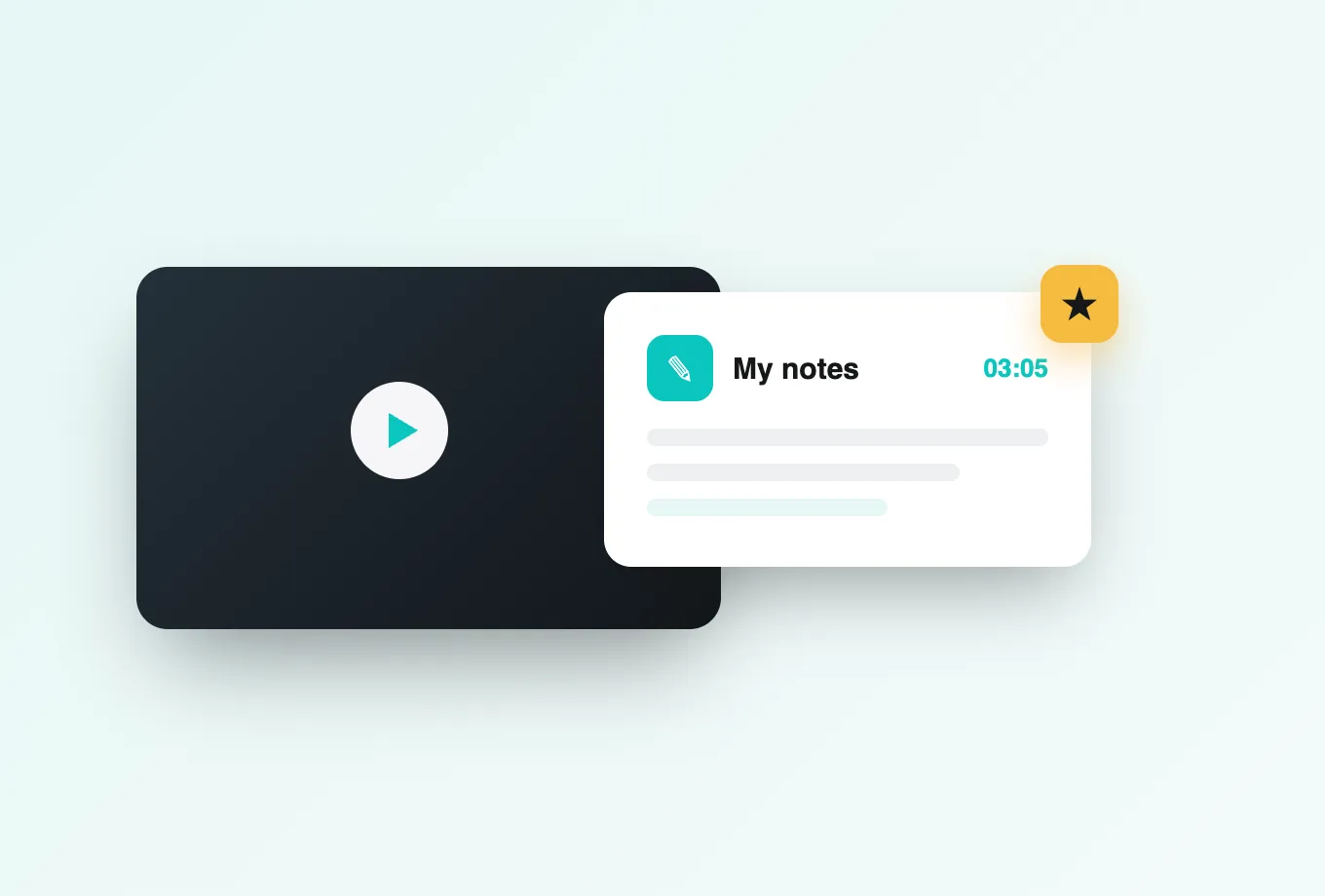
Private notes, reflection points, and revisitable moments — a personal study space inside every video.
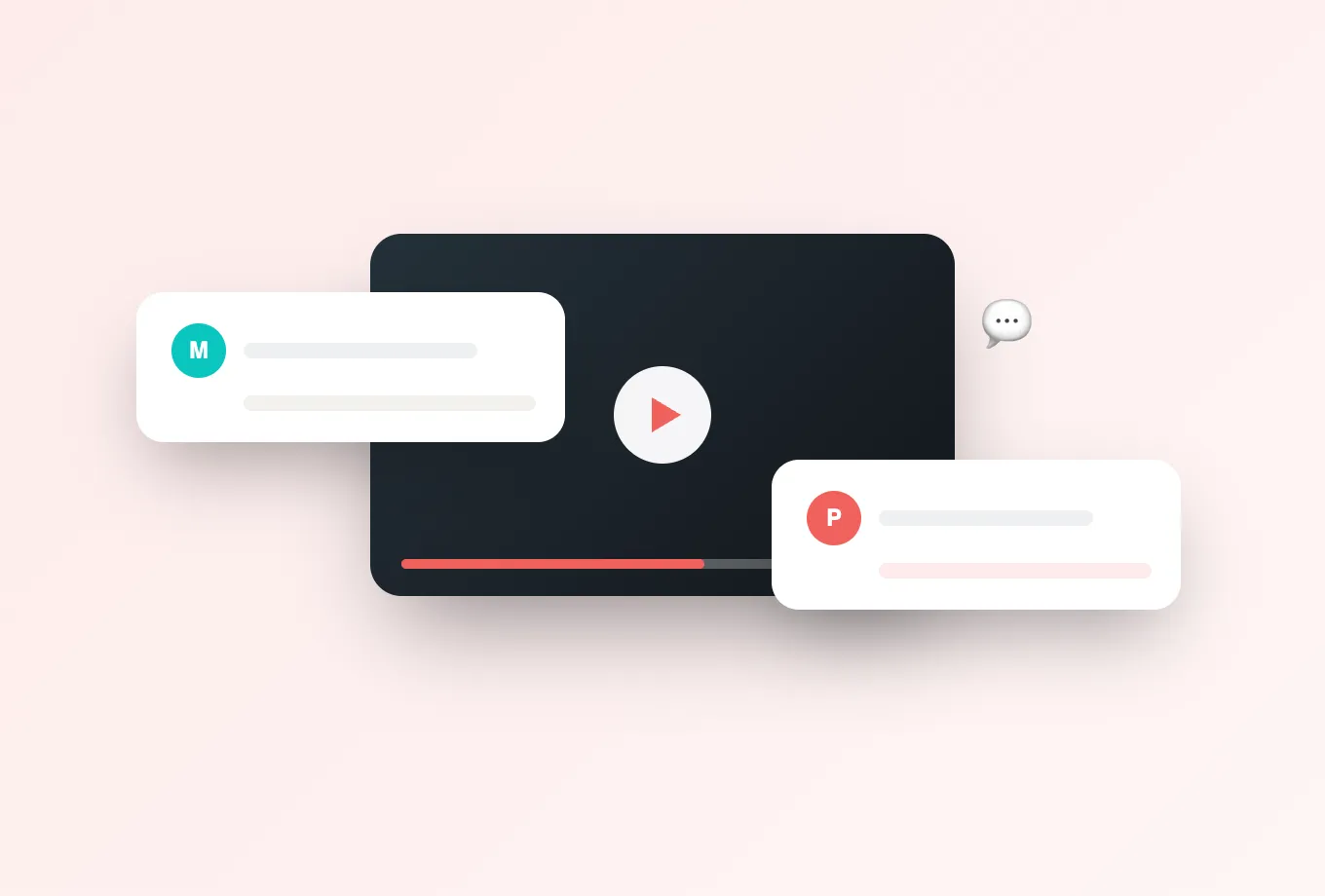
In-video discussion, group chat, and polls anchored to the exact moment — guided watching and peer learning.
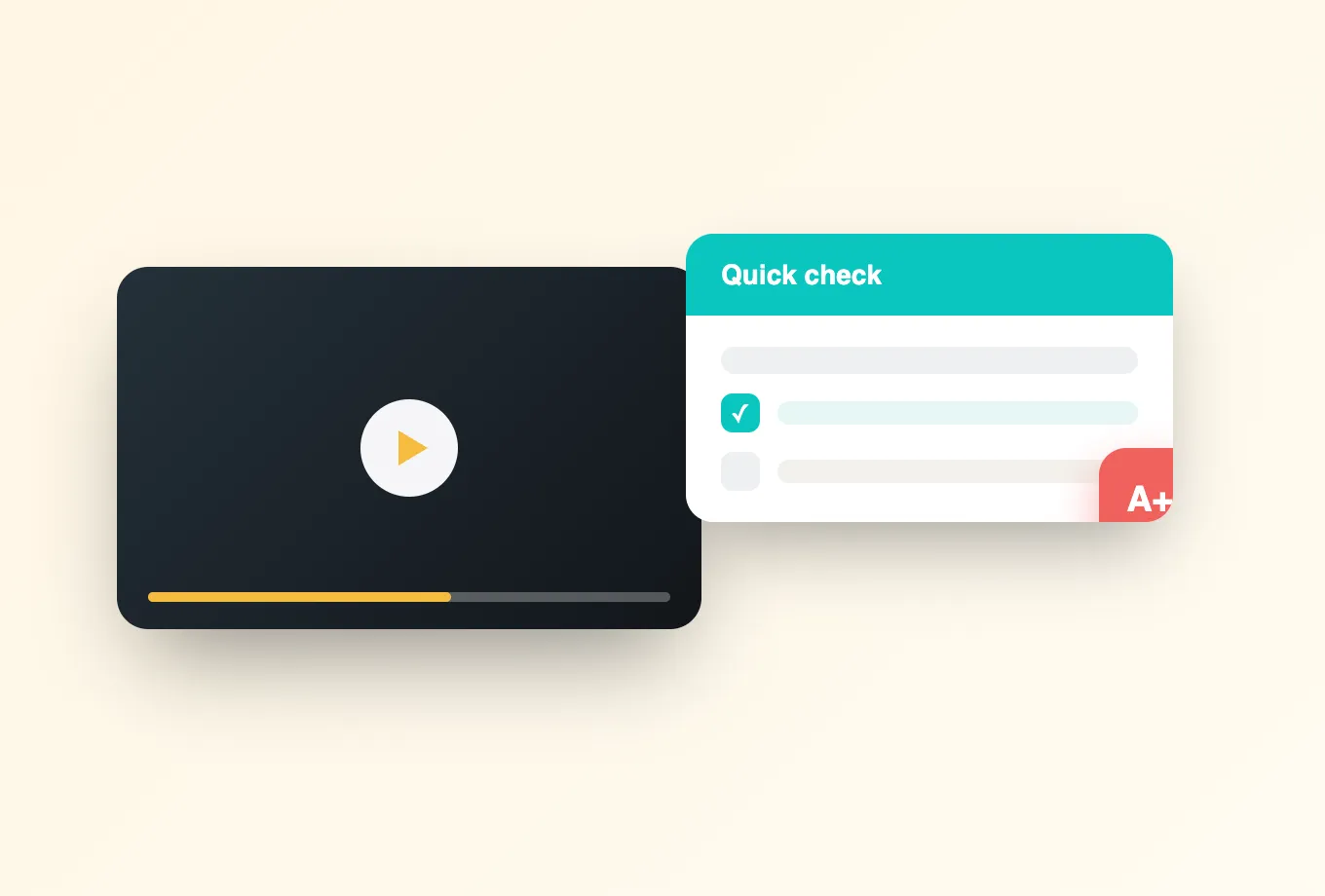
In-video quizzes and completion tracking turn watching into graded, active recall — synced to your gradebook.
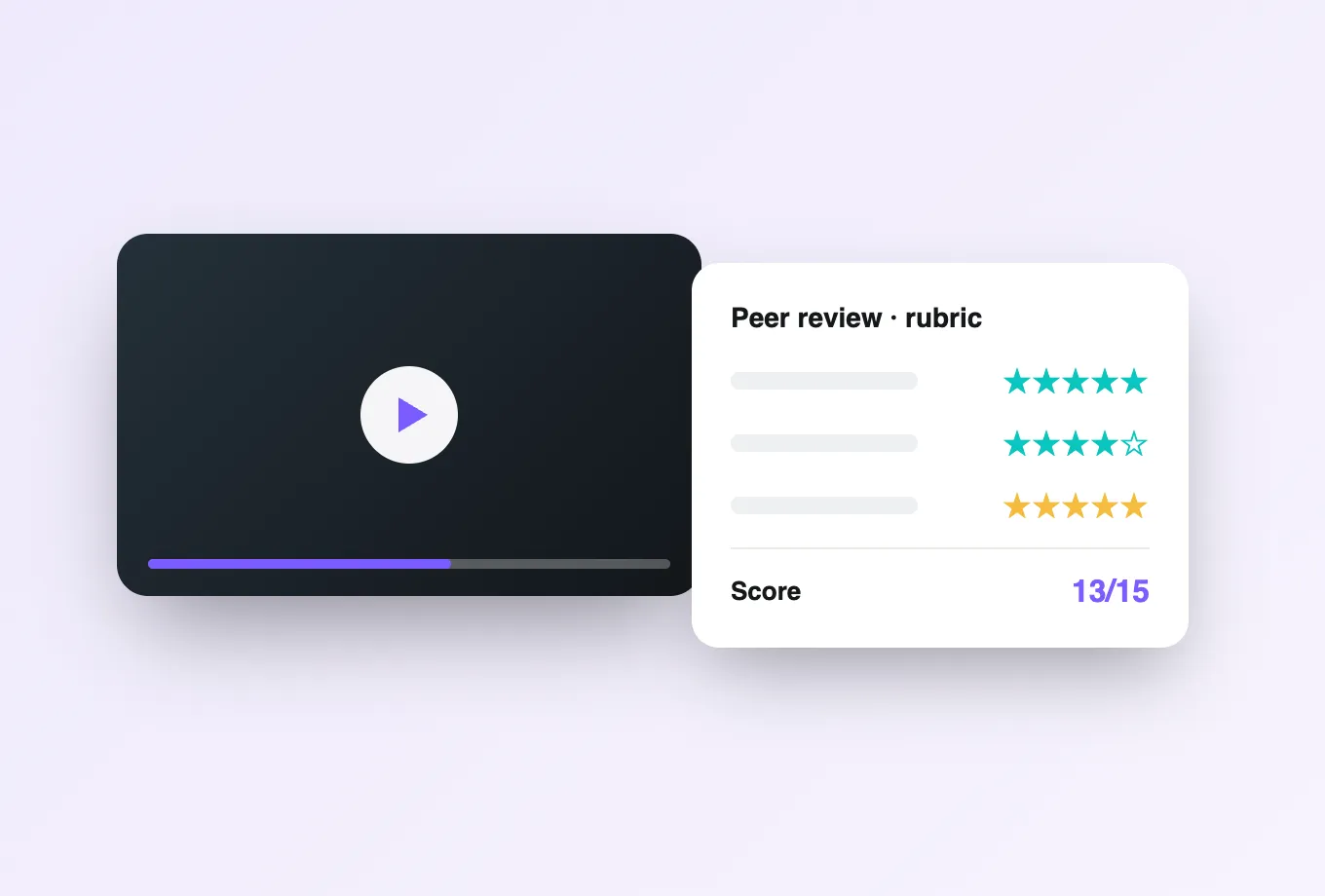
Learners submit performance videos; peers and instructors give time-coded feedback for authentic skills assessment.
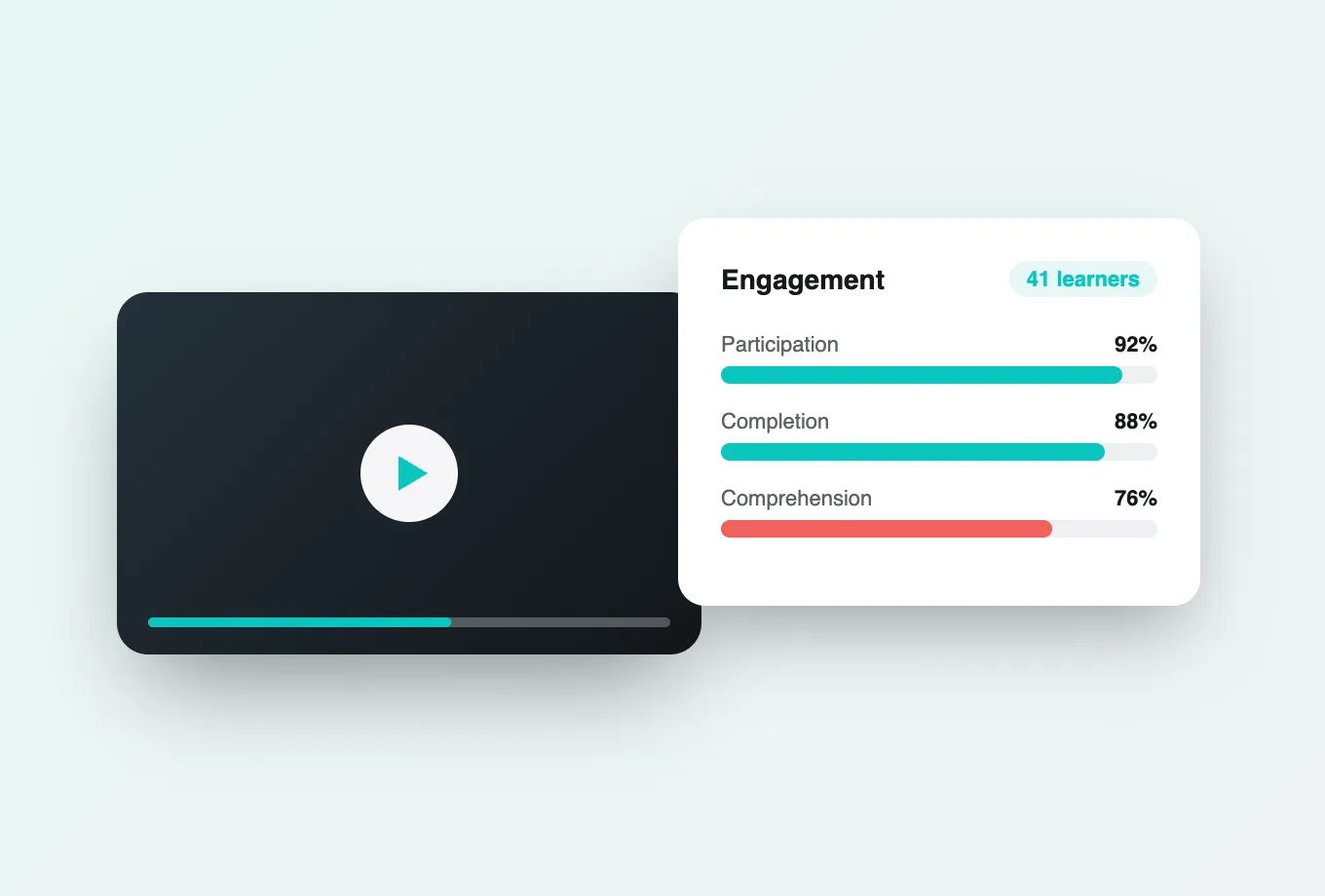
The thread through every journey — participation, completion, and watch-time insight for every learner and moment.
Want the full path? Explore all five Learning Journeys →
Book a 20-minute demo and watch discussions, quizzes, and analytics work inside Schoology.