Vimeo Integration
Turn Vimeo videos into active learning
Add discussions, in-video quizzes, notes, and engagement analytics on top of your Vimeo videos, inside your LMS or on any site. No new player, no migration.
Learn more: Annoto and Vimeo for interactive video learning
How Annoto adds discussion, quizzes, and analytics to Vimeo
Vimeo is a dependable place to host and stream video, but hosting is only half of what a course, an onboarding track, or a customer academy needs. The player plays; it does not tell you who watched, who understood, or where attention fell away. Annoto sits as an interaction layer directly over the embedded Vimeo player, so the video you already publish becomes a place where learners ask questions, answer them, take notes, and get measured, without moving a single file or asking anyone to learn a new player.
Do I have to move my videos off Vimeo?
No. Annoto never touches your media. It attaches to the Vimeo player already embedded in your LMS, intranet, or marketing site, and renders its own interface around that frame. Your Vimeo account stays the system of record for storage, transcoding, privacy settings, and bandwidth, while Annoto supplies the participation layer on top. The same layer overlays Panopto, Kaltura, YouTube, Brightcove, and Wistia, or hosts video natively, which matters when some departments standardised on Vimeo and others did not. The full list lives on the integrations page.
What does an interactive Vimeo video actually look like?
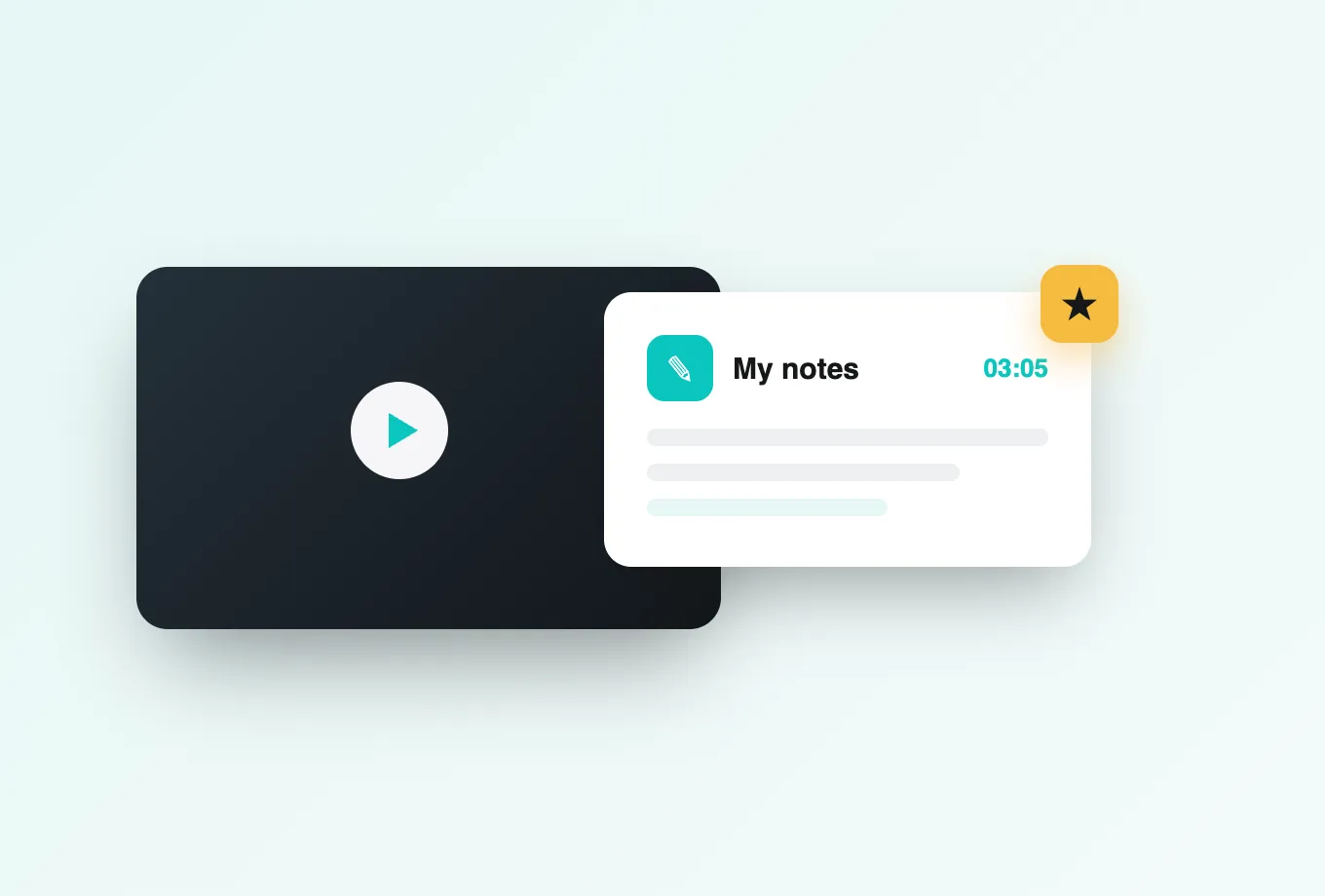
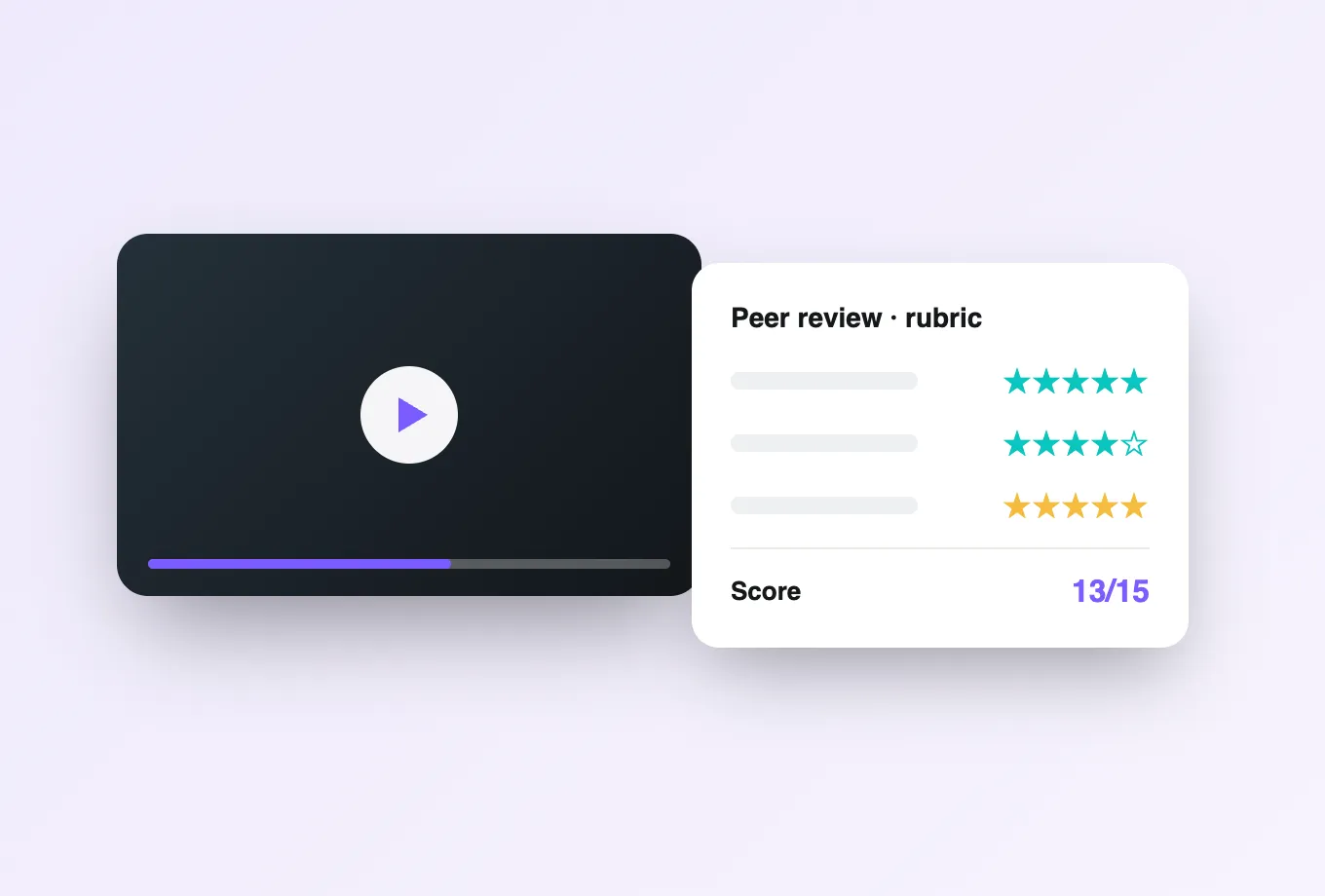
Learners see a discussion rail anchored to the timeline. A comment left at 4:12 belongs to 4:12, so a question about a formula stays attached to the moment the formula appeared instead of drifting to the bottom of a forum thread. Alongside it, private notes let each viewer build a personal, timestamped study record that Annoto's AI can recap into a revision summary. Where the work is graded rather than discussed, video assignments let learners submit their own recordings for structured, timestamped feedback, and peer review distributes that reviewing across the cohort under instructor oversight.
How do you author questions without editing the video?
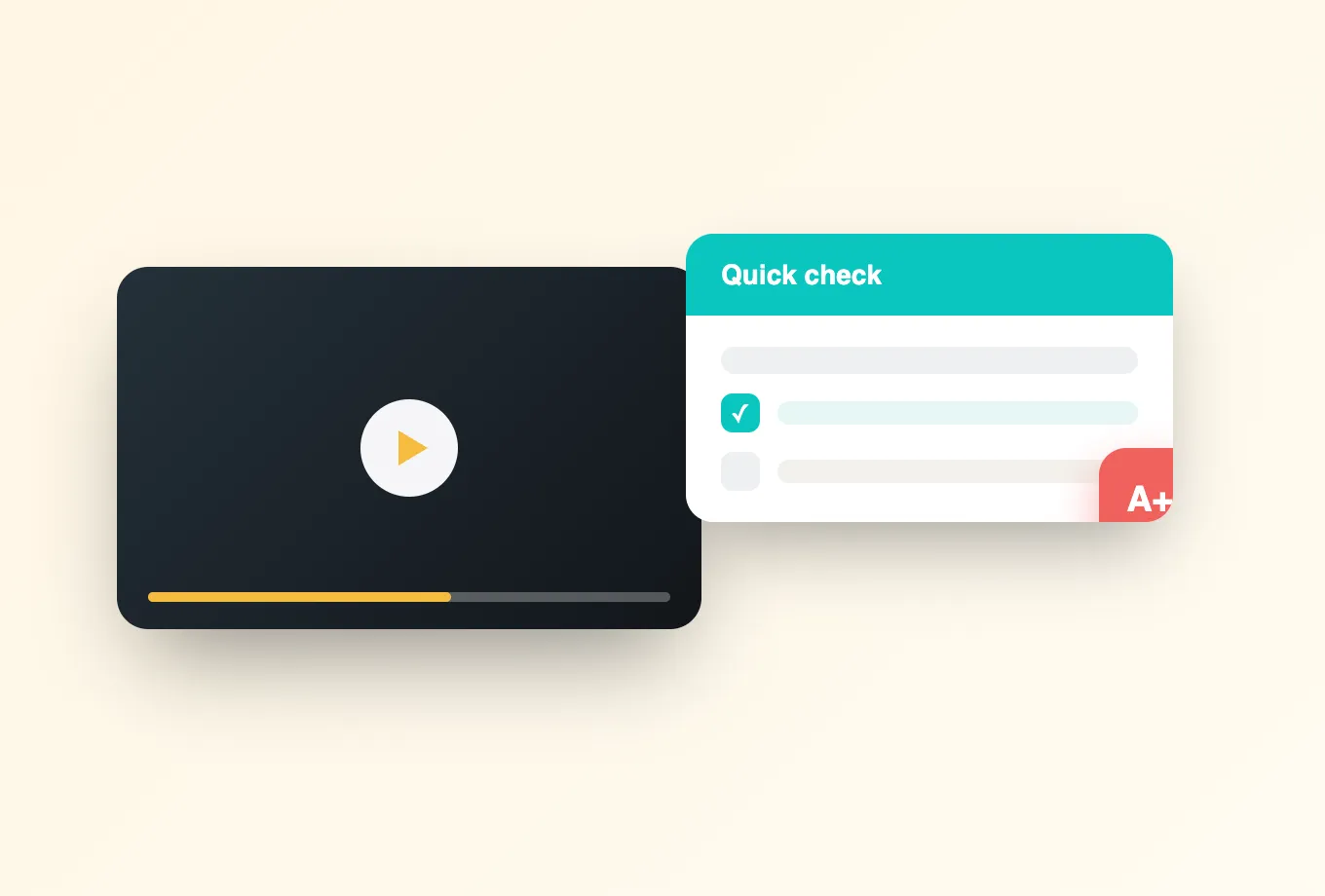
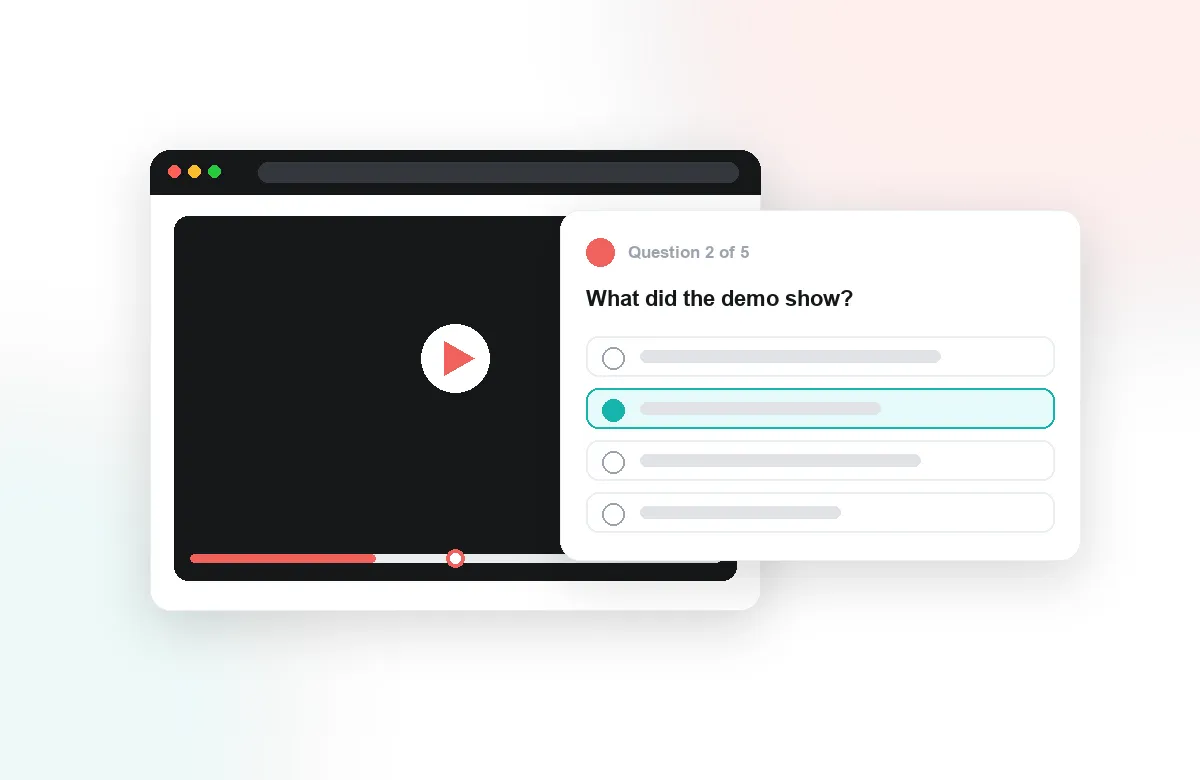
Questions live in Annoto, not in the video file. An instructor scrubs to a point in the Vimeo player and drops a multiple choice, open text, or reflection prompt onto the timeline. Lumo, Annoto's AI authoring assistant, reads the transcript and proposes a full question set for the video, which the instructor edits and approves rather than writing from a blank page. Because nothing is burned into the media, in-video quizzes can change between cohorts while the Vimeo asset stays untouched.
What can I measure that Vimeo's own stats do not show?
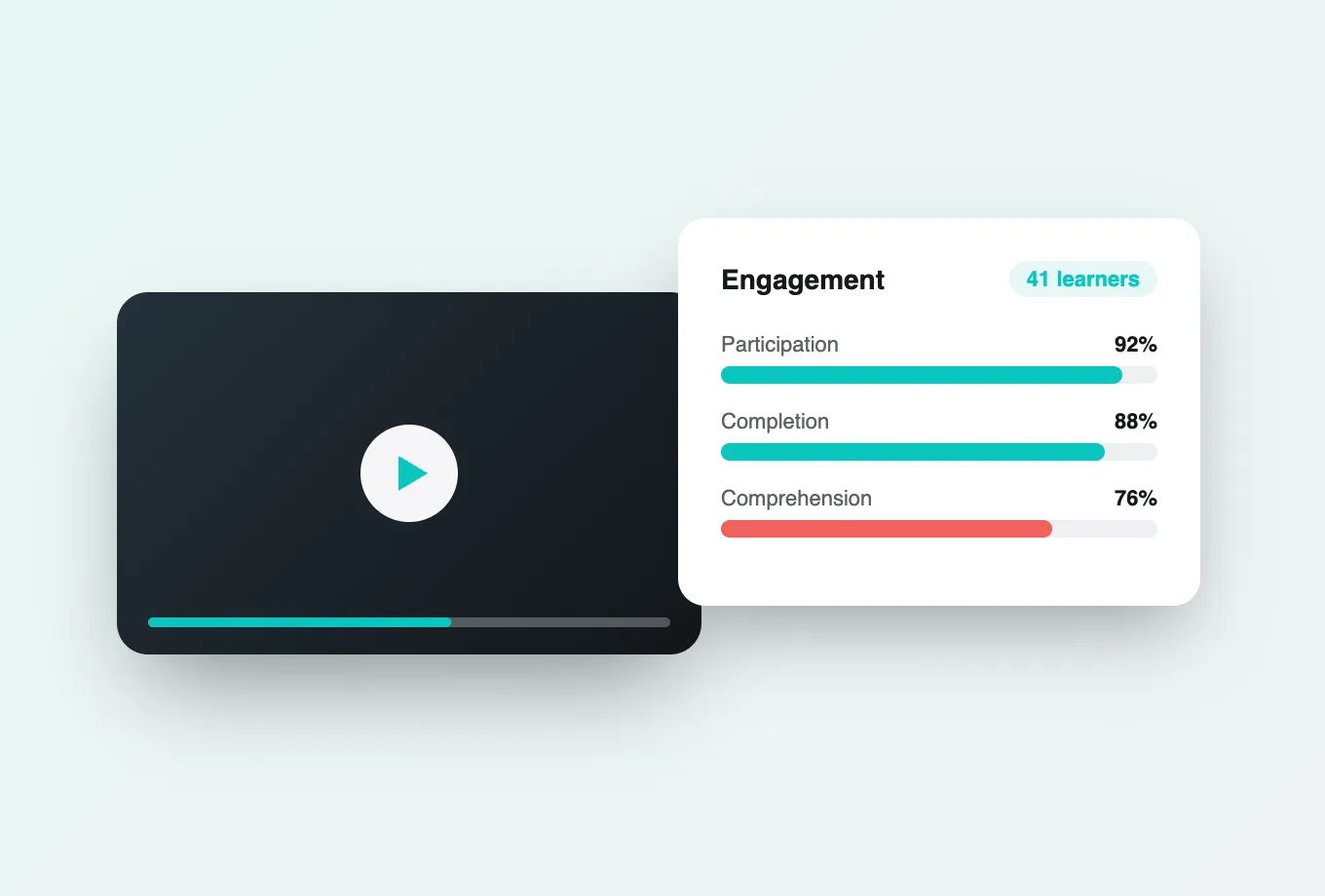
Vimeo reports plays and viewing time. Annoto reports learning behaviour: per-learner attention across the timeline, comprehension inferred from quiz responses, completion against the thresholds you set, and the specific segments where a cohort rewound, paused, or dropped off. That last signal is the practical one. A consistent drop at the same timestamp across two hundred learners usually means the explanation there is wrong, not that the learners are. The analytics dashboard reports this per student and per cohort, so an instructor can intervene in week three instead of reading it in the end-of-term survey.
Does it fit the way my LMS already grades?
Yes. Annoto is an LTI 1.3 tool, so completion and quiz scores post back into the Canvas, Moodle, Blackboard, or D2L gradebook automatically, with LTI 1.1 supported for older deployments. Rosters and single sign-on arrive through the same LTI launch, so nobody creates a second account and no one maintains a parallel list of students. Outside an LMS, the REST API and webhooks return the same results to whatever system a portal or training site already runs.
What does rollout actually involve?
For most teams it is a script and a configuration, or an LTI registration in the LMS admin panel, followed by a pilot on a single course. Nothing about existing Vimeo embeds changes, so there is no window where video is unavailable. Annoto is ISO/IEC 27001 certified and supports FERPA, GDPR, and DPA requirements, and the interface meets WCAG 2.1 AA, which means procurement and accessibility review usually treat it as an addition to an approved stack rather than a replacement for one. Teams comparing platforms end to end often start from Annoto vs Panopto.