YouTube Integration
Turn any YouTube video into active learning
Add discussions, in-video quizzes, notes, and engagement analytics on top of the YouTube videos you embed, inside your LMS or on any site. No new player, no re-uploading.
Learn more: Annoto on YouTube, from embed to gradebook
Active Learning on the YouTube Videos You Already Teach With
Most institutions do not choose YouTube because it is the best teaching platform. They choose it because the videos are already there, the bandwidth costs nothing, the player works on every device a learner owns, and captions and transcripts come for free. The gap opens after the play button. YouTube reports a view count and an anonymous watch-time curve, which tells you a video was streamed but never that anyone understood it, and the comment feed sits underneath the player referring to nothing in particular. Annoto closes that gap by adding a participation and assessment layer directly on top of the embedded player, without asking you to move a single file or change a single embed code.
What does Annoto actually add to a YouTube embed?
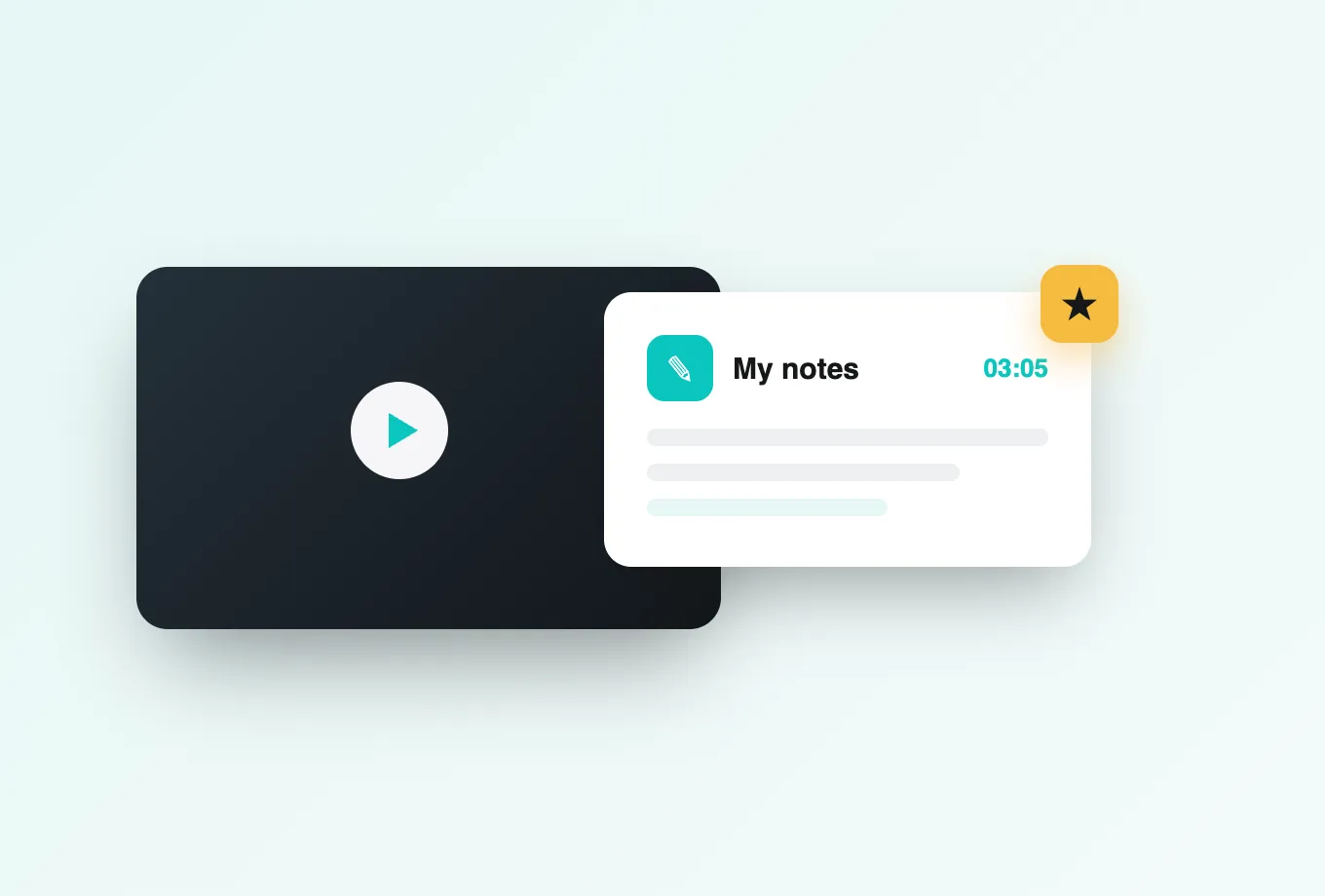
Annoto renders as an interactive layer around the standard YouTube iframe. Learners get a timeline they can comment on, in-video questions that pause playback at the moment they matter, private notes tied to timestamps, and AI recaps that compress a forty-minute lecture into a revision summary. Instructors get a dashboard behind all of it. Nothing about the video itself changes: the same URL, the same player, the same YouTube terms of service, the same hosting bill.
How do in-video quizzes work on a YouTube video?
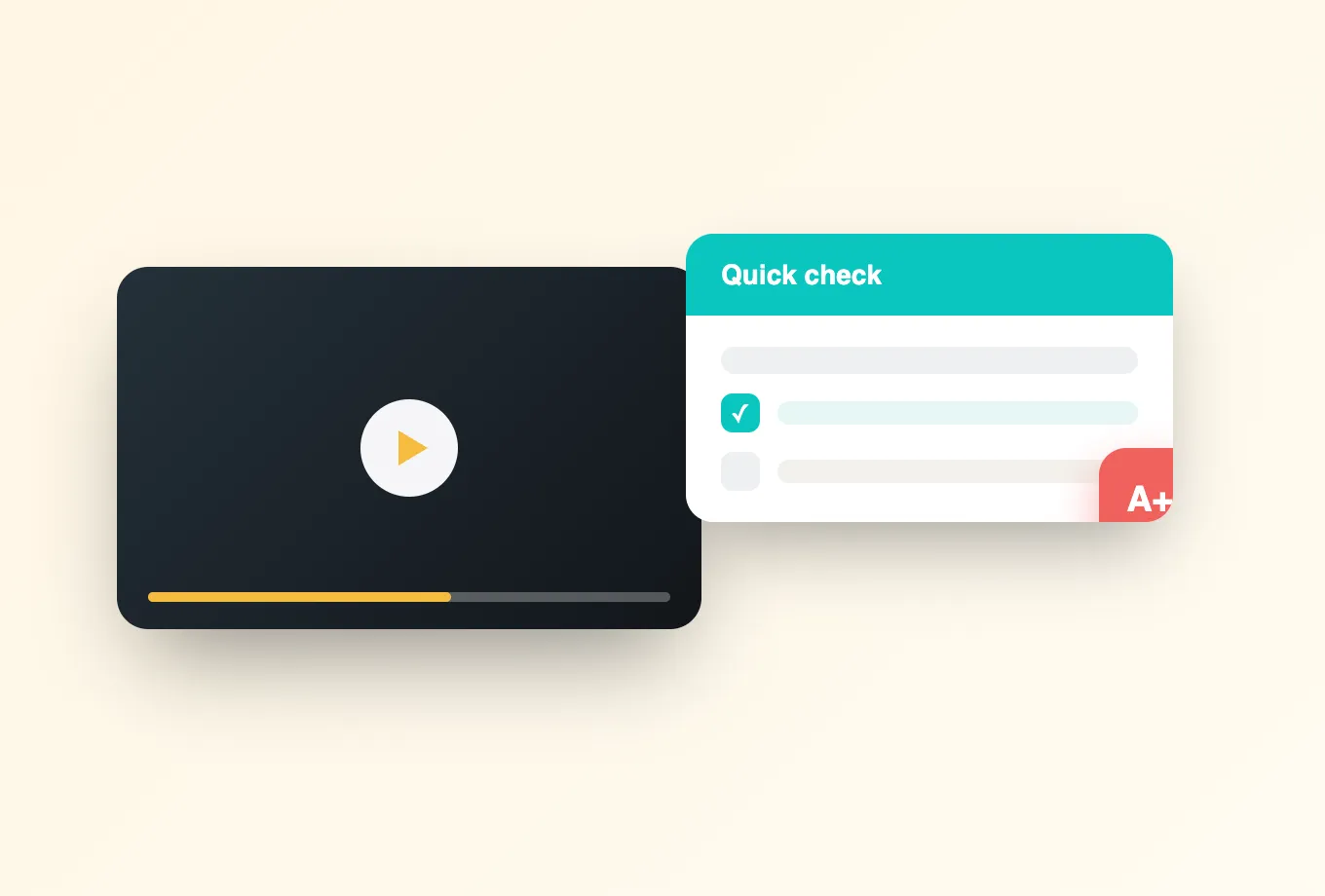
You place questions on the timeline at the second where the concept is explained. Multiple choice, open response, and reflection prompts pause playback until the learner answers, which converts passive watching into retrieval practice at the point the material is freshest. Lumo, Annoto's AI authoring copilot, drafts a first set of questions from the video transcript, so instrumenting a thirty-minute recording does not cost an afternoon. You edit, reorder, or delete anything before publishing. More on in-video quizzes.
What do timeline discussions change about how students watch?
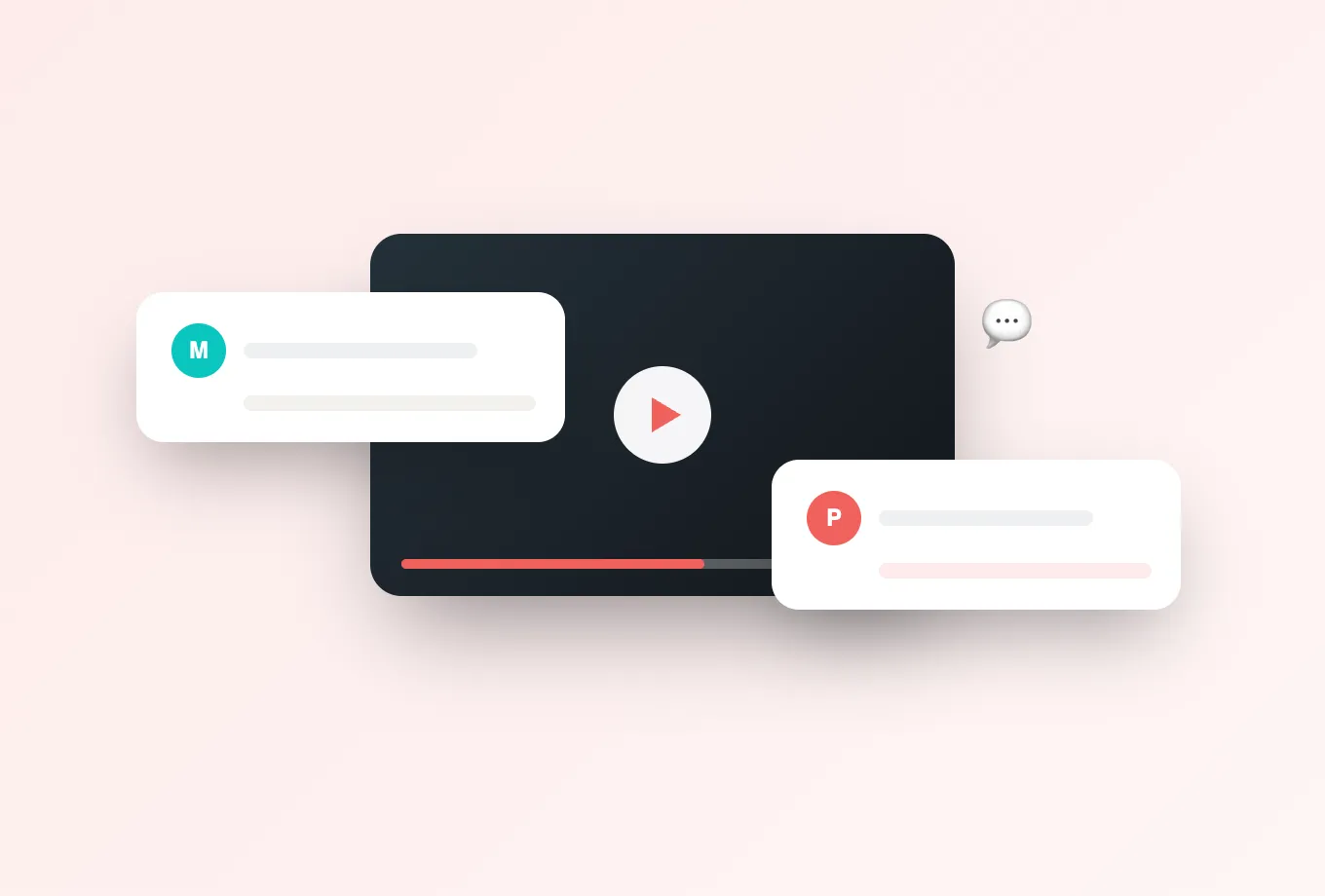
A YouTube comment thread is detached from the content it discusses. An Annoto discussion is anchored to a timestamp, so a question raised about minute fourteen surfaces at minute fourteen for the next cohort that reaches it. Peers answer each other, instructors answer once instead of forty times over email, and the thread accumulates into a study artifact the course keeps from term to term. Quiet students who never speak in a lecture hall tend to participate here. See timeline discussions.
What can Annoto analytics tell you that YouTube Studio cannot?
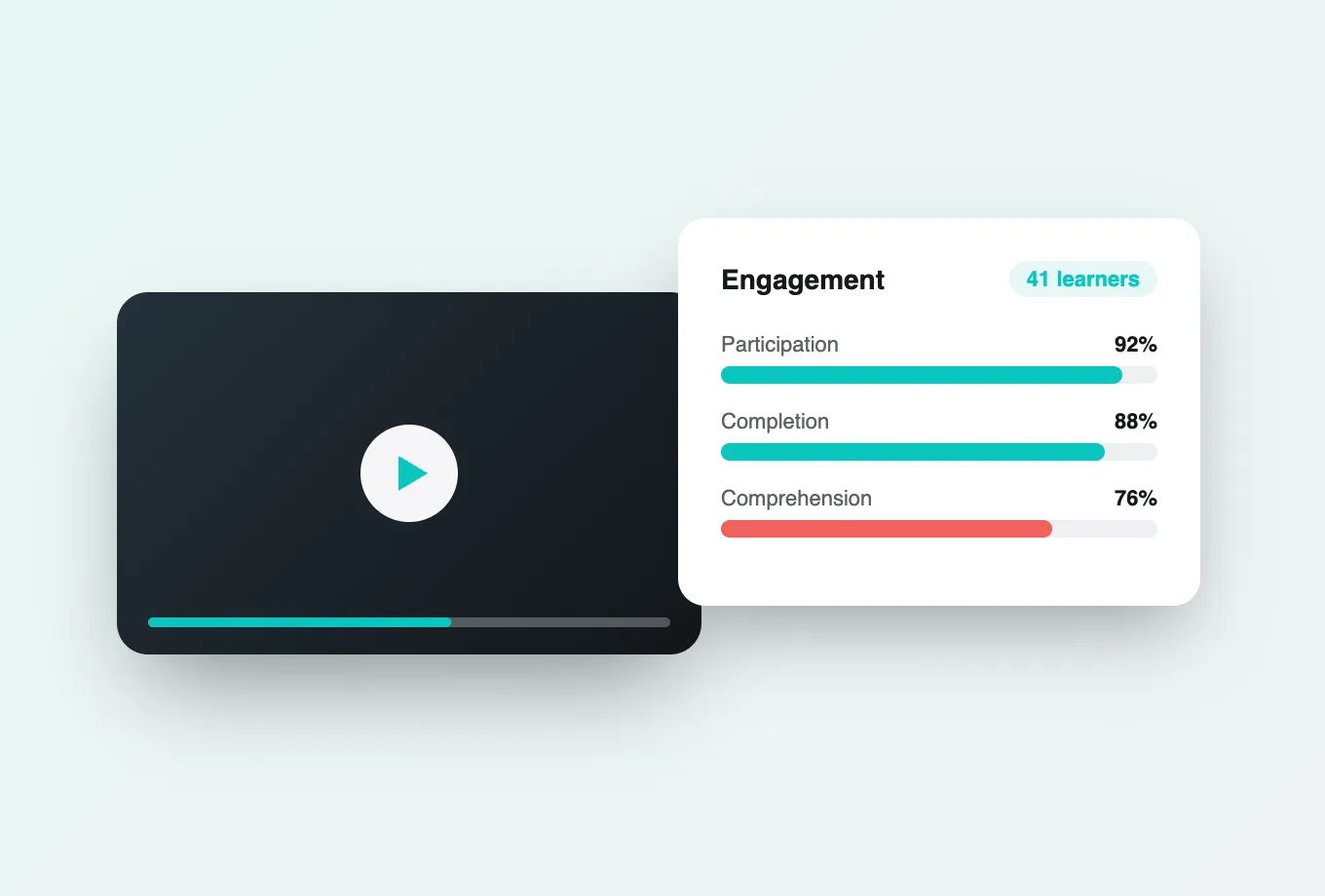
YouTube reports aggregate retention for anonymous viewers. Annoto reports named learners: who watched, how far they got, where attention dropped, who answered which question correctly, and which cohorts are drifting well before an exam delivers the same news too late to act on. Per-video attention and comprehension scores let a programme lead identify the three lectures that genuinely need re-recording instead of guessing from a retention curve. The analytics dashboard exports per-learner and per-cohort data.
Can learners create video, not only watch it?
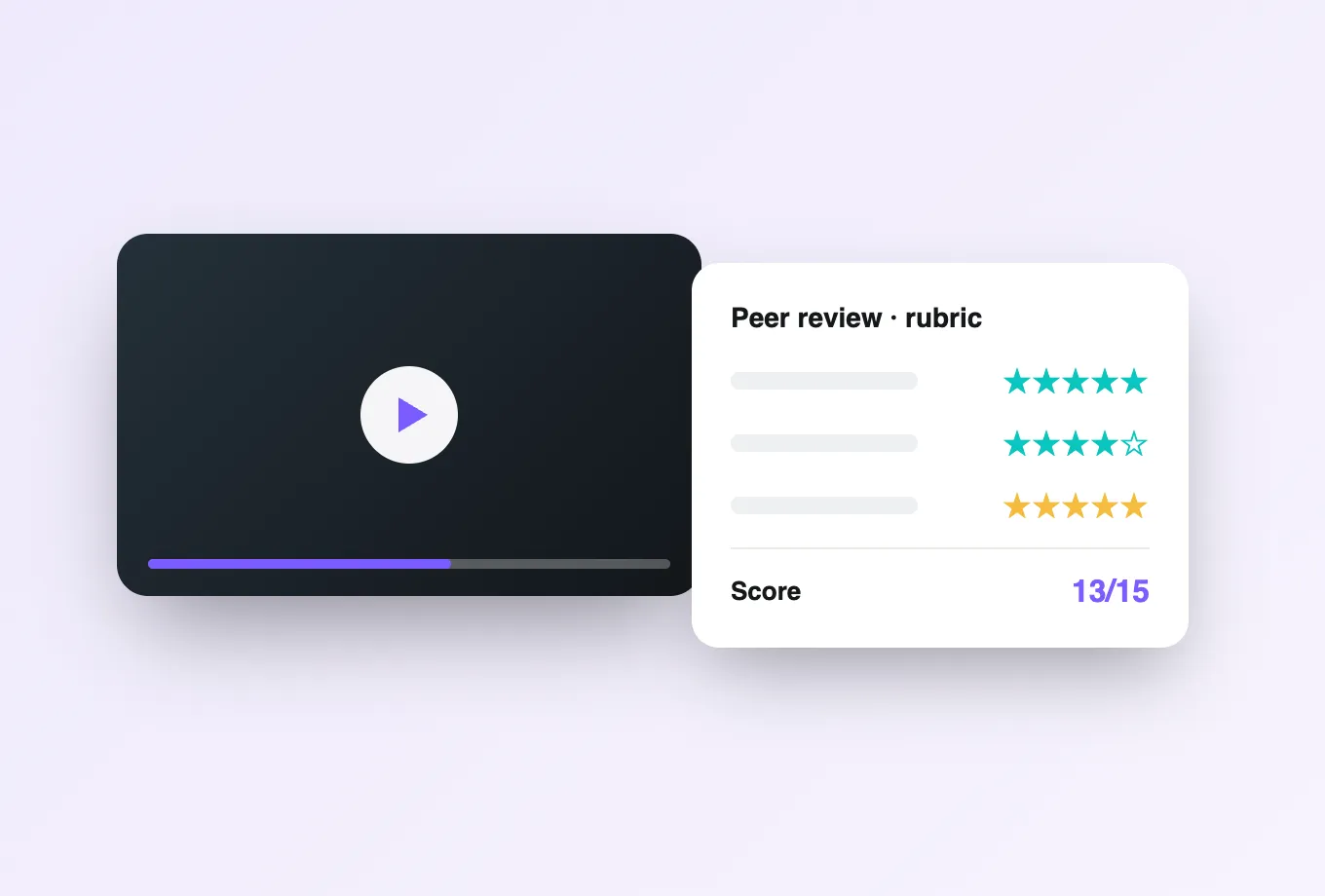
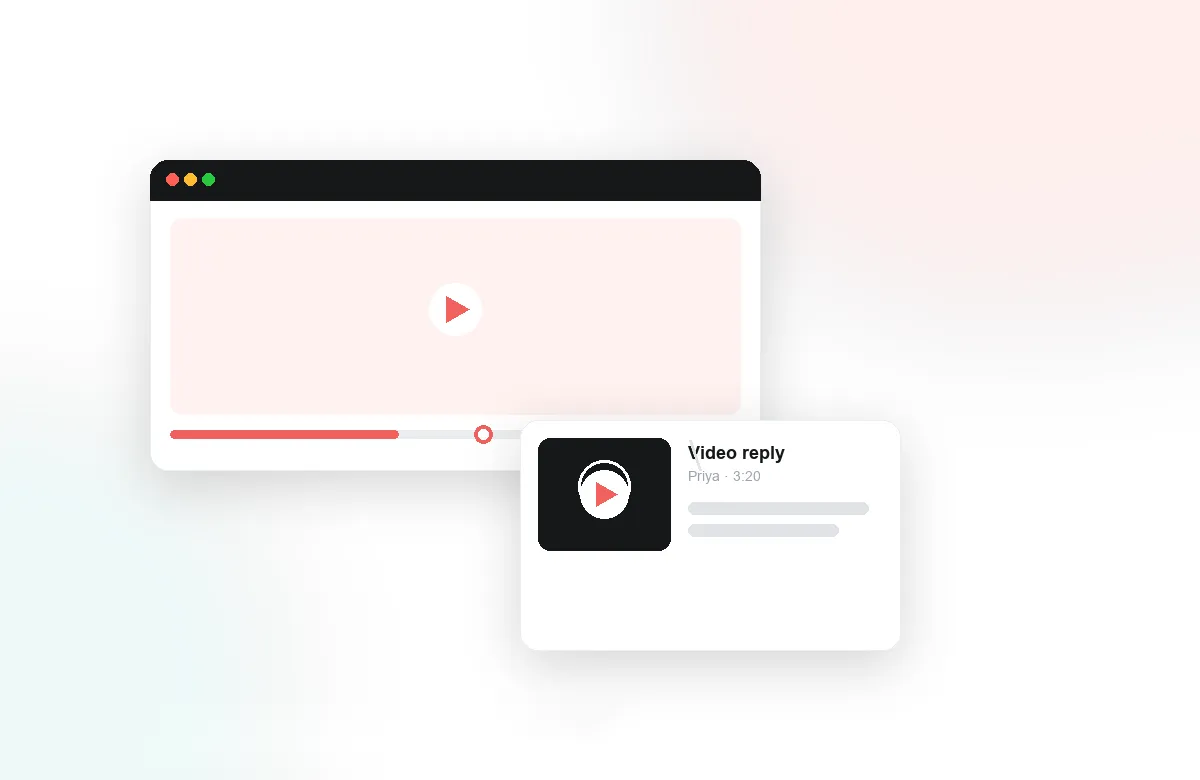
Yes. Video assignments let students record or upload a submission that classmates and instructors annotate on the timeline, so feedback lands on the exact ten seconds it refers to rather than in a paragraph at the bottom of a form. Peer review runs against a rubric on the same layer. Language practice, clinical skills assessment, pitch coaching, and teacher training all rely on this pattern, and the submissions can sit on YouTube like everything else.
What does a department-wide rollout involve?
Inside an LMS, Annoto installs once as an LTI 1.3 tool at the account level. Every course that embeds a YouTube video inherits it, and completion and grades flow back to the gradebook automatically. On a portal, marketing site, or documentation page with no LMS behind it, a single script tag is enough and results come back through the REST API and webhooks. Because the same layer also covers Panopto, Kaltura, Vimeo, Brightcove, and natively hosted video, a department running YouTube in one programme and Panopto in another gets one consistent learner experience and one analytics view rather than two disconnected reports. The integrations overview lists every supported platform.