Canvas + Annoto
How Annoto becomes part of everyday teaching in Canvas
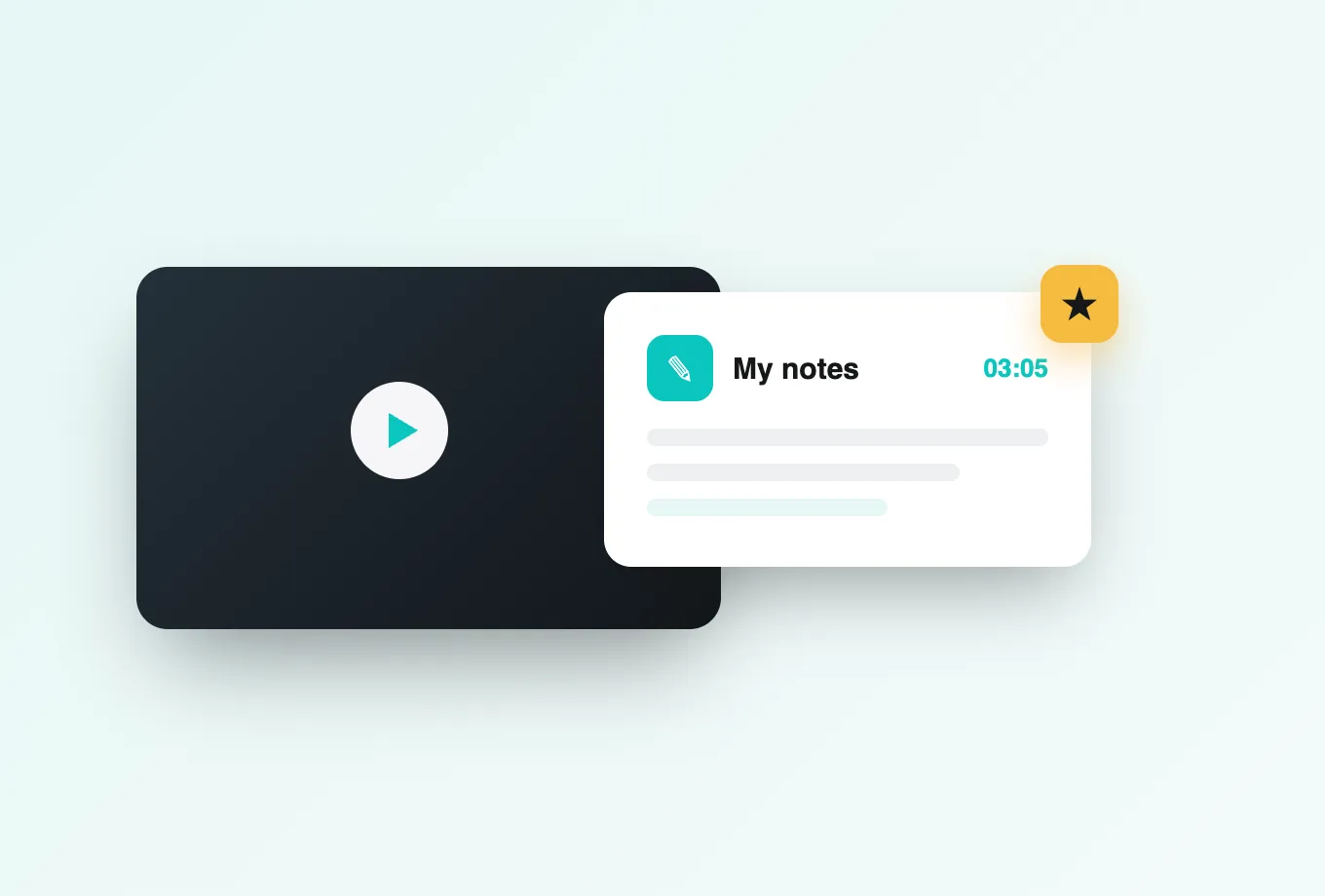
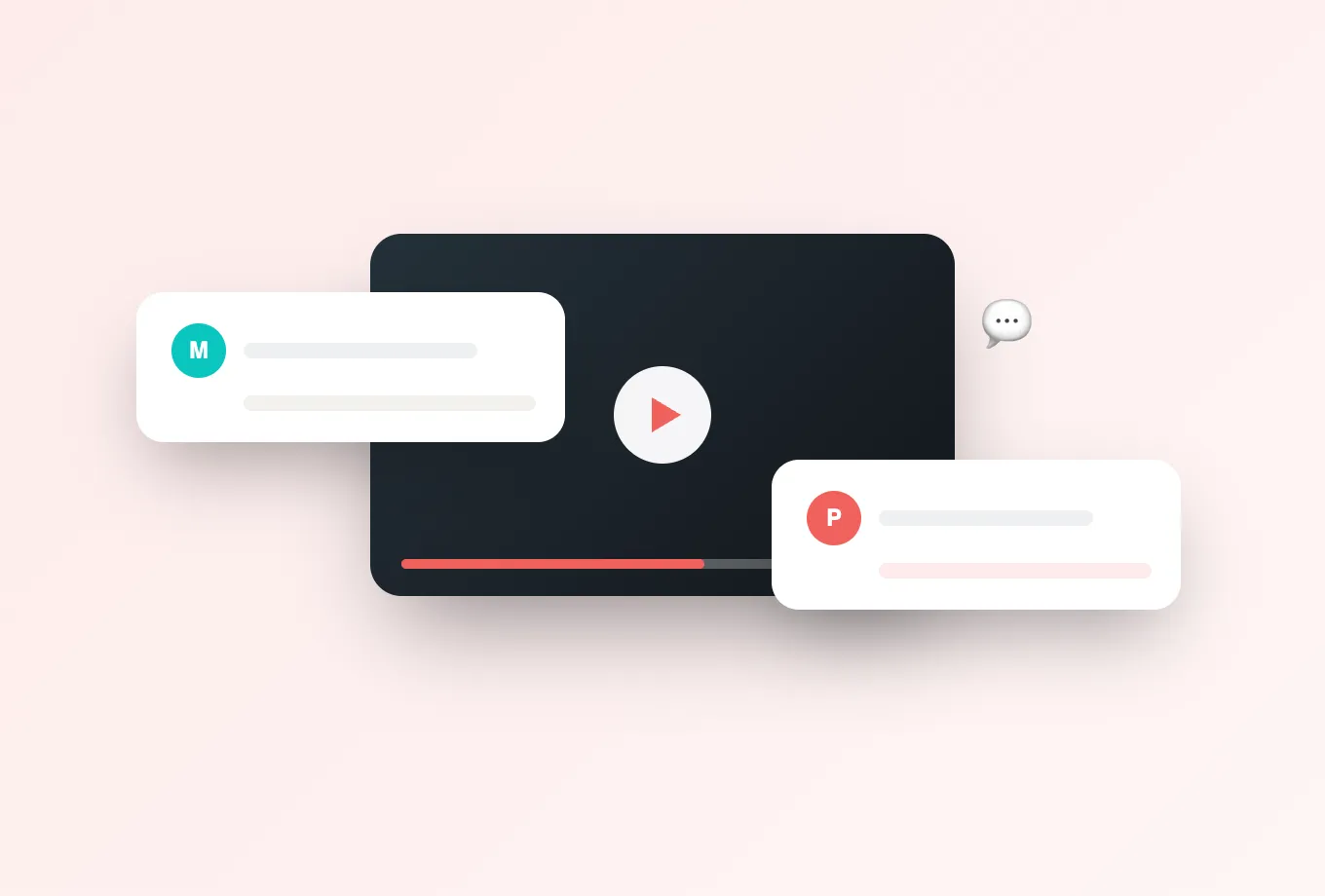
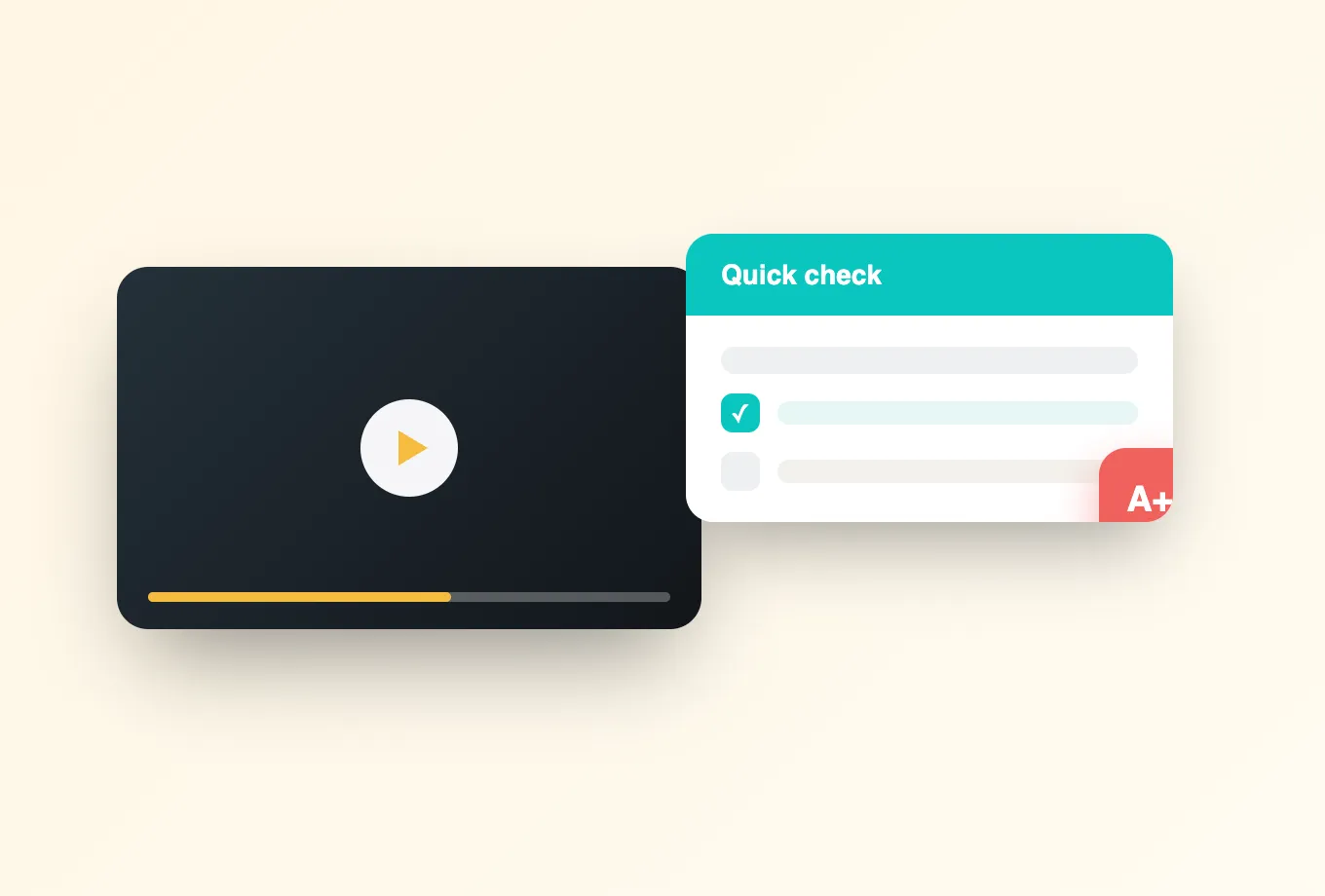
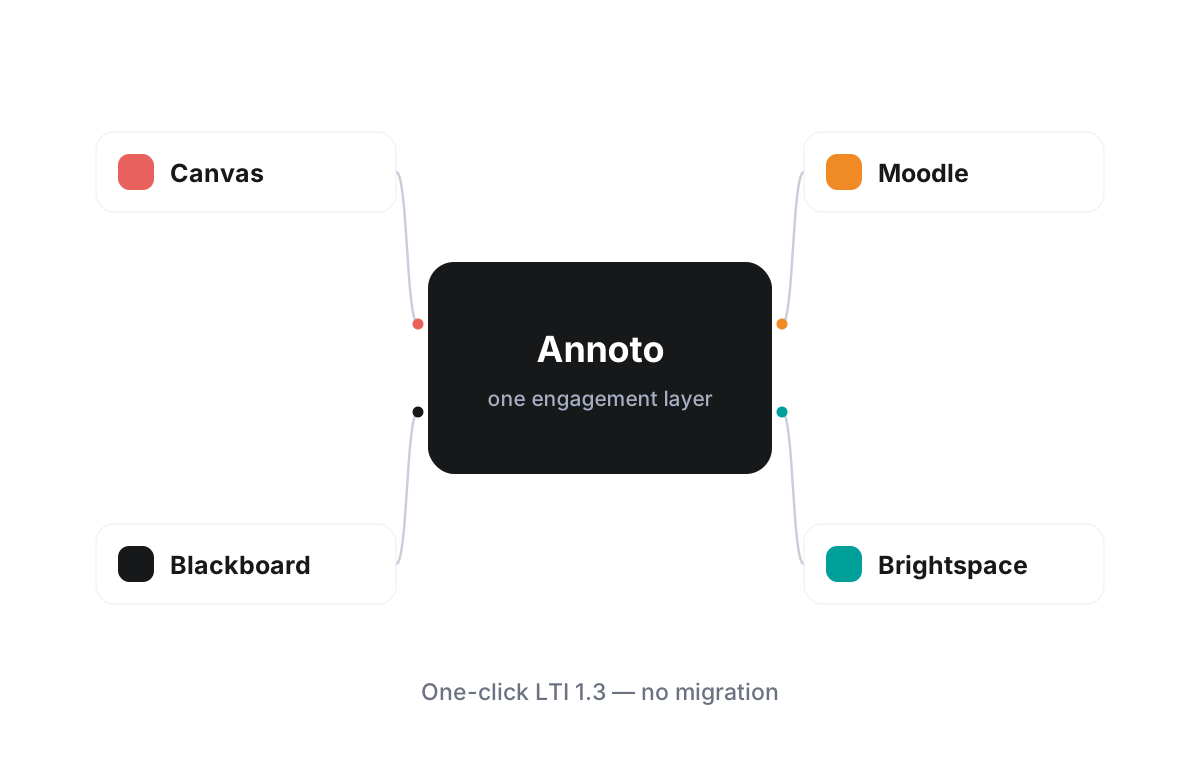
Annoto installs into Canvas as a standard LTI 1.3 tool. Your administrator adds it once, and it becomes available to every course that needs it, with no plugin to maintain and no separate account for anyone to create. From that point on, any video in a Canvas course can carry a live layer of conversation: time-anchored discussions, in-video quizzes, polls and reactions, personal notes with AI summaries, and a shared activity feed that keeps a cohort moving together.
Identity and roles come straight from Canvas
Because the connection is built on LTI 1.3, single sign-on and permissions are inherited automatically. Students open a video already authenticated, instructors keep their teaching privileges, and teaching assistants are recognized as moderators without extra configuration. When enrollment changes in Canvas, access in Annoto follows. Nobody manages a second user list, and nobody resets a forgotten password for a tool they did not know they had.
Grades flow into the Canvas gradebook
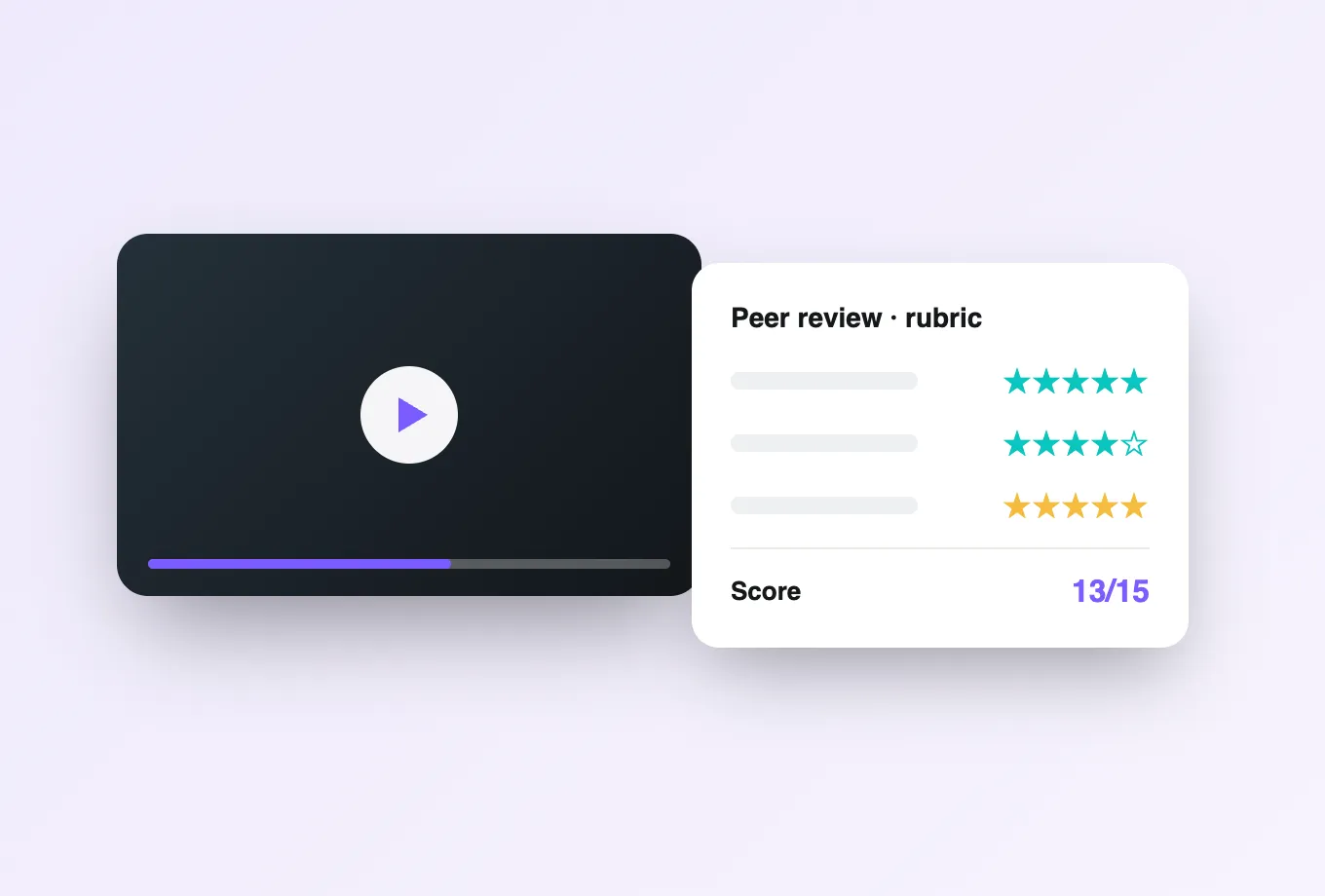
Instructors can make video participation count. Completion requirements, in-video quiz scores, and reflection points sync back to the Canvas gradebook through standard grade passback, so active watching becomes visible in the same place as every other assignment. That closes the loop most video tools leave open: students know their effort is recorded, and instructors see who is engaging before the exam reveals who was not.
Keep the video player you already use
Annoto sits on top of the player rather than replacing it. Whether your Canvas courses run video through Kaltura, Panopto, Wistia, YouTube, or Vimeo, the same engagement layer appears in the same place, with the same controls. Media teams keep their existing workflows, and instructors never have to re-upload or migrate a library to get interactivity.
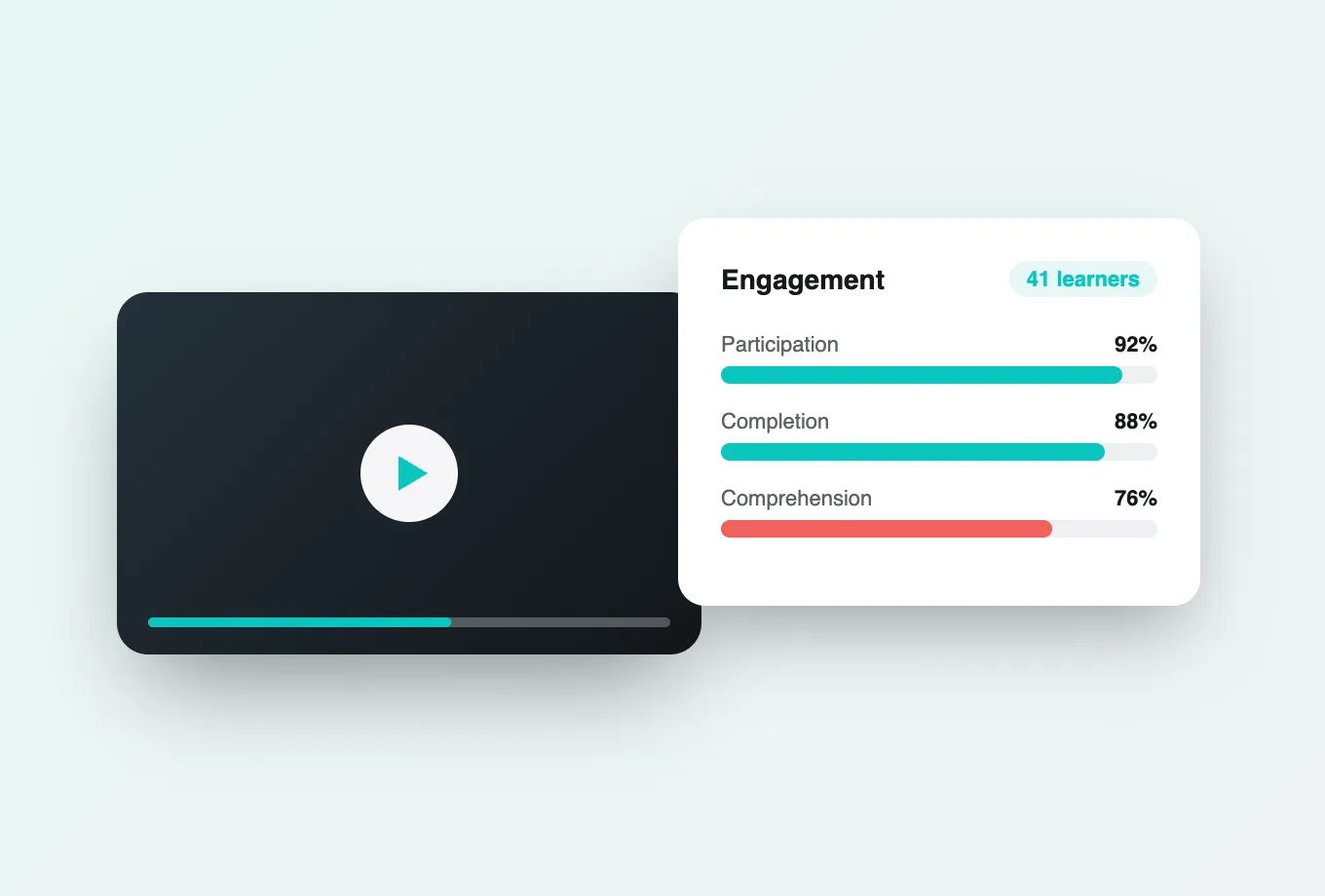
Across institutions worldwide, this is the pattern that makes video social instead of solitary: install once, inherit identity, grade what matters, and let attention and comprehension analytics show how each cohort is actually watching. Data exports by CSV or API whenever your institutional research team wants it. Full setup instructions live at docs.annoto.net, and most Canvas administrators complete the installation in a single sitting.
A rollout path Canvas admins actually follow
Most institutions stage the rollout rather than switching it on everywhere. A common sequence: install the LTI 1.3 tool in a Canvas test or beta environment, run one sandbox course through the full cycle of embedding a video, commenting, taking a quiz, and checking the grade column, then deploy to a pilot subaccount for one or two departments. Because Canvas lets tools be enabled per subaccount, the pilot can expand along organizational lines at term boundaries instead of mid-semester, and the help desk meets the tool before the whole campus does.
Where Annoto shows up in a Canvas course
Inside a course, Annoto-enabled video fits the structures instructors already use. A video can sit in a module as ungraded content, or be published as a graded assignment when participation should count. Because completion reports back to Canvas, module requirements and prerequisites work as expected: a course can require finishing the week's lecture, quiz included, before the next module unlocks. That single pattern, watch and engage before moving on, is how many programs turn passive lecture archives into a sequence students actually work through.
Institutions still running an older LTI 1.1 placement can keep it working while they migrate; Annoto supports both, so the upgrade to 1.3 happens on the admin's schedule rather than as a forced cutover mid-term.
From installed to adopted
Installation is the short part; adoption is the real project. Three moves shorten it. Build one exemplar course that shows a seeded discussion, an embedded quiz, and a graded video assignment, and let instructors copy from it rather than start blank. Run a working session in week zero where instructors set up their own first video and see the gradebook entry appear. And route early questions to a named owner in the teaching and learning center, backed by the setup guides in the documentation, so the first semester produces internal expertise instead of a support backlog.