Moodle + Annoto
Collaborative video for Moodle, without extra admin work
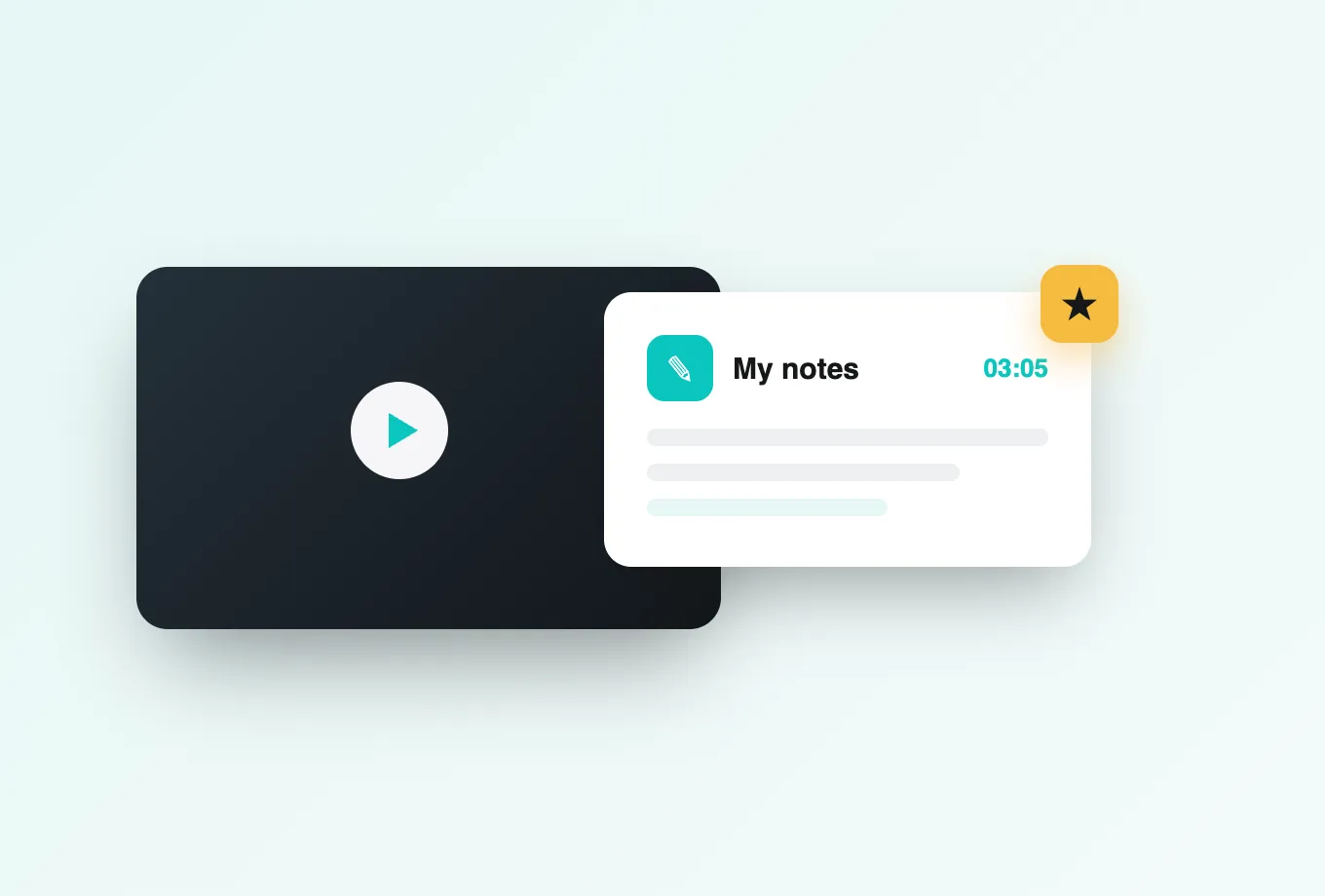
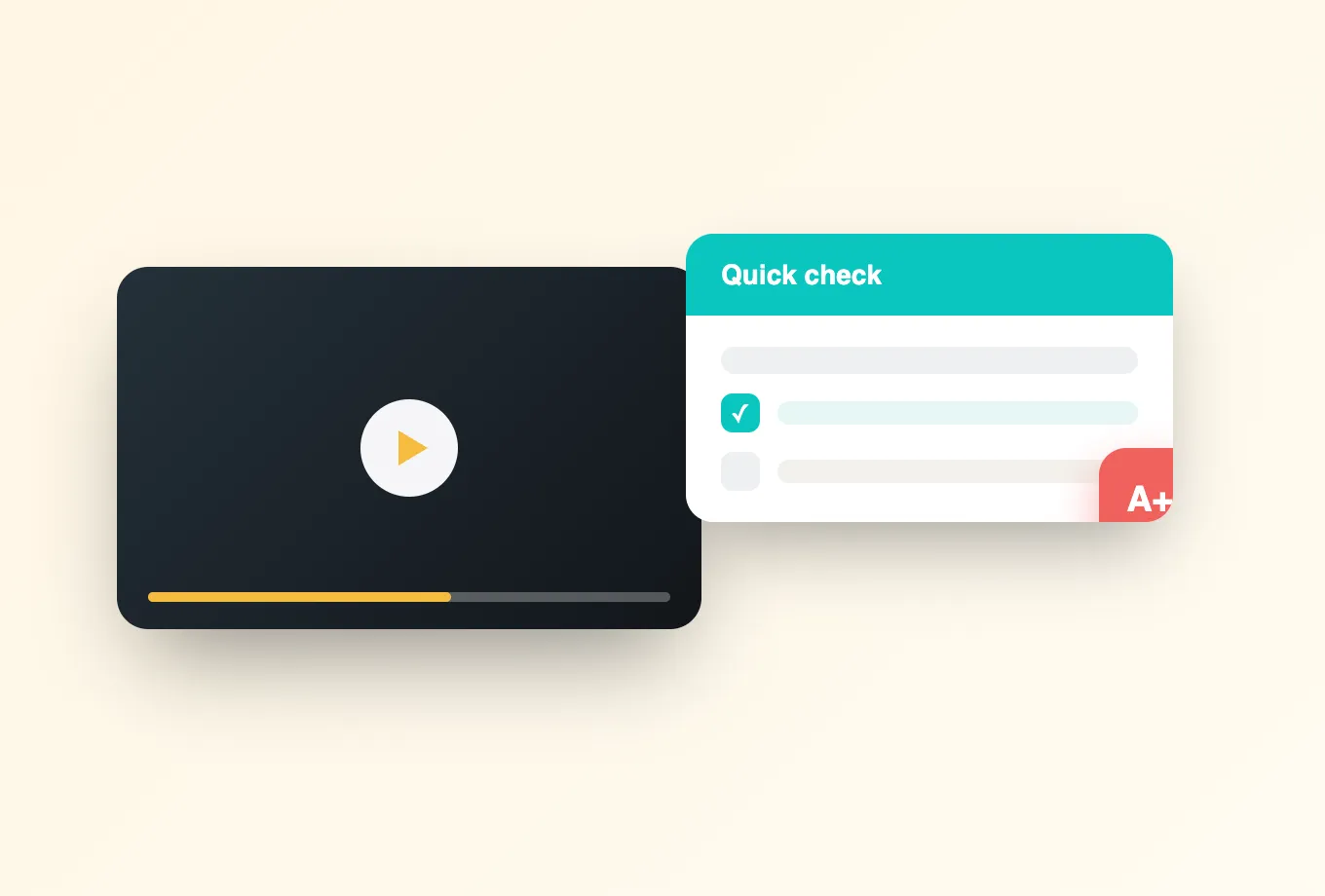
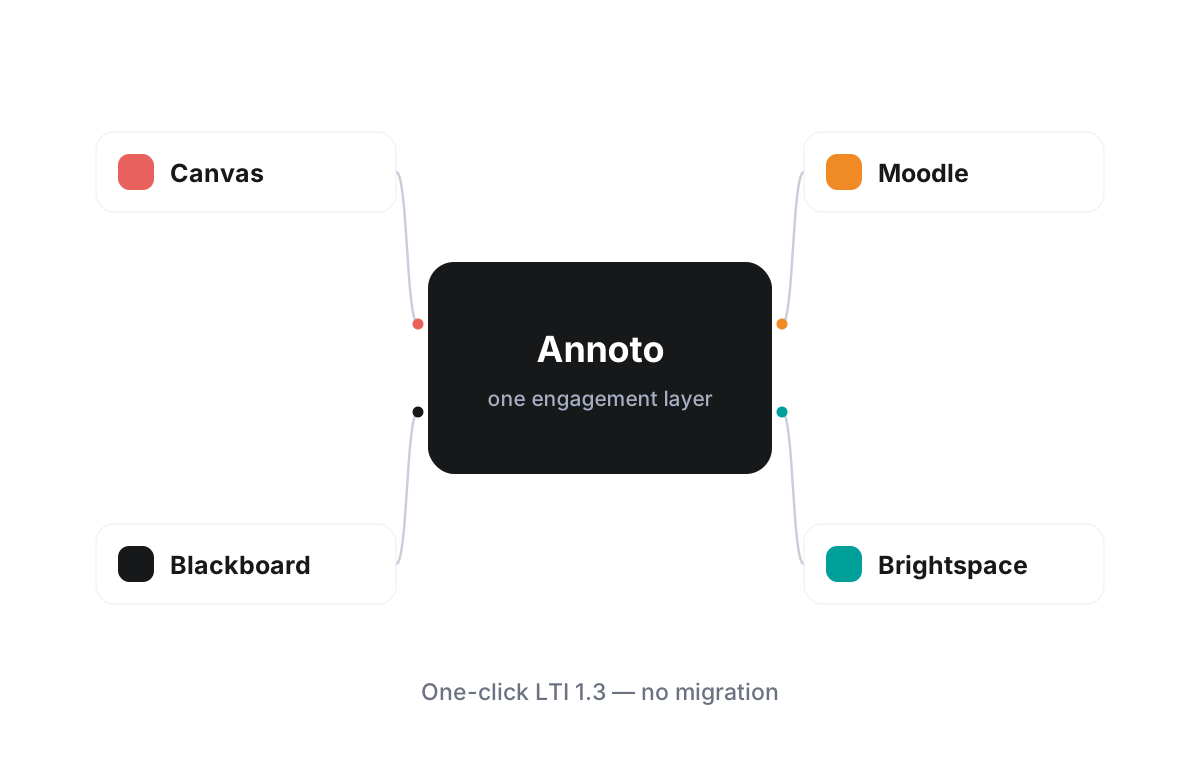
Moodle gives institutions freedom in how they build courses, and Annoto brings that same flexibility to video. The integration uses LTI 1.3, so an administrator registers Annoto once and every course can then turn passive video into an active space with time-anchored discussions, in-video quizzes, polls and reactions, notes with AI summaries, and reflection points that prompt students to think while they watch.
A one-click install that respects how Moodle works
There is nothing to compile and no core code to patch. Annoto registers as an external LTI 1.3 tool, which keeps upgrades painless whether you run Moodle on your own servers or through a hosting partner. Course creators simply add the activity where they want it, and the engagement layer appears over the video that is already there, styled to feel like part of the course. Theme customizations and plugins you already run are unaffected.
Sign-on, roles, and grades stay inside Moodle
Students and teachers arrive authenticated through Moodle's own sign-on, with roles carried across automatically: teachers moderate, students participate, and non-editing teachers get the permissions you would expect. When an instructor attaches quizzes or completion requirements to a video, results flow back into the Moodle gradebook, so video work is assessed in the same place as forums, assignments, and everything else in the course.
Player-agnostic by design
Moodle sites serve video in many ways, and Annoto meets them all. Whether your media lives in Kaltura or Panopto, or you embed from YouTube, Vimeo, or Wistia, the same layer of collaboration and analytics rides on top. Switching a video source later does not mean losing your discussions or your data.
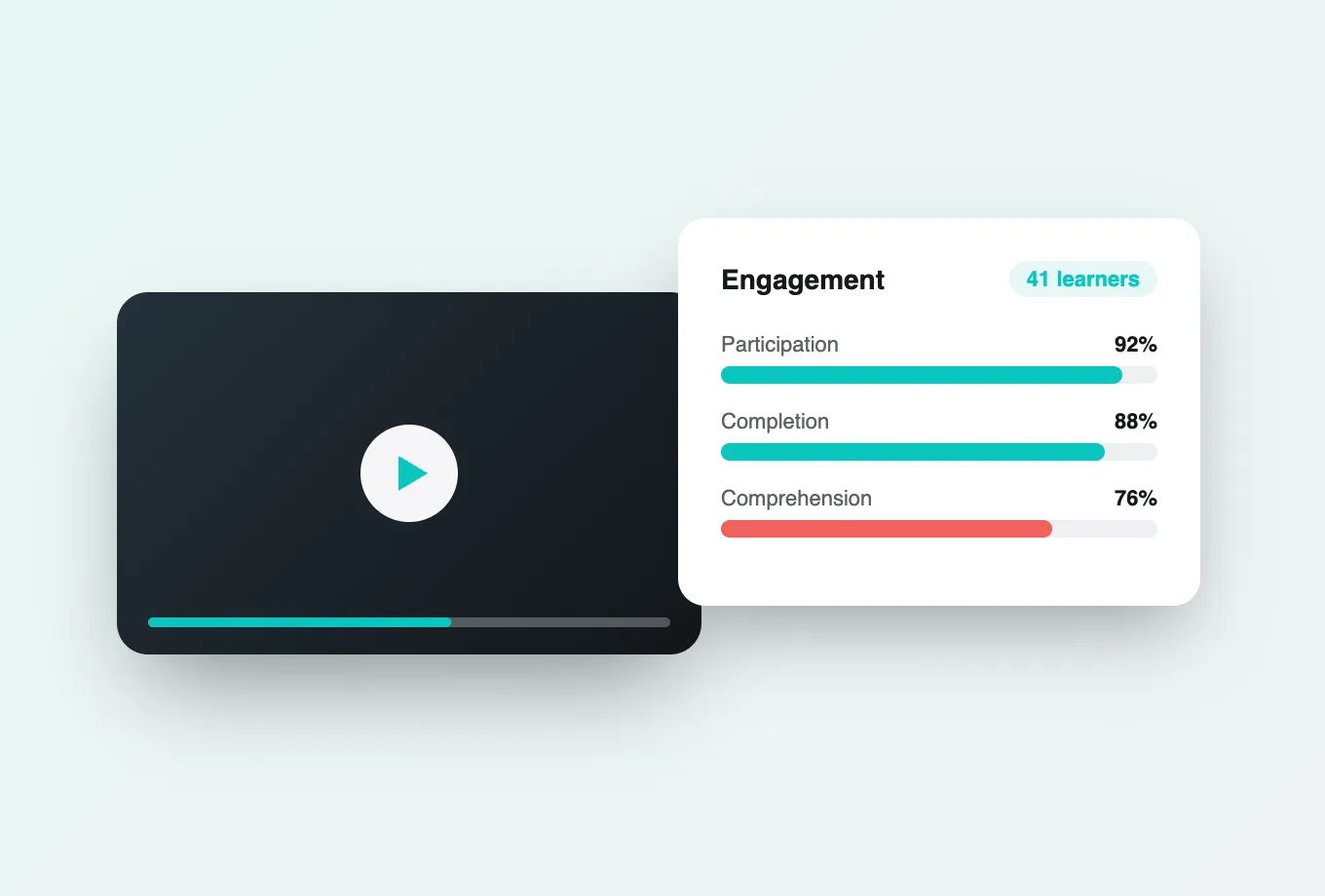
For learning technologists, the payoff shows up in the numbers. Attention and comprehension analytics reveal where students rewatch, where they drop off, and which questions spark conversation, and everything can be exported by CSV or API for institutional reporting. Institutions worldwide run Annoto this way. To see the exact steps for your Moodle setup, the walkthrough at docs.annoto.net covers registration, course configuration, and gradebook mapping from start to finish. No Moodle expertise is assumed beyond what your team already has.
Where the activity sits in your course page
In Moodle terms, Annoto behaves like any other activity: it sits in a section alongside forums and assignments, follows your weekly or topics format, and can be duplicated or backed up with the rest of the course. That placement matters for sequencing. Using restrict access rules, instructors can gate a follow-up quiz or assignment until the video activity is complete, which turns a lecture recording from optional background material into a defined step in the learning path. Teachers who reorganize a course between semesters move the activity like any other block, with its settings intact.
Completion that means watched, not opened
Moodle's built-in completion often records only that a student opened a page. Annoto reports back a completion signal based on how much of the video was actually watched, against a threshold the instructor chooses per activity. A dense core lecture might require ninety percent; a supplementary demo might need only half. Because the signal feeds Moodle's standard completion tracking, it appears in the course completion reports teachers already check and counts toward course completion criteria without extra plumbing. Students can see their own progress, so the threshold works as a target rather than a trap.
Making the gradebook entry meaningful
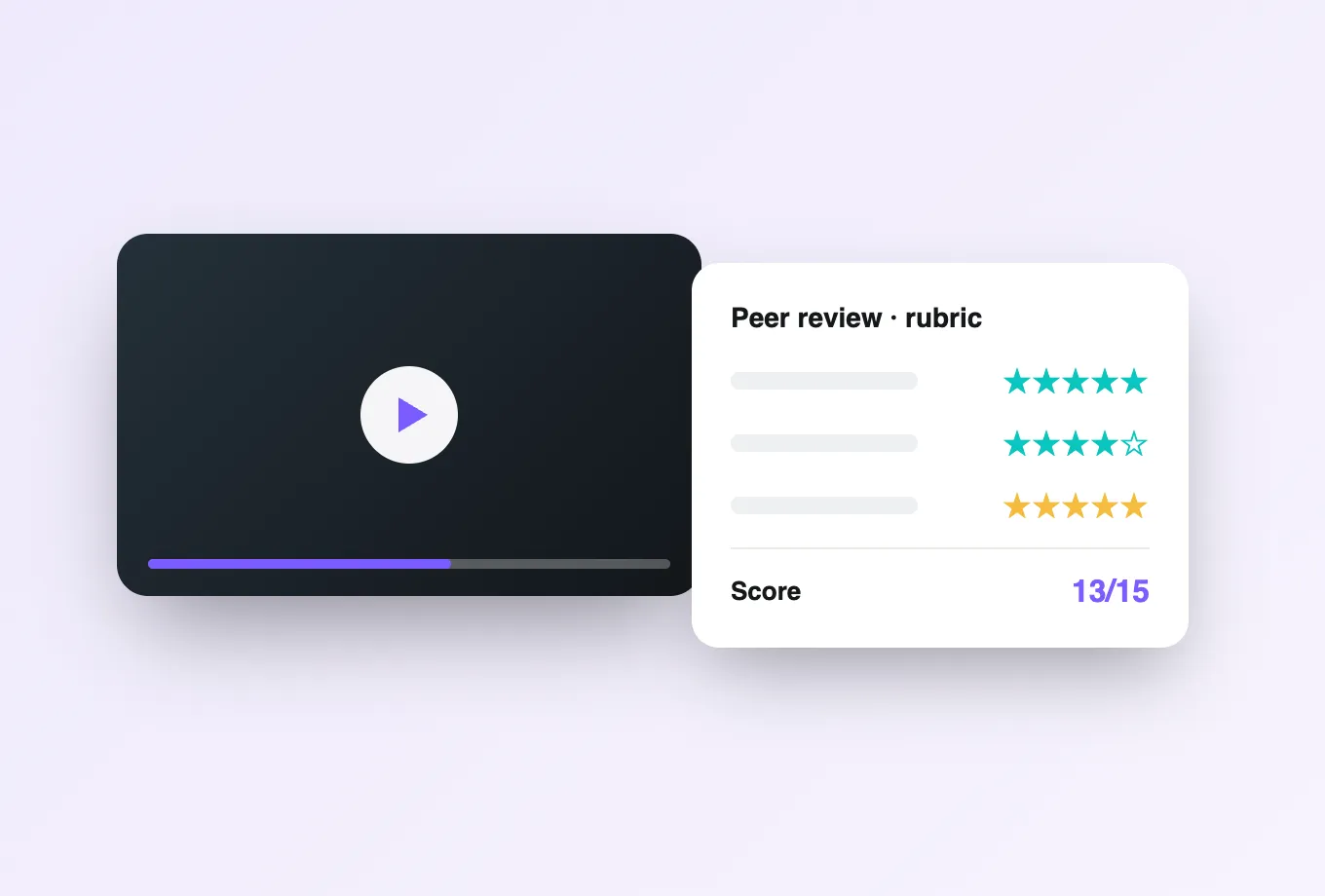
Each graded Annoto activity arrives as a normal gradebook item, so it can live in a category, carry a weight, and follow whatever aggregation your program uses. A pattern that works well: keep the video-engagement grade small but real — enough that students take it seriously, not so much that watching outweighs demonstrating understanding. In-video quiz scores can be graded on accuracy while viewing thresholds are graded on completion, and keeping the two in separate categories lets course leaders see at a glance whether a struggling student has a watching problem or an understanding problem.