WashU: Practicing Every Language Skill Asynchronously
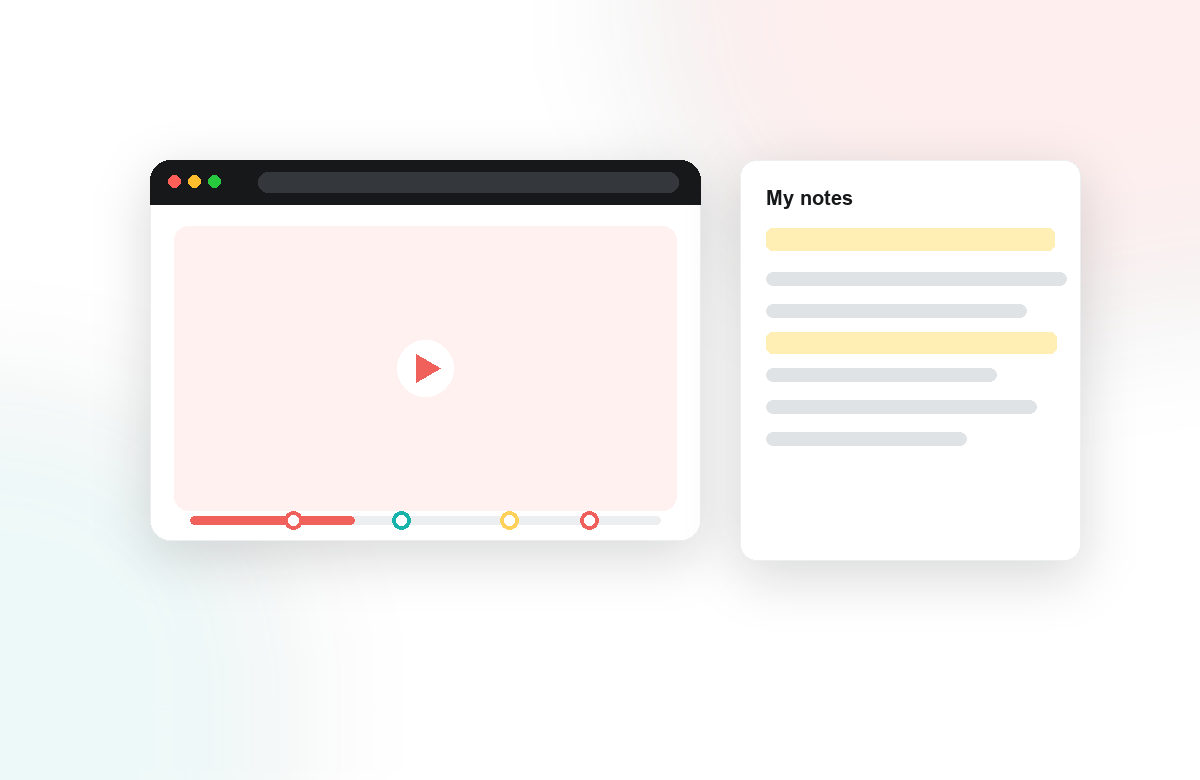
Language mastery is not a spectator sport. Reading, writing, listening, and speaking each improve only through repeated, deliberate practice, and that practice has to keep happening between class meetings, not just during them. At Washington University in St. Louis, language faculty wanted their asynchronous and hybrid coursework to do more than assign videos for students to watch. They wanted every minute of video to become a moment of real practice.
The Challenge: Keeping Every Skill Active Online
Traditional online language content tends to collapse into passive viewing. A student presses play, a lecture or dialogue rolls by, and comprehension is assumed rather than confirmed. For a discipline built on production, forming a sentence, hearing a distinction, responding in the moment, that gap is costly. WashU's instructors needed a way to make asynchronous video interactive without abandoning the tools and media they already relied on.
What They Did With Annoto
Because Annoto installs directly into the LMS through one-click LTI 1.3, WashU faculty layered engagement onto their existing videos without changing platforms or re-recording a thing. Inside the same player, they turned viewing into structured practice:
- Listening checks through in-video quizzes placed at the exact moment a phrase or grammatical form appears, so comprehension is tested in context.
- Speaking and writing practice through in-context comments and reflection points, where students respond in the target language right where the prompt lives.
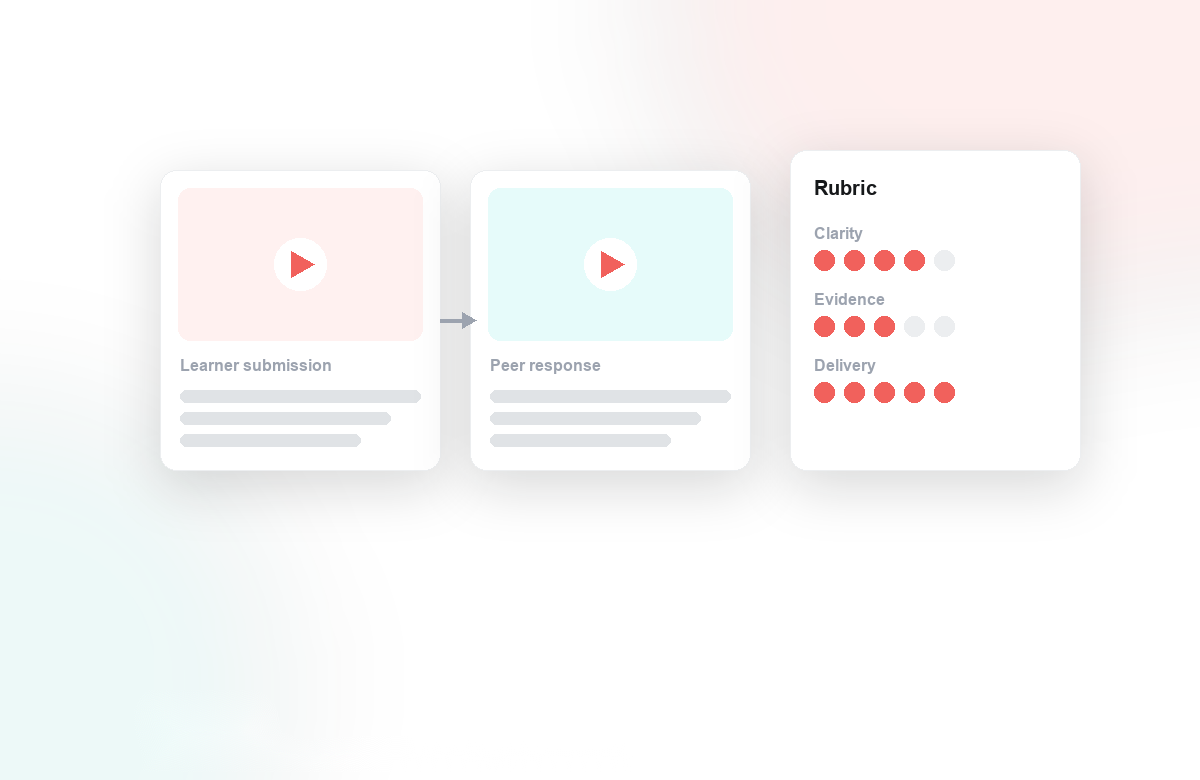
- Reading and peer review, as classmates read one another's responses, reply, and give feedback, building a genuine discussion thread around the clip.
To keep authoring sustainable, instructors leaned on Lumo, our AI copilot, to auto-generate in-video questions and scaffold them across Bloom's taxonomy, moving from simple recall toward analysis and production.
The Outcome: Asynchronous, But Never Passive
The shift was qualitative and immediate. Videos that had been one-way became two-way. Students practiced all four skills on their own schedule, and faculty could finally see it happening.
When every clip invites a response, watching becomes doing, and instructors gain a window into who is truly practicing.
Annoto's analytics surfaced attention, comprehension, and completion patterns, helping instructors spot who was struggling before an assessment rather than after. Quiz results synced straight to the LMS gradebook, and the record of student contributions documented Regular and Substantive Interaction as a natural byproduct of good teaching. For WashU, asynchronous no longer meant alone. It meant every language skill, practiced anywhere, with the whole class present in the margins.
Takeaways for language programs
For language departments considering a similar move, three details from WashU's approach carry most of the value. Place comprehension checks at the utterance, not after the video. A quiz that appears the moment a construction is spoken tests listening as it actually happens; a quiz at the end tests memory of having watched. The difference is small to build and large in effect.
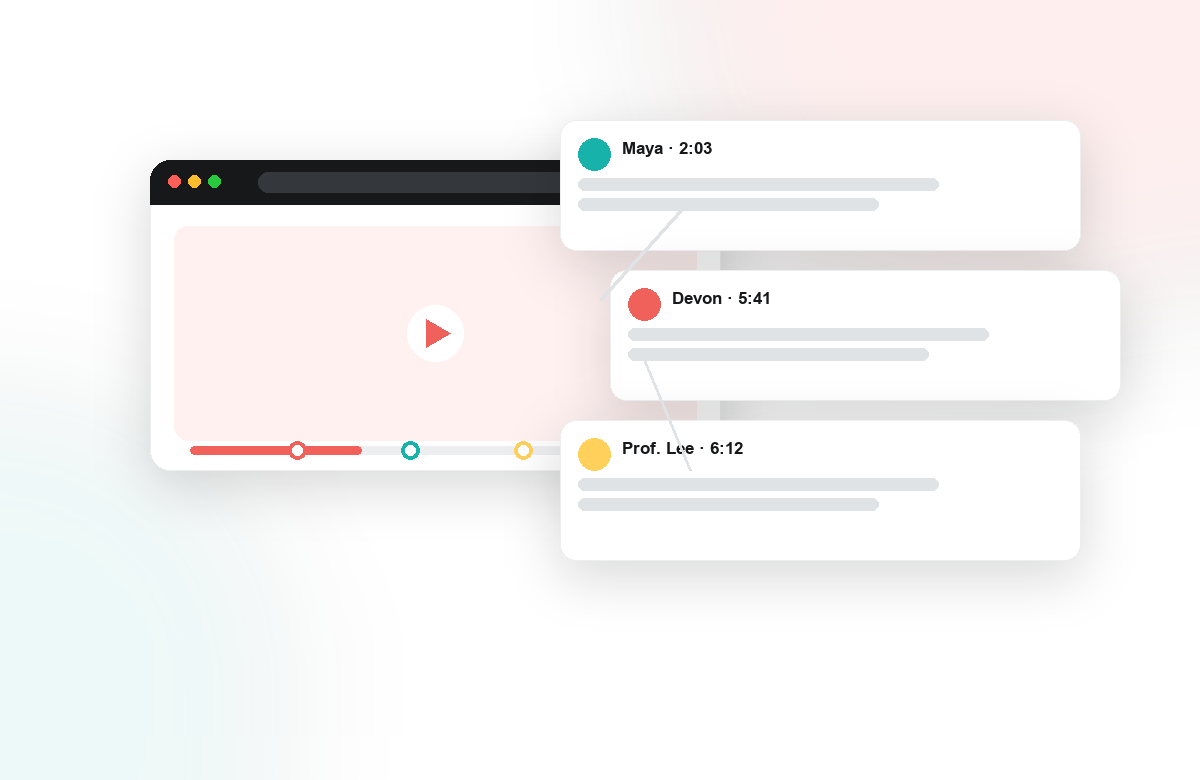
Keep production low-stakes and frequent. Short target-language responses left as timestamped comments cost a student two minutes and a little courage, which is exactly the register where beginners will actually produce. Because classmates read and reply to those responses, each clip quietly doubles as reading practice and peer feedback, covering skills no single assignment was designed for.
Let the AI copilot carry the authoring load. Question-writing is the reason many interactive-video efforts stall after week three; generating a first draft of checks with Lumo and editing for the course's vocabulary keeps the workflow sustainable across a full catalog of clips.
Finally, the approach is indifferent to where the video comes from. Authentic material on YouTube or Vimeo can carry the same quizzes, prompts, and discussion as studio-recorded lessons hosted in Kaltura or Panopto, so a department can build practice around real-world media without a production budget. Results land in the gradebook either way, and the analytics show which skills each student is exercising.
Keep reading
Related: Bentley University: Annoto Across Every Online Learning Use Case, One-Click LTI 1.3: Annoto Inside Canvas, Moodle, Blackboard & Brightsp, and The First Week Decides Everything: Engagement and Completion.
New to Annoto? Start with What is Annoto?, or see it inside your LMS: Canvas, Moodle, Blackboard, and Brightspace.
