Bentley University: Annoto Across Every Online Learning Use Case
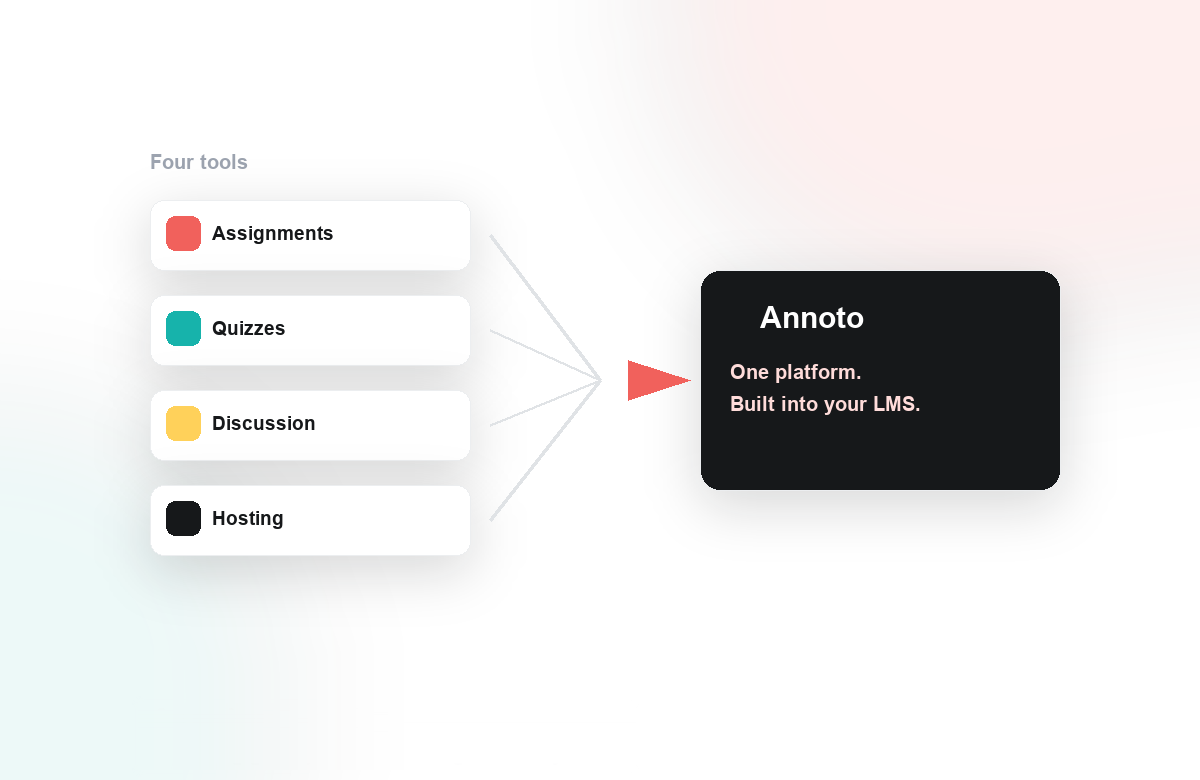
When a university invests heavily in online and hybrid learning, video quickly becomes the backbone of the experience. But video alone asks students to watch passively, and it leaves instructors guessing about who actually engaged. Bentley University wanted more from the hours of content already living in its courses, so its team looked for a way to make that video work harder across the full range of teaching styles on campus.
The Situation
Bentley's faculty were not teaching one kind of course. Some ran fully asynchronous modules, others blended live sessions with recorded lectures, and many relied on case discussions that are central to a business-school pedagogy. Each format created the same gap: students consumed video in isolation, participation was hard to see, and instructors had few signals about comprehension until an exam or assignment came due. The team needed a single approach that could stretch across all of these use cases rather than a point solution for just one.
What They Did With Annoto
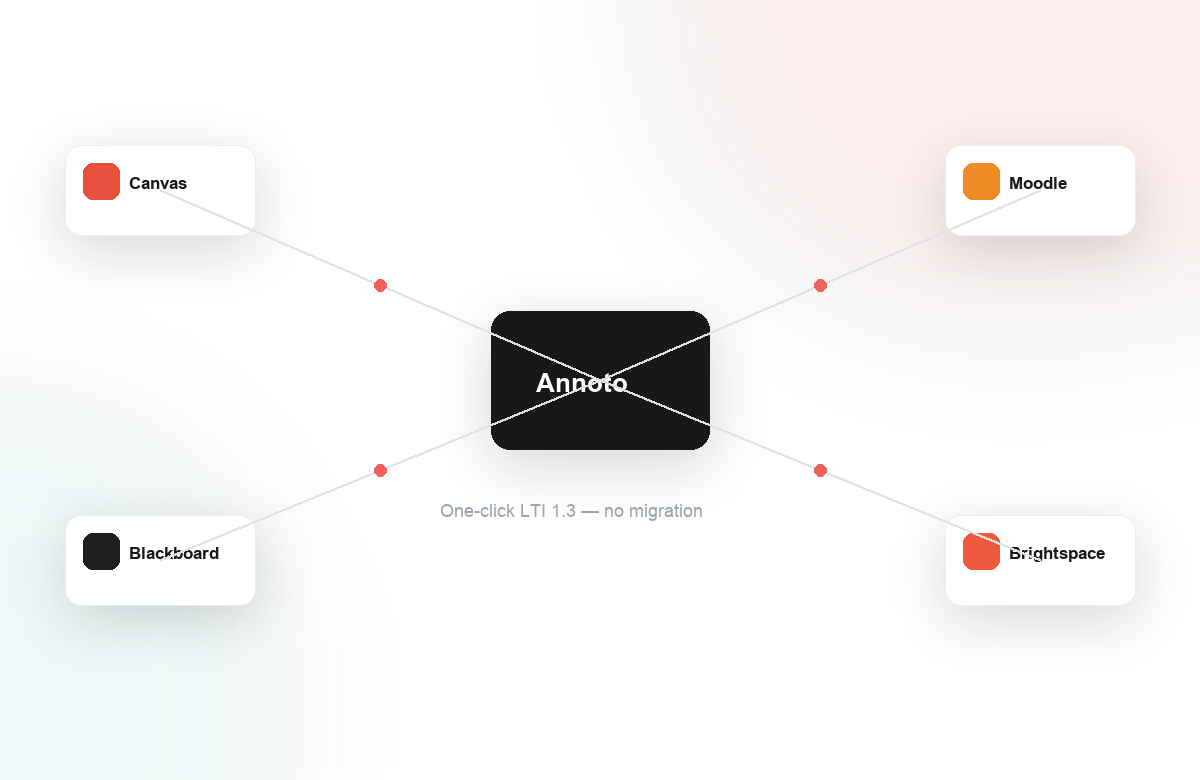
Because Annoto adds an engagement layer directly on top of the video instructors already use, Bentley could adopt it inside its LMS through one-click LTI 1.3 without rebuilding any courses. Faculty across departments applied it to a wide spread of scenarios:
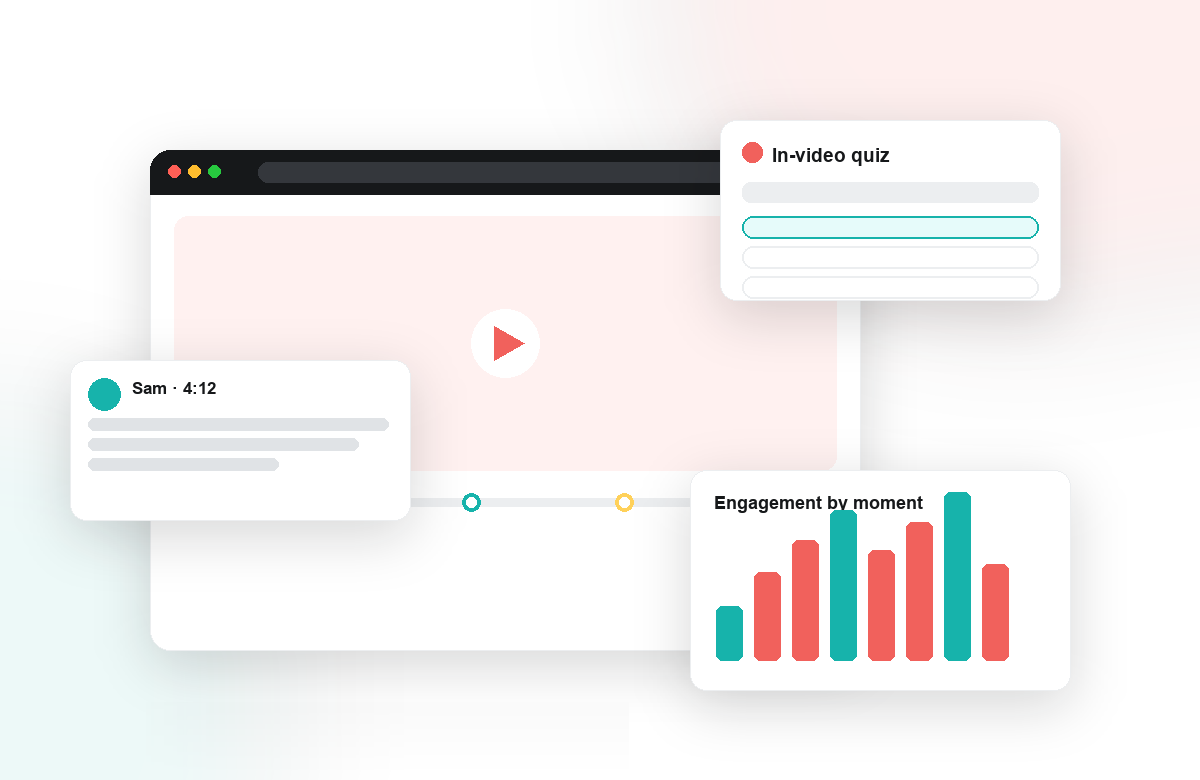
- In-video quizzes and knowledge checks to convert lecture watching into active recall, with grades syncing back to the LMS gradebook.
- In-context comments and discussion anchored to the exact moment in a video, so case analysis and Q&A happened where the content lived instead of in a disconnected forum.
- Reflection points and peer review that asked students to pause, respond, and learn from one another rather than simply pressing play.
- Engagement analytics that surfaced attention, comprehension, and completion patterns, giving instructors an early read on where a cohort was struggling.
For faculty who wanted to move quickly, Lumo, our AI copilot, helped auto-generate in-video quizzes and scaffold questions along Bloom's taxonomy, lowering the effort of turning a passive recording into an assessed, interactive lesson.
The Outcome
Applying one engagement layer across many use cases gave Bentley something consistent to build on. Passive viewing shifted toward active collaboration, and instructors gained visibility they simply did not have before.
The same tool that powers a graded knowledge check in one course can power a peer discussion or a reflection prompt in another, so faculty learn it once and reuse it everywhere.
Just as importantly, the interaction Bentley captured helps document Regular & Substantive Interaction, an increasingly important requirement for online programs. By meeting students inside the video and inside the LMS they already know, Bentley turned a library of recordings into a flexible foundation for engagement, assessment, and insight across its online learning landscape. To see how the same approach could fit your courses, talk with our team.
Practical Takeaways for Other Institutions
Bentley's experience points to a repeatable playbook for institutions in a similar position. Start by auditing formats, not tools: map where video sits in asynchronous, blended, and case-based courses before evaluating anything, because a solution that fits only recorded lectures will stall the moment it meets a discussion-driven class.
Next, let use cases pull adoption rather than pushing features. The spread described above grew out of specific course needs, one interaction at a time. Give each department a first pattern that answers its most visible gap, a graded check here, an anchored discussion there, and let faculty borrow what works from their colleagues.
Finally, make the data part of the routine. Attention and comprehension signals are most useful when instructors review them mid-module, while there is still time to adjust, and when program leads look across courses at term's end to decide where support is needed. None of this requires new content; like Bentley, most institutions already own the video library. The work is deciding, course by course, what each recording should ask of its students.
Keep reading
Related: WashU: Time-Tagged Feedback On Student Sign-Language Videos, Peer Review, On The Timeline: Feedback Where It Happens, and Why Passive Video Fails (and What Active Learning Fixes).
New to Annoto? Start with What is Annoto?, or see it inside your LMS: Canvas, Moodle, Blackboard, and Brightspace.
