Gradebook Sync: Turning Engagement Into Grades Automatically
Every instructor knows the quiet tax of grading video work: downloading a report from one tool, matching names to a roster, and typing scores into the gradebook by hand. It is slow, it invites errors, and it pulls time away from teaching. We built Annoto so that the effort students put into a video shows up where it counts — automatically, in the gradebook you already use.
How the Sync Works
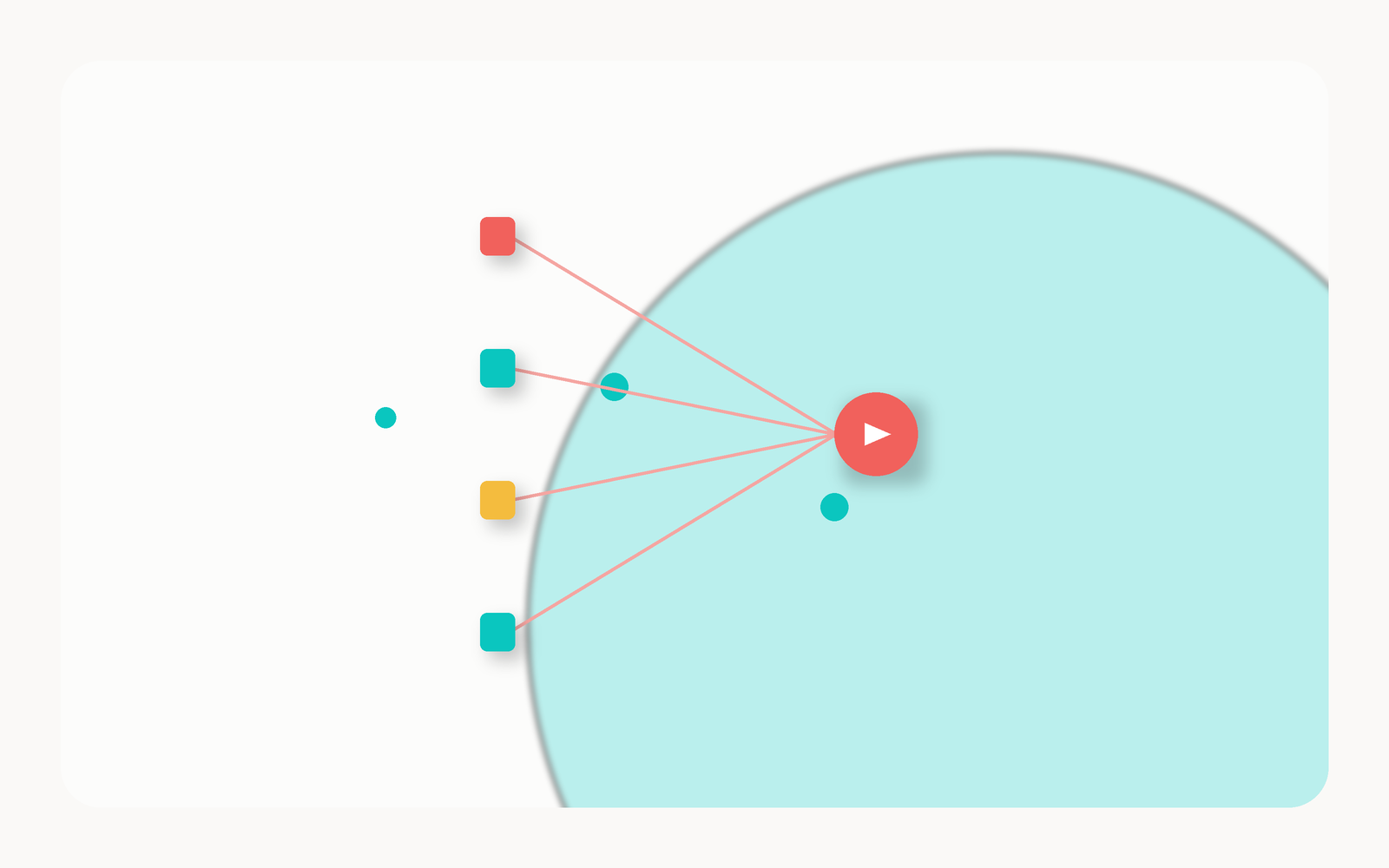
Annoto connects to your LMS through one-click LTI 1.3, which means grade passback is native rather than bolted on. When a student answers an in-video quiz, hits a required participation threshold, or completes a graded activity, the result is written back to the LMS gradebook column tied to that assignment. There are no CSV exports, no copy-paste, and no separate roster to reconcile. The same flow works across Canvas, Moodle, Blackboard, and Brightspace, so your process does not change when your institution changes platforms.
Instructors keep full control over what a grade means. You decide whether a score reflects quiz accuracy, completion, active participation, or a weighted blend of all three — and Annoto handles the arithmetic and the delivery.
What You Can Actually Grade
Because engagement happens inside the video, the signals we sync are richer than a simple pass or fail. Common configurations include:
- In-video quiz scores generated by instructors or scaffolded with Lumo, our AI copilot, across levels of Bloom's taxonomy.
- Completion you can trust, based on genuine viewing and interaction rather than a play button that was clicked and forgotten.
- Participation credit for comments, reflection points, and peer review contributed at the moment they matter in the timeline.
The result is a grade that rewards how students engaged with the material, not just whether a file was opened.
Completion You Can Verify
Automatic grading is only trustworthy if the underlying data is real. Annoto's analytics let you see attention, comprehension, and completion behind every score, so a number in the gradebook is always backed by evidence you can open and inspect.
When a student's grade is questioned, we want you to have the answer in front of you — who watched what, where they engaged, and what they understood.
That same evidence trail supports Regular and Substantive Interaction requirements. As grades sync, Annoto documents the instructor-to-student and student-to-content interaction that compliance reviews and accreditors ask for, turning a reporting burden into a byproduct of good teaching.
The payoff is simple: less administrative friction for you, faster and fairer feedback for students, and a gradebook that reflects the real learning happening inside every video. If you would like to see grade passback running in your own course, we would love to show you.
Setting Up Passback Without Surprises
Grade passback works best when the policy is settled before the term starts. Decide early what the column will represent — accuracy, completion, participation, or a blend — and write that definition into the syllabus so students know how video work counts from day one. A low-stakes weighting is a sensible opening move: enough credit to make engagement worthwhile, not so much that a missed quiz becomes a grievance.
Before students arrive, run one video through the full loop yourself. Add a short quiz, complete it from a test student account, and confirm the score lands in the right column. Five minutes of checking catches the mismatched assignment links that otherwise surface in week three, when they are harder to untangle and students are watching.
Once the course is running, spot-check rather than micromanage. Open the evidence behind a few scores each month to confirm the numbers match what students actually did, and use the same view to answer any grade query in minutes. At term's end, export the results as CSV if your program keeps independent records. Step-by-step configuration guides live at docs.annoto.net, and most instructors need them exactly once.
Keep reading
Related: Flipped, Async, or Blended: Annoto Fits How You Already Teach, LTI 1.3 Advantage: What to Demand From Every EdTech Tool, and Nova Southeastern University: An Effective, Easy-To-Use Learning Tool.
New to Annoto? Start with What is Annoto?, or see it inside your LMS: Canvas, Moodle, Blackboard, and Brightspace.
