In-Video Quizzes: Turning Passive Watching Into Active Recall
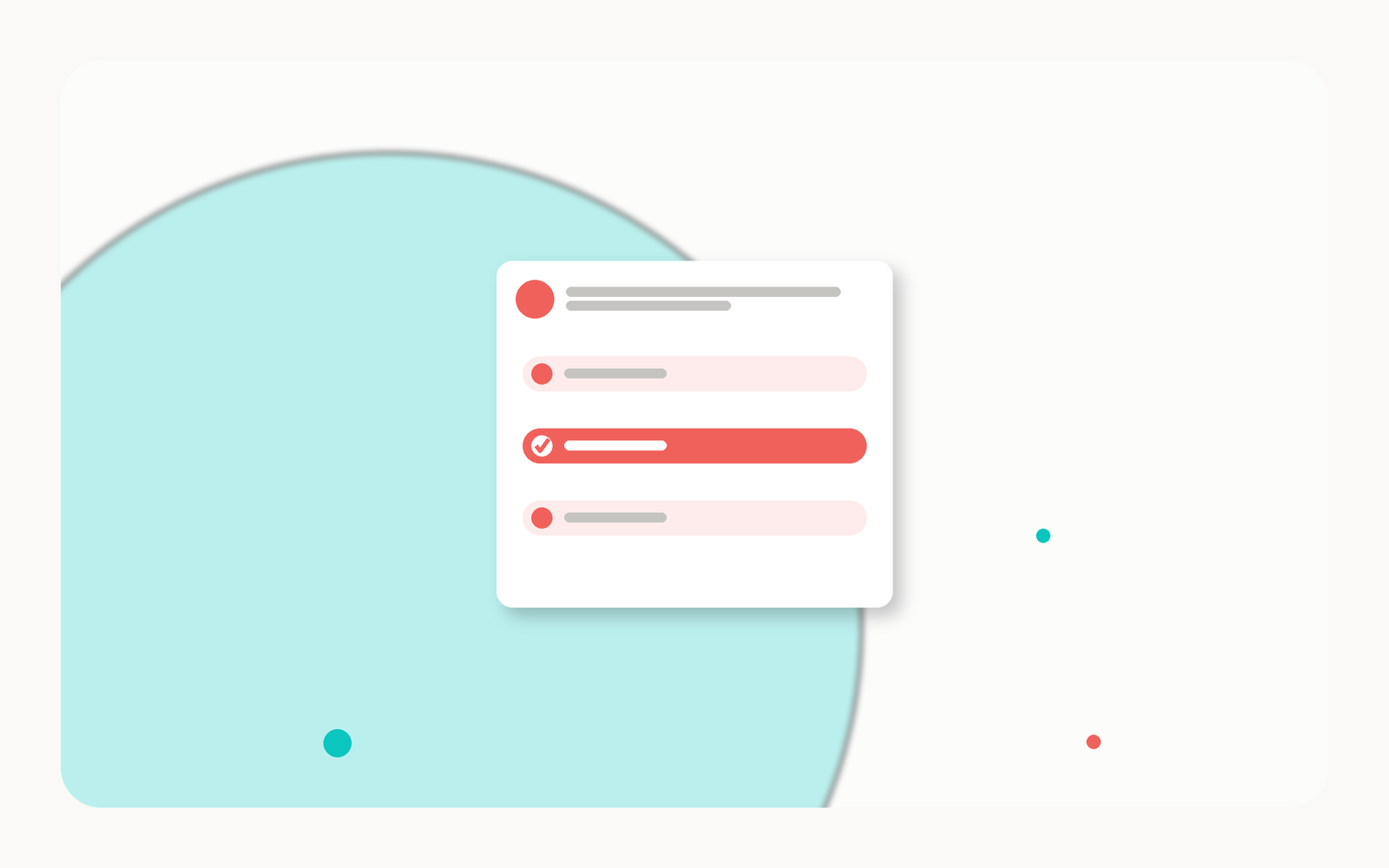
We have all watched a learner nod along to a lecture video, only to draw a blank on the same material a week later. Watching feels like learning, but recognition is not recall. When we embed questions directly inside the video, we interrupt that illusion at exactly the right moment, asking students to retrieve an idea while it is still fresh. That single shift, from receiving to producing, is what moves a concept from short-term familiarity into durable memory.
Why Active Recall Beats Passive Watching
Cognitive science is unusually clear on this point. Every time we pull an answer out of our own head, we strengthen the pathway back to it, an effect often called the testing effect. Passive review, by contrast, mostly reinforces the feeling of knowing without the substance. An in-video quiz is retrieval practice built into the medium learners already use, so the effort lands in context rather than in a separate assignment days later.
The goal is not to catch students out. It is to give every learner a low-stakes moment to check whether the idea actually stuck, before the stakes get higher.
How In-Video Quizzes Work
With Annoto, questions live on top of the video instructors already teach with, inside Canvas, Moodle, Blackboard, or Brightspace through one-click LTI 1.3. The video pauses at a chosen point, the student answers, and results flow straight to the LMS gradebook. Our AI copilot, Lumo, can auto-generate a first draft of in-video quizzes and scaffold them across Bloom's taxonomy, so a set moves deliberately from recall to application to analysis. Every response also feeds engagement analytics, giving us a live read on comprehension and completion and documenting Regular & Substantive Interaction along the way.
Where To Place Your Questions
Placement is where good intentions succeed or fail. A quiz dropped mid-explanation frustrates; one placed after a complete idea reinforces. A few patterns we return to again and again:
- Right after a key concept lands. Ask the moment an idea is fully explained, while the reasoning is still active in working memory.
- At natural segment breaks. Use the pause between sections as a checkpoint that consolidates before the next topic begins.
- Before a hard transition. A quick question confirms the foundation is solid before you build the next layer on top of it.
- Near the end, for synthesis. Close with a question that connects two or three ideas rather than testing one fact in isolation.
As a rule of thumb, we aim for one thoughtful question every few minutes rather than a dense cluster, and we vary the cognitive demand so learners cannot coast on pattern-matching. Do that consistently, and the same video that once produced passive nods starts producing evidence, of attention, of understanding, and of learning that will still be there next week.
Reading the Results and Iterating
Once questions are running, the answer data becomes a second syllabus. A prompt most of the class gets right on the first try is doing consolidation work; one that splits the cohort is pointing at a concept worth revisiting in the next live session. Watch the wrong answers as closely as the scores, because the most popular distractor usually names the misconception.
Retrieval also compounds across videos. Bring one question from last week's material into this week's recording and you add spacing to the testing effect, asking learners to reach further back each time. Over a term, this quietly turns the course's video library into an interleaved review system without any extra study materials.
Finally, expect to revise. A question set is a draft until a cohort has answered it, and the analytics make the edit obvious: keep the prompts that discriminate, rewrite the ones that confuse for the wrong reasons, and retire the ones everyone aces by week three.
Start small and let the evidence lead. Place one retrieval prompt after each major idea rather than stacking questions at the end, where attention has already thinned and the signal flattens. Watch which items reliably separate the learners who understood from those who only recognized the material, and treat a question everyone answers correctly as a candidate to retire or to replace with a harder variant. Over a term, this steady loop of prompt, observe, and revise turns a single recorded lecture into a self-correcting assessment that keeps pace with the class instead of freezing on the day it was filmed.
Keep reading
Related: Video Engagement Analytics 101: Measuring What Matters, Meet Lumo: AI That Turns Video Into a Conversation, and WashU: Time-Tagged Feedback On Student Sign-Language Videos.
New to Annoto? Start with What is Annoto?, or see it inside your LMS: Canvas, Moodle, Blackboard, and Brightspace.
