University of Padova: Deepening Comprehension In Asynchronous Learning
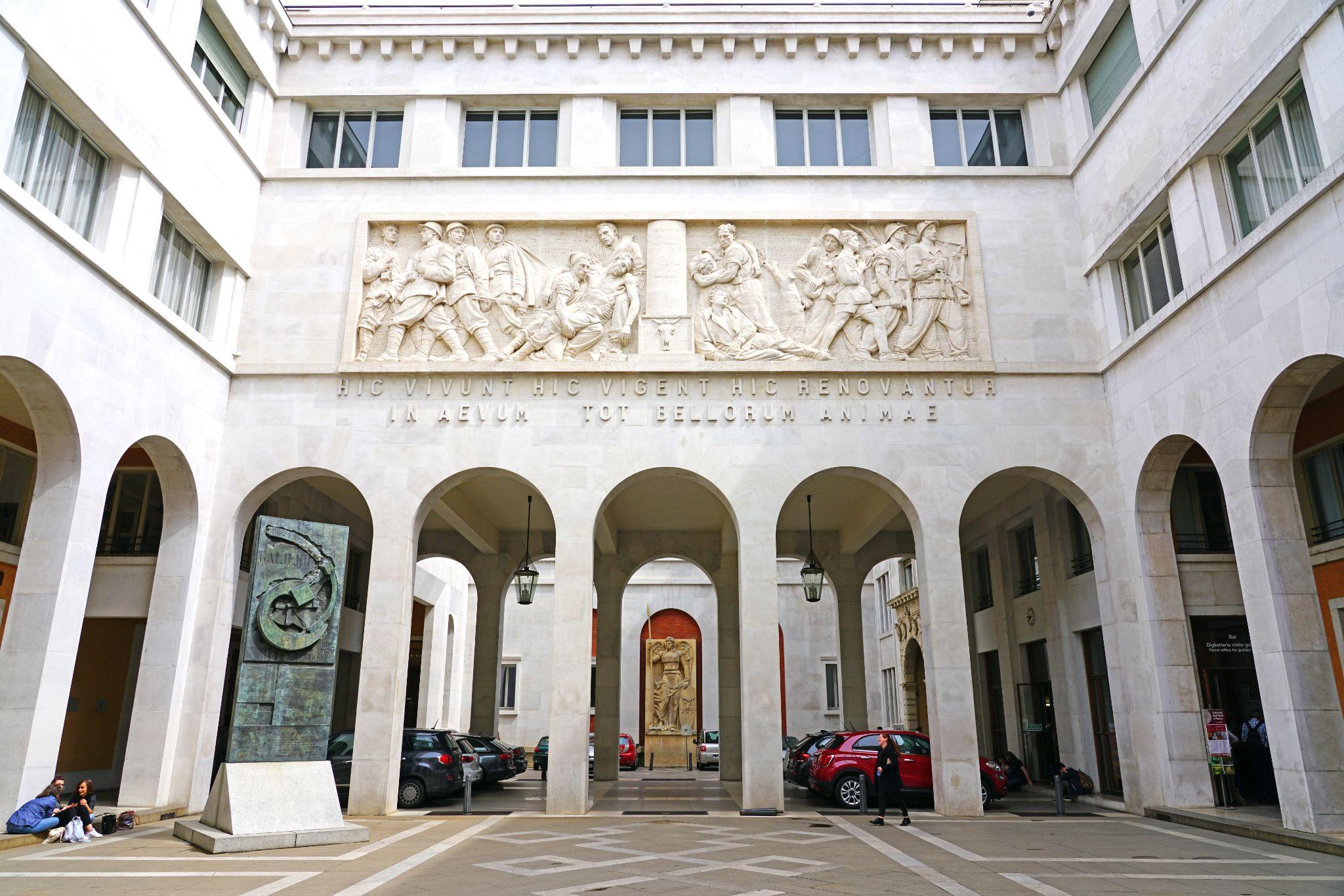
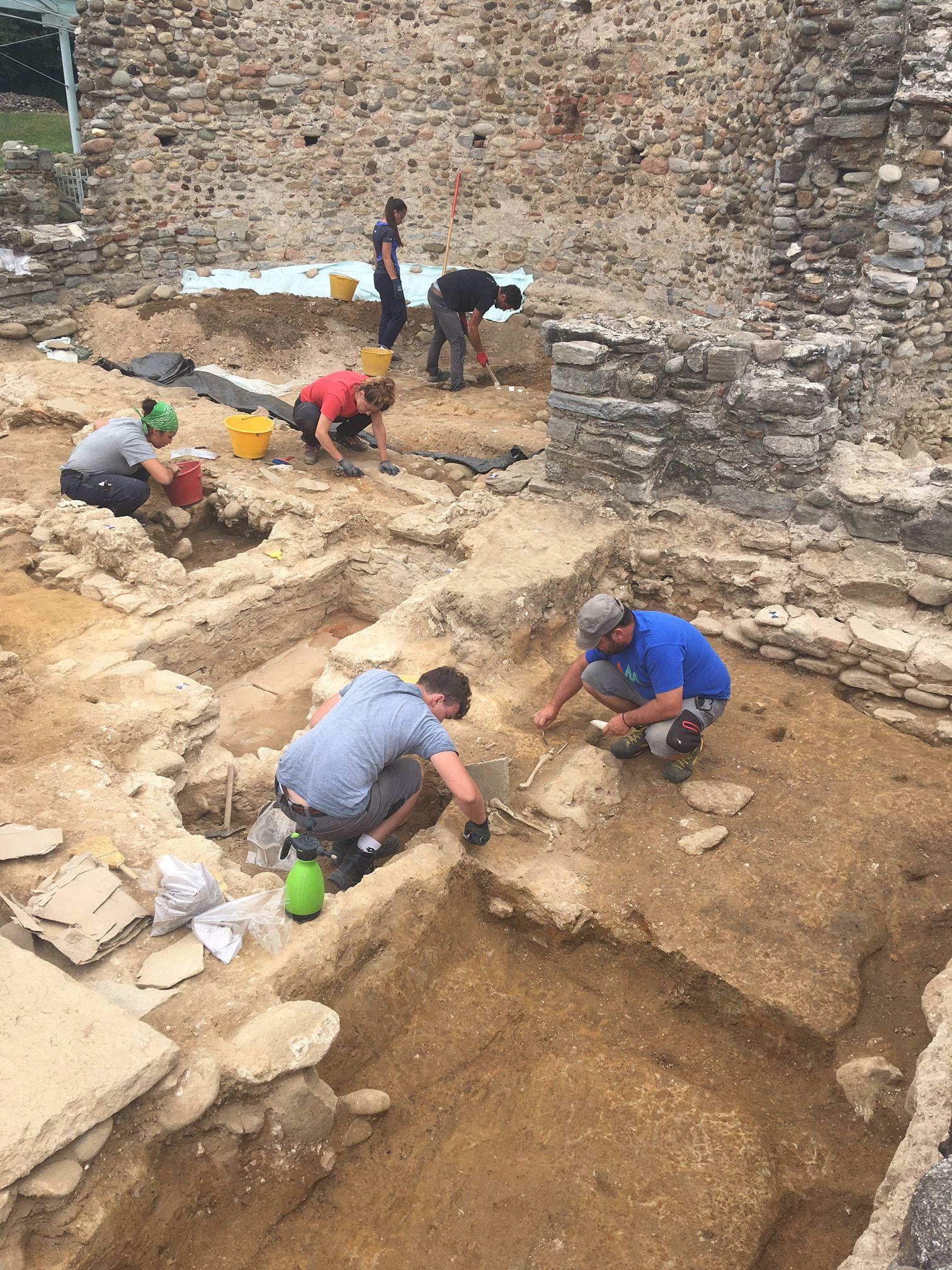
In this archaeology course, students learn about the past through material culture, focusing on the history of Medieval Europe from the end of the Roman Empire in the West — a time of huge cultural, social, and environmental change. The course covers a wide range of topics, exploring shifts in medieval food and health, the spread of Christianity in Europe, and migration patterns and social structures. Participants engaged in in-context discussions on the course videos using Annoto, and the instructor added insights, resources, and explanations to enhance the content.
At a glance
- Institution: University of Padova (Università degli Studi di Padova)
- Course: Archeologia Medievale
- Instructor: Alejandra Chavarría Arnau
- Class size: 80
- LMS: Moodle
- Use case: Hybrid Learning
About the course
The hybrid course consists of both in-person sessions and a flipped-classroom model that includes online learning.
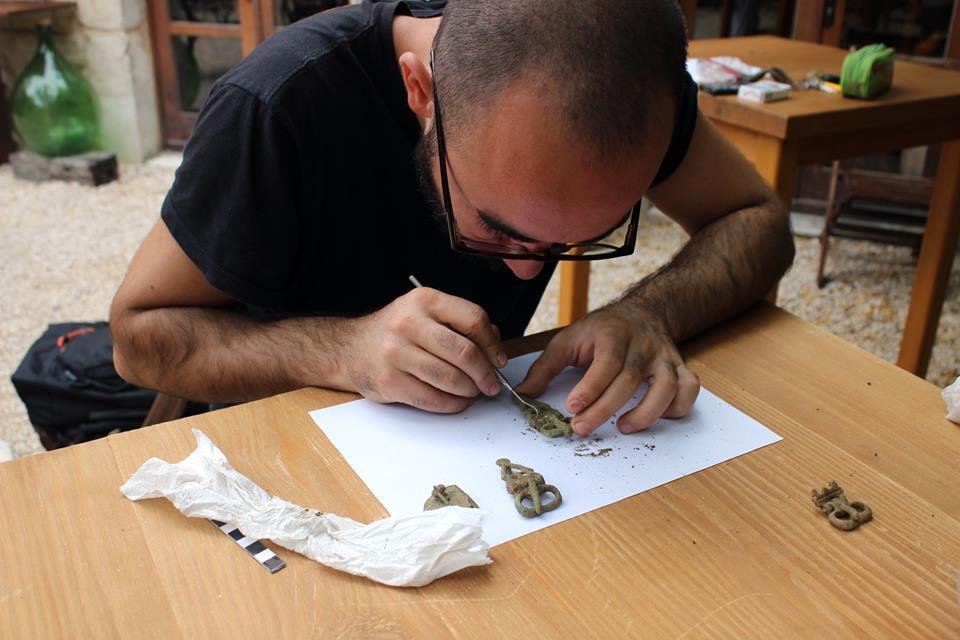
Annoto in the course
Annoto enhanced the learning experience by creating in-context discussions within the learning videos, making students pay attention to specific parts of the videos, which led to a better understanding of the students’ difficulties. The addition of links and supporting explanations helped deepen the understanding of difficult sections, giving students the feeling of being accompanied throughout the course.
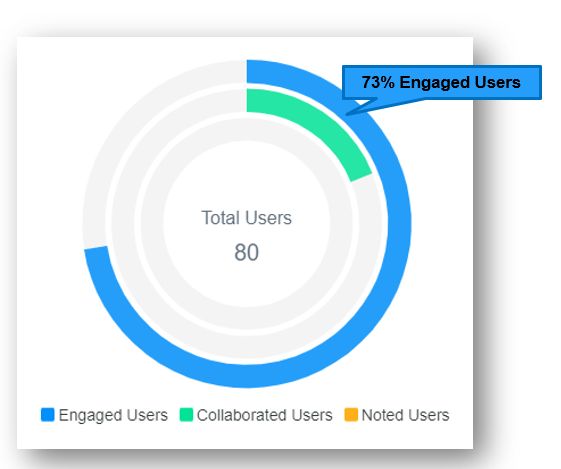
Discussions initiated by the instructor contributed to overall engagement in the course, with 73% of the students engaging with the content and with each other.
What the instructor said
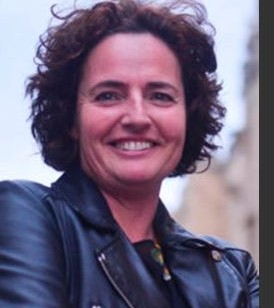
Annoto is a good way of making students pay attention to specific parts of a learning video, deepening their comprehension of challenging topics by adding links or extra explanations, and understanding their students’ difficulties by reading their questions. It makes students feel somehow accompanied while they are performing activities by themselves.
— Alejandra Chavarría Arnau
Practical takeaways for hybrid courses
The Padova model is straightforward to reproduce in any flipped or hybrid design. The first step is to seed each video before students arrive: a handful of instructor comments anchored to the moments that typically cause confusion — a dense definition, a contested interpretation, a transition between topics. In Archeologia Medievale that meant flagging unfamiliar terminology and pointing students toward excavation reports; in another discipline it might mean annotating a worked example or a primary source. Because every comment in Annoto is tied to a timestamp, students meet the guidance exactly where they need it, rather than in a forum thread they would have to cross-reference against the recording on their own.
The second lesson is to treat student questions as diagnostic data. When a cluster of questions forms around the same minute of a lecture, that is a precise signal about where comprehension breaks down. Instructors can respond in place with a link or a short clarification, then use the same insight to plan the next in-person session — spending classroom time on the passages that demonstrably confused people instead of re-teaching material students already understood.
Third, the workflow demands no new platform. Padova ran the course through Moodle, where Annoto connects via LTI 1.3 and appears directly on top of the videos students already watch. Completion and grades can sync back to the LMS gradebook, so participation in the video discussion counts without any manual bookkeeping. For institutions on Canvas, Blackboard, Brightspace, or Open edX, the setup is equivalent.
Finally, measure as you go. The 73% engagement figure in this course was not an estimate; it came from Annoto’s built-in analytics, which show who watched, who contributed, and which segments held attention. Starting with a single unit — one or two videos, seeded with instructor prompts — is enough to establish a baseline. From there, the data indicates whether to expand the approach across the syllabus, and the feeling of being accompanied that Padova’s students described becomes something a teaching team can deliberately design for rather than hope for.
Keep reading
Related: Talpiot MOOC: Substantive Group Discussion At Scale On Open edX, From Comments to Conversations: In-Context Video Discussion, and How Annoto Transformed Dr. Iliana Portaro's Spanish Courses at Souther.
New to Annoto? Start with What is Annoto?, or see it inside your LMS: Canvas, Moodle, Blackboard, and Brightspace.
