Spotting At-Risk Students Before Week Three
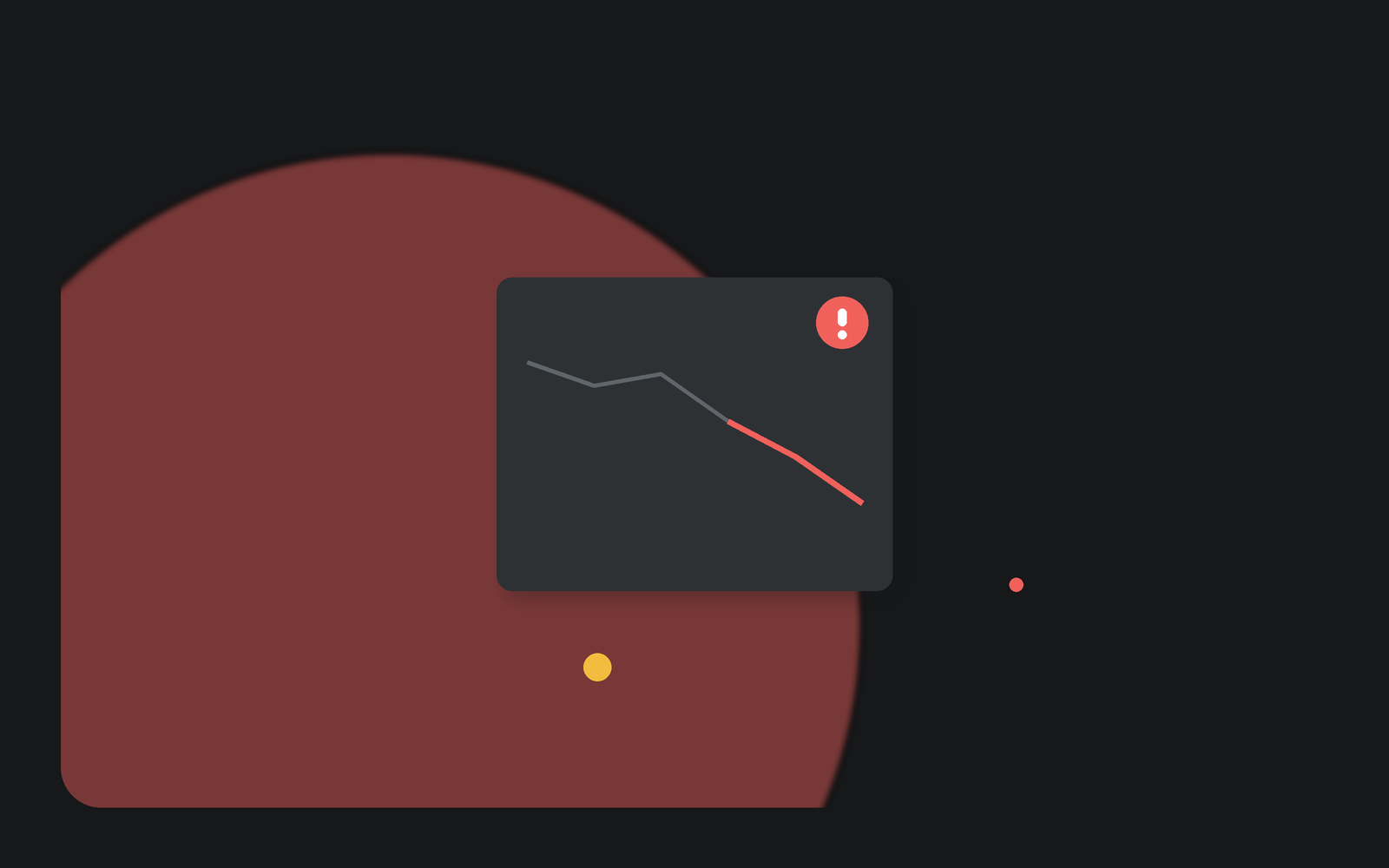
Most early-warning systems in online education share a design flaw: they fire too late to help. They wait for a missed deadline, a failed quiz, or a midterm grade, and by then the student they are meant to catch has often already left. If you want to reach a struggling learner while intervention still changes the outcome, you have to read a signal that appears in the first days, not the fifth week. Video engagement is one of the earliest behavioral signals you have, and most programs are not using it.
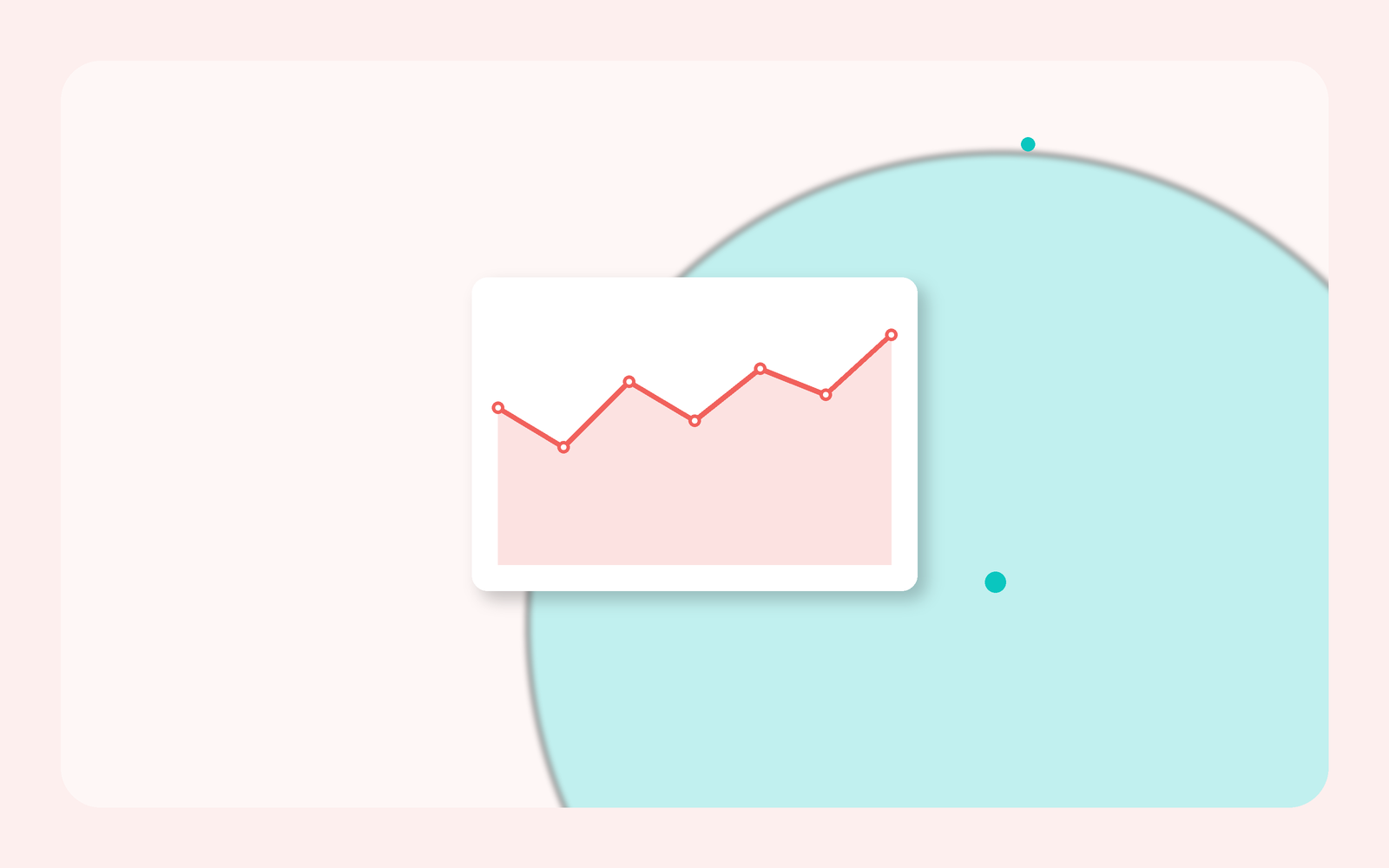
Why do most early-warning systems warn too late?
The timing problem is not subtle. Recent industry analysis of online learning, aggregated by Skillademia across roughly 15 million course enrollments, reports that about half of all dropouts happen within the first two weeks, with the steepest losses in Week 1. Treat those exact percentages as a directional industry estimate rather than a peer-reviewed finding, but the shape of the curve is consistent with what educators see: attrition is front-loaded. A student who is going to disengage usually starts disengaging early.
An early-warning system anchored to graded work cannot see that. Grades are lagging indicators. The first substantial assignment often lands in Week 3 or later, which means the system produces its first alert after the highest-risk window has already closed. To warn early, you need a behavioral signal that is generated the moment a student starts interacting with course content, and the most universal early content in almost every course is video.
Video engagement as a leading behavioral signal
Video is usually the first thing a student is asked to do in a course, which makes it the earliest place their behavior becomes legible. The research on instructional video points to why that behavior is meaningful. The study "Students' active cognitive engagement with instructional videos predicts STEM learning" found that how students engage inside a video, including pausing and skipping patterns and moments of cognitive disequilibrium, relates to what they learn. Work on active learning with online video similarly ties the learning context and the presence of interactive elements to whether students engage at all.
The practical implication: a passive play event is a weak signal, but an active engagement layer inside the video produces strong ones. When a student can ask a question, take a note, answer a check, or reply to a peer on the timeline, each action is a timestamped indicator that they are present and thinking. The absence of those actions, in a design where they are expected, is an equally clear indicator of the opposite.
The signals worth watching
Not every data point deserves a flag. The signals that carry the most early predictive weight tend to fall into three categories.
- Drop-off timestamps. A student who abandons the first assigned video at the same early point across sessions is showing you a specific place of confusion or friction, not just a low view count.
- Silence where participation is expected. In a course designed around in-video discussion, a learner who never posts, replies, or reacts in Week 1 is quieter than the cohort norm, and that gap is visible immediately.
- Stalled progress and unanswered questions. Progress that flattens after the first video, or a question a student asked that never received a reply, both mark a moment where momentum is at risk.
The strength of these signals is that they are relative and early. You are not waiting for an absolute failure; you are noticing that one student's engagement pattern diverges from the group's, days into the term.
From signal to action
A signal that does not trigger anything is just surveillance. The value is in a defined workflow that turns a flag into a small, timely, human response. A reasonable escalation looks like this:
- Automated nudge first. A student who has not engaged with the Week 1 video by a set point gets a low-friction reminder. Skillademia's own aggregation attributes meaningful early-dropout reductions to nudges and social cohort features, again as an industry estimate rather than a controlled result, but the direction matches practice.
- Instructor or TA triage. Persistent non-participation surfaces on an instructor view so a human can decide whether to reach out. The message that matters most is often just "I noticed you have not started, is everything okay?"
- Targeted content help. When many students stall at the same timestamp, the problem is the video, not the students. That is a content fix, and an unanswered in-video question can be routed to a TA or to Lumo for a fast, grounded response.
The workflow is deliberately graduated. Most early disengagement resolves with a nudge. Escalating human effort is reserved for the smaller group where it is warranted, which keeps the system sustainable for instructors carrying real course loads.
Acting on behavior without profiling students
Early-warning analytics can slide into surveillance if you let them. The discipline that keeps this responsible is to act on observable course behavior, not on inferences about who a student is. Guidance on protecting student data privacy in higher education stresses transparency about what is collected and why, minimizing data to what a decision actually requires, and keeping a human in the loop for consequential outreach.
In concrete terms: flag "has not engaged with the assigned video," not a risk score built from demographics or prior institutions. Tell students what engagement data the course uses. Use the signal to offer help, never to penalize. The difference between a support tool and a monitoring tool is whether the student would recognize the intervention as being on their side. Handle the underlying data on a footing that stands up to scrutiny, so the security and access model behind an engagement layer matters as much as the analytics it produces.
Feeding video signals back into the LMS
An early-warning signal is far more useful where advisors and instructors already work than in a separate dashboard nobody opens. Because Annoto rides on top of your LMS through standards-based integration, engagement signals and completion data can flow back into the gradebook and into advising views. That closes the loop: the drop-off you spotted in the video in Week 1 becomes a data point an advisor can see next to everything else they know about that student, in the system they check every day.
A starter playbook for early intervention
You do not need a data-science team to begin. A first-term pilot can be simple:
- Put an active engagement layer on your Week 1 videos so behavior becomes visible from day one.
- Define one clear threshold, for example no engagement with the first assigned video within four days, that triggers an automated nudge.
- Give instructors a single view of who is quiet, and a script for a short, supportive check-in.
- When students cluster at the same drop-off point, fix the content rather than chasing individuals.
- Review at the end of the term whether early-flagged students who received outreach completed at a higher rate, and tune the threshold.
The core idea is small and durable. Attrition is early, so your warning has to be early too, and video is where students first show you how the term is going to go. Read that signal in the first week, respond with a light human touch, and you intervene while it still counts. See how Annoto's engagement analytics turn in-video behavior into early signals across your video assignments.
Keep reading
Related: Beyond Views: A Learning Analytics Maturity Model for Video, Southern Utah University: Engagement In A Flight Management Systems Co, and Flipped, Async, or Blended: Annoto Fits How You Already Teach.
New to Annoto? Start with What is Annoto?, or see it inside your LMS: Canvas, Moodle, Blackboard, and Brightspace.
