WashU: Boosting Peer Review With Time-Tagged Discussion
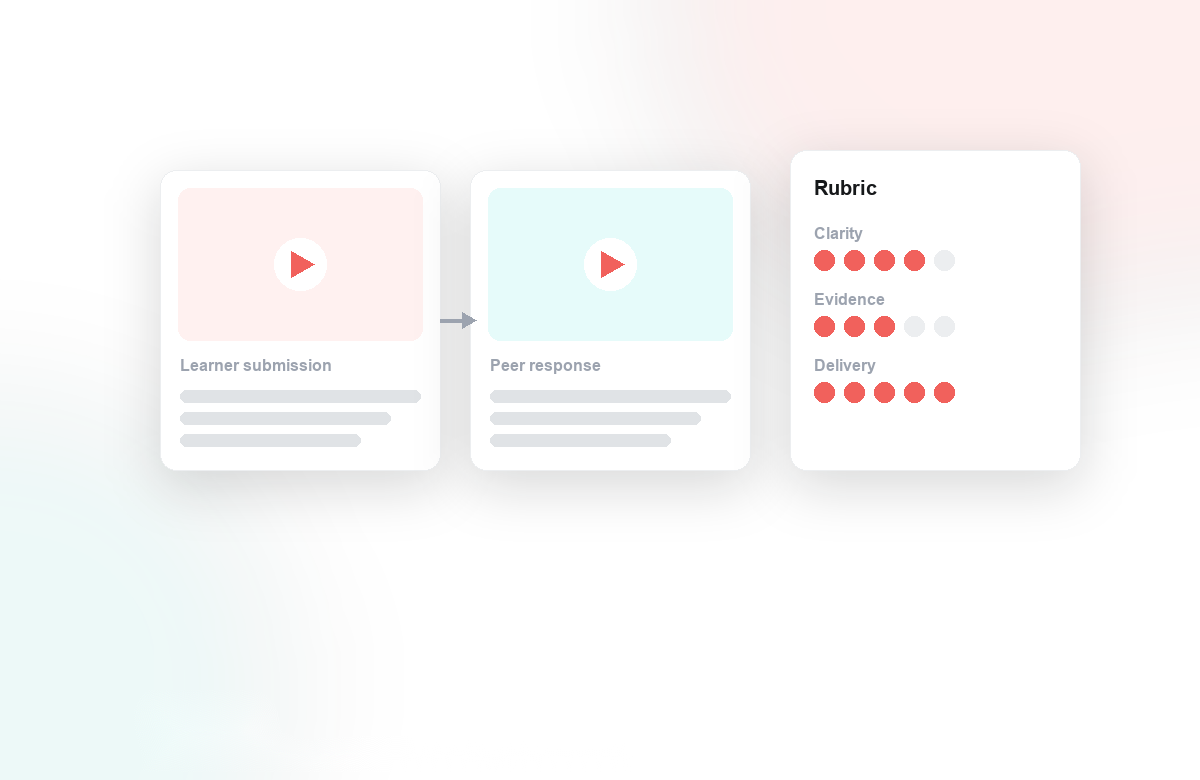
Peer review is one of the most powerful ways for students to learn, but it often falls flat when feedback stays vague. "Nice work, maybe tighten the intro" tells a classmate very little. At Washington University in St. Louis, an instructor teaching with student-produced video wanted critique that pointed to the exact moment being discussed, not a general impression written after the fact. We worked with them to make that happen inside the tools they already used.
The Situation
Students were submitting recorded work: presentations, practice pitches, and demonstrations uploaded through the course. Reviewers watched each video and then wrote comments in a separate text box. By the time a reviewer finished watching and started typing, the specifics had blurred. Feedback drifted toward the generic, and the students receiving it struggled to know which fifteen seconds actually needed rework.
What They Did With Annoto
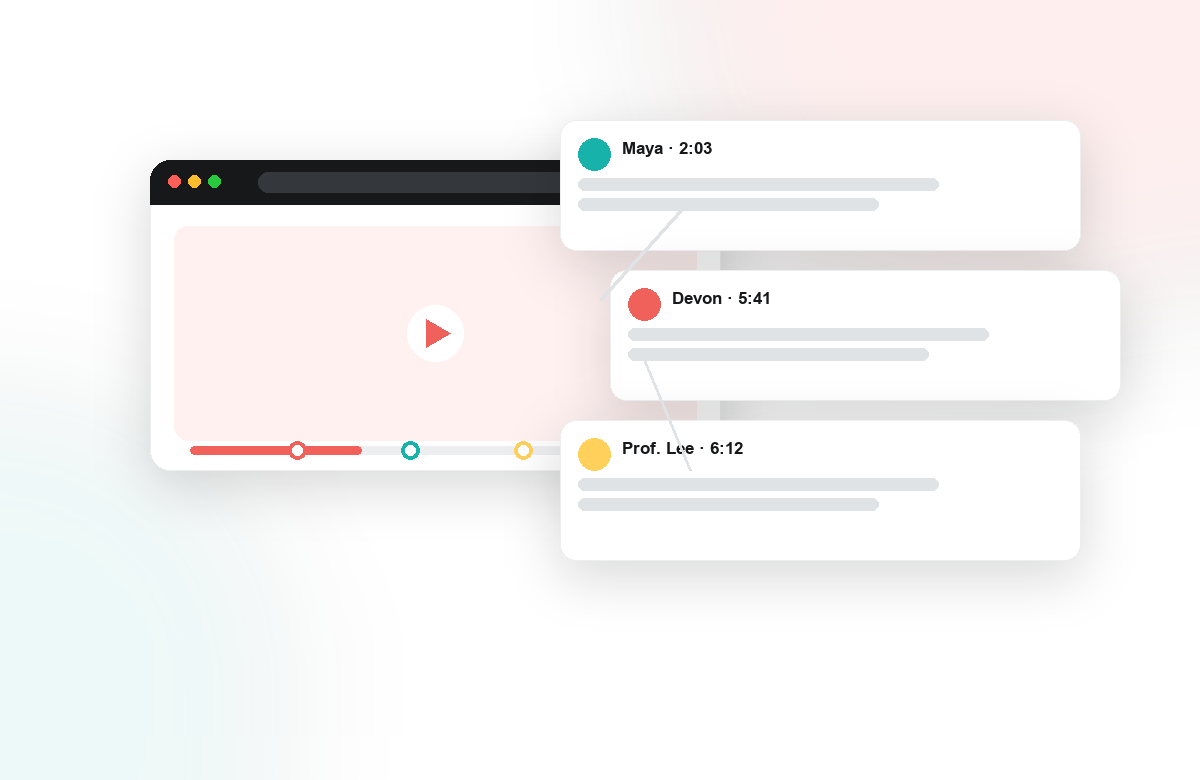
The instructor added Annoto on top of the existing videos through a one-click LTI 1.3 connection, so peer review happened right where students were already watching. Instead of a detached comment field, reviewers left time-tagged notes anchored to the exact second of the video they were reacting to. A comment about pacing landed on the slow moment. A question about a claim sat next to the claim itself.
That small shift changed the shape of the feedback. Reviewers could:
- Pin praise and critique to a precise timestamp, making every note concrete
- Reply to one another in threads, turning one-way review into genuine discussion
- Point to specific evidence rather than summarizing a whole video from memory
- Return to a classmate's exact moment later to check whether a revision addressed it
The author of the video, meanwhile, received feedback they could act on immediately, because each note already told them where to look.
The Outcome
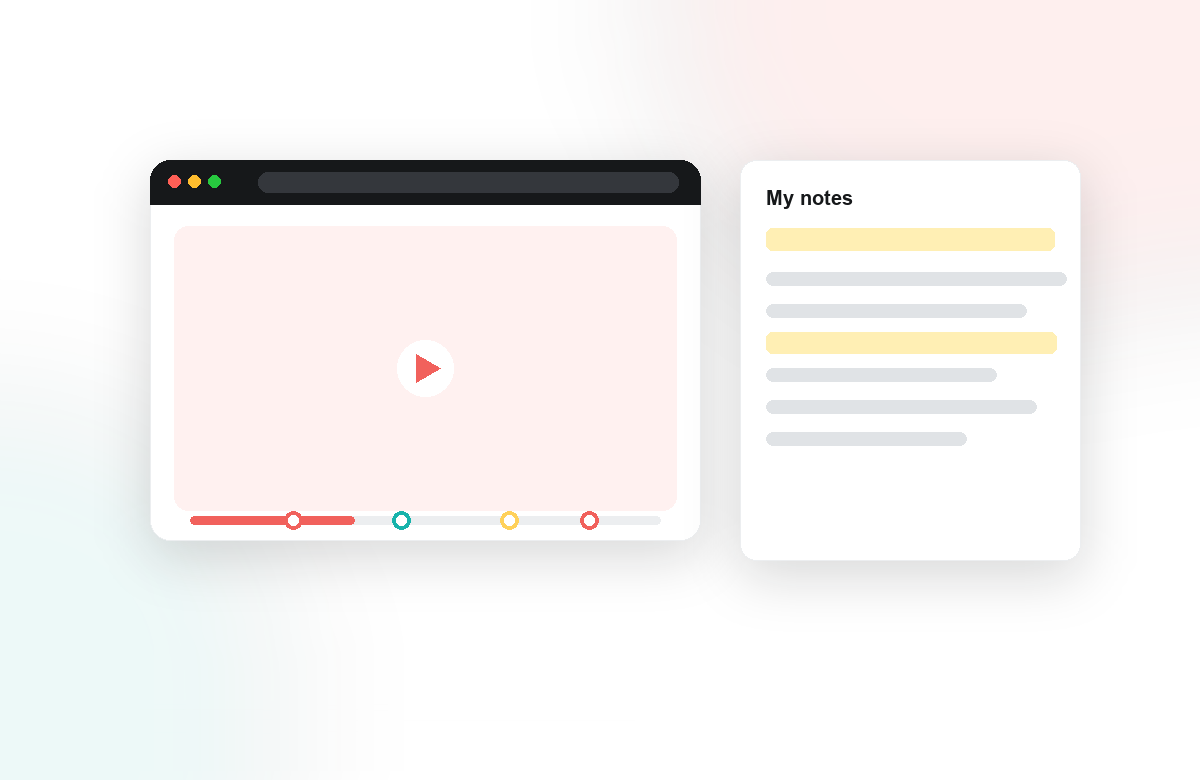
Reviewers wrote more specific, better-situated comments, and the back-and-forth in the threads read more like a studio critique than a checklist. Because the conversation lived inside the video, the instructor could see engagement directly, which students were reviewing carefully, where discussion clustered, and where a video sparked real debate, all through Annoto's analytics rather than by chasing scattered documents.
When feedback is anchored to the moment, students stop critiquing in the abstract and start responding to what they actually see and hear.
Time-tagged discussion did not add a new assignment or a new platform to learn. It took an activity the instructor already valued and made it sharper, turning passive viewing into an active, collaborative exchange. For any course where students learn by reviewing each other's work, that precision is the difference between feedback that gets filed away and feedback that gets used. If peer review is central to how you teach, we would love to show you how it works in your LMS.
Practical Takeaways for Your Own Course
If you want to try this pattern, three habits carry most of the result. Give reviewers a small vocabulary for their notes, such as one comment on structure, one on delivery, and one open question, so timestamps carry substance rather than scattered reactions. Anchoring alone does not teach students what good critique looks like; a short rubric does.
Set a floor, not a ceiling, for participation. Requiring a handful of anchored comments per reviewer keeps the workload honest while leaving room for threads to develop naturally around the moments that deserve them.
Close the loop with revision. Ask authors to reply on the timestamps that shaped their next draft, so reviewers see their notes doing work and the instructor sees the critique cycle end to end. The pattern travels well beyond media courses: presentation practice, language speaking tasks, and clinical skills recordings all benefit the moment feedback gains an address inside the video.
Keep reading
Related: Florida State University: Creating An In-Person Feeling In Asynchronou, Annoto for Open edX: The Engagement, Assessment, and Insight Layers Vi, and Microlearning Meets Video: Short Clips That Actually Stick.
New to Annoto? Start with What is Annoto?, or see it inside your LMS: Canvas, Moodle, Blackboard, and Brightspace.
